I’m developing a app which is supposed to be connected with MQTT broker alwyas, in foreground and background. When a specific message is received, app will show it through dynamic card view. I’m using AI2 MQTT Extension (version 1), the latest version 1.1 can’t be used in kodular, since it showed error. For background task I’m using Open Source • Background Tasks: Itoo version 4.4.2.
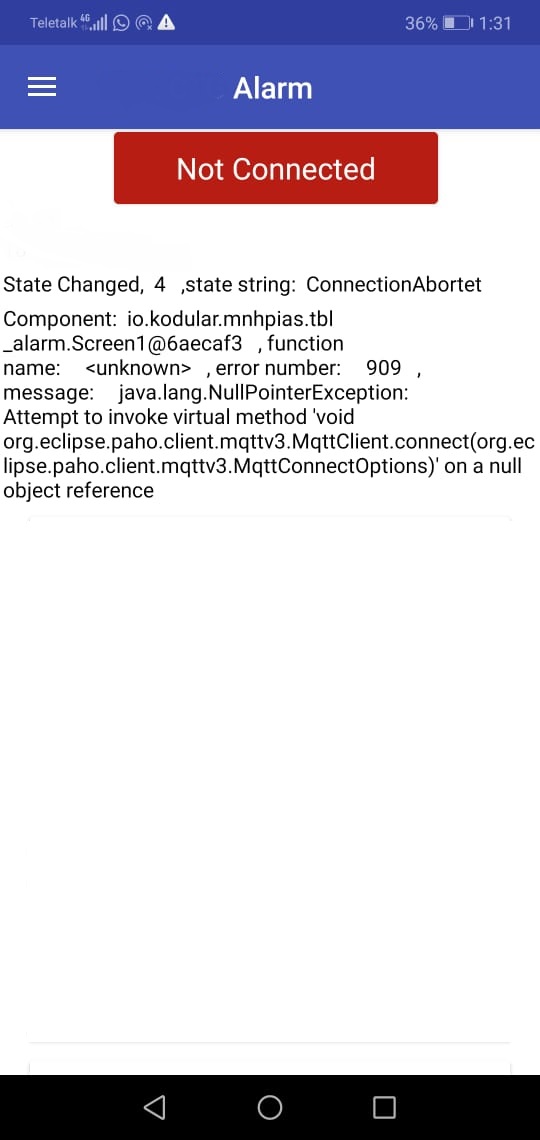
The app connects to MQTT broker and reconnects to broker when connection is lost. But after a while ( sometimes after 5 / 10/ 60 minutes) app had stoppped reconnecting to broker, showing this error:
java.lang.NullPointerException: Attempt to invoke virtual method
'void org.eclipse.paho.client.mqttv3.MqttClient.connect(org.ec lipse.paho.client.mqttv3.MqttConnectOptions)'
on a null object reference
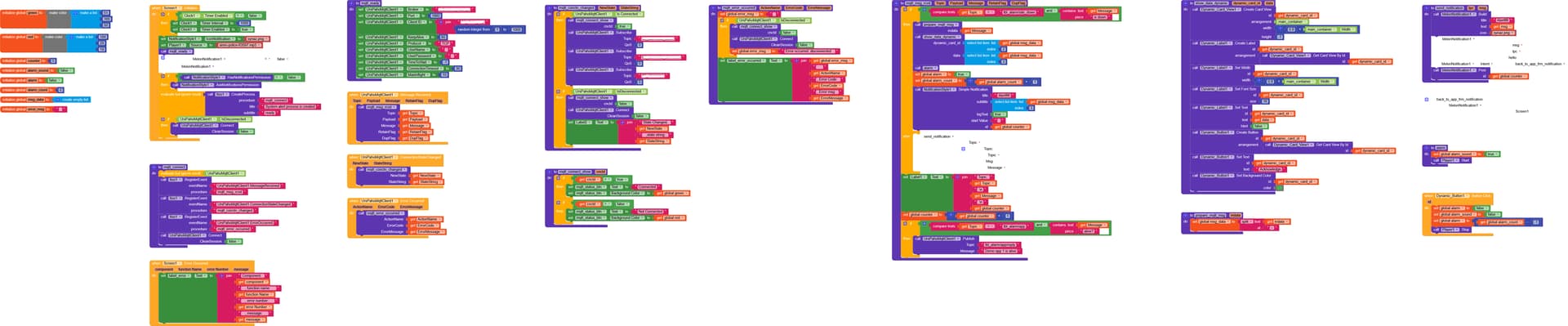
Error message screenshot is attached. I’ve also attaching the blocks.
How to handle recconnection to MQTT broker properly so that app is connected to broker always ?
Do you really want to have 2 different connections, one in the foreground and another in the background?
Before connecting in the background, also call mqtt_ready
And remember: there is no user interface in the background
Yes I want two different connection, one in the foreground and another in the background, so that app is connected to the broker always. I’ve called mqtt_ready in background process, “java.lang.NullPointerException" error hasn’t occured yet.
How can I maintain two different connection so that app is connected to the broker always ?
In itoo create process, there is a notification, this notification can’t be deleted, persists. How can it be deleted?
To have a connection in the background should be sufficient because the connection will be open always, i.e. in the background AND in the foreground, please test this
The notification can be dismissed through a simple swipe (starting from Android14).
Show us your updated blocks and remove the foreground connection
I had missed “x” in main procedure “mqtt_connect”, hence previously no background process had been started. After adding “x”, background connection has been started and working fine.
It seems that the “java.lang.NullPointerException” error occured when the mqtt connection has been established in foreground, while the app is in active, pause, resume state, not closed fully. After running for a while, ( sometimes after 5 / 10/ 60 minutes) , this error has occured.
Can I add register event for “Screen1.ErrorrOccurred” in itoo ? so that a notification will be generated in case of any app error. How can I do it properly?
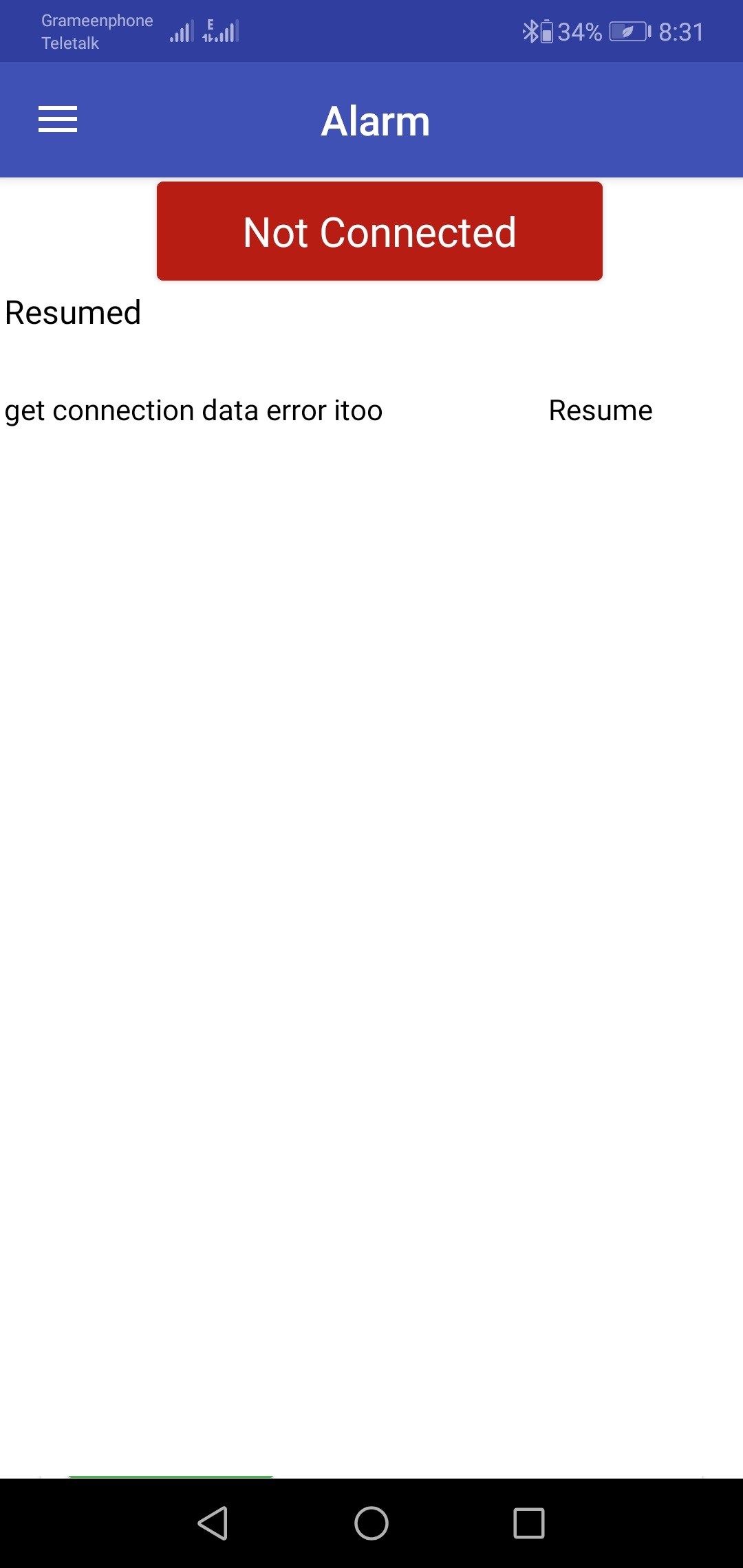
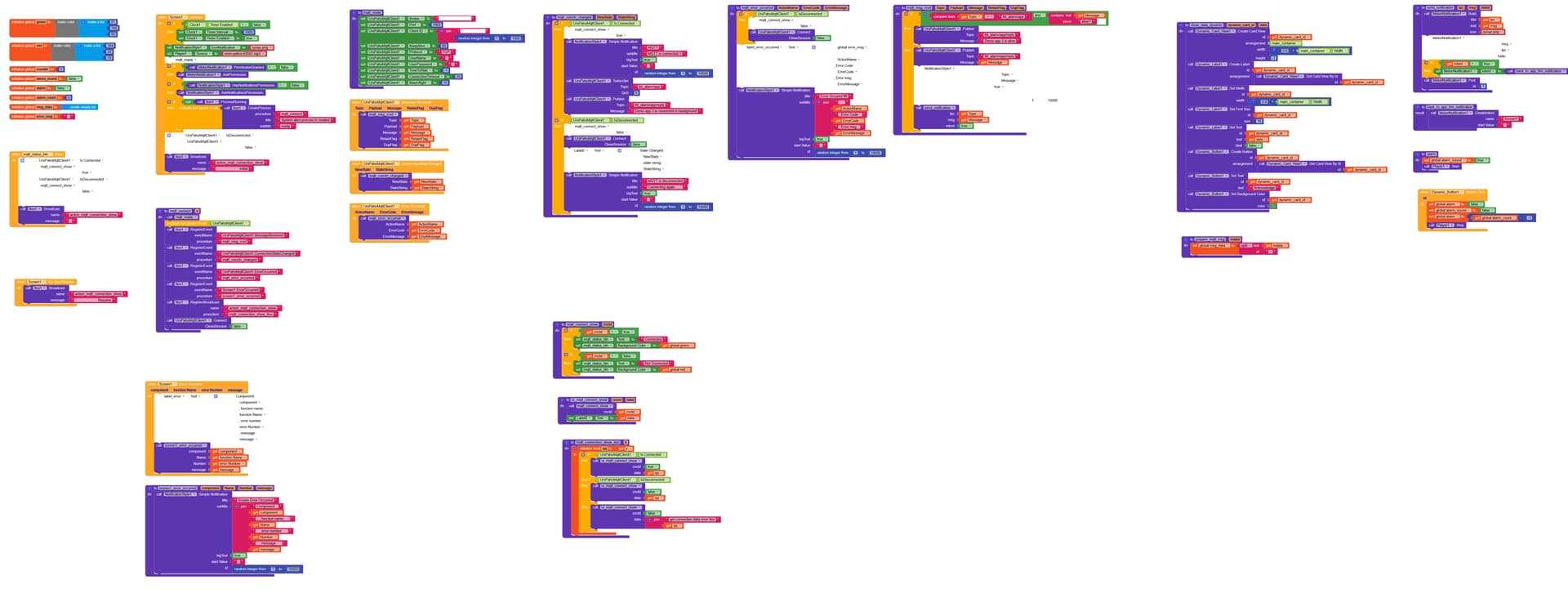
I’ve tried to catch mqtt connection status and show it in app, using register broadcast and “ui_mqtt_connect_show” procedure. It works, it is supposed to show mqtt connection status while app is initialized and in resume state.
But problem is, in sometimes while the app is launched, in “mqtt_connection_show_itoo” procedure, if “UrsPahoMqttClient1.IsConnected” returns false and if “UrsPahoMqttClient1.IsDisconnected” also returns false, both at once, hence it goes to else logic. But each one in between this two logic should return true and another should return false, not both is false at once. Screenshot is attached:
You are still using the outdated NotificationStyle extension. Replace it with the MelonNotification extension
I could not see where you are calling the methods alarm and prepare_mqtt_msg… remember, global variables do not exist in the background
Let me recommend to use logcat for debugging… you can use the notifier component and its method LogInfo to log something and later check the log using logcat