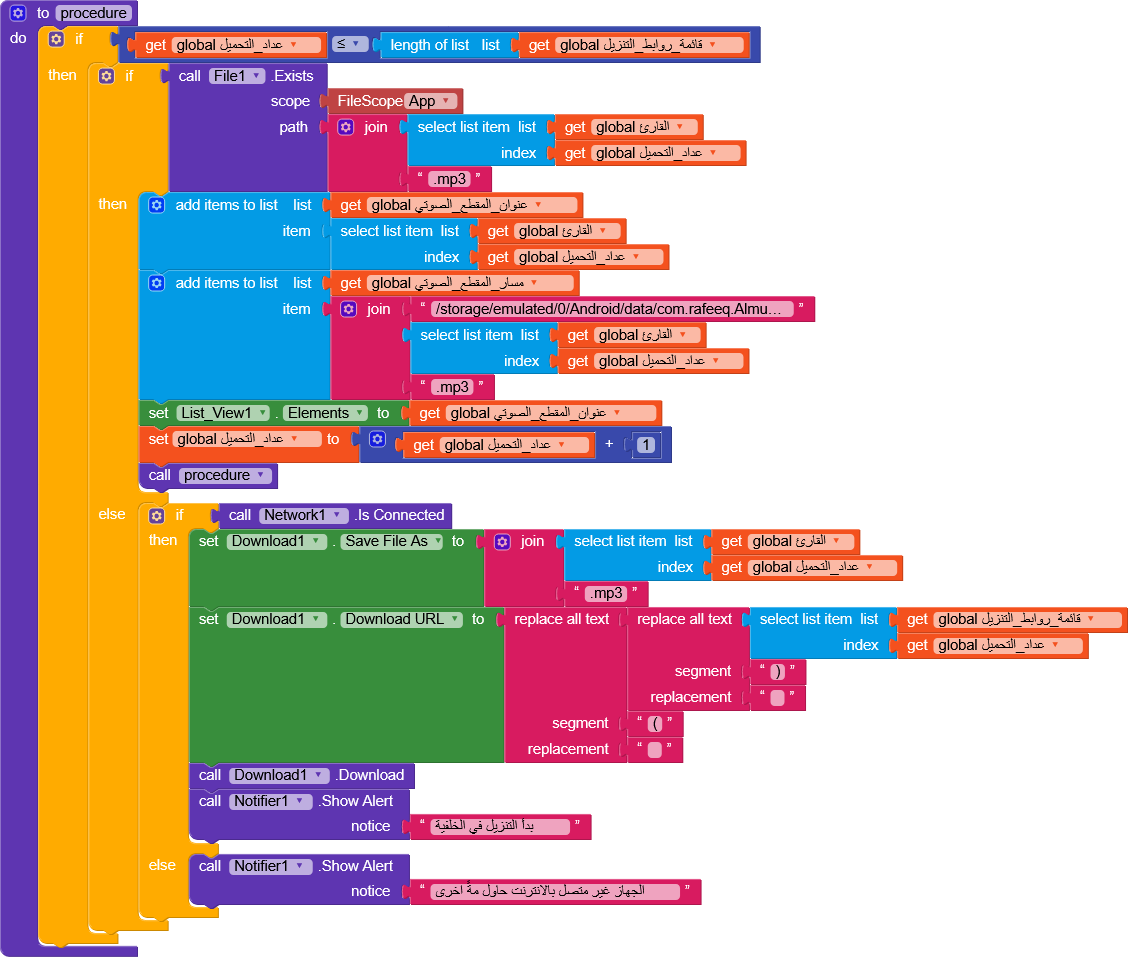
Using the official download tool and File How do I save and read the files in the application folder. “Android/Data/File”
To save and read non media files of your own app, use the file component together with file scope App
Please try something and if you got stuck,post a screenshot of your relevant blocks
You are not allowed to save or read files stored in/Android/data of other apps
See also Some basics on Android storage system
Taifun
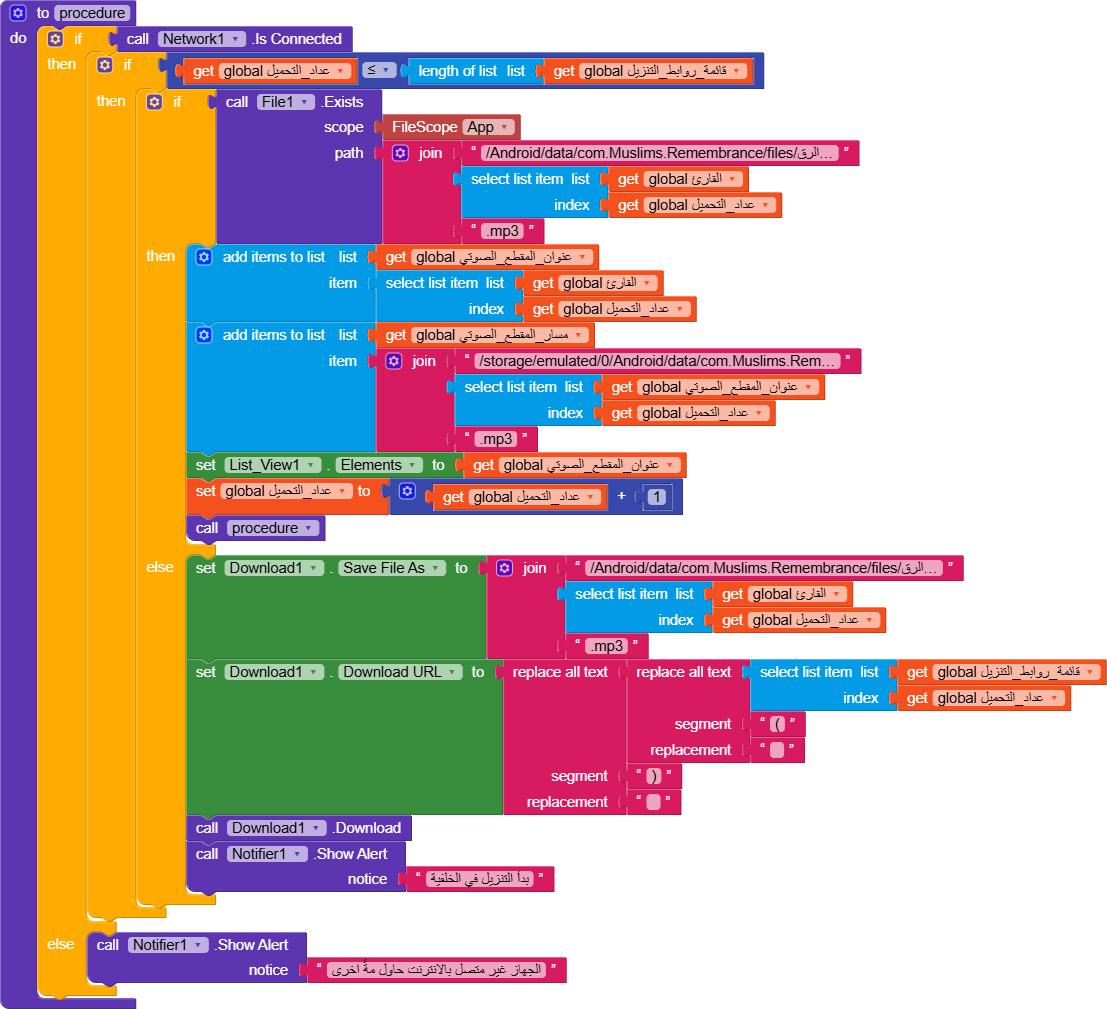
Use only the filename without any path in all your blocks
The Download component stores downloaded files in shared storage /Downloads
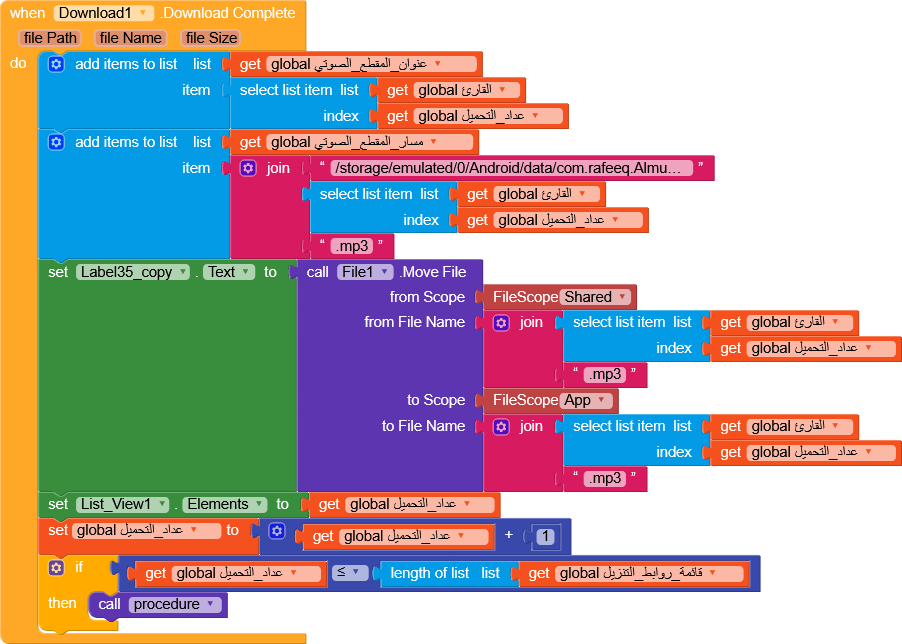
After downloading a file in the DownloadCompleted event move that file to your App folder using the MoveFile block
From Scope Shared
From file name /Downloads/yourFile.mp3
To Scope App
To file name yourFile.mp3
Taifun
Thank you, my friend “taifun.” You are truly a wonderful friend. However, I tried it, but it didn’t work; the file transfer failed.
Without any screenshot unfortunately we will never know what you did and why it failed
Taifun