Please check my project file image base64 code no get in response
Project fiile :
drive (1).aia (63.0 KB)
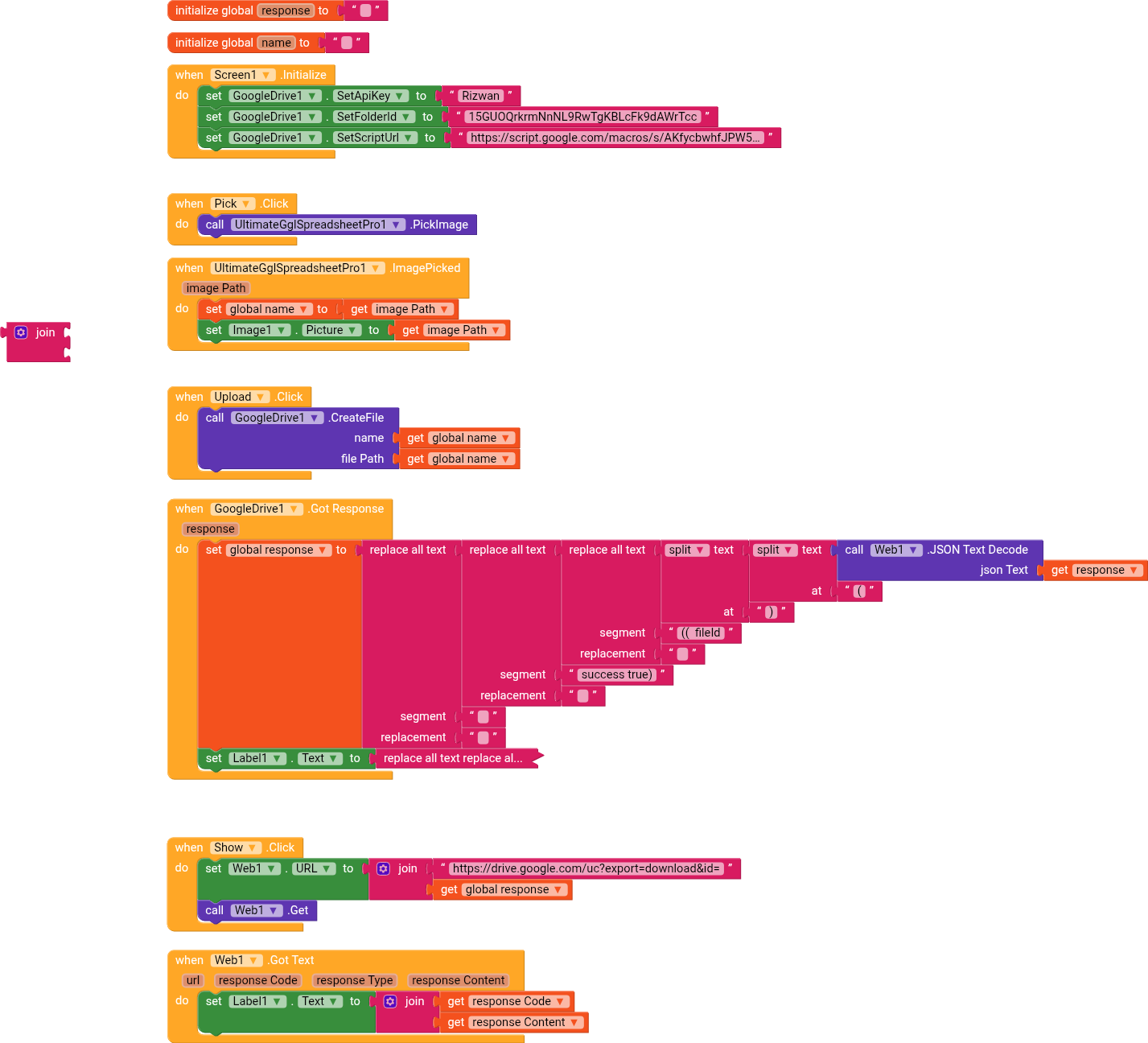
Blocks

UI
Please check my project file image base64 code no get in response
Project fiile :
drive (1).aia (63.0 KB)
Blocks
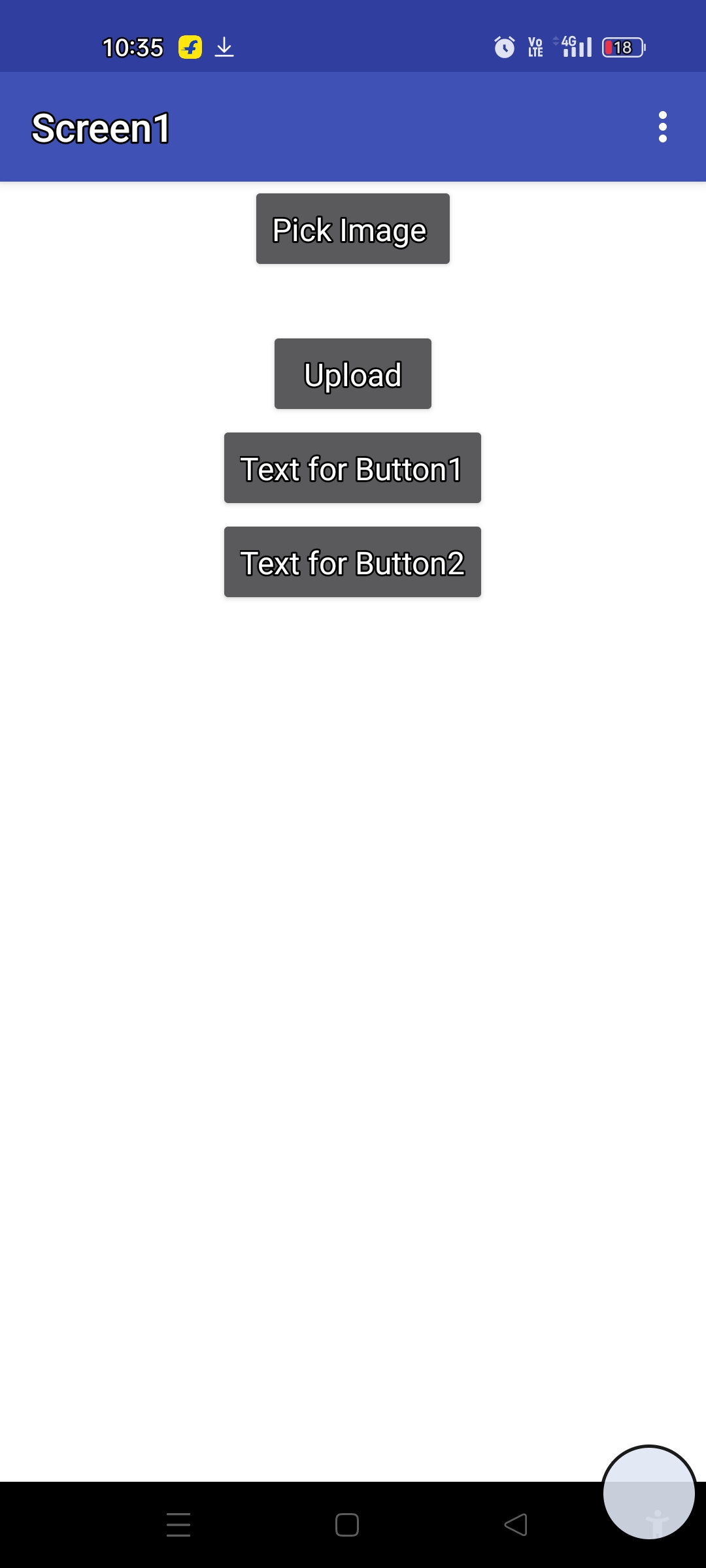
UI
Hi Kabir,
What do you get as response? It should be there.
Response code : 404 please check project fiile i want uploaded image code
I see that you’re using different blocks compared to the ones recommended on the extension page. Have you tried replicating these blocks exactly?
@Kabir_Khan1
Use Kodular’s built-in image picker; it works perfectly.
“Do it” the name global variable to see the image path
Ok i check it
You don’t get any error?
No Show any error s
How to get .txt file content
Did you make the file public?
Yes MY Folder and files is public
Let’s do a test,
try GET at this url
https://drive.google.com/uc?export=download&id=1YehXCT2CXzJH3vKB2RBF93SV9OpihBu-
It works without problems (for me)
I will check it
Sorry, I didn’t quite understand,
your file contains strings that are images in Base64?
I think there’s a limit of how much data you can receive from a GET (or that kodular can receive via GET)