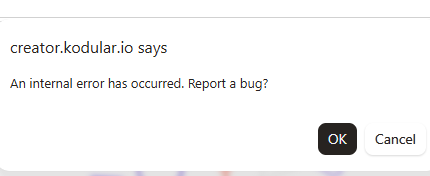
“Hello everyone, how can I solve this problem? The project is empty, and an error message appears both inside the project and when trying to access it. Sometimes I cannot even enter the project even after refreshing the website. I face the same issues with this error message: ‘An internal error has occurred. Report a bug?’”
Hi dear,
Could you show the screen after pressing OK?
And if possible, could you share your project? (here or PM) Usually when this error occurs, you need to fix the AIA project manually.
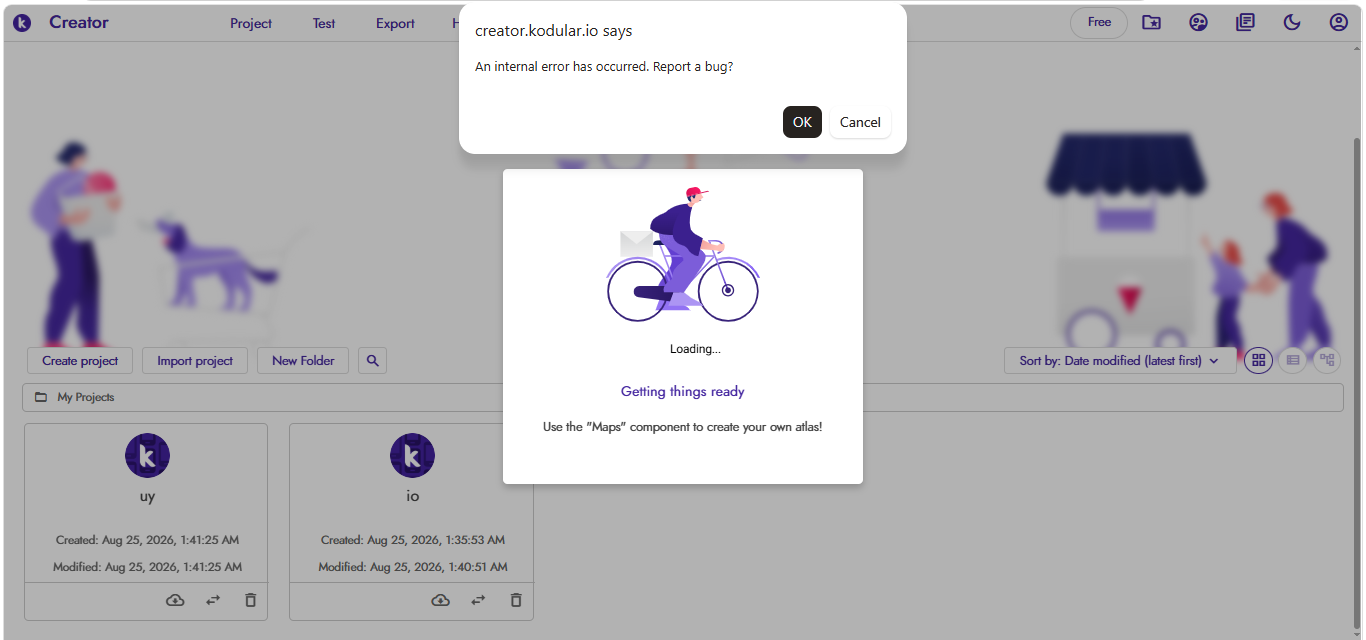
“The project is completely empty; there are no blocks in it, and I haven’t added anything. The same message appears even before I enter the project. When I try to open it, an ‘opening project’ message pops up and then disappears immediately. After that, I have to refresh the page to be able to open the project. However, the same error message appears again whenever I try to upload or add anything to the project.”
“I also tried using a different browser, but it’s the exact same issue.”
If the project is completely empty, just delete it and create a new one.
If you still get this error, we’ll investigate further.
2 Likes