Hi everyone,
I’m facing an issue with all of my Kodular apps.
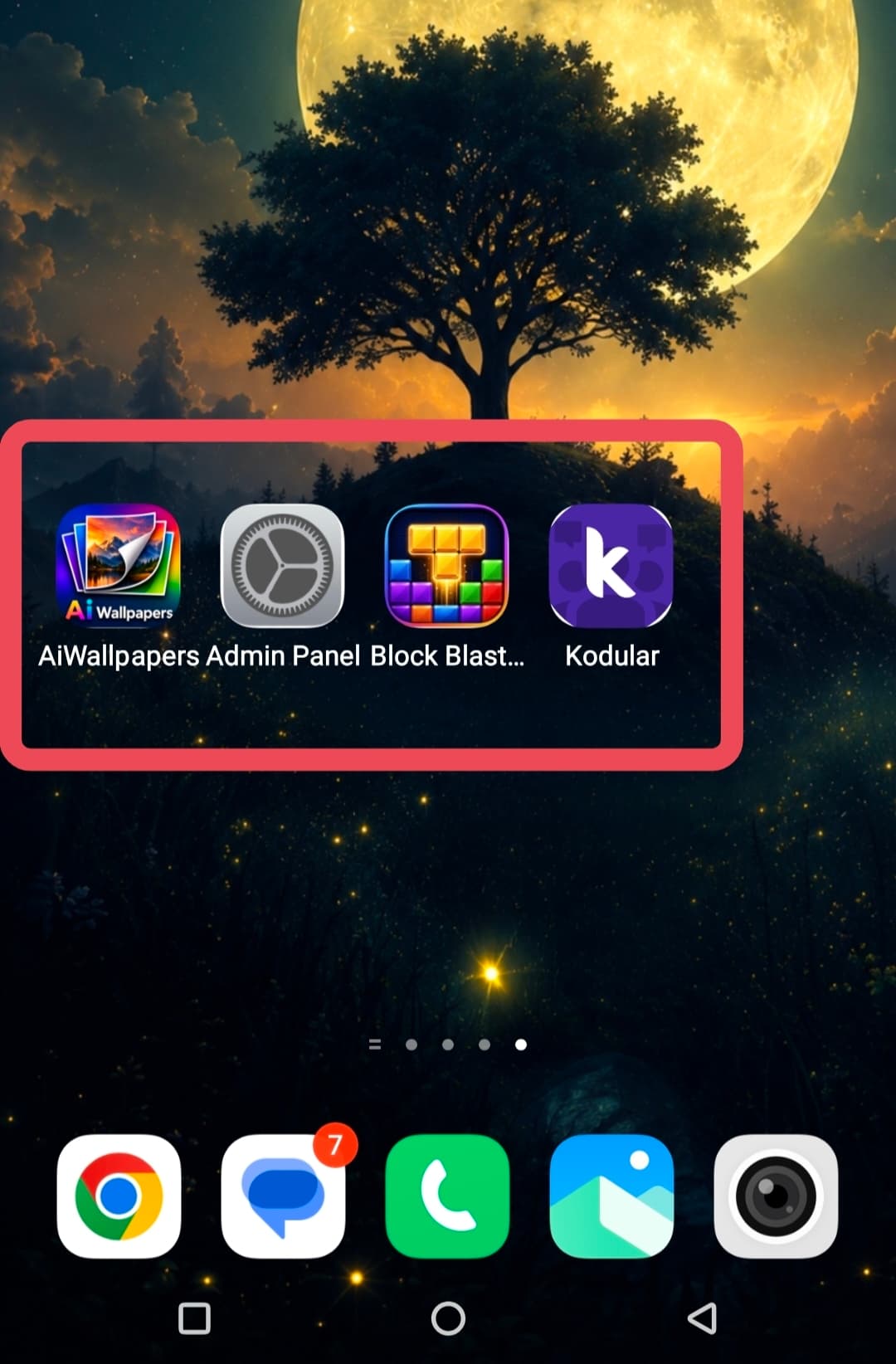
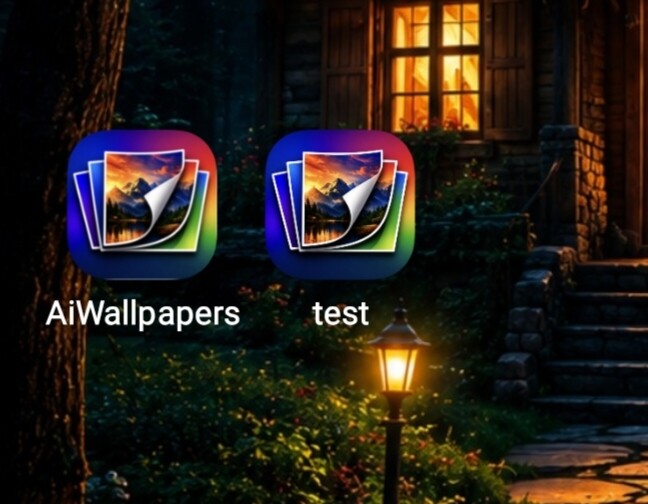
After building and installing the APK, the app icon shows a small empty space/padding on the bottom and sides. The icon does not fully fill the launcher icon area.
Details:
Builder: Kodular
Icon size: 1024 × 1024 PNG
No transparent border in the icon
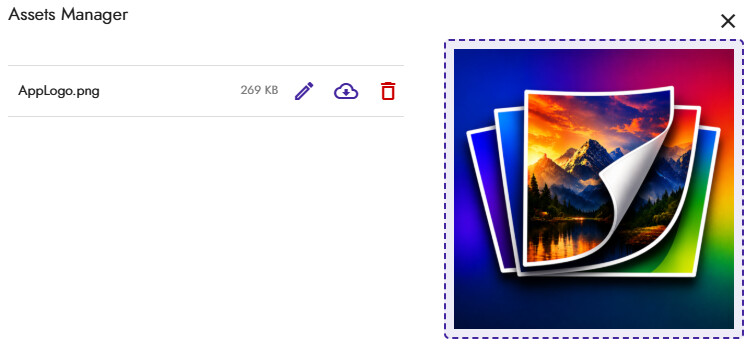
Icon is selected in Assets and Project Settings
This happens in all of my Kodular apps, not just one.
The same icon fills correctly when used in another non-Kodular project, so the icon file itself doesn’t seem to be the problem.
I’ve attached a screenshot showing the issue.
My questions:
Is this caused by Kodular’s icon generation?
Is this related to Adaptive Icons?
Is there any way to make the icon fully fill the launcher without the empty padding?
Has anyone found a solution for this?
Any help would be greatly appreciated. Thank you!
Hi dear,
Can you share an icon that you are using?
Have you made sure that it is not an icon with already rounded edges and that it extends all the way to the borders?


If it doesn’t work even this way, then I think it is an Android settings configuration.
Use icon size 512x512 only!
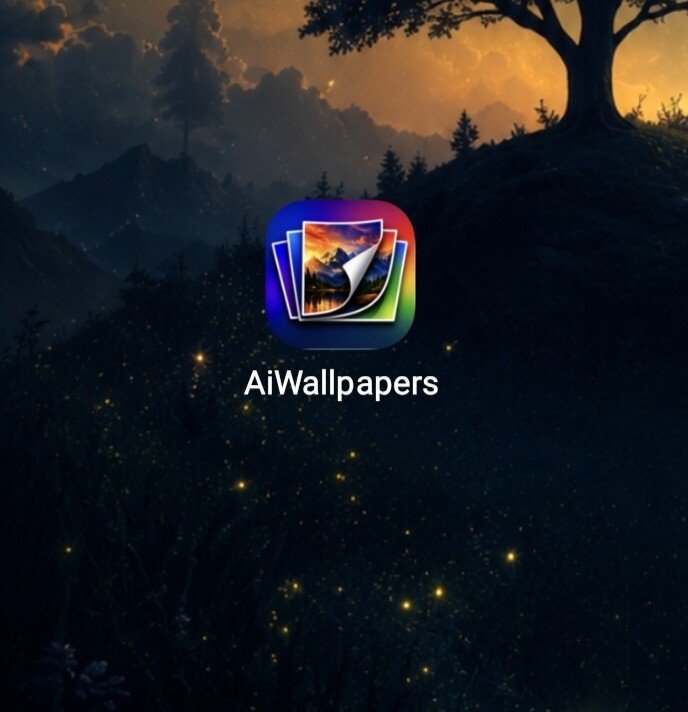
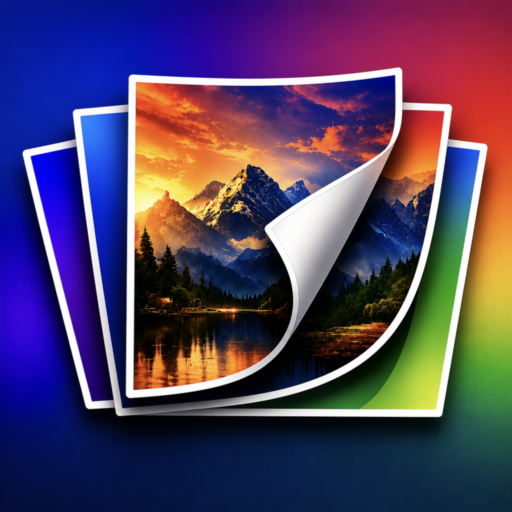
I ran a test and I didn’t detect any issues, so we can rule out the logo as the cause of the problem.
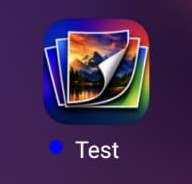
I see that you have different icons from the standard Android ones. Could it be that you are using a theme or a launcher that is causing this issue?
I’m using the default oriain os 6 launcher on my Vivo device. I am not using any third-party launcher or custom icon pack. The issue only happens with APKs built using Kodular. Apps built with other tools display the icon correctly without the extra white space. Is there any setting in Kodular’s build process or AndroidManifest related to adaptive icons that could cause this?
I tried separating the icon from the background (with Gemini AI)

and generated an adaptive icon using this website
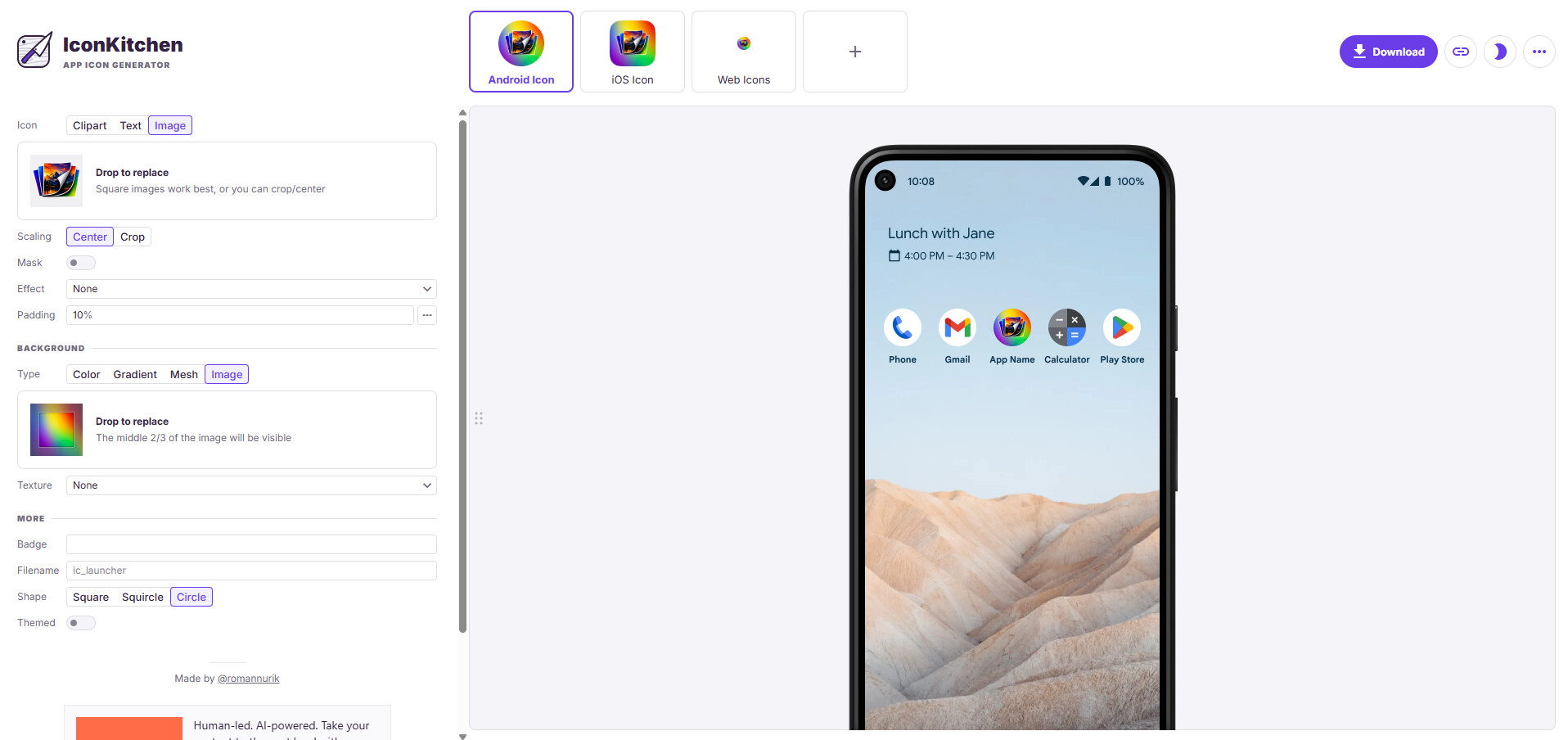
Try to see if it still has the problem.
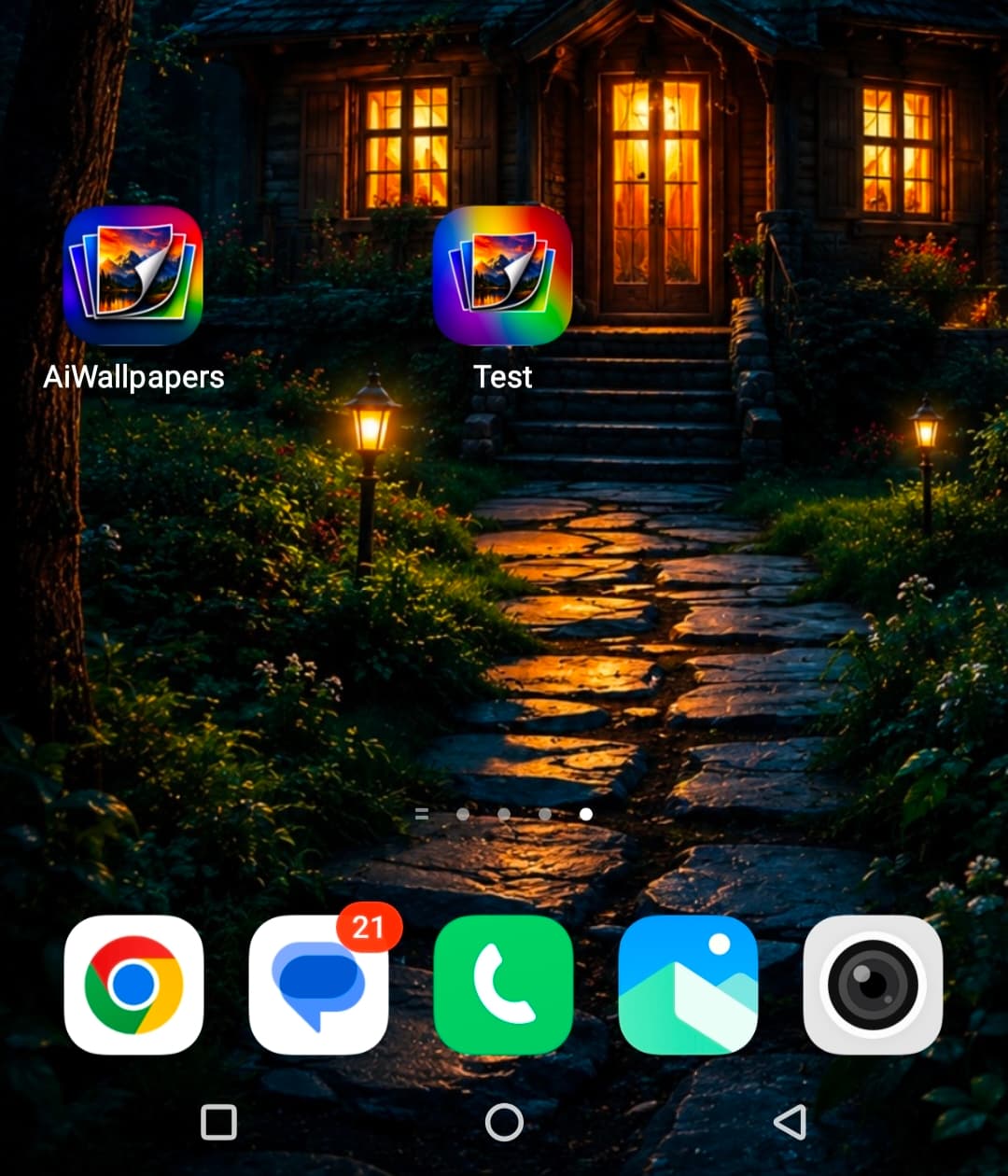
Unfortunately, I don’t have the chance to run many tests because I’m at work and I reply whenever I can.
Another idea that comes to mind is replacing the logos in the APK’s res folder, but it requires decompiling and recompiling it, so you need a bit of experience. However, I think AI could guide you through it correctly.
Are you sure 
 I hope that at least explaining to a user how to install/use apktool is something it can handle
Then, at most, for how to use it, you can rely on the official documentation.