Aixify
Aixify is a web-based IDE built to let you write and compile custom extensions (.aix) for App Inventor platforms like MIT App Inventor, Kodular, Niotron, and Android Builder directly in your browser. Try the live platform at aixify.netlify.app (currently in Beta, with more features and tools planned for the future). With its setup-free editor and fast cloud compiler, you can easily package premium extensions and launch your own extension-making company.
 Core Credits & Acknowledgments
- Web IDE Developer: Website creation by Riad Developer.
Extensions compiled via FAST Compiler.
 Table of Contents
 Landing Page & Entry
 The Project Dashboard
 Developer Profile & Settings
 The Code Editor & Workspace
 Writing Extensions (Java & Kotlin)
 Session Errors & 404s
1. Landing Page & Entry
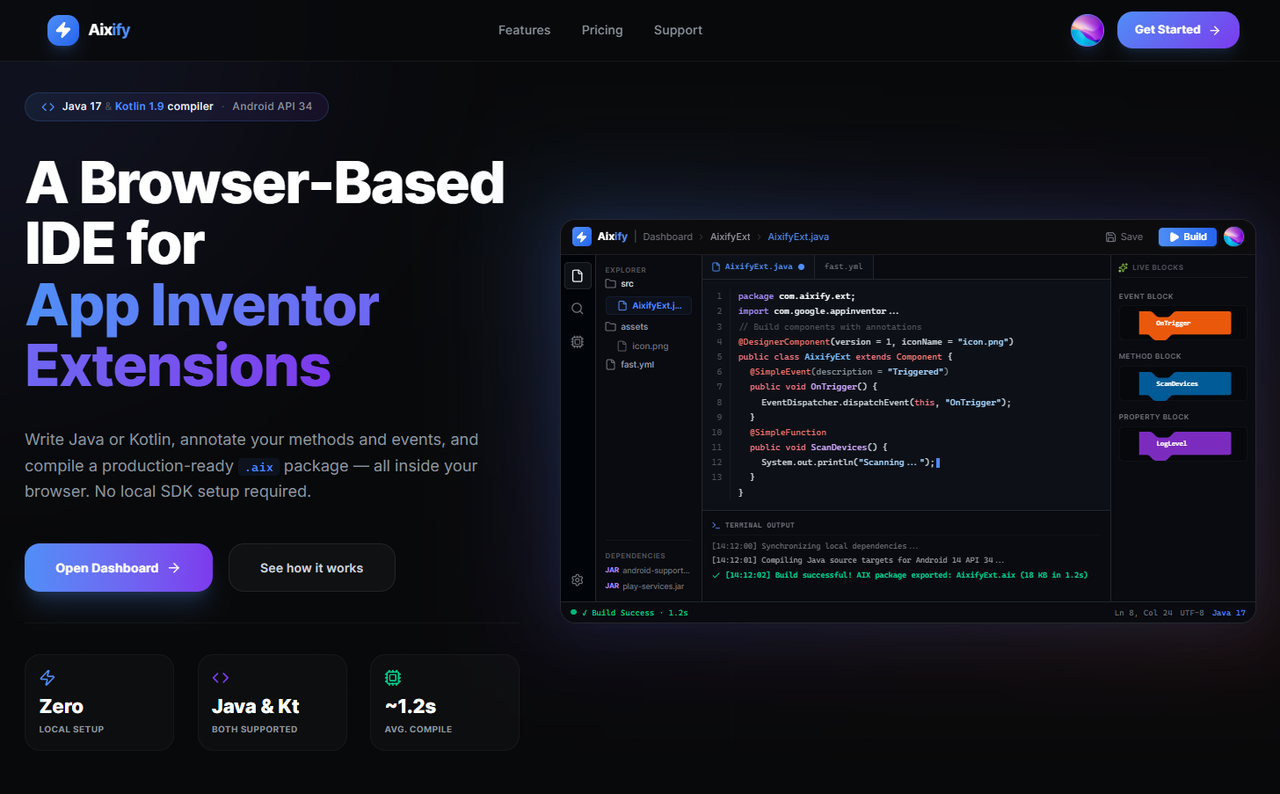
Homepage Welcome
The main landing page outlining the compiler features, performance metrics, and a preview artboard of the IDE.
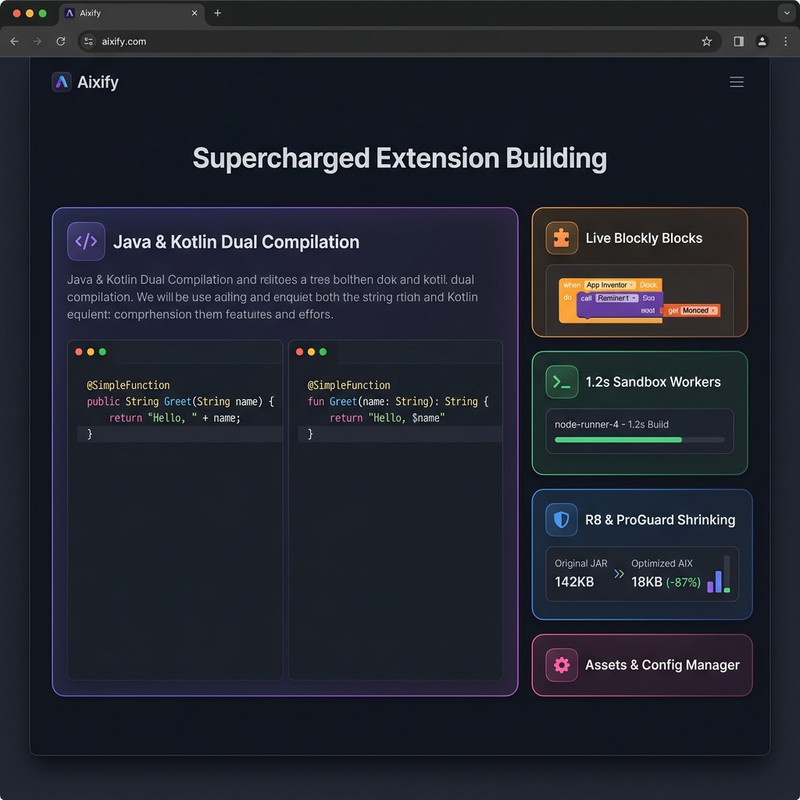
Features Grid
A section illustrating the core features: speed, R8 shrinking optimizations, and live Blockly annotation parsing.
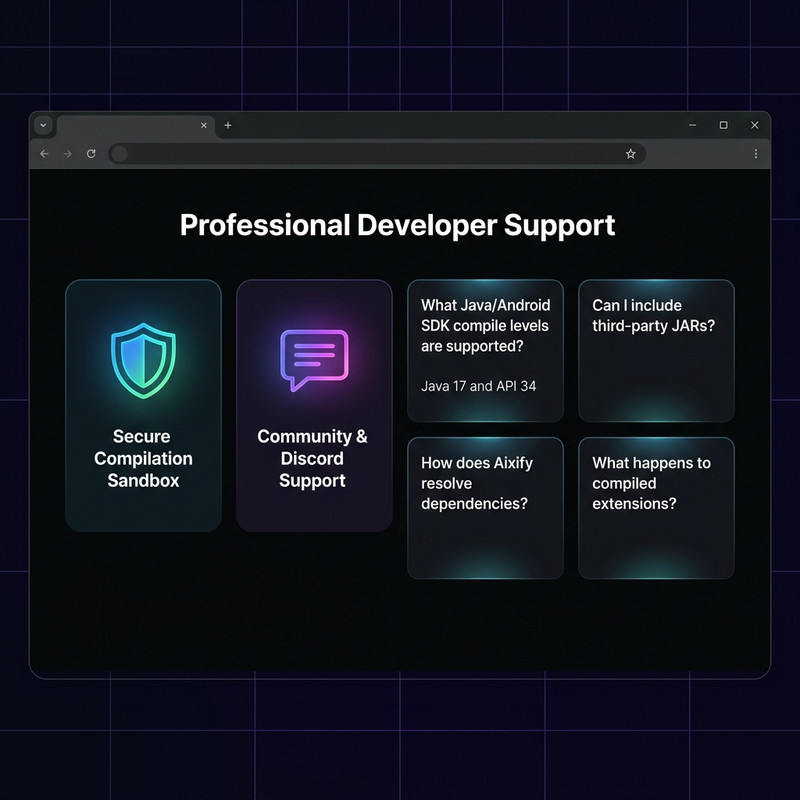
Technical Support & FAQ Grid
A quick FAQ answering common developer questions about target API levels, Java version compatibility, and custom library dependencies.
Authentication Portal
Simple login page using Google SSO or email verification codes.

2. The Project Dashboard
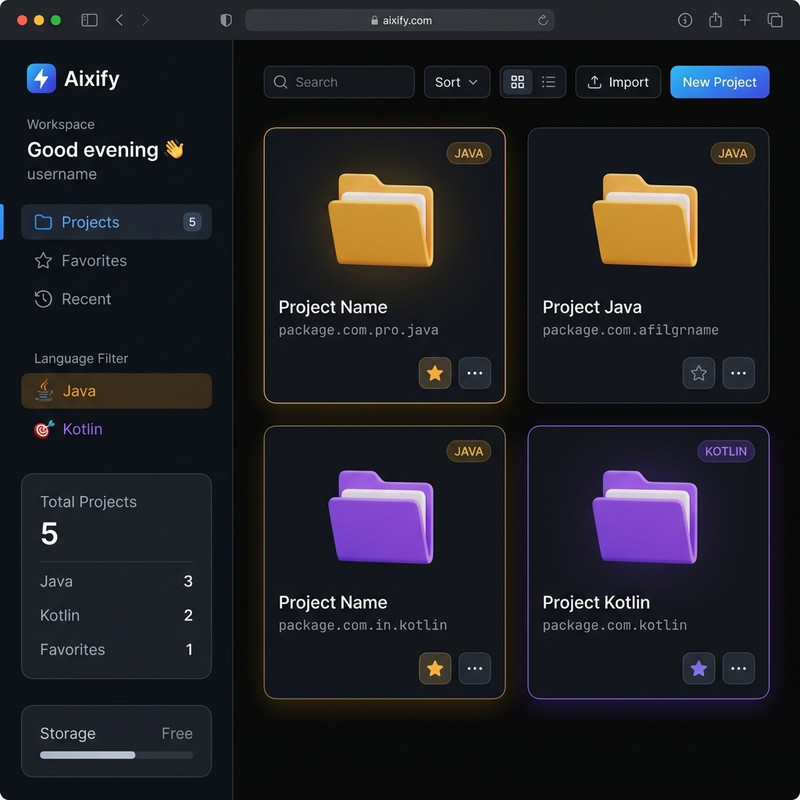
Dashboard Overview
The main home screen showing your projects list, language stats, storage capacity, and pinned favorite extensions.
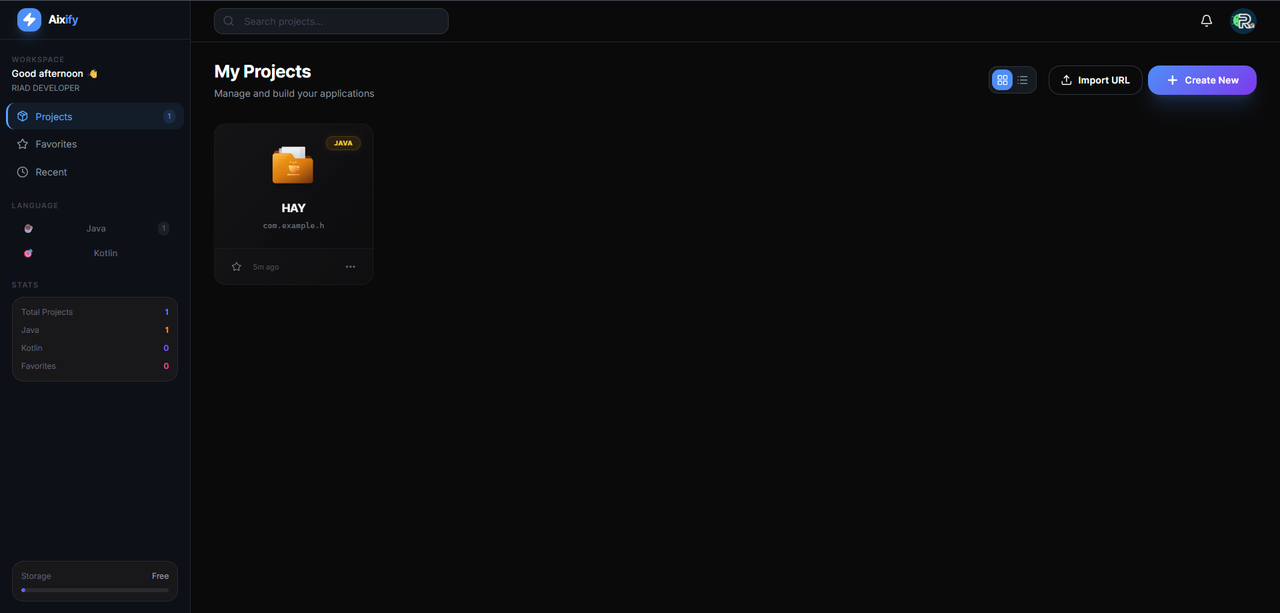
Dashboard Grid View
The complete dashboard screen featuring search filters, sidebar navigation, and project cards.
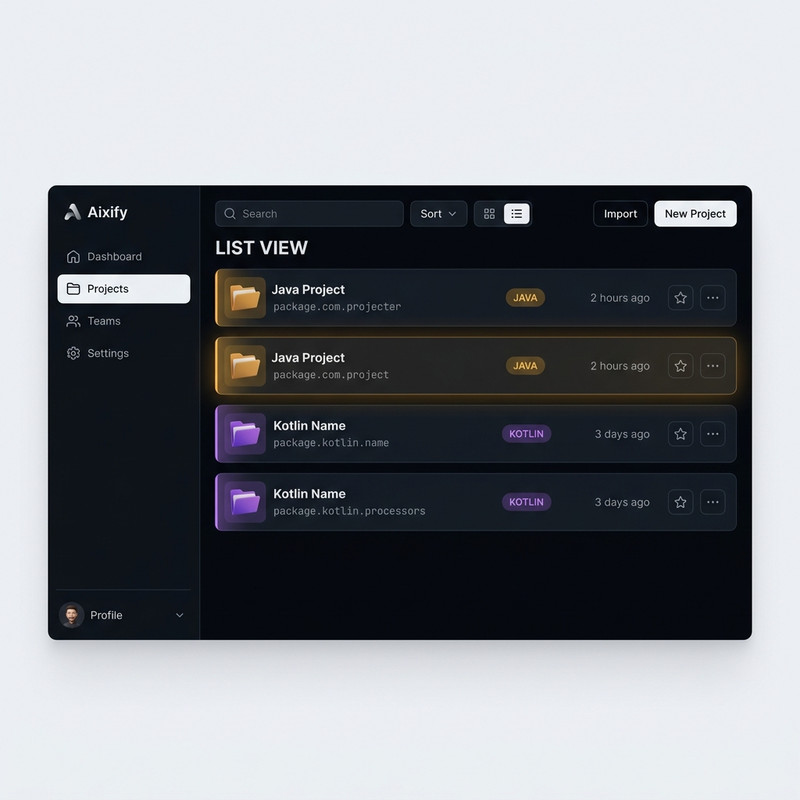
Dashboard List View
A compact list view for organizing multiple extensions at a glance.
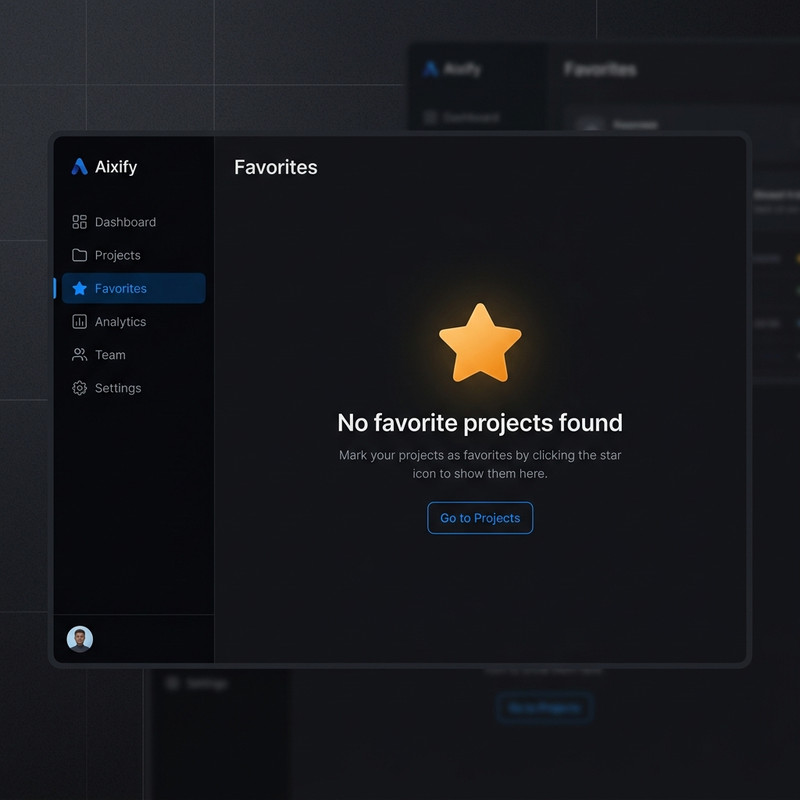
Favorites & Empty States
Placeholder design displayed when you have no pinned projects or when search filters match nothing.
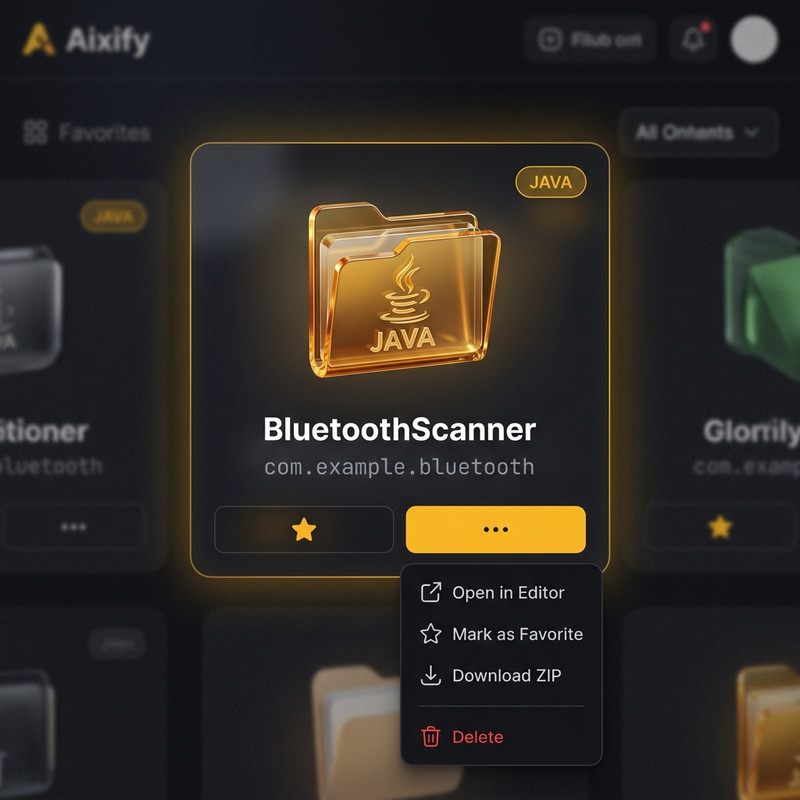
Project Context Actions
Card options to open, favorite, download ZIP source archives, or delete projects.
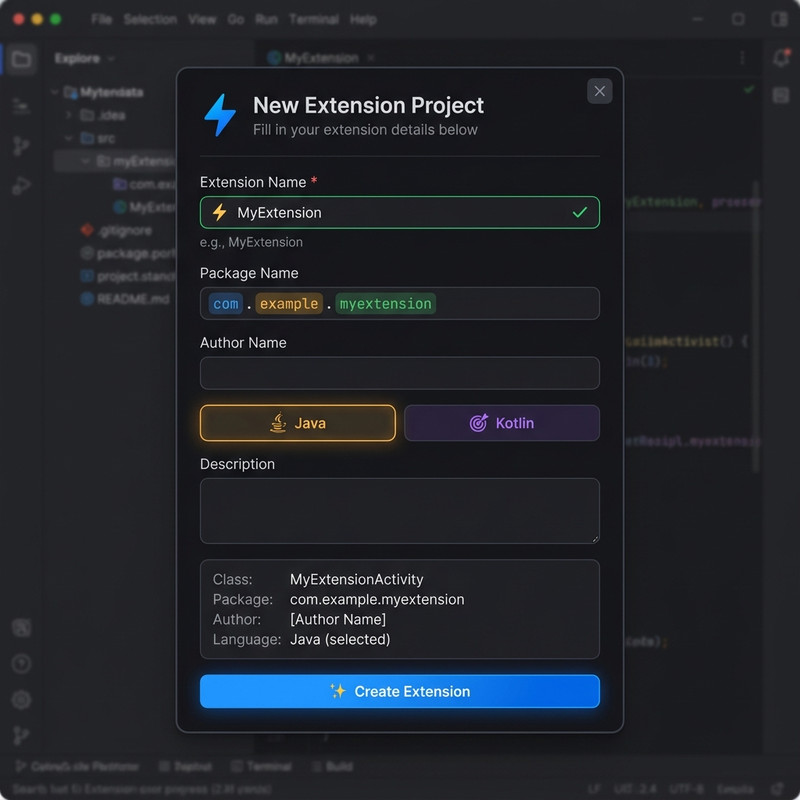
Project Creation Modal
Wizard modal for creating new extensions, with real-time package name validation and automatic naming suggestions.
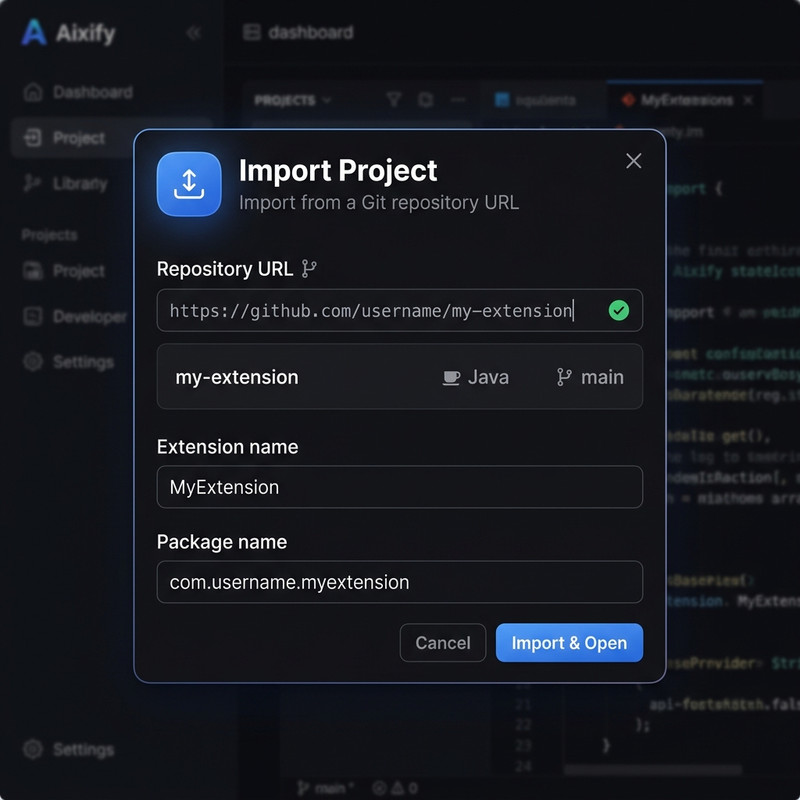
Git Project Import
Import panel to clone existing repositories from GitHub, GitLab, or Bitbucket.
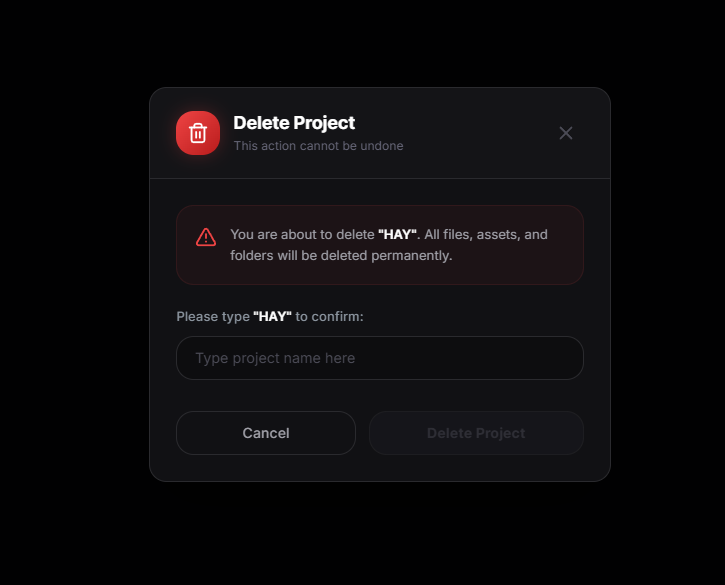
Delete Confirmation
A simple confirmation dialog to prevent accidental project deletions.
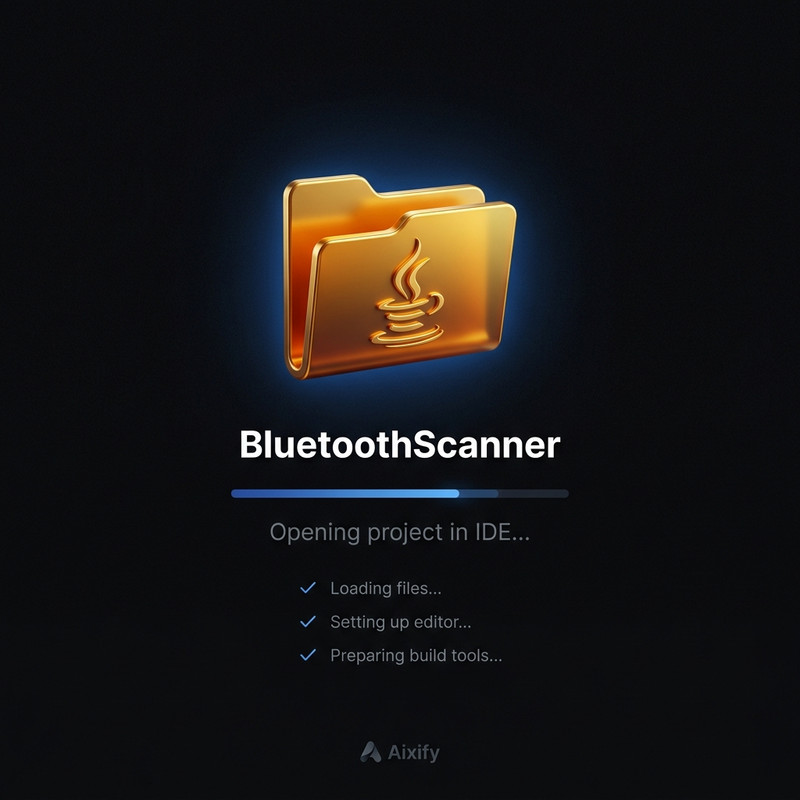
Project Loading State
A loading state overlay displayed while project files are retrieved from the database.
Developer Profile & Settings
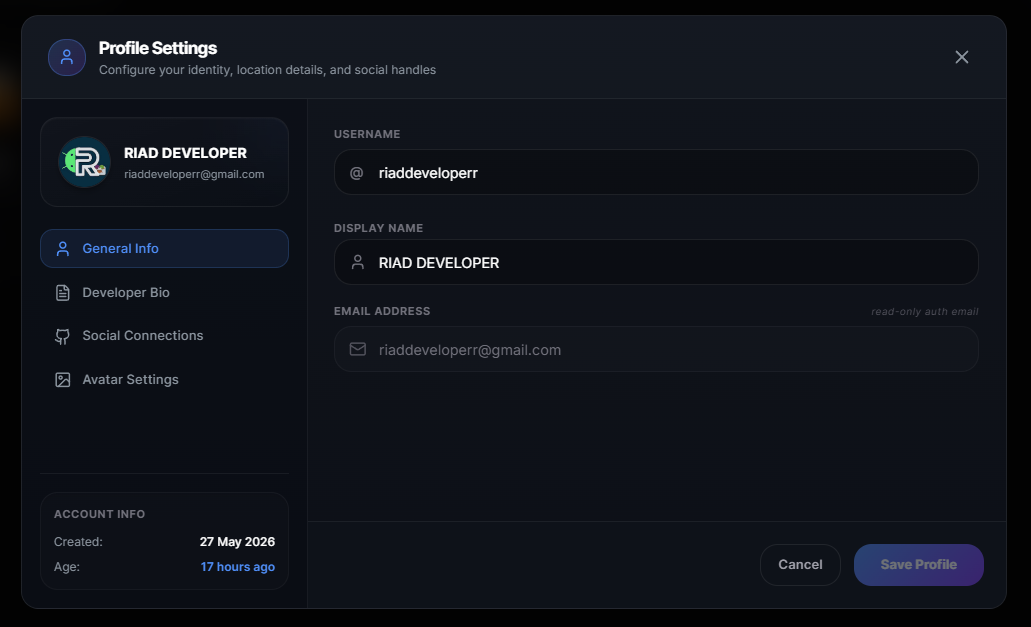
General Profile Settings
Edit your display name and view account metadata.
The Code Editor & Workspace
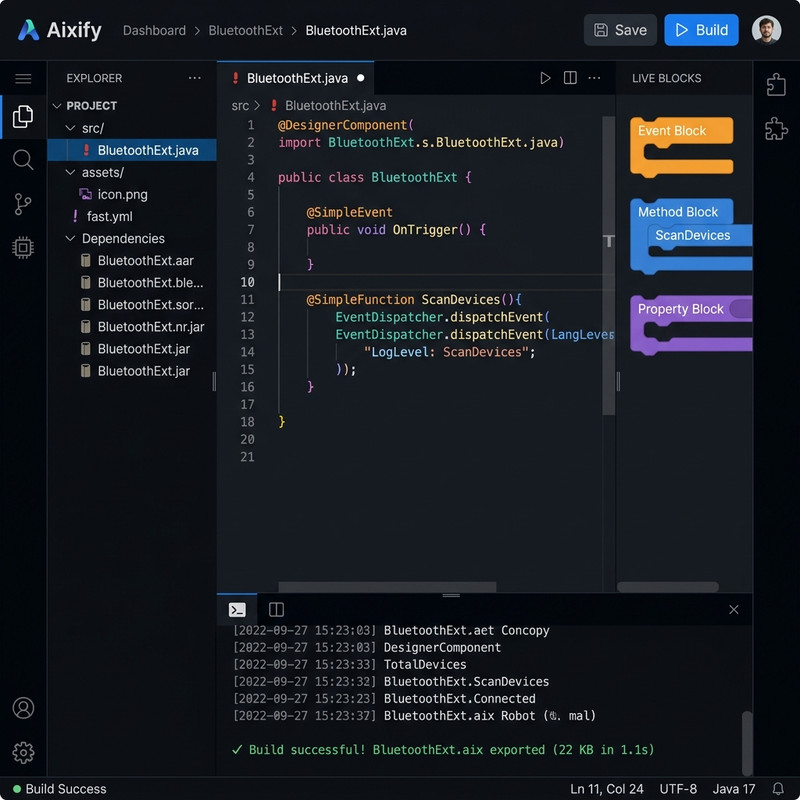
Full Workspace View
The full IDE workspace featuring resizable explorer panels, active file tabs, code editor, live blocks canvas, and console terminal.
Code Editor (Monaco-Style)
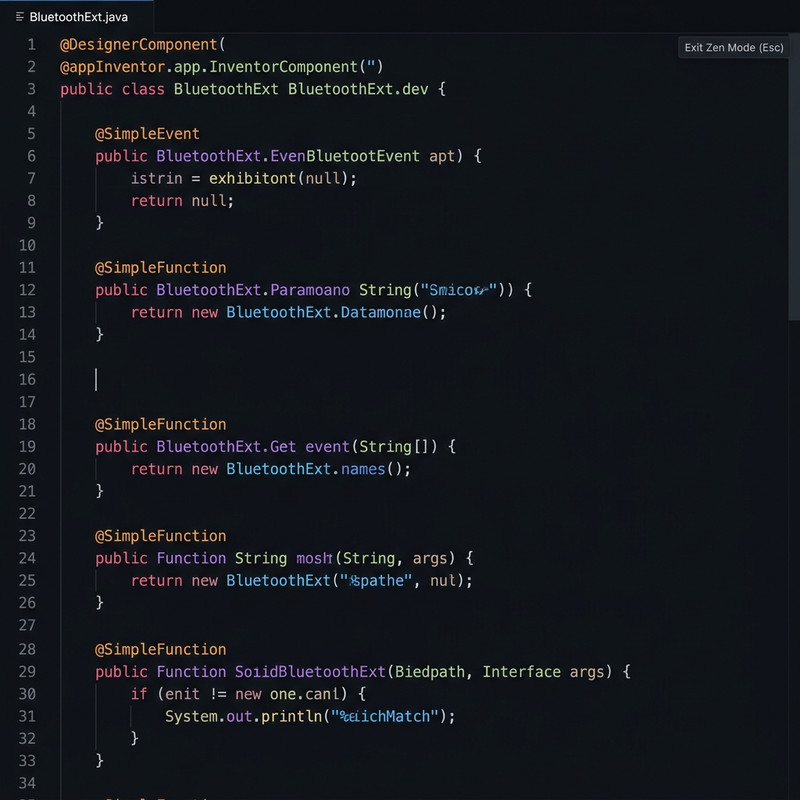
Customized code editor with syntax highlighting tailored specifically for App Inventor annotation tags.

- Unsaved Changes: Unsaved edits display an orange dot
(●)marker. - Saving: Press
Ctrl+S(Windows) orCmd+S(macOS) to save files. - Zen Mode: Press
Escapeto enter or exit Zen Mode.
Zen Mode (Distraction-Free)
Hides sidebar rails, tab headers, and console panels so you can focus entirely on your code.
Live Blocks Preview Panel
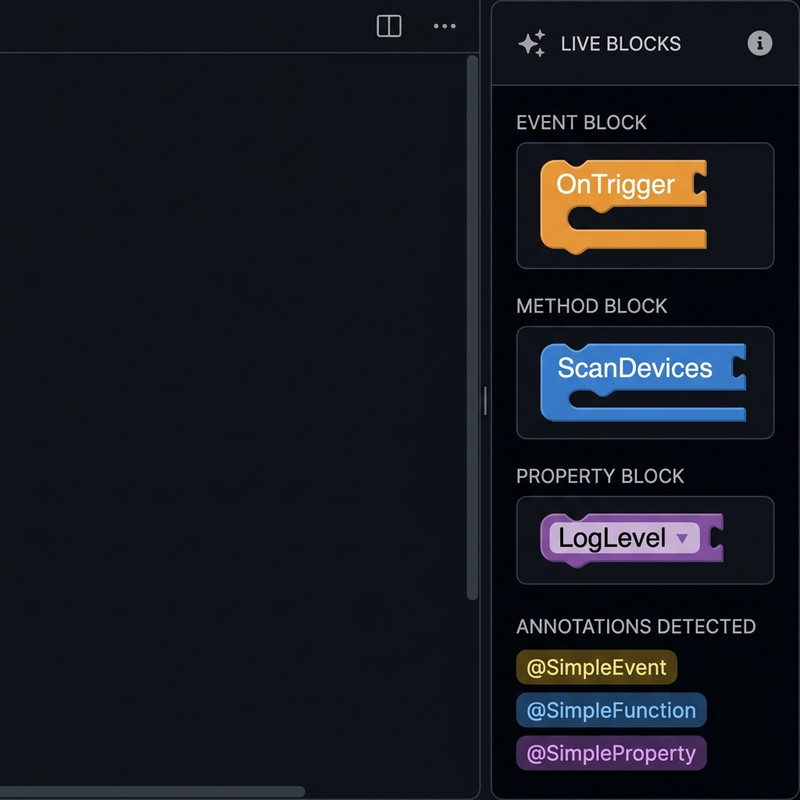
Renders visual App Inventor puzzle blocks from your Java or Kotlin annotations in real time. Clicking a block jumps the editor cursor straight to its corresponding line in the editor.
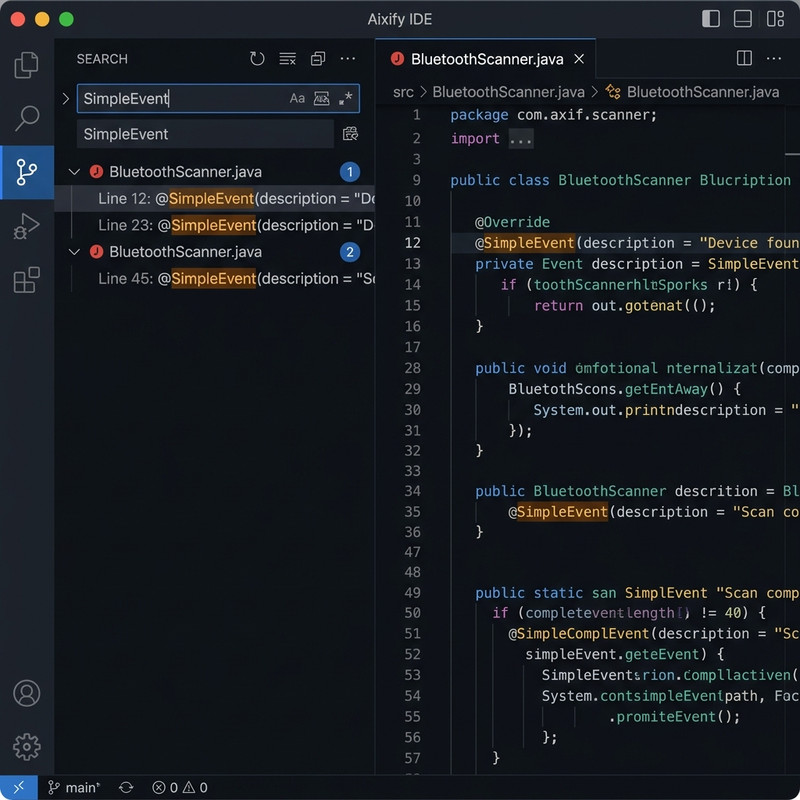
Sidebar Text Search
Search panel to look up text globally across all project files with clickable match highlights.
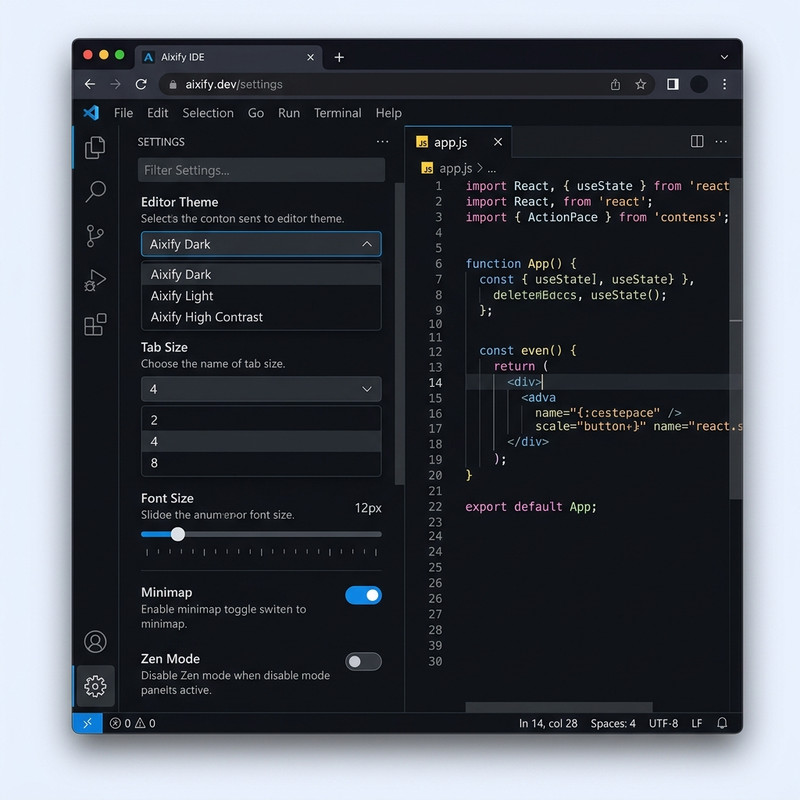
Workspace Settings Panel
Configure tab spacing, font sizes, minimaps, and editor preferences.
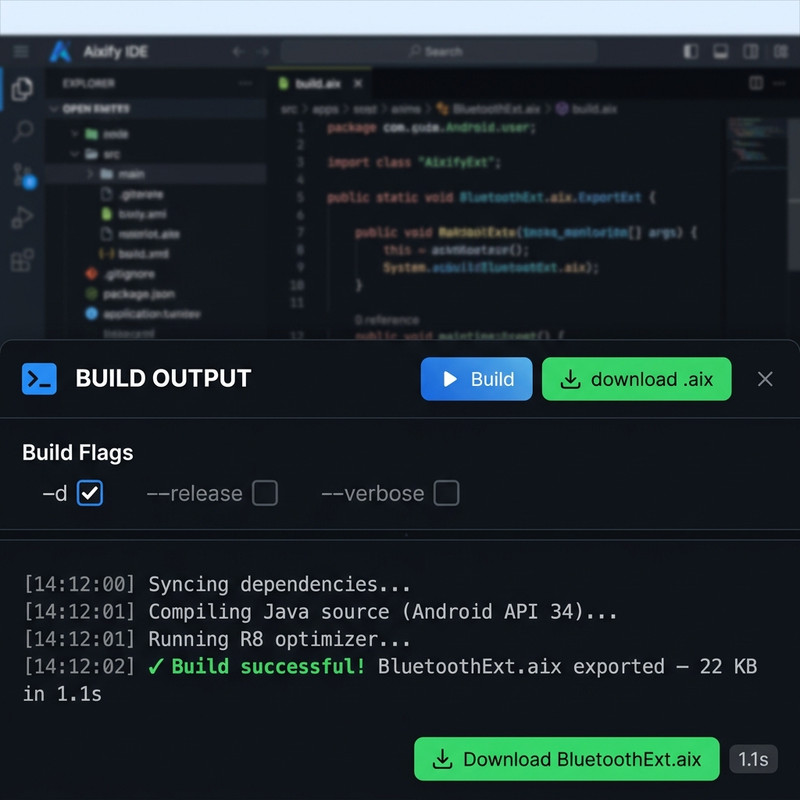
Build Compilation Console
Real-time console updates streaming output logs during active cloud compiles.

Completed Builds
Once a compilation succeeds, the terminal displays a download link to get your compiled .aix extension package.
5. Writing Extensions (Java & Kotlin)
Aixify supports standard Java or Kotlin class decorators to define your extension:

@SimpleEvent(Event Block): Defines event-driven triggers (e.g.OnDeviceFound).
@SimpleFunction(Method Block): Defines executable actions (e.g.ScanDevices).
@SimpleProperty(Property Block): Defines custom getters and setters.
Starter Template
package com.example.bluetooth;

import com.google.appinventor.components.annotations.*;
import com.google.appinventor.components.common.ComponentCategory;
import com.google.appinventor.components.runtime.*;

@DesignerComponent(
    version = 1,
    description = "Bluetooth LE scanner extension",
    category = ComponentCategory.EXTENSION,
    nonVisible = true
)
@SimpleObject(external = true)
public class BluetoothScanner extends AndroidNonvisibleComponent {

    public BluetoothScanner(ComponentContainer container) {
        super(container.$form());
    }

    @SimpleProperty(description = "Returns if scanning is active.")
    public boolean IsScanning() {
        return true;
    }
}
6. Session Errors & 404s
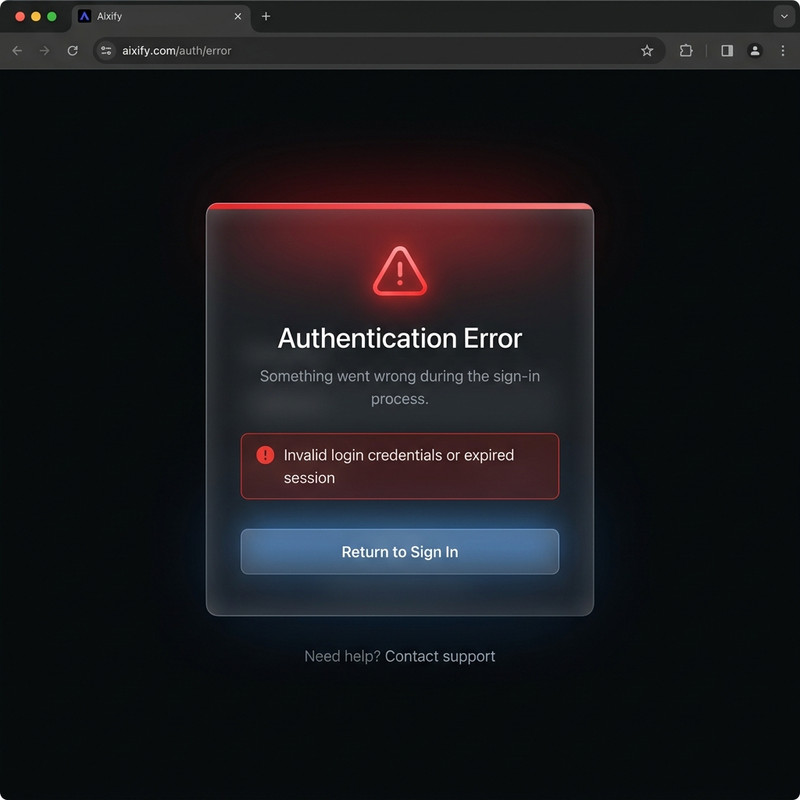
Session Expiration
A recovery screen to guide you to log back in without losing your current code edits or layout tab state.
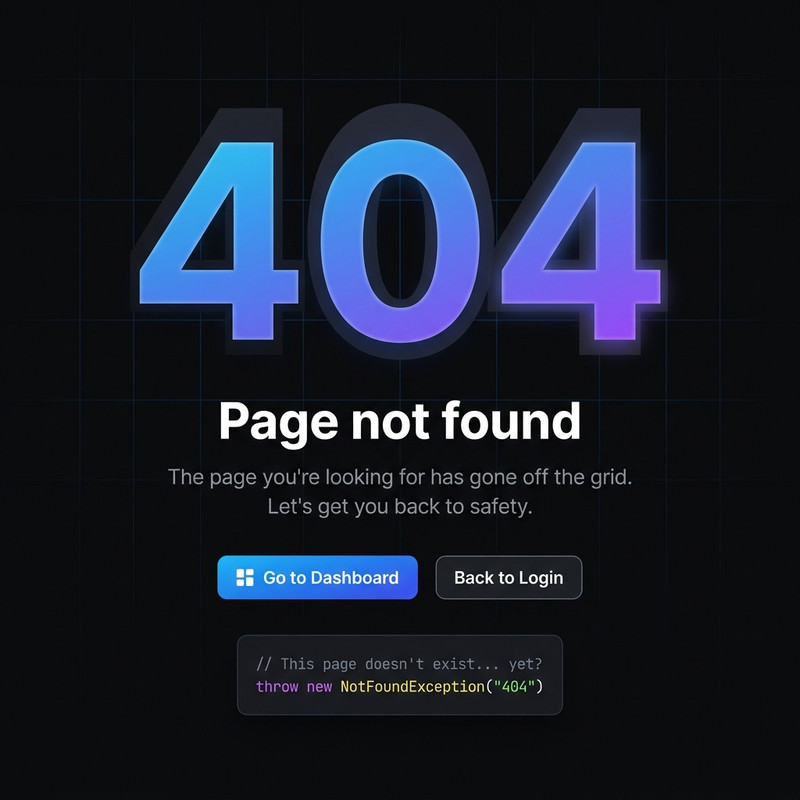
Custom 404 Page
A themed page with shortcuts to direct you back to the main dashboard if you visit an invalid link.
Developed by Riad Developer