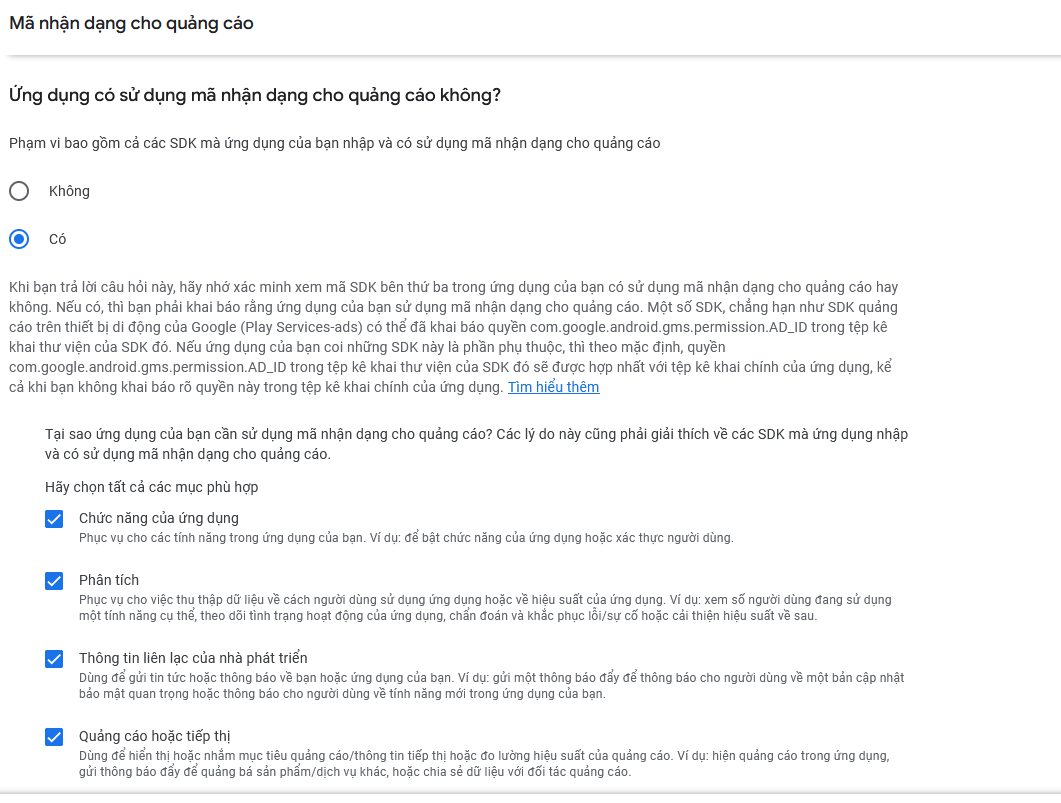
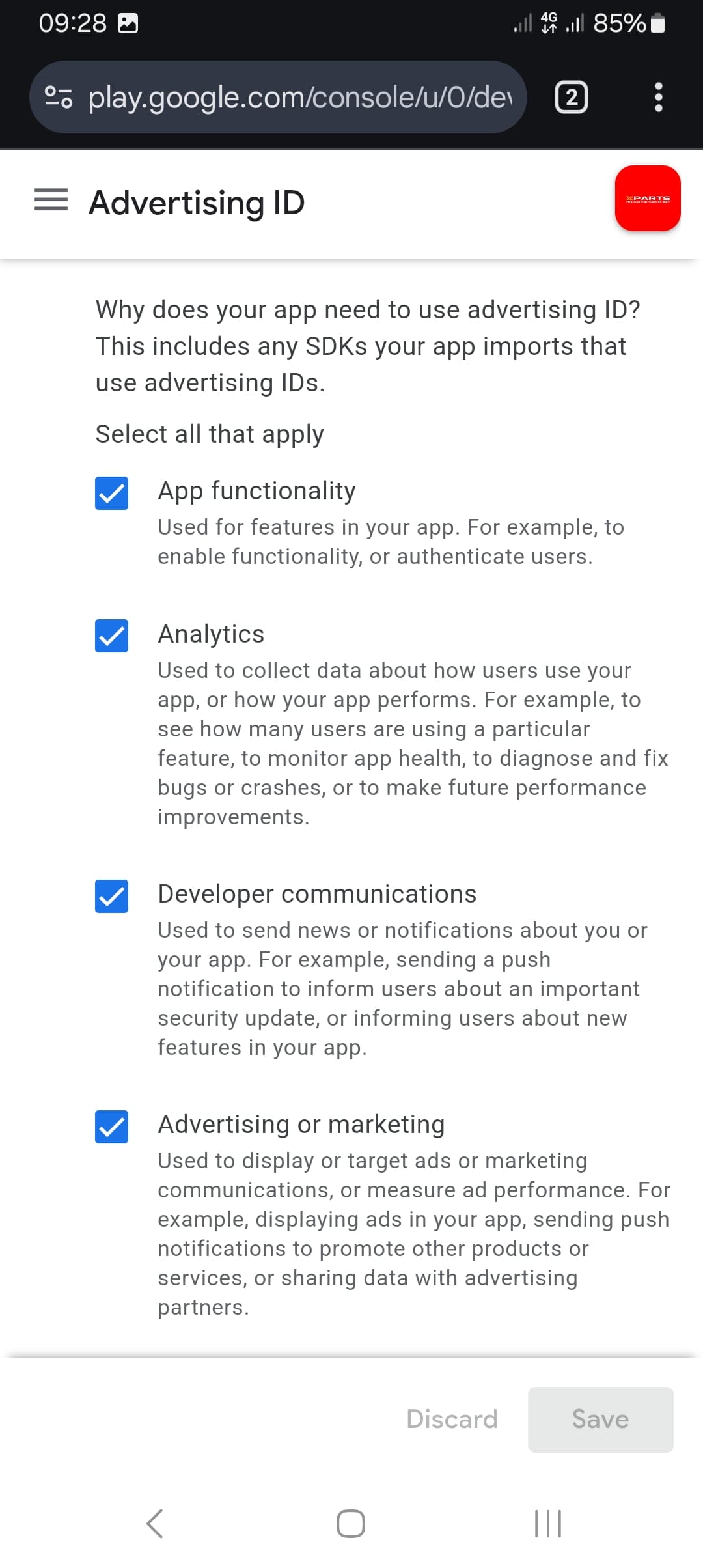
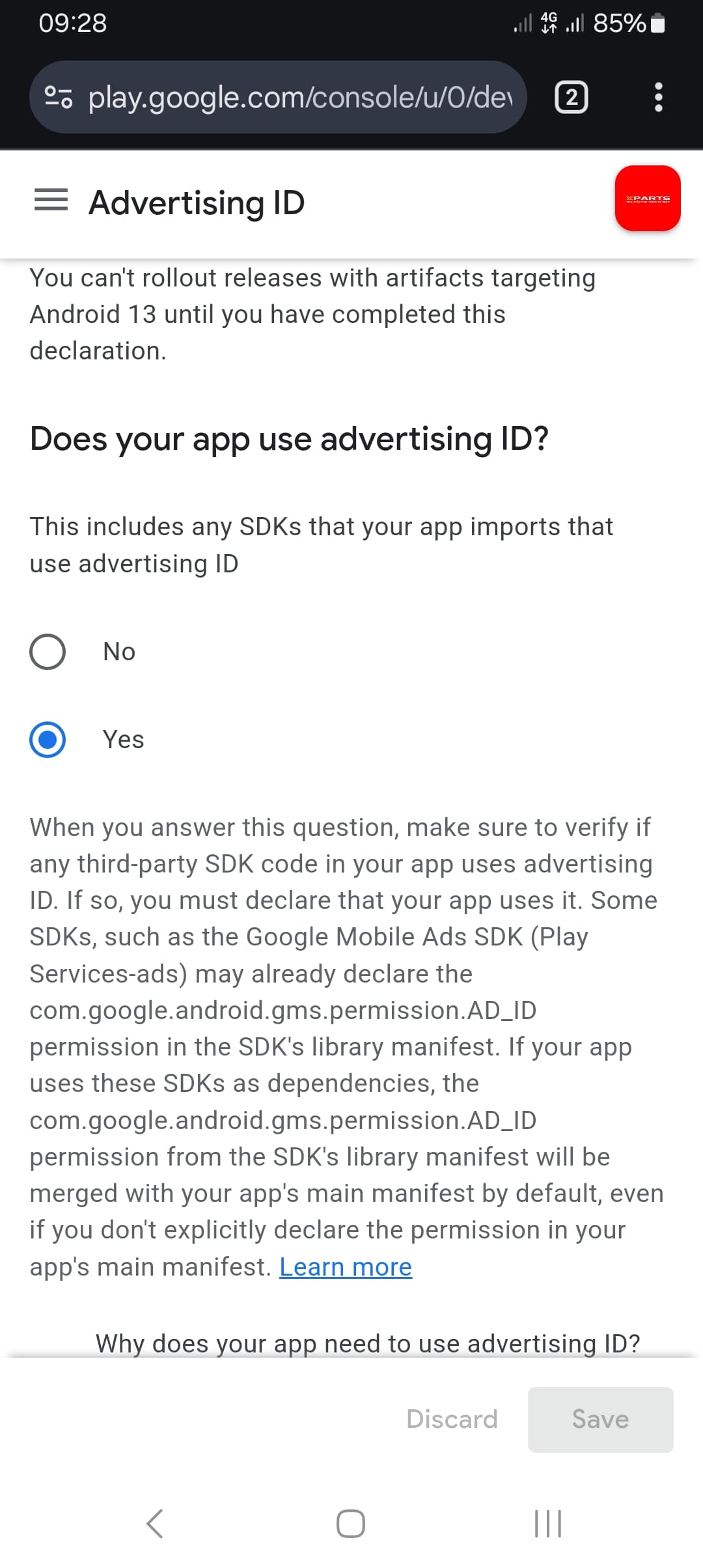
My app has been displaying Admob ads since previous versions, today, I updated the function and Google Play reported an error. I have updated the ad code declaration table but still cannot update the app.
"Your advertising ID declaration in the Play Console indicates that your app uses an advertising ID. The manifest in one of your active software components does not include the com.google.android.gms.permission.AD_ID permission.
If you do not include this permission in your manifest, your advertising ID will be set to 0. This can break your ads and analytics use cases and result in lost revenue. Learn more
You can remove these errors by updating your advertising ID declaration
Apps targeting Android 13 (API 33) that do not have the AD_ID permission will have their advertising IDs stripped. This can impact ads and analytics use cases."
Play Console AD_ID permission error even with AdId extension + Monetize activated
I have an app (WebView-based game with a Google_AdMob_Interstitial1 component) that’s been showing AdMob ads correctly with a properly configured Ad Unit ID (100% fill rate confirmed in AdMob dashboard). When creating a new production release in Play Console, I get this error:
“Your advertising ID declaration in the Play Console indicates that your app uses an advertising ID. The manifest in one of your active software components does not include the com.google.android.gms.permission.AD_ID permission.”
What I’ve tried:
Confirmed the AdMob component is properly attached to Screen1 with correct Ad Unit ID and Ad Enabled checked
Imported and dragged com.jewel.adid.aix onto Screen1, rebuilt, exported a fresh AAB, and uploaded it as a brand-new release — same error persists
I’ve already activated Kodular Monetize on my account
Given the extension had zero effect after a clean rebuild, and Monetize is already active, I suspect this extension might require a Premium subscription specifically (since Kodular’s pricing page states monetization extensions “cannot be used in projects” on the free plan). Can anyone confirm whether com.jewel.adid.aix requires Premium to actually compile into the build, or if there’s something else I’m missing?
OK , so i have the problem as mentioned, moved the extension to the Screen1 in Kodular, export the aab file, add new version in google play console, and got the error of missing permissions on com.google.android.gms.permission.AD_ID. Should i buy a premium subscription to use that extension ? (current plan is free + monetize)