What about showing your blocks? It would be really helpful 
I believe that the extension won’t show a pop up menu, when you long click on an image, etc…You need to build your own pop up menu 
What about showing your blocks? It would be really helpful
I believe that the extension won’t show a pop up menu, when you long click on an image, etc…You need to build your own pop up menu
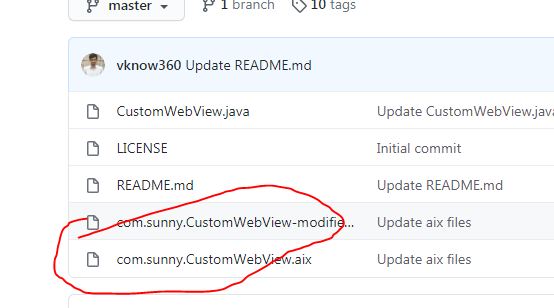
what is the difference between a modified and a regular component?
The Developer isn’t available here you can contact him through his website or AI2 community.
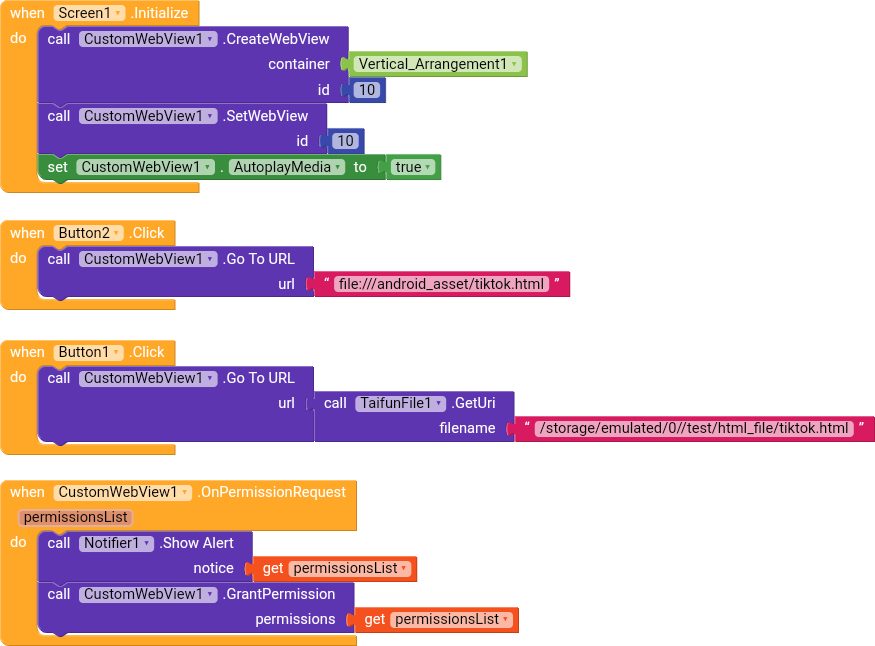
Try this block to load html… 
Load HTML block loads HTML page from source code while Go To URL block loads page from file.
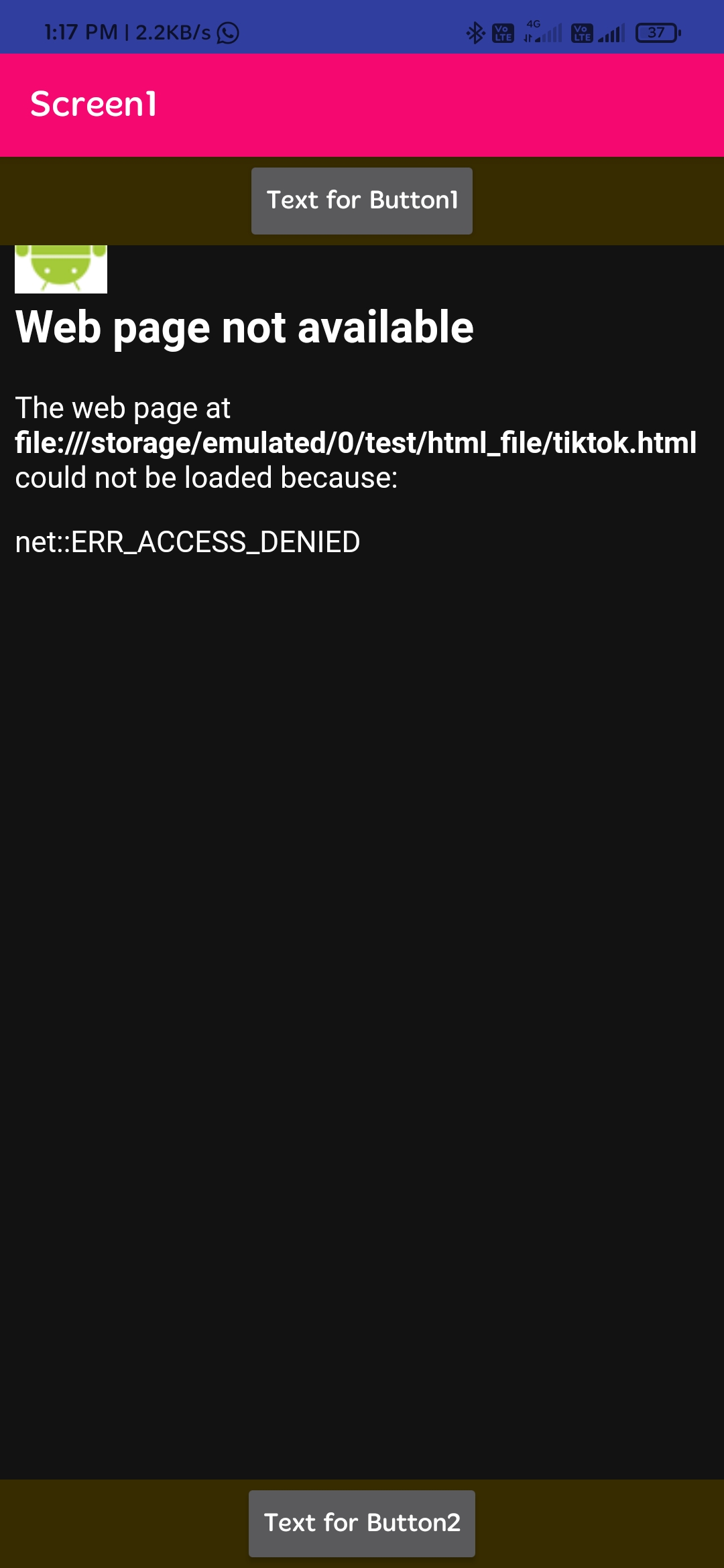
Have you enabled FileAccess property else webview can’t access files.
Hi, I want to congrats on this extension, and I would like to ask a question about it how uses,
I have a laravel app which has a verified email registration, when I do click on the confirmation link, my app it opened, but I lost the rest of the path with their parameters.
I have to spend a lot of time trying to get the entire URL in my customwebview in order to confirm the email.
I would appreciate some help
see here
Taifun
2 posts were split to a new topic: App Inventor question
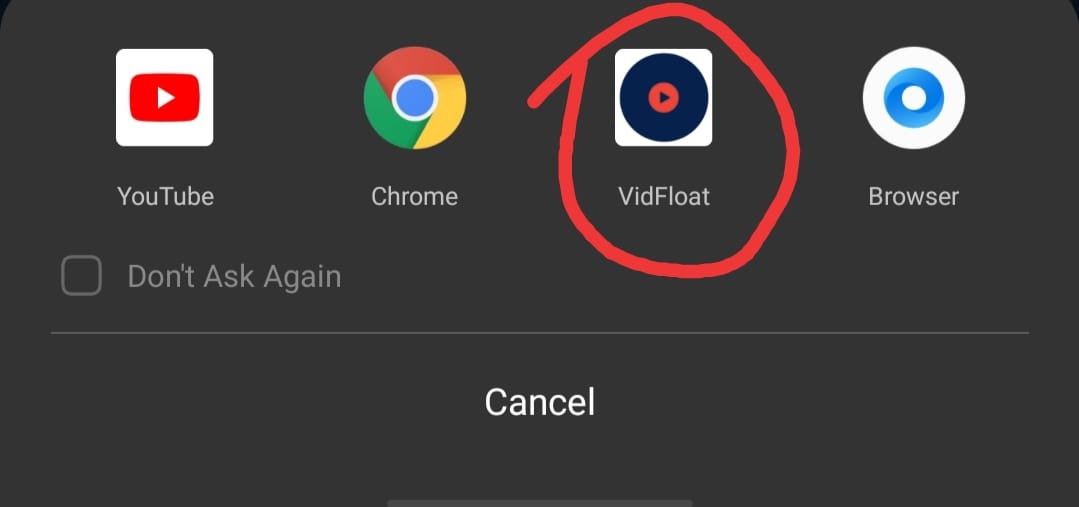
Facing an Issue Of Deeplinks
Like, Whenever I Click On Some Url My App Name Shows at The Bottom
Hi, is there an Event after download ? Or is there a way to know when download is completed? Thanks to all
as it already has been said
Taifun
Show your blocks? What have you used in the CreateWebView contsiner parameter, it seems to be that you used a WebView instead of an Arrangement.
does custom webview use google chrome?
how to use chrome with custom webview?
Since the author of the extension is back in community I opened post in order to post latest updates of the extension
Thank you 
Latest Version(Stable) is v10.1 which can be found here:
A detailed changelog of all versions can be found here:
Also, beta version(v10.2) is here: