Si_Math
August 2, 2026, 10:45am
1
Hello Kodular Team,
I need your help!
Kodular Fenix (v1.5D.0) Bug Tracker before creating a new topic
Only my “Question Screen” crashes when I open the Designer.
The problem started after I accidentally added a Button in the wrong place and then removed it using the Undo/Back option.
…
Since then, opening the Designer for the Question Screen always causes a crash.
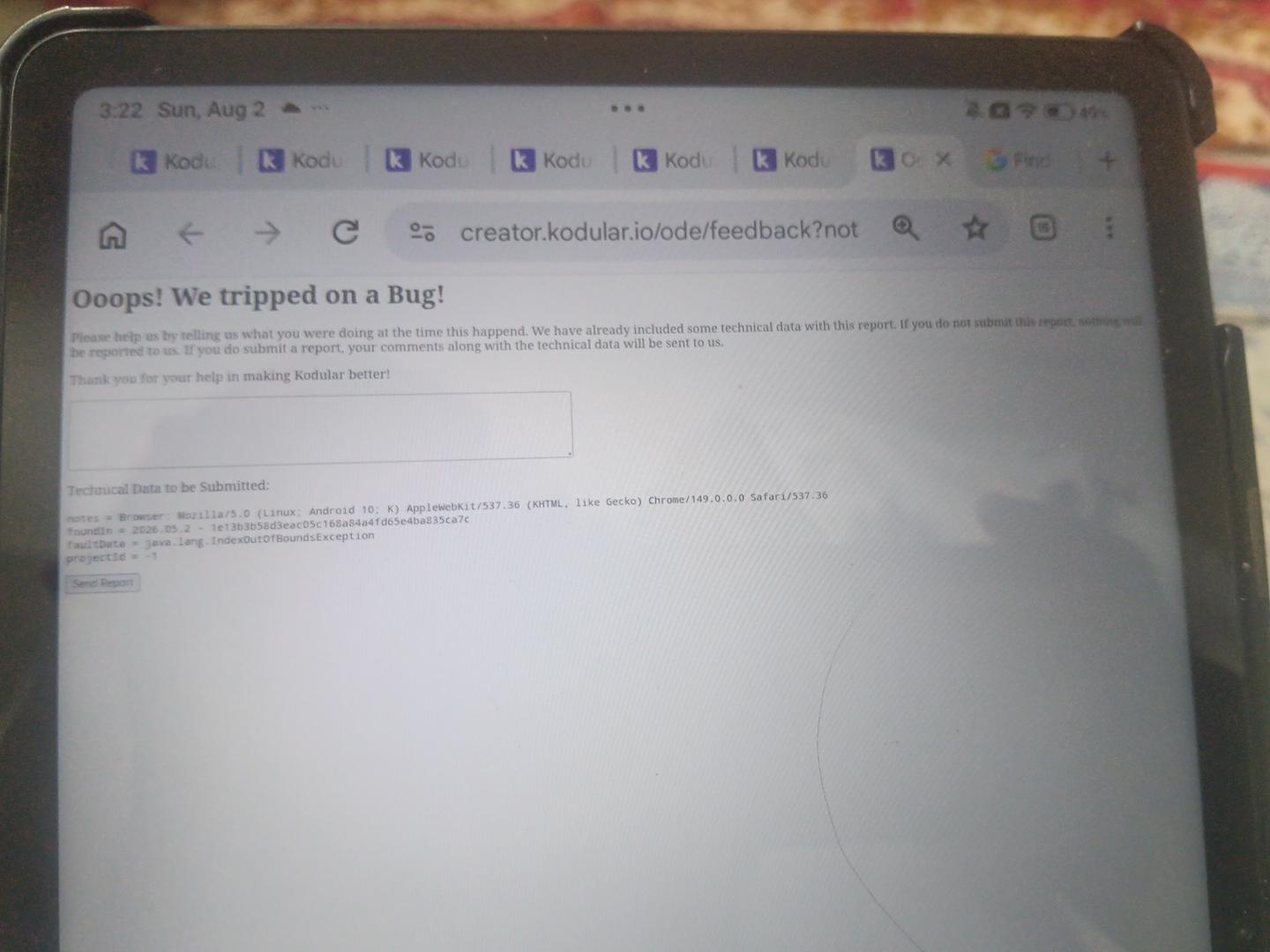
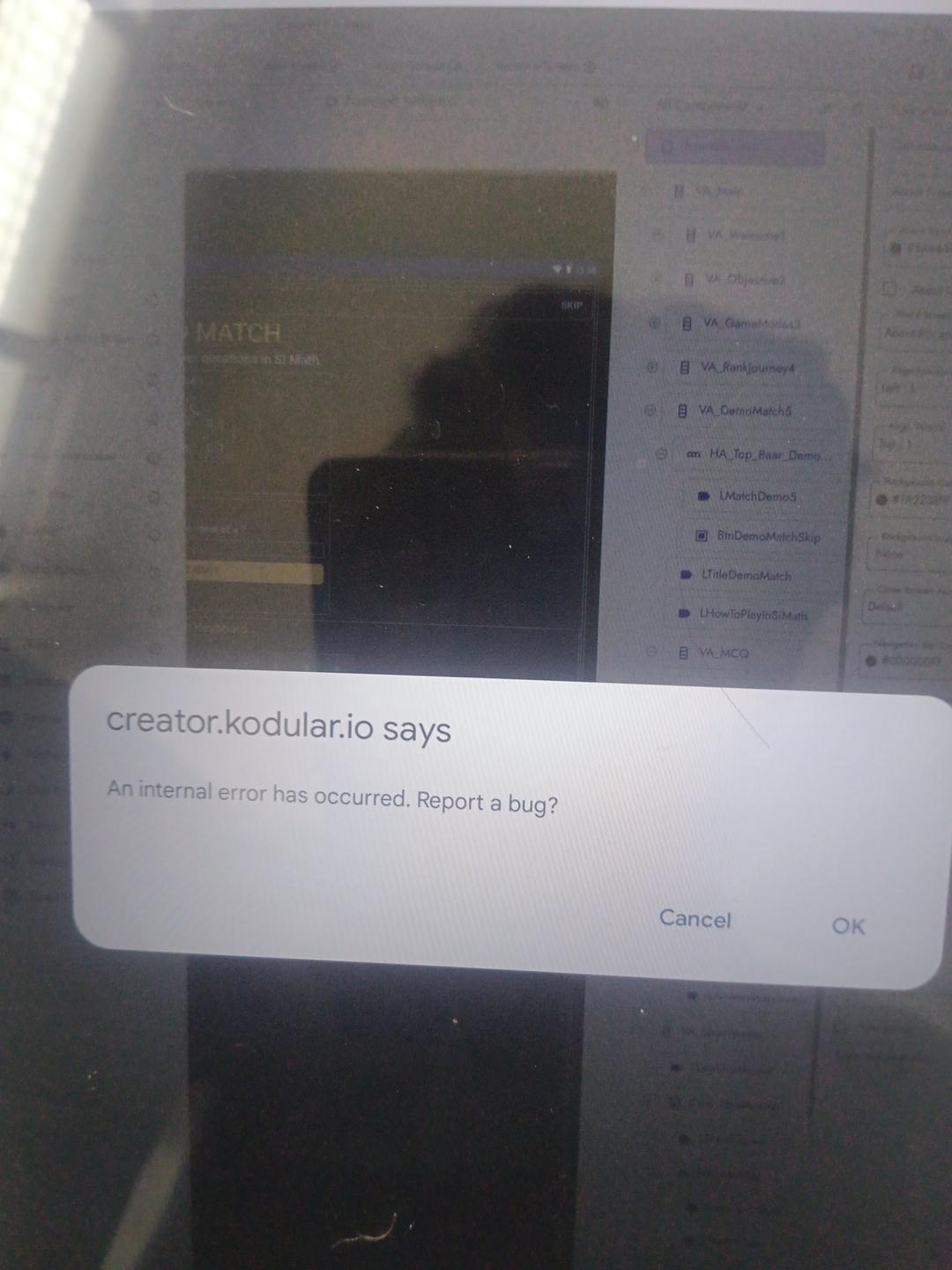
Error: java.lang.IndexOutOfBoundsException
The bug report page also shows an internal error when I try to type a report.
Project details:
Only Question Screen is affected.
All other screens work normally.
I do not have a backup (.aia).
Device: Android
Browser: Chrome
?
?
Please let me know if there is any way to recover this screen or repair the project.
Thank you.
RaYzZz
August 2, 2026, 10:53am
2
Hi dear,
Welcome to the Kodular Community!
In an older topic, one solution was simply to export and re-import the project.
Import again/update the extension
So for now, just try that, if it doesn’t fix the issue, we’ll look into it more specifically.
Si_Math
August 3, 2026, 2:22pm
3
Additional information:
The issue started while I was editing buttons on the Question Screen. A button was accidentally moved to the wrong position. I used Backspace/Delete and Undo several times to restore the layout. After that, an internal error appeared, so I refreshed the browser.
Since then, the project opens, and all other screens work normally. However, only the Question Screen is corrupted.
The Question Screen cannot be opened in either Designer or Blocks. It also cannot be deleted from the project, while other screens can be deleted normally.
If there is any way to recover the corrupted screen or safely remove it from the project without damaging the rest of the project, please let me know.
Thank you.
RaYzZz
August 3, 2026, 2:40pm
4
Hi,
In this case, I think the issue needs to be addressed in the AIA project itself.
Si_Math
August 3, 2026, 3:05pm
5
Hi, thank you for your reply.
Yes, I can share the AIA project privately.
Please let me know the best way to send the AIA file. If you prefer, I can send it by private message, email, or any upload link you provide.
Thank you for your help.
Si_Math
August 3, 2026, 4:55pm
7
Hi,
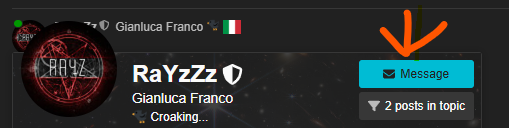
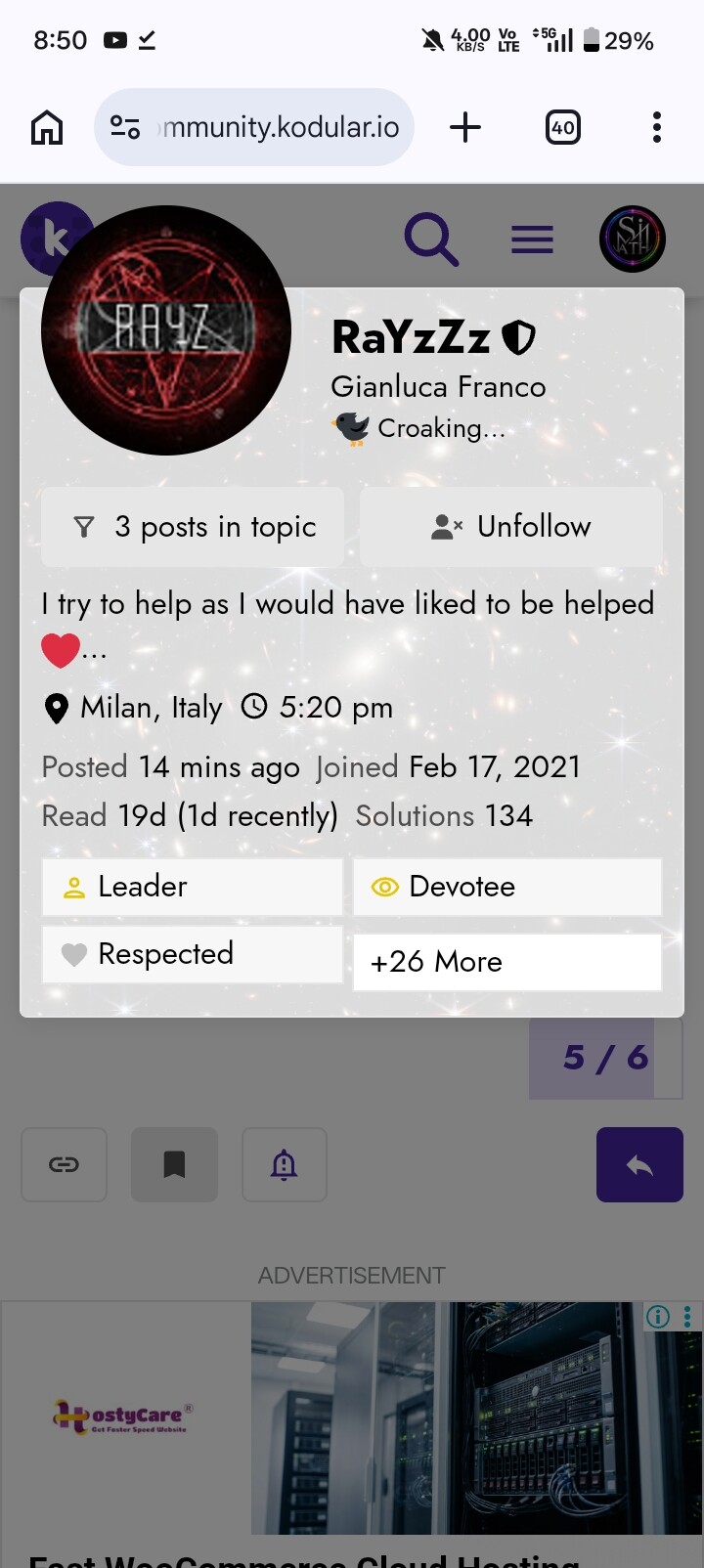
I cannot see the Private Message button on your profile.
Could you please start a private message with me, or provide another way (email or upload link) so I can send you the AIA project?
Thank you.
Taifun
August 4, 2026, 5:05am
8
You are in trust level 0
Get to trust level 1 by…
Entering at least 5 topics
Reading at least 30 posts
Spend a total of 10 minutes reading posts
Taifun
RaYzZz
August 4, 2026, 9:34am
9
Found it
In the file Si_Math.aia\src\io\kodular\simath2026\Si_Math\QuestionScreen.scm , Btn1 through Btn8 are arranged inside a Table Arrangement.
It turns out that Btn3 had lost its Row reference.
...,
	{
		"$Name": "Btn2",
		"$Type": "Button",
		"$Version": "13",
		"Column": "1",
		"FontBold": "True",
		"FontSize": "12",
		"Height": "35",
		"Width": "35",
		"Row": "0",
		"Text": "2",
		"Uuid": "1208256221"
	},
	{
		"$Name": "Btn3",
		"$Type": "Button",
		"$Version": "13",
		"Column": "2",
		"FontBold": "True",
		"FontSize": "12",
		"Height": "35",
		"Width": "35",
		"Row": "0", <<--
		"Text": "3",
		"Uuid": "-1513326493"
	},
...
@Diego sorry for tagging you, but this might be an Undo/Redo bug.