Screen Animation
Hello everyone,I hope you are all good. I am launching an extension today named Screen Animation. This extension helps you to open your screens with custom 9 types of animations. As Open Screen Animation requires resources for animation while opening or closing screens and we cant use resources in an extension. That’s why its not perfect but its still excellent.
The 9 types of animations in this extension are:-
- Rotate
- Spin
- Diagonal
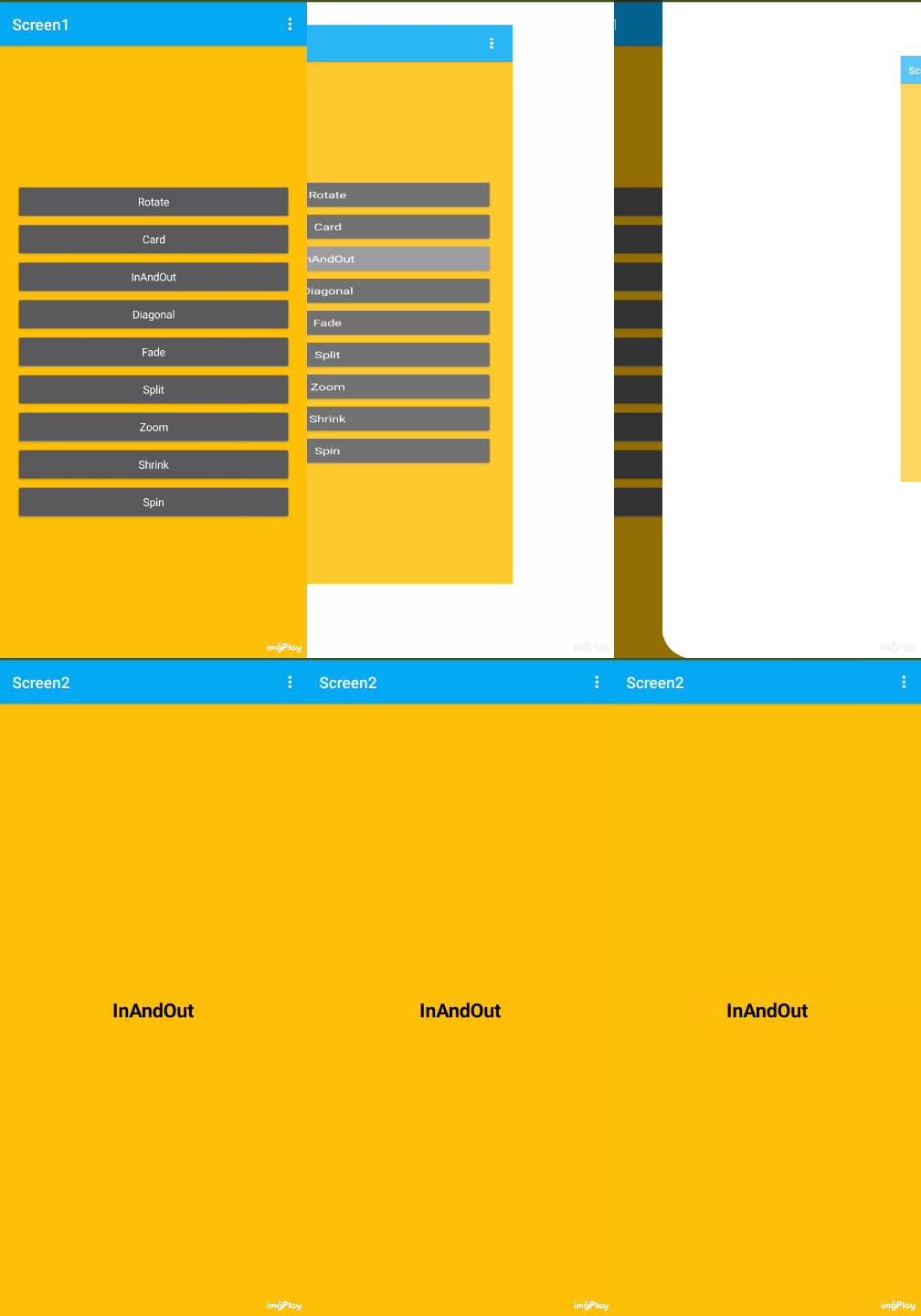
- InAndOut
- Shrink
- Zoom
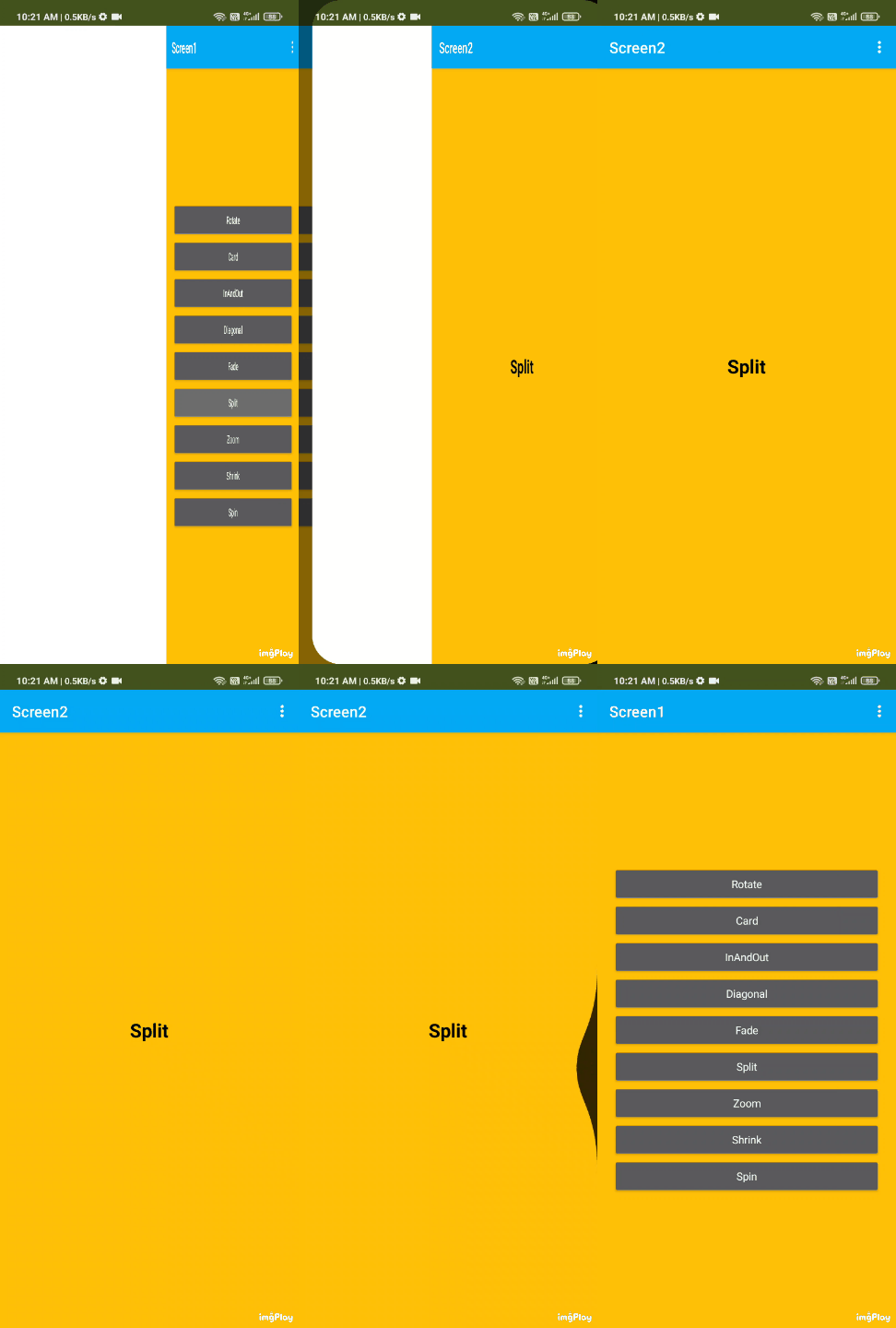
- Split
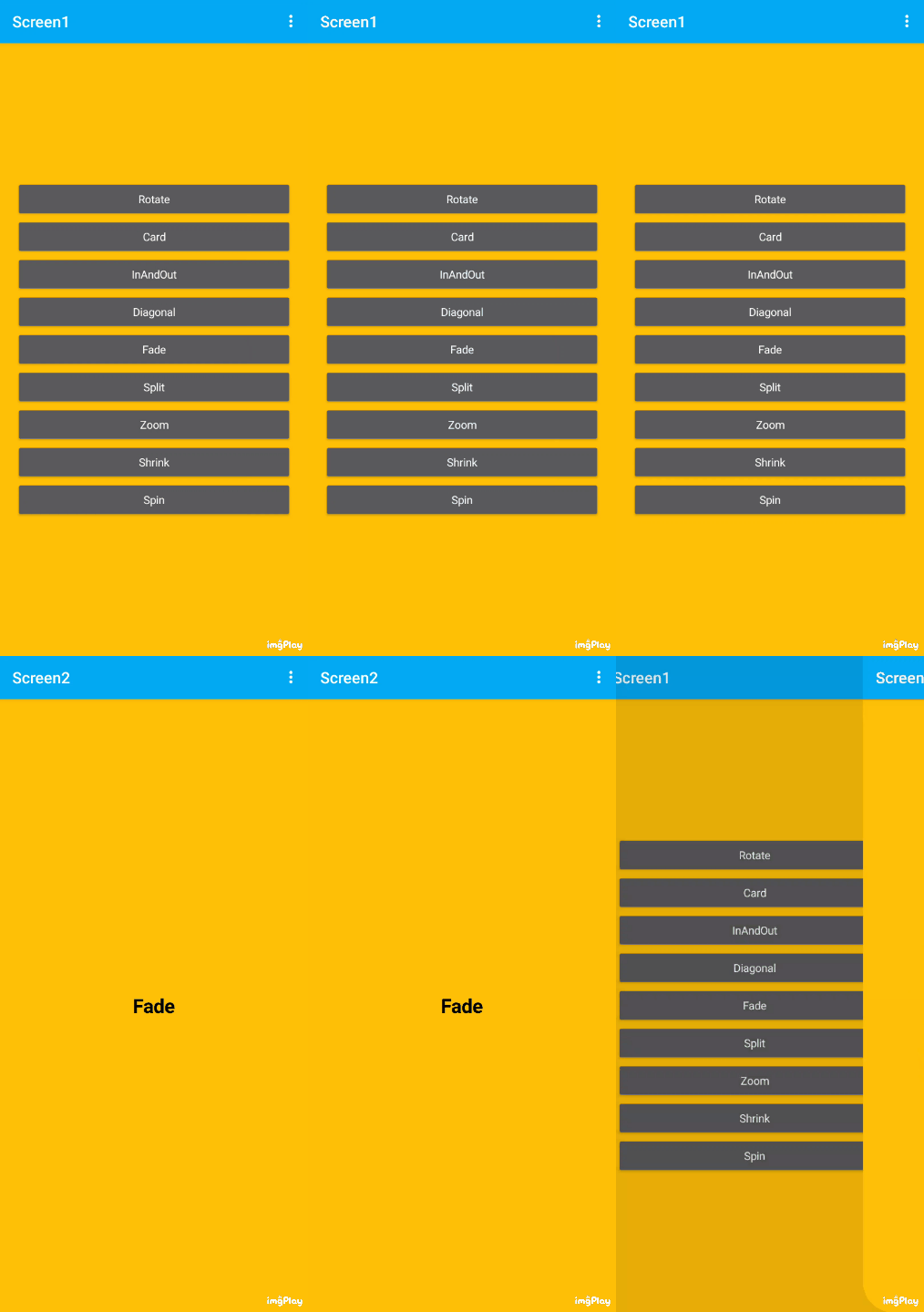
- Fade
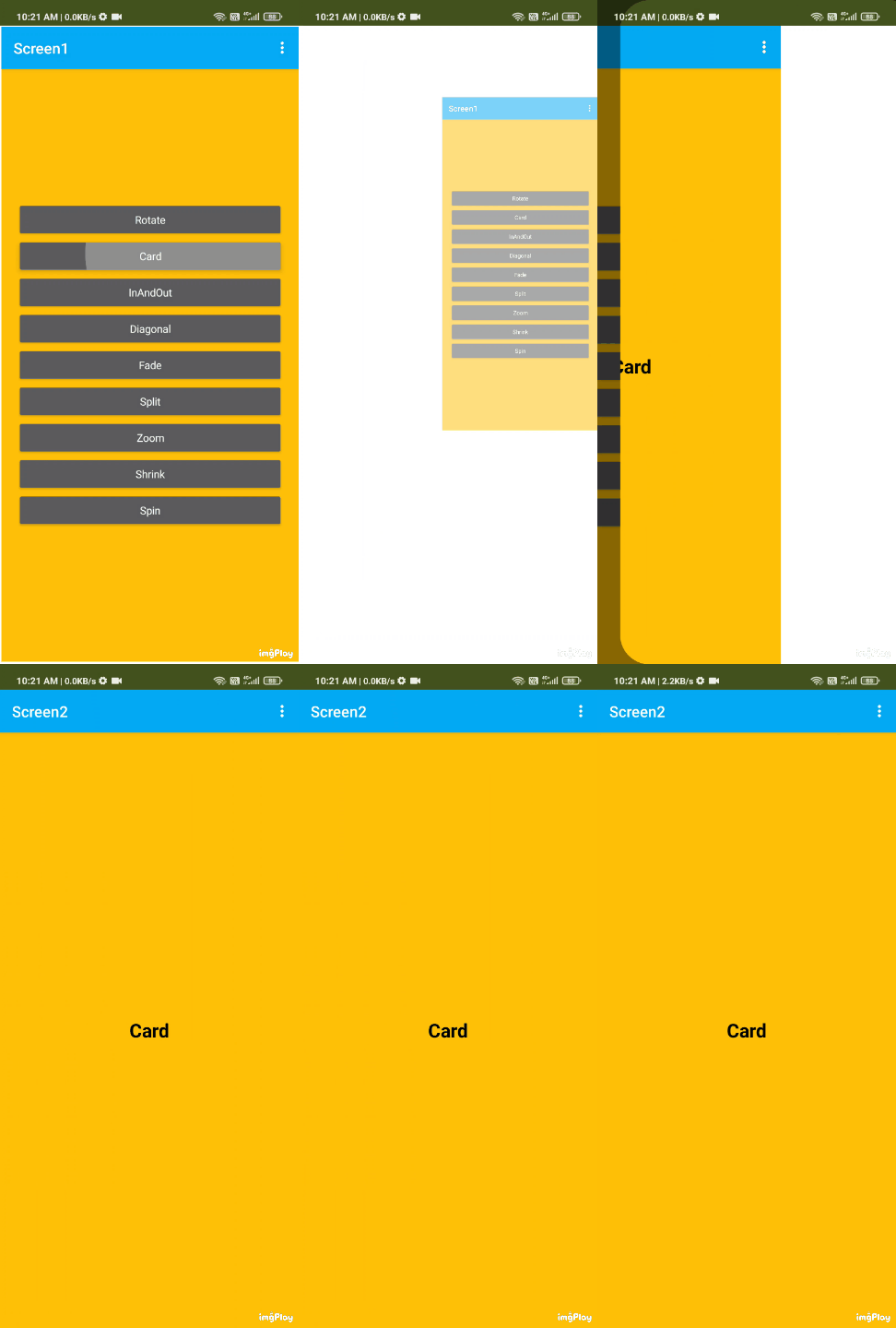
- Card
All Blocks
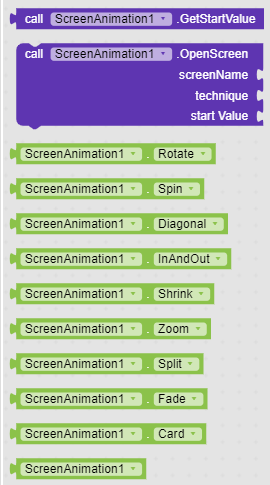
Documentation
Let see documentation of these blocks

This block do the main job. It opens the screen with given technique. You can pass the start value if you want.
screenName parameter defines the screen name which you want to open.
technique parameter defines the technique in which you want to animate when new screen will open. There are total 9 types of animation properties available.
startValue parameter pass the start value to the next screen if needed. If you dont want to pass then you can simply give a empty string to that.

This block returns the start value that you have passed.
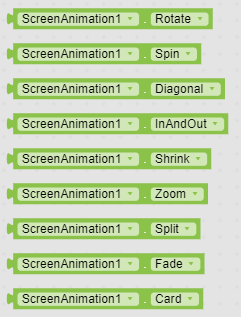
These are the 9 properties that defines the animation technique in OpenScreen block.
Usage
The extension is very simple to use as there is only one block for doing the whole job.
So Lets see how to use it

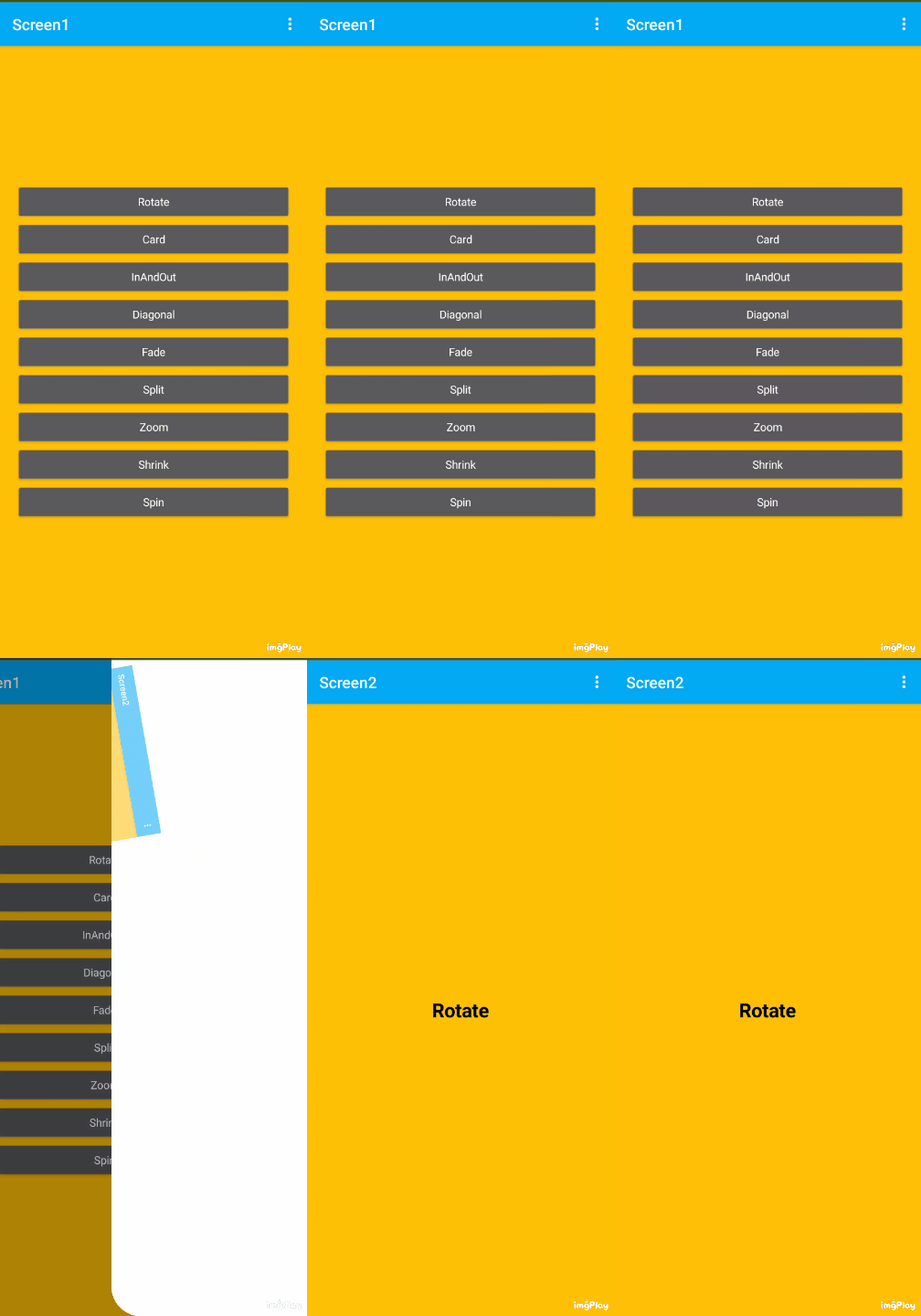
Just pass the screen name, technique and strat value to it. And the animation will be played. You can head to the preview section for seeing its output.

And this is how you can get the start value that you have passed.
Preview
Spin
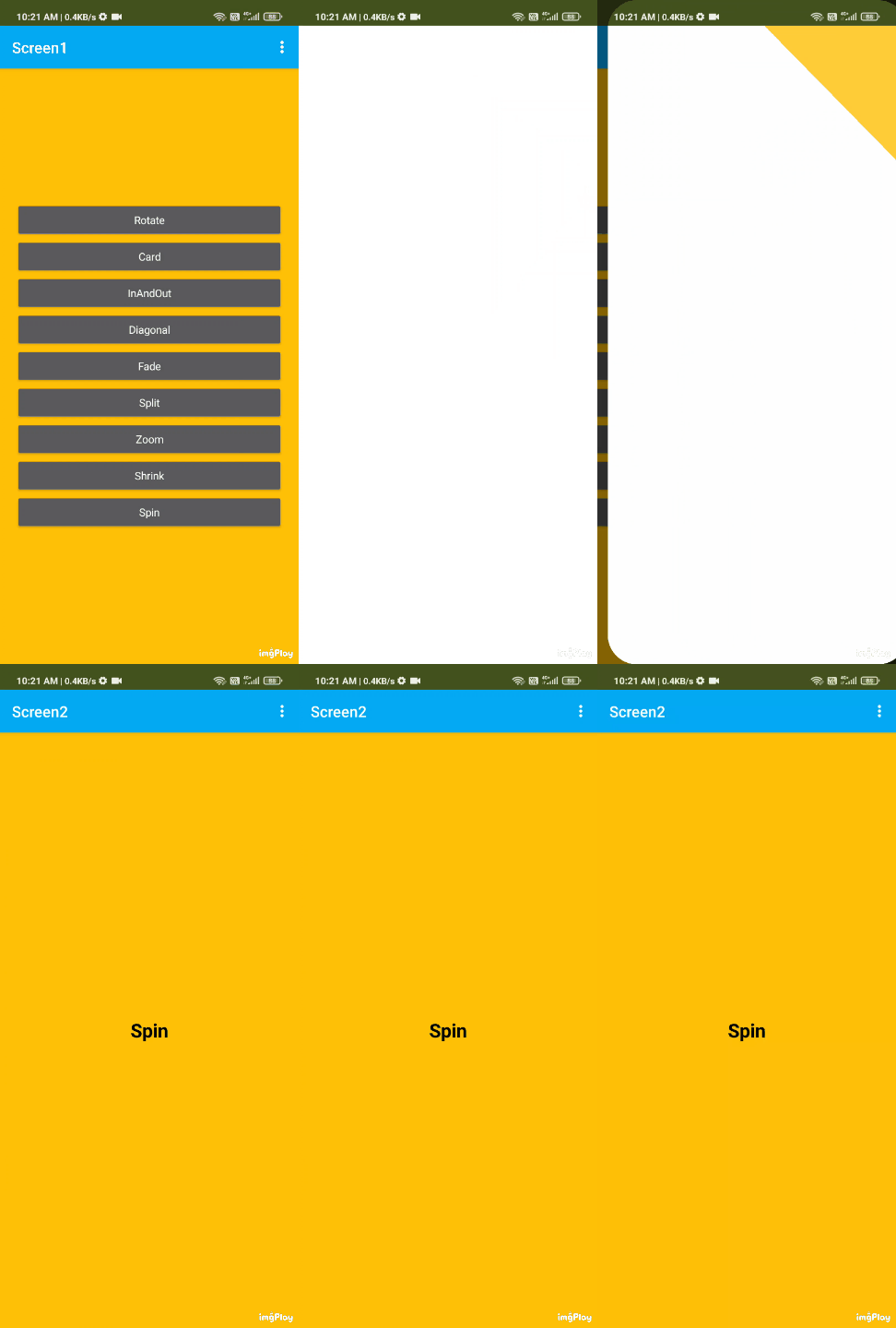
Shrink

Zoom
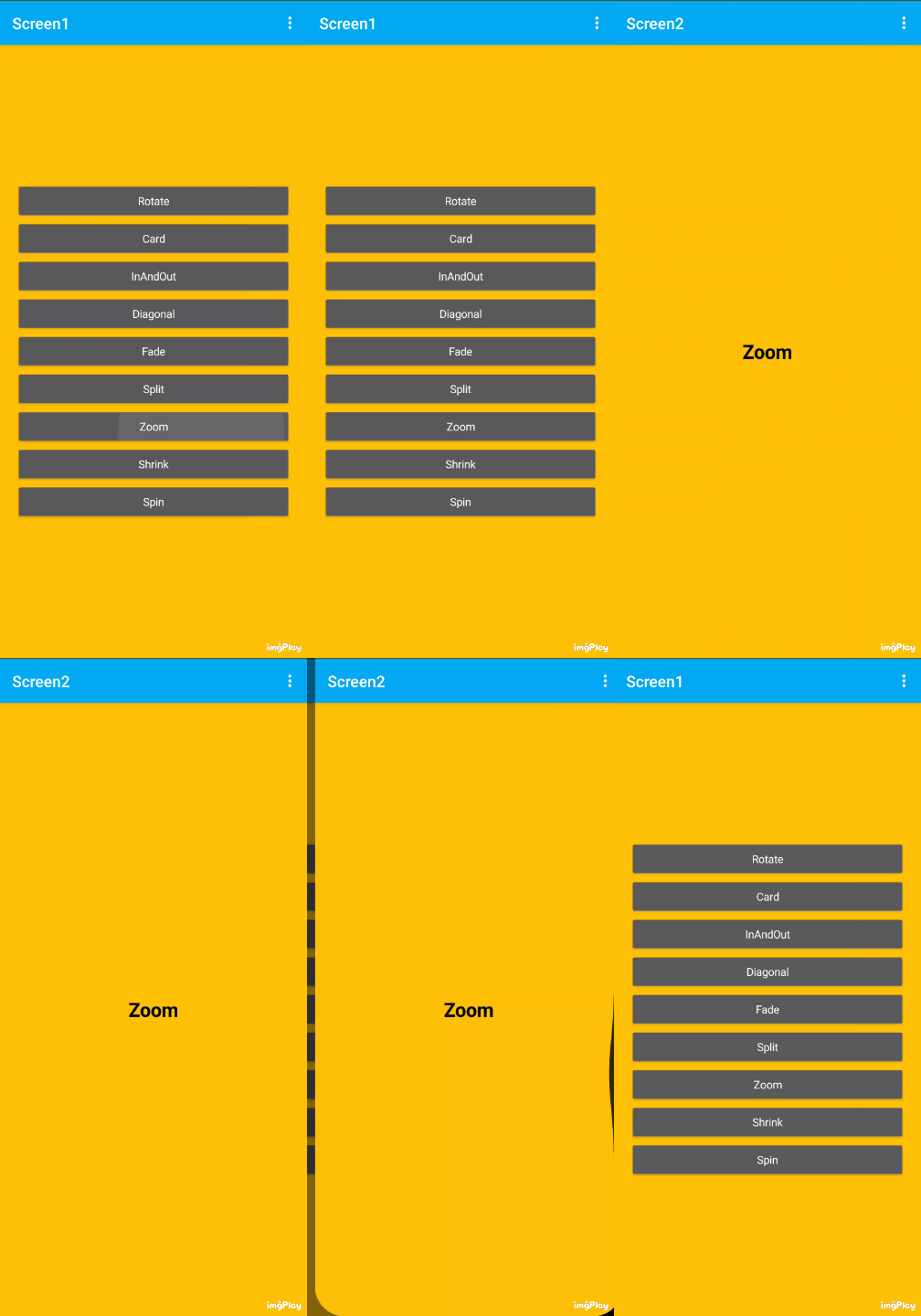
Split
Fade
Diagonal

InAndOut
Card
Rotate
Downloads
ScreenAnimations.apk (5.1 MB)
Download Extension :
Open Source
Fork the repo if you want to change something and add something
Donate
If you like my work then donate if you can 
Credit
Thanks to @Mohamed_Tamer for helping me. You helped me a lot. Thank you again.
Thanks to @Shreyash for his super Rush .
Suggestion and issue are welcome
If you like the extension then like the topic
Thank You All

 Thank you for this amazing extension.





