Hello seniors
Is there any way to secure api key and url from hackers
Use obstructed text block for web url.
2 Likes
while storing value store in encoded text
1 Like
and when you want the text decode it
1 Like
Keeping Your API Key Secure Is Most Important In Appinventor Here Is Some Way To Make It Secure
-
- Remove Some Unique Latter With Speacial Charactor And Replace It With Your Choosen Charactor When You Want To Use
For Example If Your APi Key Is ==37Ys64dg90kxpw748udhf== So You Have To
Store In Database Like ==37*#64dg90&xpw748udhf== And when You Want To
Use It You Know What The Mean Of * That Is Y and means of # is s and means of & is k
Use it With Your Own Rule And When You Got Data From Database You Have To Replace Speacial Charactor With Your Charactor That You Have Removed
- Remove Some Unique Latter With Speacial Charactor And Replace It With Your Choosen Charactor When You Want To Use
-
- Decode Your Key Using Any Decode Method And Encode It When You Want To Use
-
- Mixe Your Key With Another Key And Arrange it When You Want To Use For Example If Your Key Is ==hello763yes94hyrte736== You Can Reverse It First So It Will Be ==637etryh49sey367olleh== The You Can Break It After Some landth and add some extra latter ex.. your reversed key is ==637etryh49sey367olleh== you can add 9 after third charactor and G after fifth charactor and M after 8th charactor So it Will Be ==6379eGtryMh49sey367olleh== When You Want To Use It Just Remove Extra Charactor and reverse it back
1 Like
@Jeet_Jyala may be this can help
1 Like
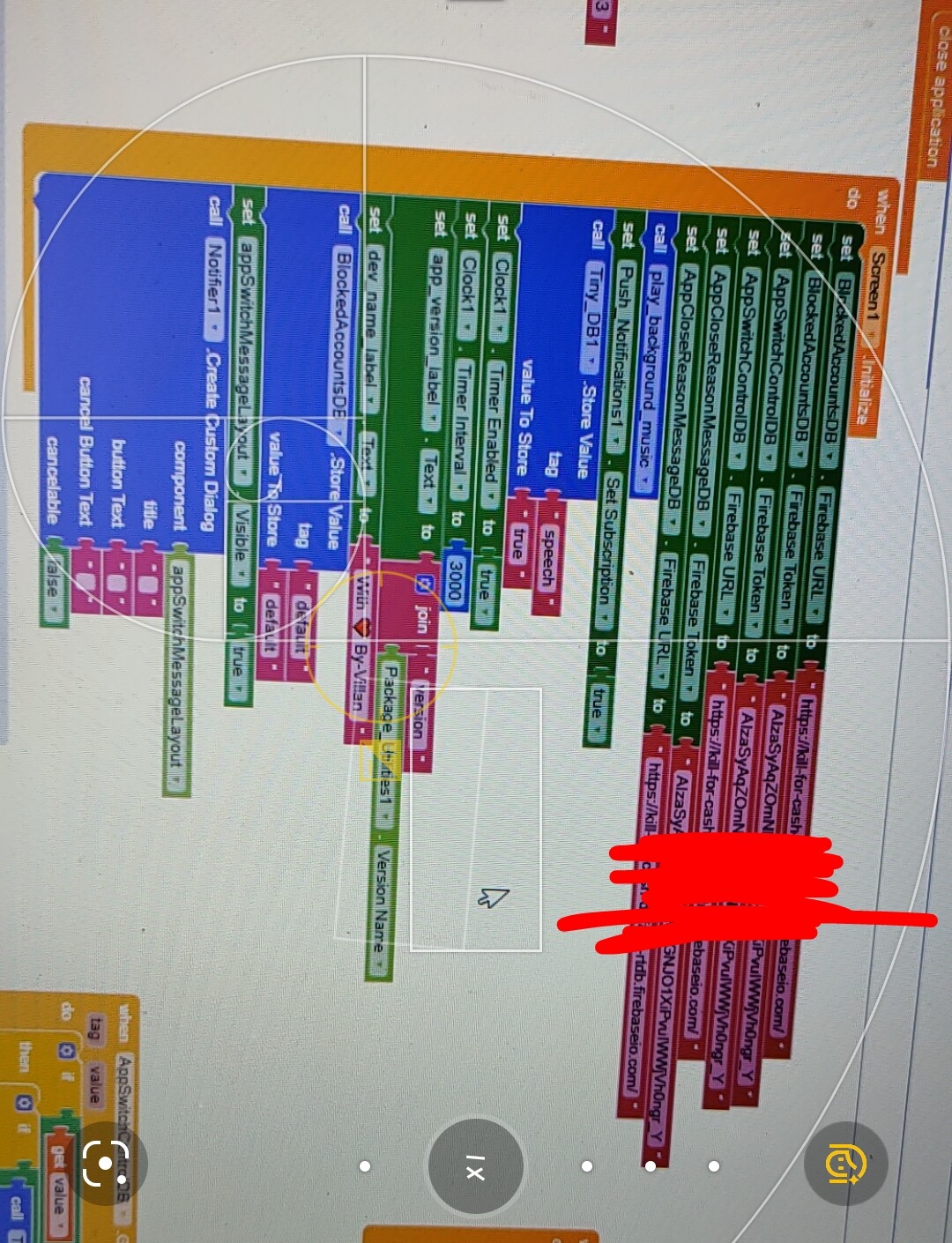
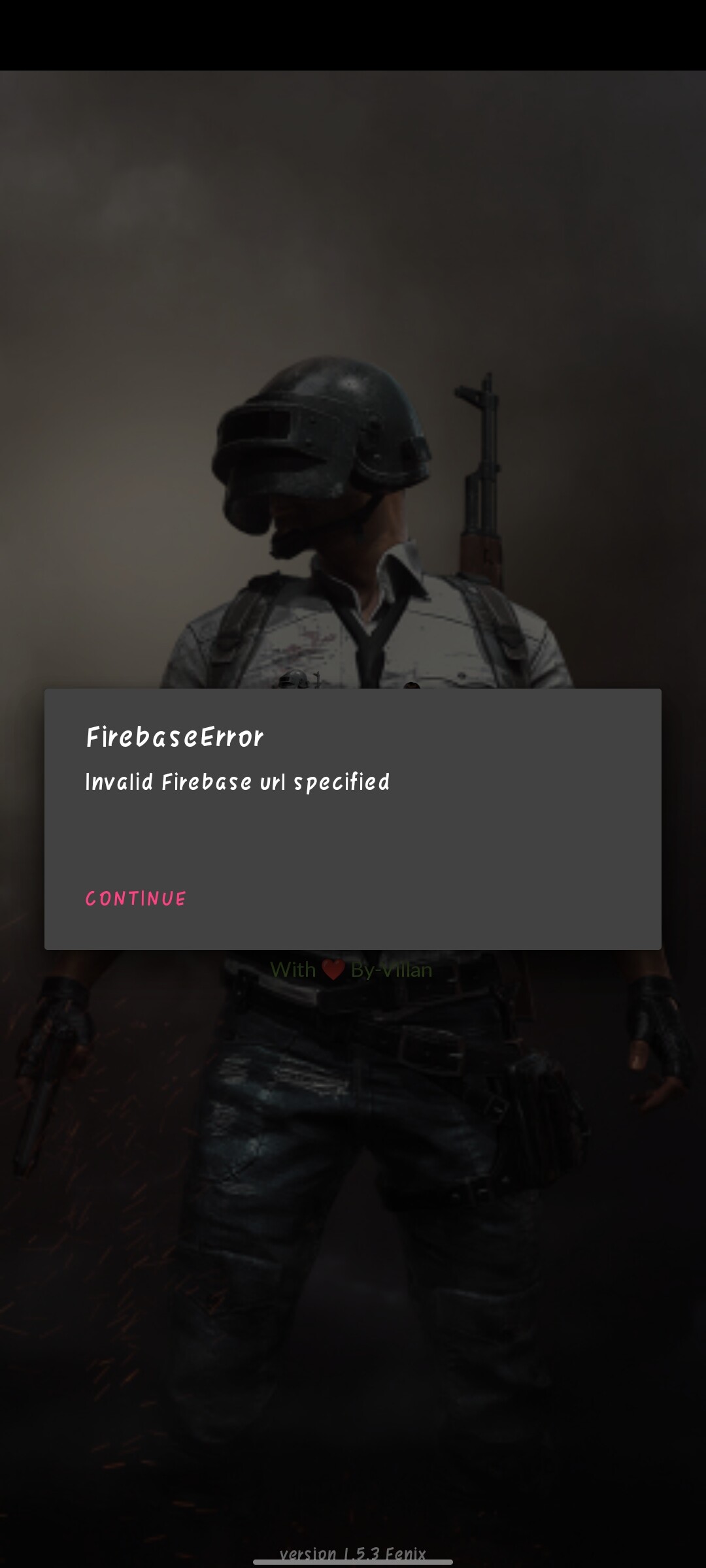
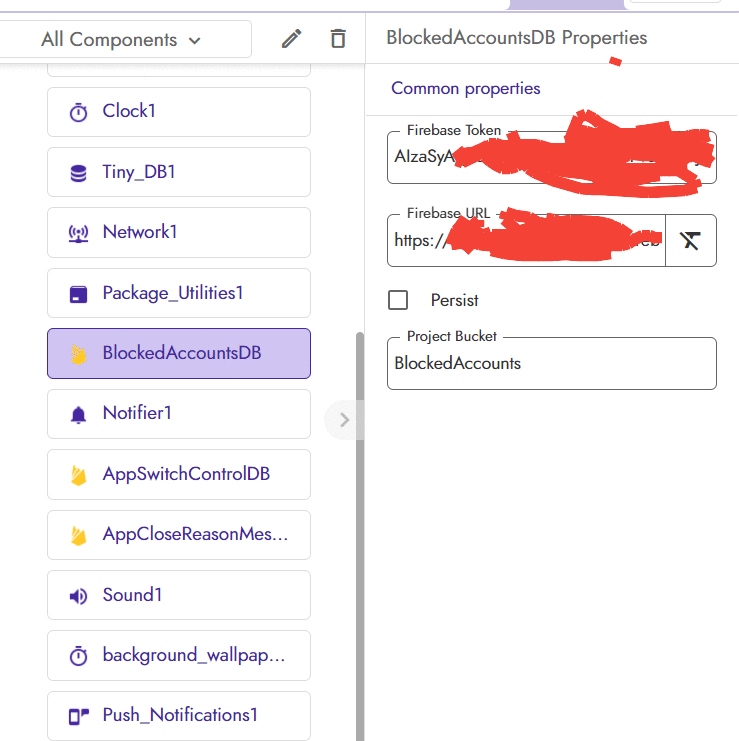
Thank you for your suggestions . I tried cryptography method in which I get the error (Shown in the image) and then I put the value without cryptography then also the error was same (shown in the image).. I double check my url and find the URL was correct. But why app showing this error. I think I am near to my solution but this time again error comes.
@jeet_jyala first create a code and the save that code then just use the decode block
1 Like
Firebase’s location in not us-cenrtal. Since you can not change location once project is created, create a new project in firebase, set location to us-central and you will have no errors
1 Like
Means I have to encrypt with different project and set it to a textbox then copy from the textbox and when i get the encrypted value then I need to paste in front of decryption block on this project??
But why the real values are not working.. I fill the correct URL and API KEY
try refreshing the page and again setting the firebase URL
1 Like
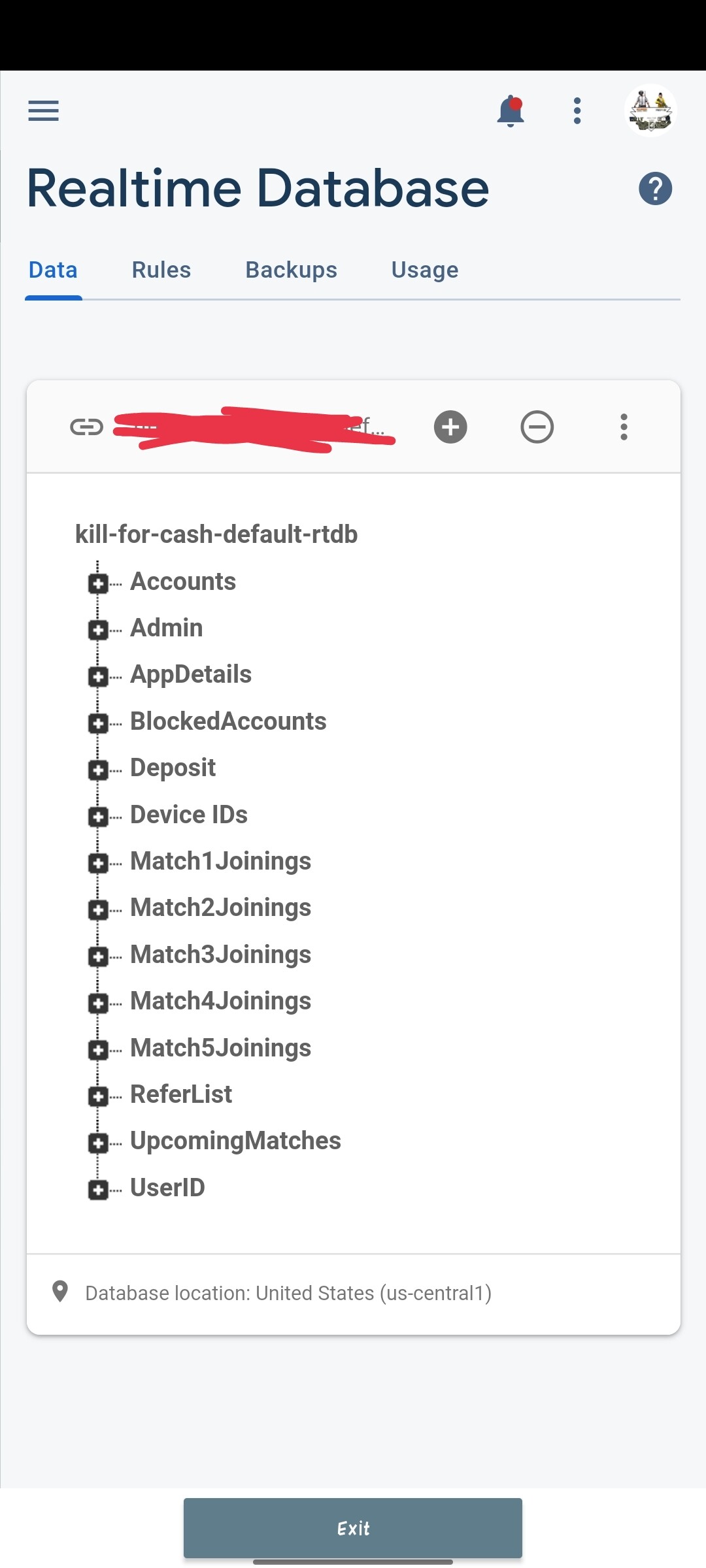
I still try to refresh and set up again. But same result
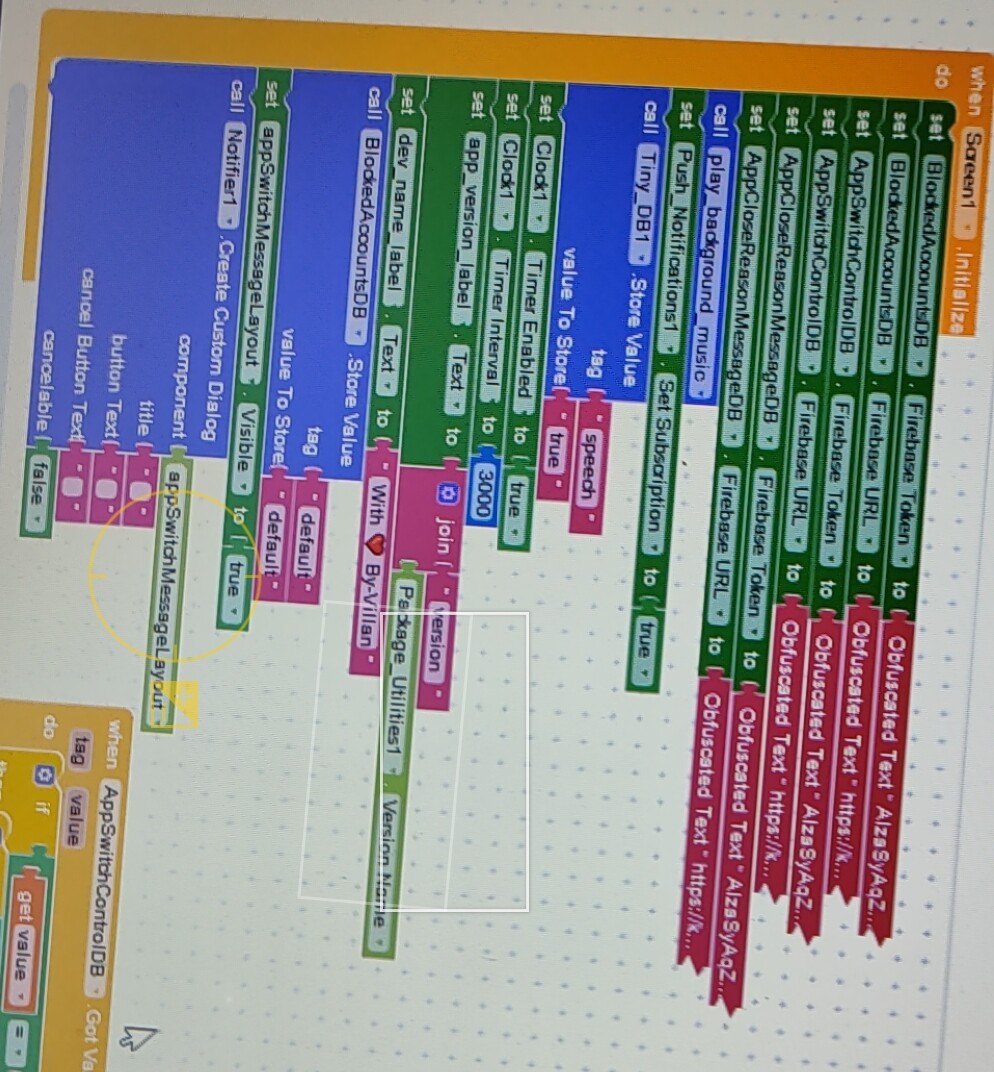
Same problem
@Jeet_Jyala check if the screen which is shown by you is missing the URL?
Its the screen1 same as I mention in blocks Image

Ok iwill try this