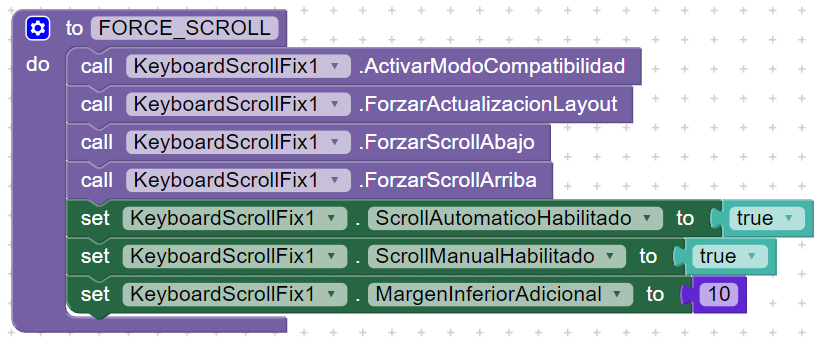
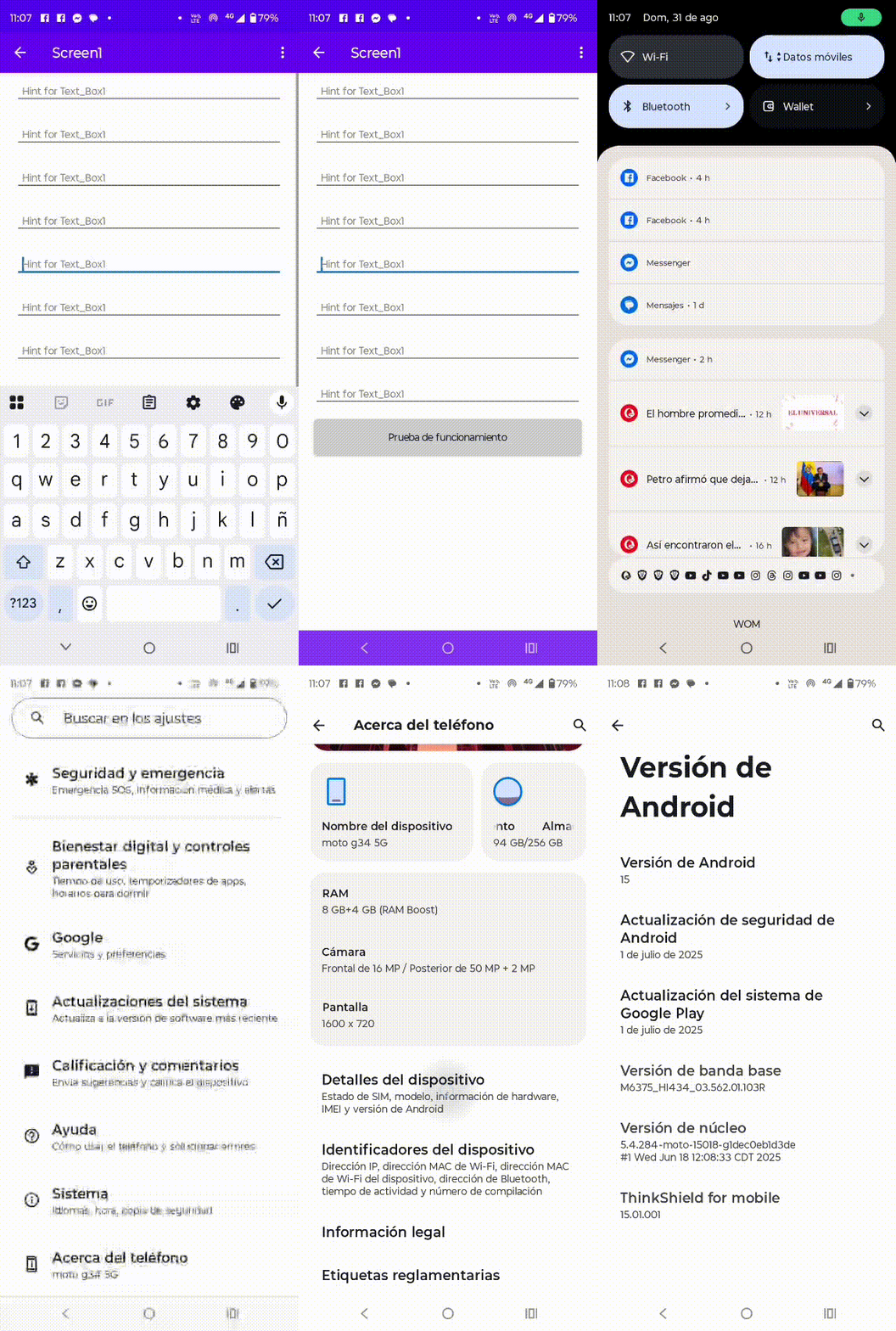
Due to the recent scrolling issues in applications developed with App Inventor versions, including Kodular, I have designed an extension that helps solve this problem. The extension is called KeyboardScrollFix and works by forcing the scroll movement either upward or downward.
For this extension to work correctly, you must add a Vertical Arrangement with the Scrollable property enabled, then add the extension and use the corresponding blocks. It is also recommended to enable the Title Visible property of the screen.
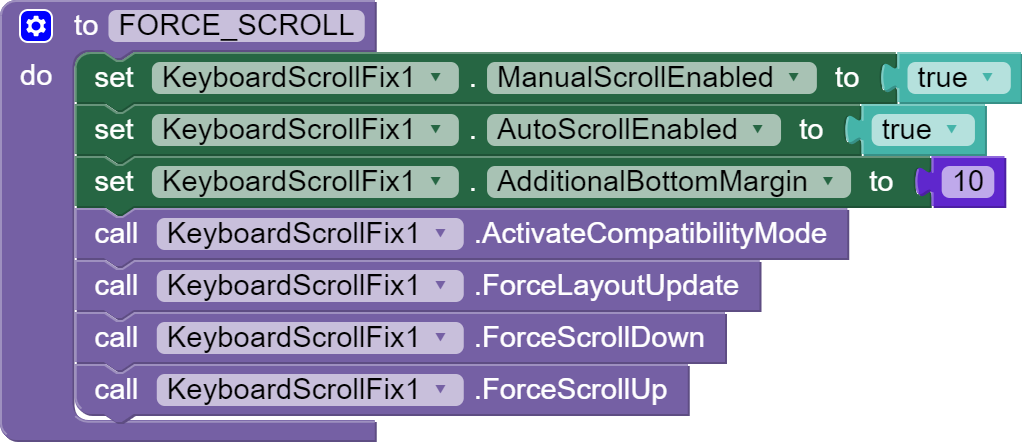
Here I am sharing the extension, the blocks in the correct order, and the source code in case you want to keep improving it. I hope it helps you.