Select the button for which you want to set the text. In its designer tab  :
:
-
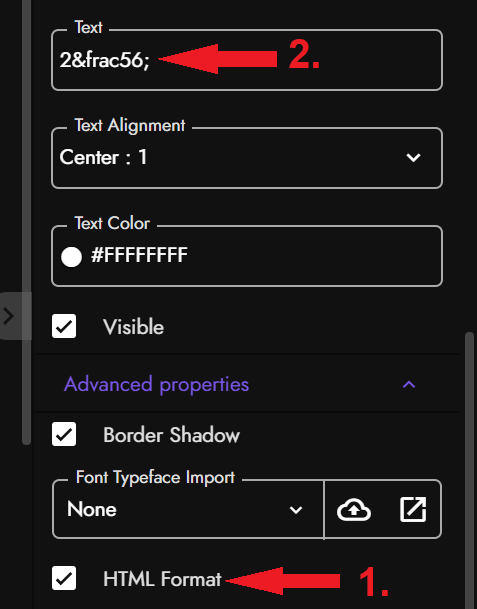
Tick-mark the HTML format property present under Advance property.
-
Add the button text as shown in screenshot above i.e. 2
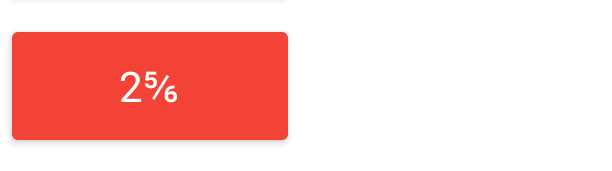
⅚. Note that the ‘56’ in the text is variable, and can be changed as per your need Ex.¾
The above will display result as