Hello everyone today am presenting my extension i have been trying to create for 3 months i can’t lie i have struggled to come with up with this extension, i remember back then i create a code but whenever i want to build the aix i wasn’t able to do so, so I asked for a hand from @securebugs to take a look in my code and he did as i asked, but my code wasn’t pure enough to reach my needs, i didn’t stop there i also asked @RaYzZz to do something about it, and i was the one who requested the bottom drawer in his guide,
and he did also as i asked but still i wasn’t able to archive his guidance to fit my needs too but i was happy seeing 2 of these people helping me, i didn’t stop there i keep trying till today, where i just added 3 lines of java from my old code and here we are
🧩 BottomDrawer
An extension for MIT App Inventor 2.Bottom Drawer is extension for AI2, Kodular and related platforms made by Ibrahim Jamar
 Specifications
 Package: com.jamarbottomdrawer.bottomdrawer
 Size: 13.18 KB
 Minimum API Level: 14
 Updated On: 2026-01-03T18:30:00Z
 Built & documented using: FAST v5.4.0
Events:
BottomDrawer has total 2 events.
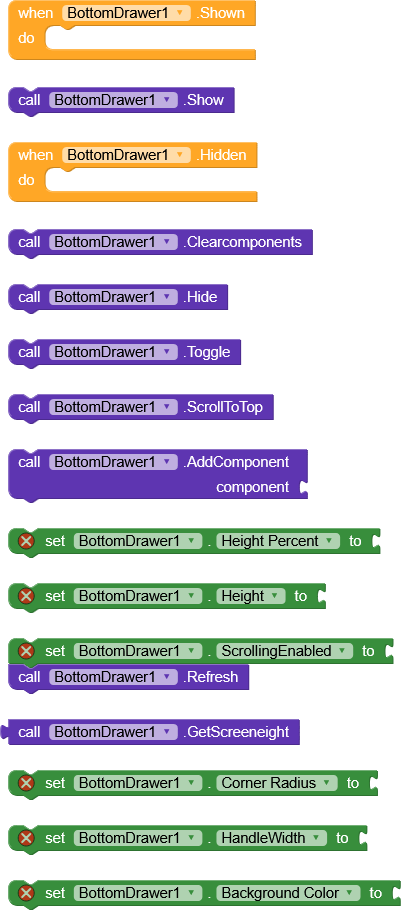
1. Shown
Event raised when drawer is shown
2. Hidden
Event raised when drawer is hidden
Methods:
BottomDrawer has total 8 methods.
1. Show
Show the bottom drawer
2. Hide
Hide the bottom drawer
3. Toggle
Toggle drawer show/hide state
4. AddComponent
Add a component to the drawer
| Parameter | Type |
|---|---|
| component | component |
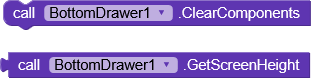
5. ClearComponents
Remove all components from the drawer
6. Refresh
Force refresh the drawer layout
7. ScrollToTop
Scroll to top of drawer content
8. GetScreenHeight
Get screen height in pixels
- Return type:
number
Setters:
BottomDrawer has total 7 setter properties.
1. Height
Set the drawer height in pixels (must be set before Show)
- Input type:
number
2. HeightPercent
Set drawer height as percentage of screen (10-90)
- Input type:
number
3. ScrollingEnabled
Enable or disable scrolling in the drawer
- Input type:
boolean
4. BackgroundColor
Set drawer background color
- Input type:
number
5. CornerRadius
Set corner radius for top corners
- Input type:
number
6. HandleColor
Set handle color
- Input type:
number
7. HandleWidth
Set handle width in pixels
- Input type:
number
Getters:
BottomDrawer has total 8 getter properties.
1. Height
Set the drawer height in pixels (must be set before Show)
- Return type:
number
2. HeightPercent
Set drawer height as percentage of screen (10-90)
- Return type:
number
3. ScrollingEnabled
Enable or disable scrolling in the drawer
- Return type:
boolean
4. BackgroundColor
Set drawer background color
- Return type:
number
5. CornerRadius
Set corner radius for top corners
- Return type:
number
6. HandleColor
Set handle color
- Return type:
number
7. HandleWidth
Set handle width in pixels
- Return type:
number
8. IsShown
Check if drawer is currently shown
- Return type:
boolean
Blocks
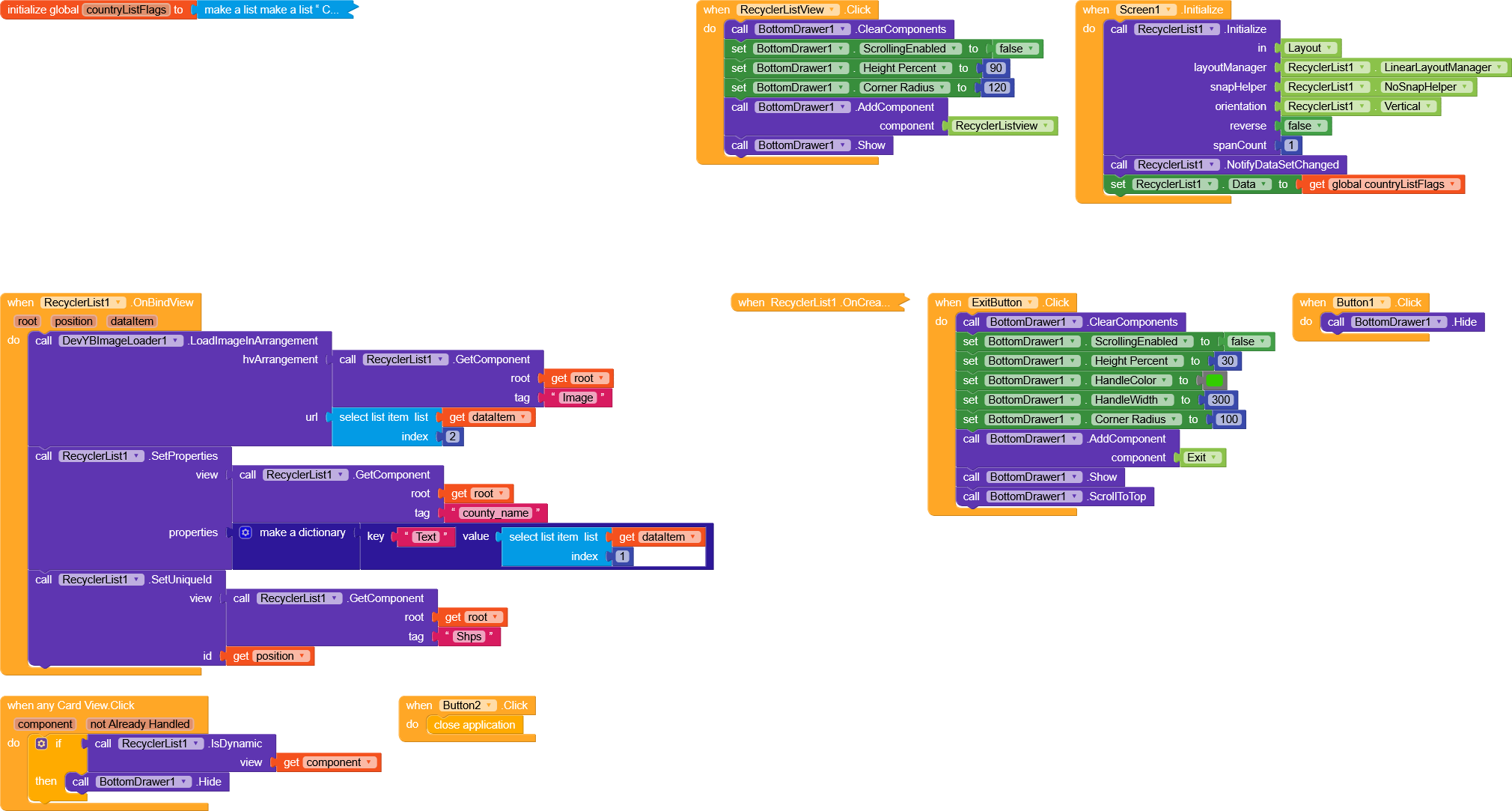
Sample Usage
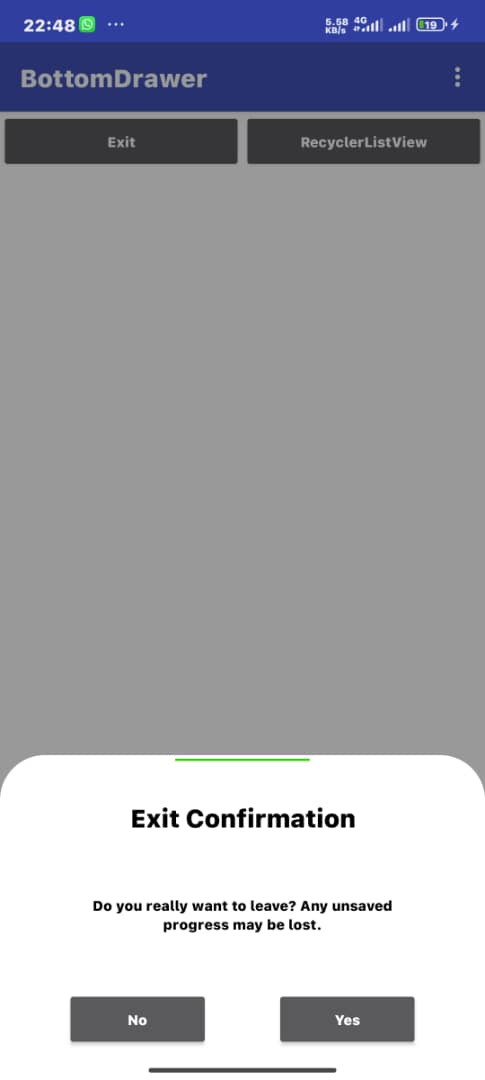
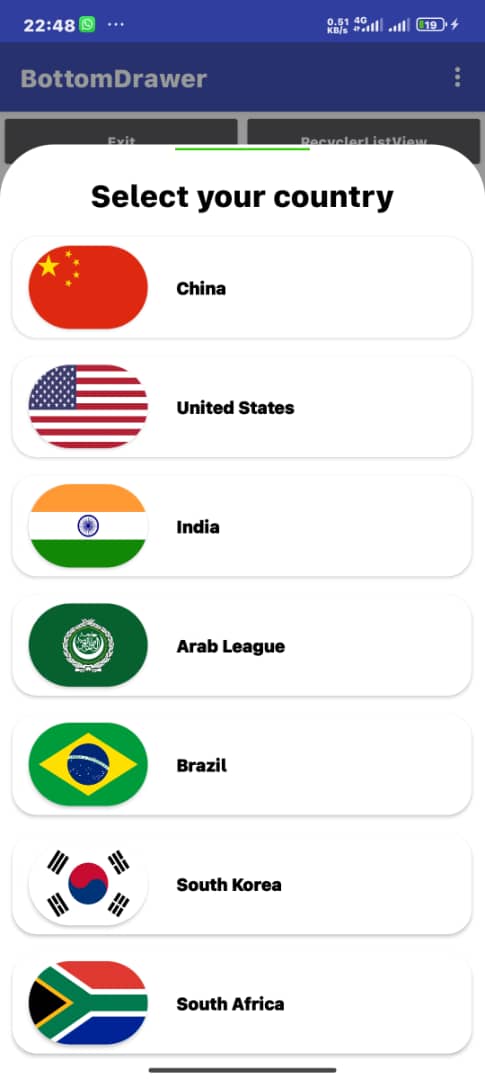
Results
AIA
Drawer.aia (359.4 KB)
Apk
DrawerHelper.apk (5.6 MB)
Aix File v1
BottomDrawer.aix (13.2 KB)
If you think I’ve created something that helps you and deserves continued support and updates,
you can donate any tiny amount here 😂😄.
Thanks to @securebugs and @RaYzZz for the help and support ❤️
Happy Koding
 This is really nice!