Image picker will not work in android 10+ devices due to different type of permission issue better use activity starter and upload the urlpath
Could you explain how? I need an example image. The components in this section are making me dizzy.
(Link removed)
Sorry that was wrong. By the way what does the above code return with the above blocks?
1 Like
I get this error “Attempt to invoke virtual method ‘java.lang.Class java.lang.Object.getClass()’ on a null object reference” when I place the image in my cardview and click save.
I know I’m missing the URL and something else. In Firebase, it correctly saves the entered data, but the image never saves to IMGBB.
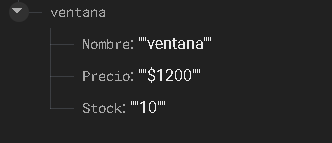
And I have to exit the app and re-enter to place another article with a different image and other data so that it saves another article in Firebase.
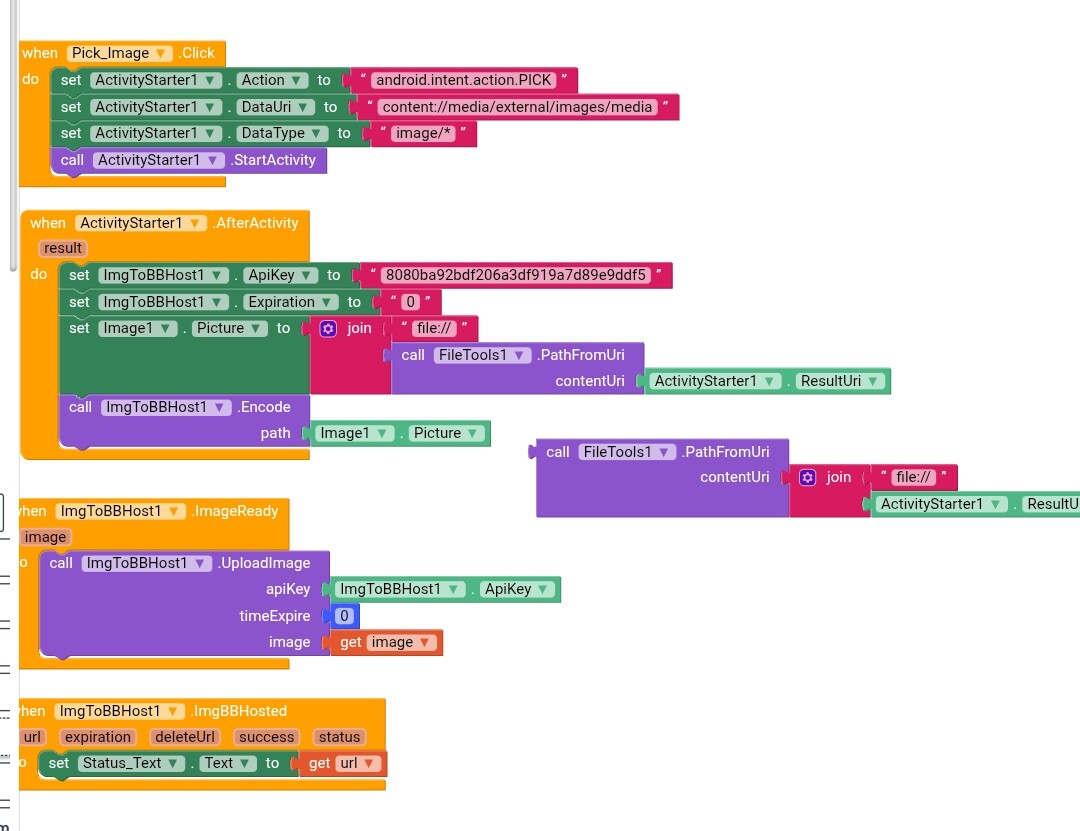
You trying to encode a path,not a real image.
In timeExpire, use a text block; you can leave it empty.
- Don’t use a number block.
- Remove the Expiration block.
Ok i will check it
IBBHost Extension Not Work please check my project file
ImageBBHost (1).aia (72.6 KB)
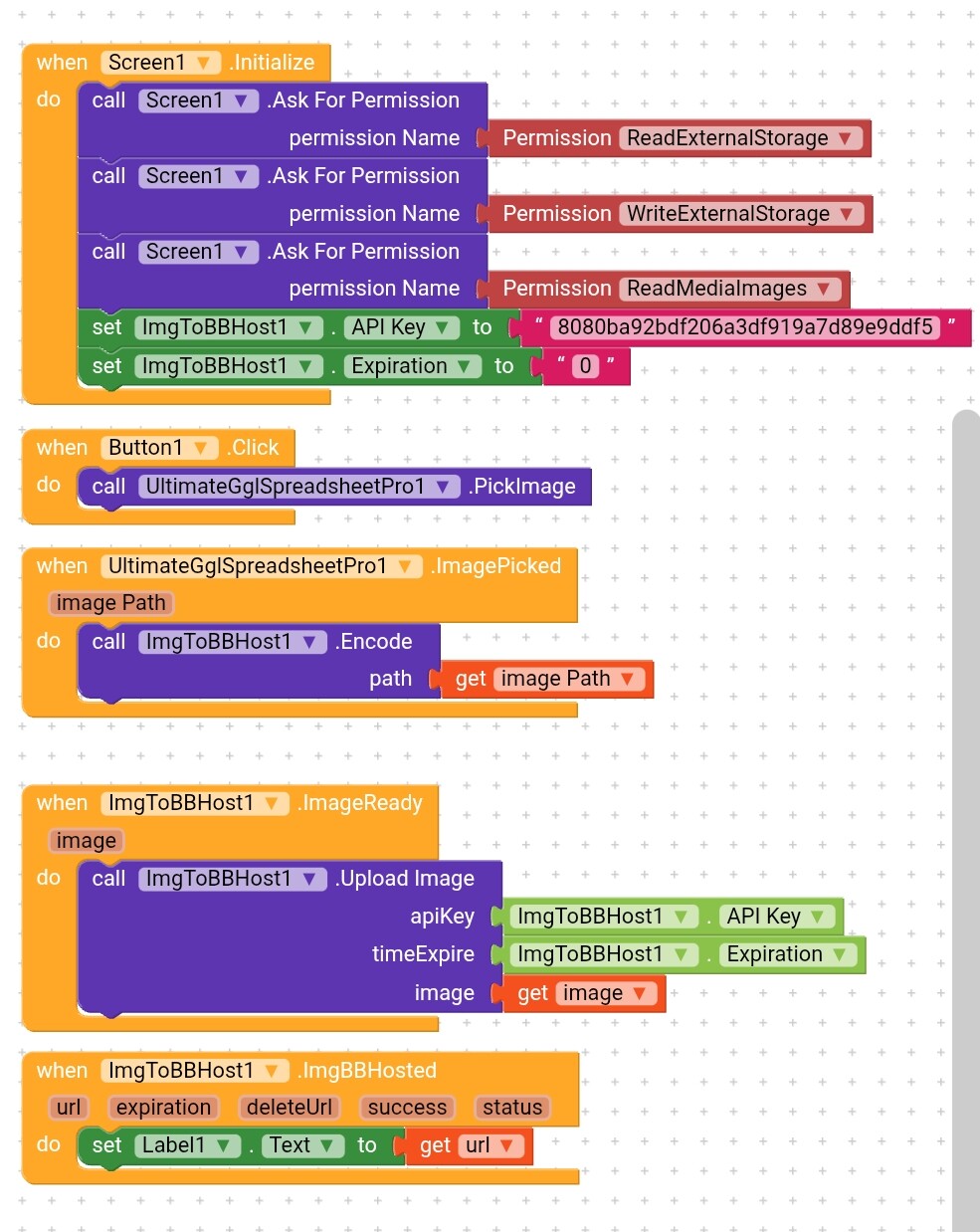
@Kabir_Khan1 can you tell me how you get the API key? Am trying this morning but I don’t see anything related to APIs, I want to give it a try and give feedback if the problem is the extension or it’s servers

It works fine for me, check this out
Give me some minutes I will give you the set up
Ok Bro i am waiting
@Kabir_Khan1 @Ibrahim_Jamar
which android version u both are use.
@Prem_Gupta am using android 14
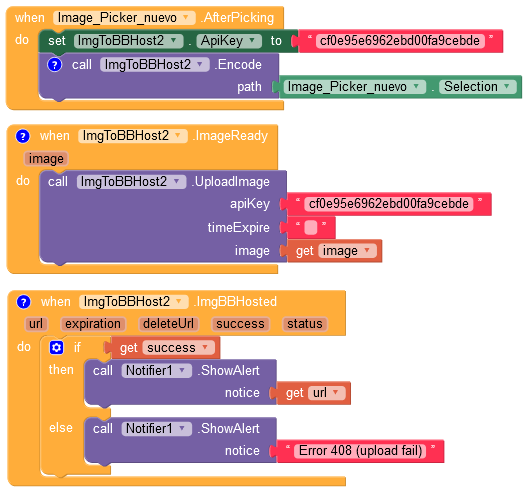
Android 13
This topic was automatically closed 30 days after the last reply. New replies are no longer allowed.