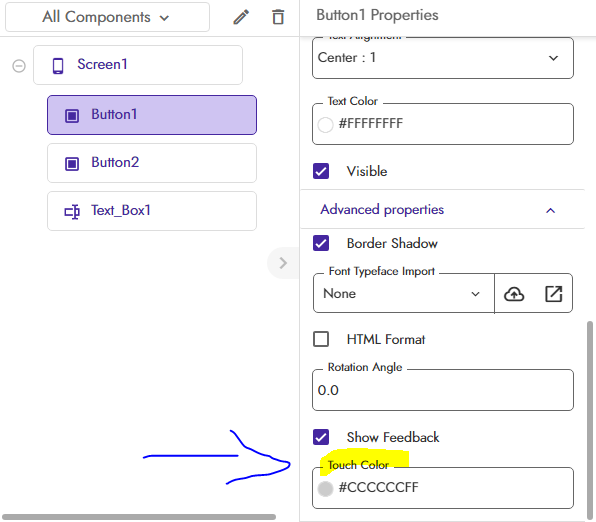
how to give this circular touch effect in kodular apps

how to give this circular touch effect in kodular apps
You can use a material icon/font awesome icon for the search image.
In the button’s on click event, sent button.backgroundcolor to your choice, (here gray)
Not circular, only rectangle ripple..
Android 5.0 Lollipop introduced the Material Design theme and ditched the old Holo Theme introduced with Android 4.0 Ice Cream Sandwich. The workaround is to add a horizontal arrangement and use a plain old button that is squared by default.
Image inside cardview .
Change Proprietie corner radius to 80…
And elevation to 0
in advanced settings you can give color you need
This topic was automatically closed 30 days after the last reply. New replies are no longer allowed.