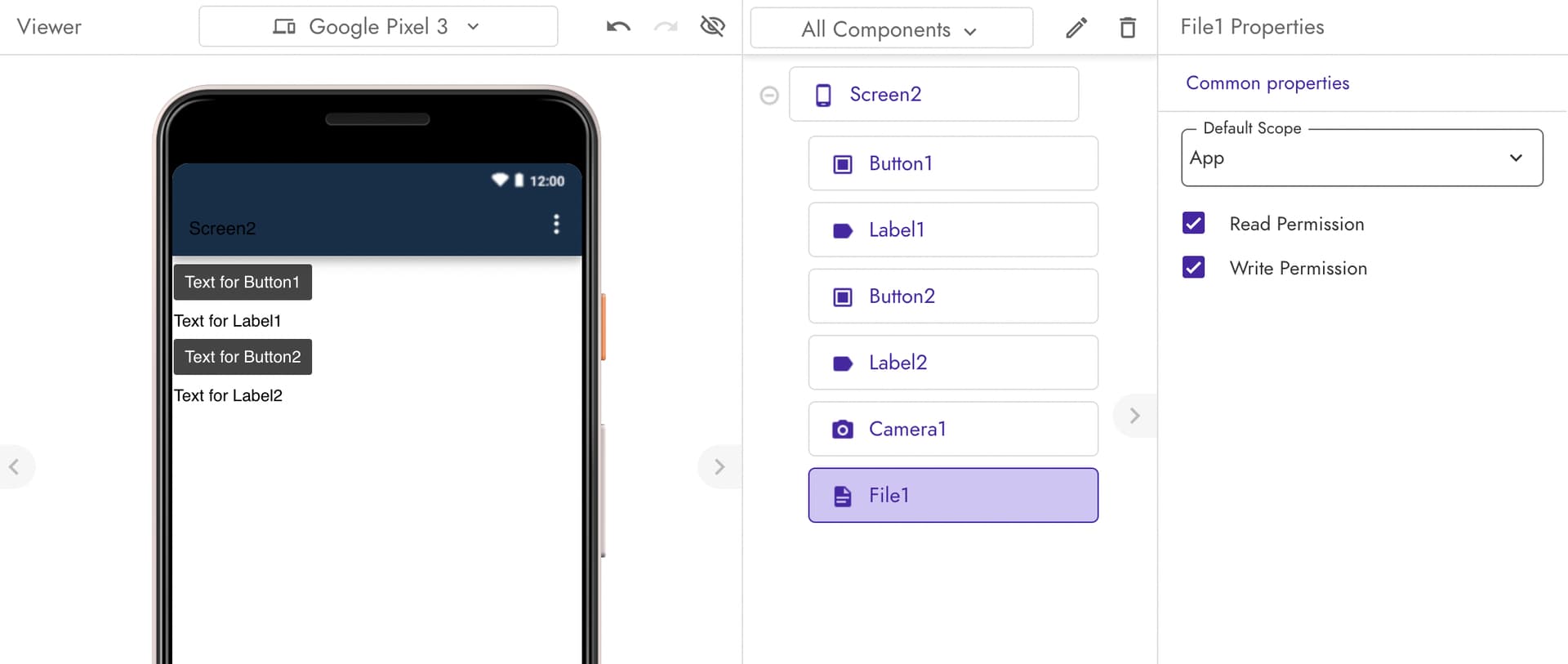
I want to take picture and save it to in “Pictures” folder so that it can show in gallery. I tried some block but did not figure out.
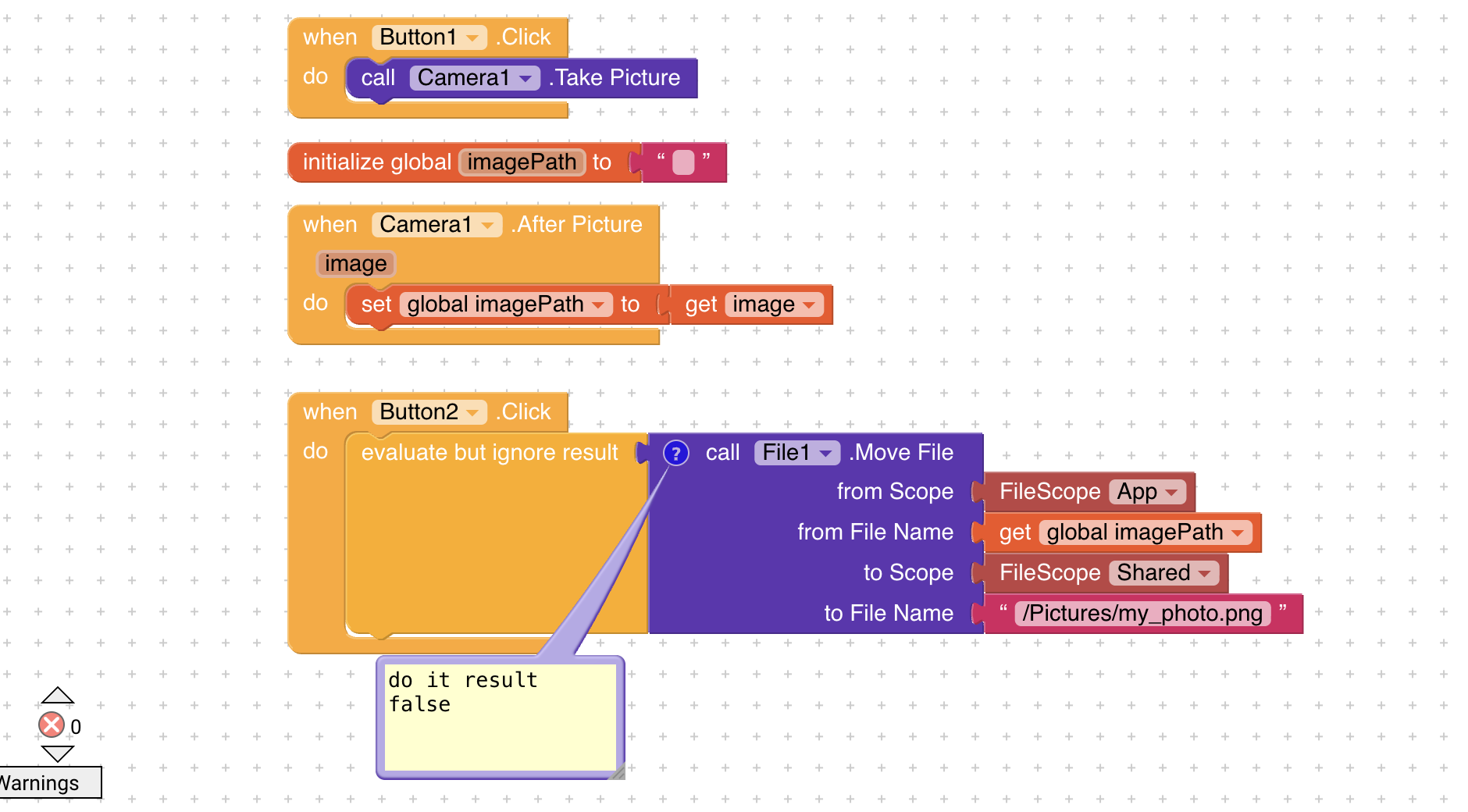
Block Part:
Design part:
I want to take picture and save it to in “Pictures” folder so that it can show in gallery. I tried some block but did not figure out.
Block Part:
Design part:
Hi dear,
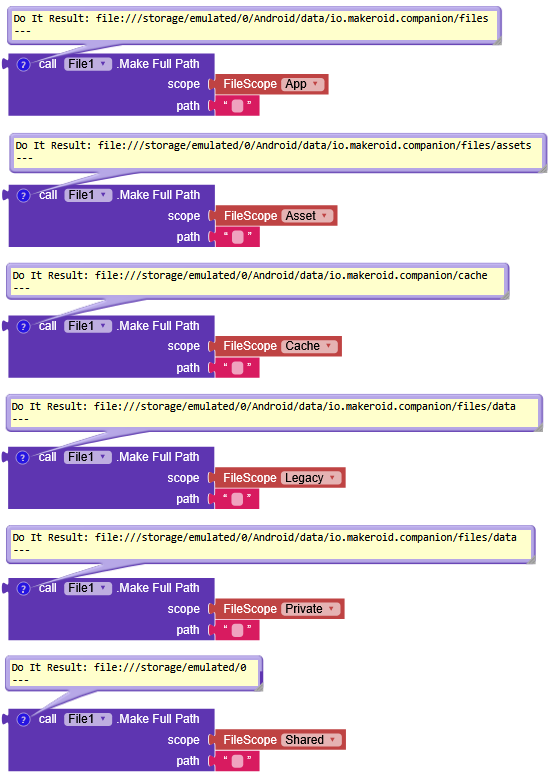
Take a look at these blocks so you can get a clear idea of how each scope behaves.
I would do it like this

(When you take a photo, it gets created inside a Pictures folder in your app’s ASD)
Start with replaceAllText, which receives the photo path in the form file://path_to_ASD/Pictures/picture.png and removes a MakeFullPath using App scope, resulting in /Pictures/picture.png.
Then set toScope to Shared, pointing to storage/emulated/0.
toFileName you set /Pictures/imageName.png, and that’s it 
Copying/moving to shared storage only will not help, additionally you have to refresh the gallery. My tools extension offers a method for this
Taifun