Hi Karanvir,
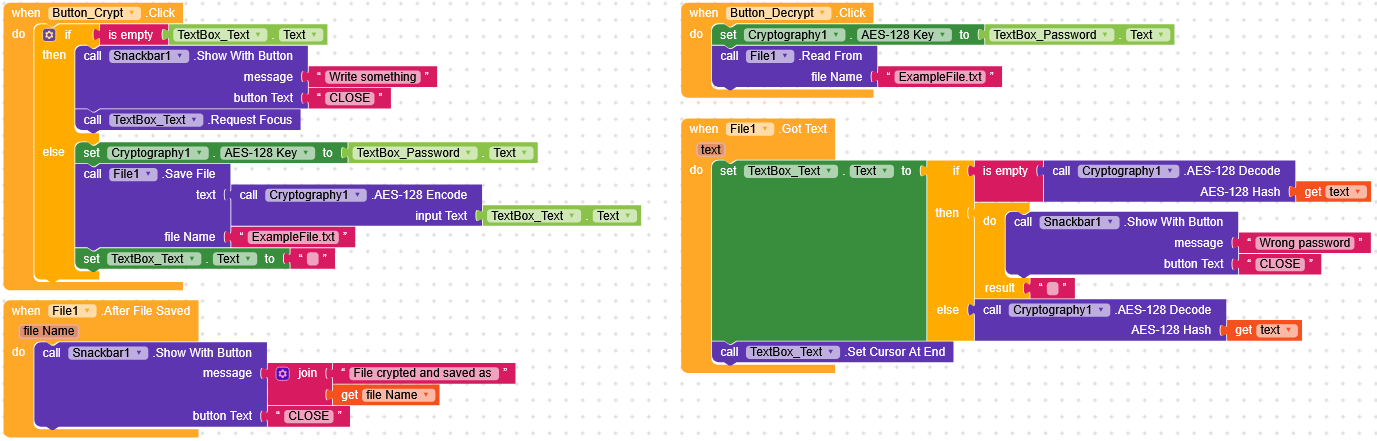
If you are trying to put a password on a text file you can use the native Cryptography component to encrypt the text inside it, attached I leave you an example file.
HelpProject_TextFilePassword.aia (3.4 KB)
Hi Karanvir,
If you are trying to put a password on a text file you can use the native Cryptography component to encrypt the text inside it, attached I leave you an example file.
HelpProject_TextFilePassword.aia (3.4 KB)
Thanks but actually not working. I’ve tried for without encryption also previously but I think that’s impossible now cuz it was not working for me.
@RaYzZz
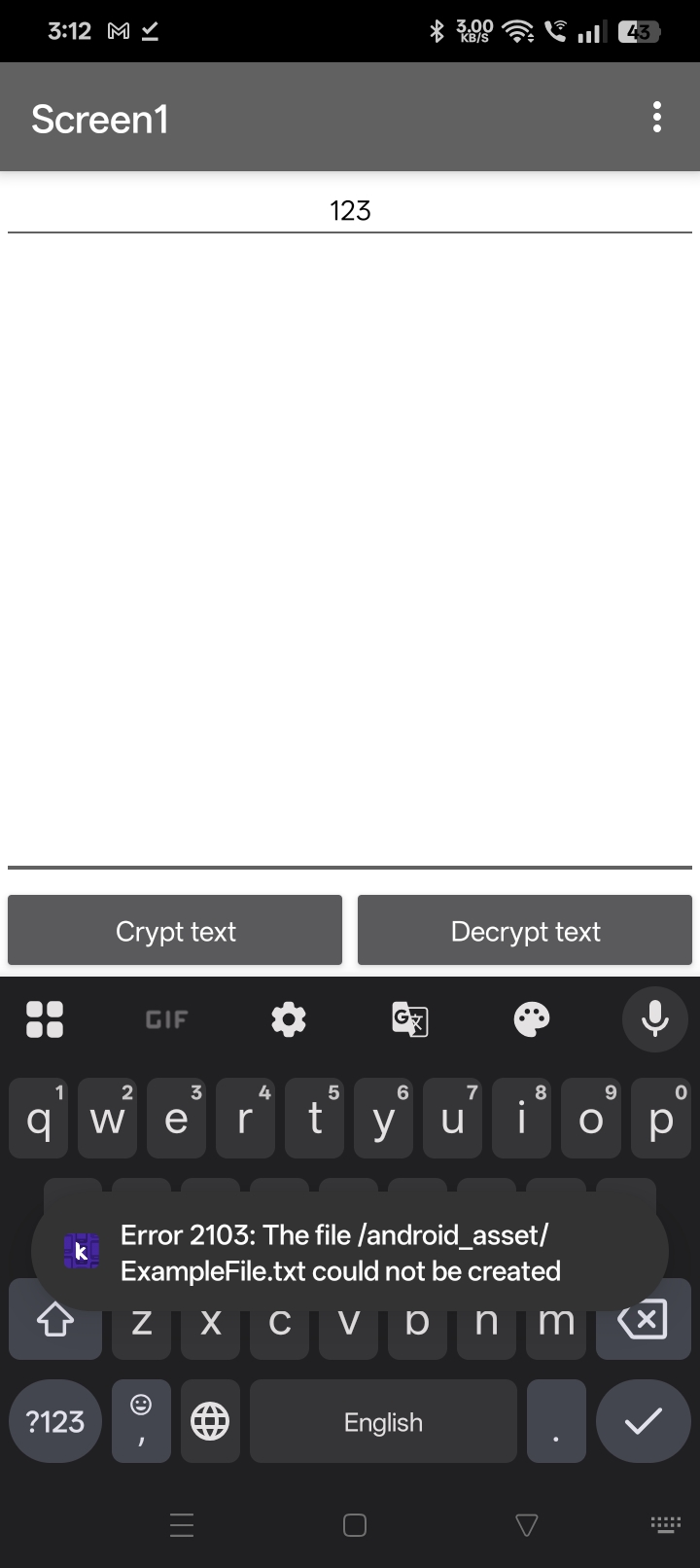
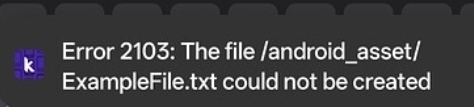
what error do you get?
What Android version do you have?
If not we need to specify the full path.
I am using Android 15.
I’ve done that in past and that does not work
@RaYzZz
did you modify anything in the file I sent you or did you simply try to write and encrypt it?
I haven’t modified, I just exported it and then opened app.
Then I filled password and then the text in it and then clicked encrypt.
@RaYzZz
The assets are read only
What about providing a screenshot of your relevant blocks to get help from others too?
Taifun
It’s private, mean it will not be visible in device storage but I want it to visible in the storage with encryption
@RaYzZz
Correct
App: Files will be read from and written to app-specific storage on Android 2.2 and higher. On earlier versions of Android, files will be written to legacy storage.
Asset: Files will be read from the app assets. It is an error to attempt to write to app assets as they are contained in read-only storage.
Cache: Files will be read from and written to the app’s cache directory. Cache is useful for temporary files that can be recreated as it allows the user to clear temporary files to get back storage space.
Legacy: Files will be read from and written to the file system using the App Inventor rules prior to release nb187. That is, file names starting with a single / will be read from and written to the root of the external storage directory, e.g., /sdcard/. Legacy functionality will not work on Android 11 or later.
Private: Files will be read from and written to the app’s private directory. Use this scope to store information that shouldn’t be visible to other applications, such as file management apps.
Shared: Files will be read from and written to the device’s shared media directories, such as Pictures.
What about use an extension?
Something similar.
Is this thing possible without extension Or even with some code or script after uploading in assets?
@vknow360 @RaYzZz
Save data in a Google sheet or Firebase?
(I’m starting to hate Android storage  )
)
What about trying something?
It would really help if you provided a screenshot your relevant blocks, so we can see what you are trying to do, and where the problem may be.
To get an image of your blocks, right click in the Blocks Editor and select “Download Blocks as Image”. You might want to use an image editor to crop etc. if required. Then post it here in the community.
Taifun
Since it’s a topic that interests me a lot and I can get an expert’s opinion, I’ll give you a screenshot of what I tried to do for Karanvir.
For me (Android 14) is working but not for Karanvir (Android 15).
You said, you are using
which is correct, you might want to set it in blocks, however @Karanvir_Singh1 gets rhe error
Does this happen in the companion app, after using the apk file or both?
Try a test to only store and read a text without encryption. Do you get the sane error?
Taifun
Let’s wait for @Karanvir_Singh1 to try this latest project
and see what he says,
for me both working without problem.
in the meantime, thank you 
This is my 2nd topic for the same issue.
Actually previously I was able to create the shared scope file but was not able to read from it
Yes I tried it was working with the scope “app” but I am working for scope “shared”.
I want the file to be visible in the storage.
And for that I need permission which is denied in it without even asking me.
@Taifun
@RaYzZz
Anyway I found the old post and @Taifun was waiting for your reply to help you.
If you had continued the old post I would have immediately understood that you wanted to aim for Shared and not App.
Now we are at the same point as last time where dear Taifun asks you to show your blocks