I’m building an app in Kodular that works like a photo diary. Users select an image from the gallery, it gets converted to Base64, stored in TinyDB, and displayed as HTML in a WebViewer.
The problem:
Modern camera photos (12MP+) cause an OutOfMemoryError when I try to convert them to Base64. Screenshots work fine, but real camera images crash the app.
What I’ve already tried:
TaifunImage.Resize → fails silently, ImageResized event never fires
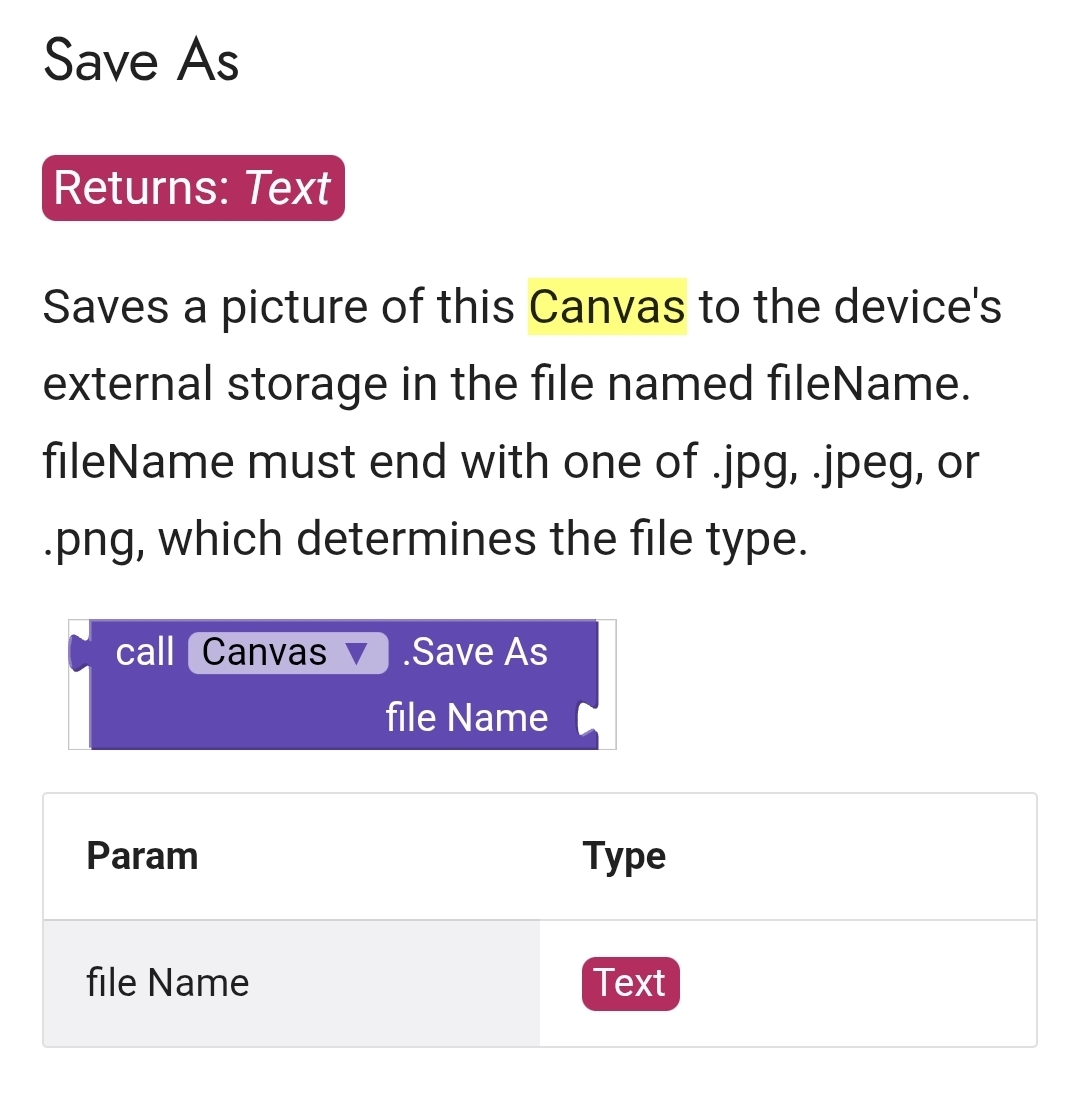
Canvas.SaveAs → no SavedAs event exists in Kodular
Image component as downsampler + ImageToBase64 → works but blocks UI thread and causes “App not responding” on large images
Current setup that partially works:
AfterPicking → set Image1.Picture to selection → call KIO4.ImageToBase64
This works for screenshots but causes ANR/OOM on large camera photos
The core issue:
All extensions that work on file level fail with content:// URIs on Android 13/14 (Scoped Storage). The Image component can handle content:// URIs natively but doesn’t resize on file level before loading into RAM.
What I need:
An extension that can resize/compress an image on file level BEFORE loading it into RAM, and that works with content:// URIs on Android 13+.
What are you using in your apps to handle large images from the gallery? Any working solution for 2026?
Budget is unfortunately a real constraint for me, so I specifically need a free solution. I’m only doing this as a hobby project and can’t justify paying for a commercial extension just to resize images before Base64 encoding. Otherwise I’d rather leave the feature out entirely. Humanity invented subscription software for literally every inconvenience imaginable. Spectacular species.
To clarify the requirements again:
Android 13/14
works reliably with content:// URIs from ImagePicker
resizes images on file level to max 800px before Base64 encoding
stable with large 12MP camera photos
no OutOfMemoryError
If you know a genuinely working free solution, library, or workaround, I’d really appreciate it.
Subject: Update - Testing the ASD approach & WebView restrictions
Hi,
I followed your advice and moved away from Base64. I am now copying the images directly to the Application Specific Directory (ASD) using the FileTools extension. The copy process itself works perfectly and is much more stable than the Base64 conversion—no more OOM crashes during the copy.
However, I’ve hit a new roadblock with the WebViewer:
Even though the file exists in the ASD (confirmed path: /storage/emulated/0/Android/data/[MY_PACKAGE_NAME]/files/1778681292229.jpg), the standard Kodular WebViewer refuses to display it using the file:/// protocol.
Diagnostic Test:
I took the exact path from my app’s debug label and tested it in the mobile Chrome browser. Chrome returns:
ERR_FILE_NOT_FOUND (The file is physically there, but access is denied due to Android’s Scoped Storage/security restrictions).
It seems the built-in WebViewer component doesn’t have the internal flags enabled to access the ASD on Android 11+.
Does anyone know how to enable AllowFileAccess for the standard WebViewer in Kodular?
Thank you for pointing this out!
It seems the standard WebViewer’s lack of a File Access property is indeed the root cause of the ERR_FILE_NOT_FOUND error I encountered. Since the default value is false and cannot be changed in the native component, the bridge to the ASD (App-Specific Directory) remains closed.
I am going to integrate the CustomWebView Extension now and explicitly set:
File Access → True
Allow Universal Access From File URLs → True (if available)
This should finally allow the component to render the local file:/// URIs from the ASD.
I will report back once I’ve tested it with the 12MP camera images to see if the stability holds up and the images finally show up in my photo diary.
Thanks for the help!
Quick question before I invest time: do you have any experience with it loading local files from the ASD (Application Specific Directory) on Android 13 or 14?
Does WebViewExtra’s SetFileAccess actually work for ASD paths on modern Android versions, or does the OS still block it?
I actually tried the Canvas approach earlier but ran into a problem: Kodular’s Canvas doesn’t have a SavedAs event or any callback after saving. So I can’t reliably know when the file is ready, even with a Clock timer.
Did you get this working in a recent Kodular version? If so, which blocks did you use exactly after the Canvas.Save call?
The workflow would be like this
Save the canvas and start the clock
Inside the Clock Timer event:
check if the file exists
If yes stop the clock and continue with your logic
If no do nothing (i e.check again next time the timer event fires)
Actually, thinking about it more: this doesn’t solve my core problem.
Even if Canvas is set to 800x800, Android still loads the full 12MP image into RAM when I set Canvas.BackgroundImage. The downsampling happens after loading, so I still get OutOfMemoryError before the Canvas even renders anything.
What I really need is something that resizes the image ON FILE LEVEL before it ever touches RAM. Like BitmapFactory.Options with inSampleSize in native Android.
Is there any Kodular extension that does this? Something that takes a content:// URI from ImagePicker and saves a resized copy to ASD without loading the full image into RAM first?
Thanks!
Thanks, that looks interesting!
A few quick questions before I try it:
Does the Resize function work with content:// URIs from the ImagePicker on Android 13/14, or does it need a file path?
Does it resize on file level before loading into RAM, or does it load the full image first?
Which event fires after resizing is complete?
No - you need a file path, and no - it uses BitmapFactory to carry out the resize activity, which means it needs to decode the image file to bytes - my understanding is that there is no other way.
Thanks for the honest answer!
Follow-up question: I actually have a working file path in the ASD already. KIO4.CopyToASD successfully copies the image there, but the GotFile event never fires so I can’t get the path back.
If I hardcode the ASD path (I know the filename because I set it to “temp.jpg”), would ImageConvertor be able to resize that file? And does the resize happen memory-efficiently, or will a 12MP photo still cause OutOfMemoryError during the BitmapFactory decode step?
Thanks!
Yes ImageConvertor can work with images stored in your ASD, you must provide a full or absolute path.
I don’t see why not. In ten years or so I have never had an issue resizing a camera image using a variety of extensions, some of which you mention above. Begs the question why your device is having an issue?