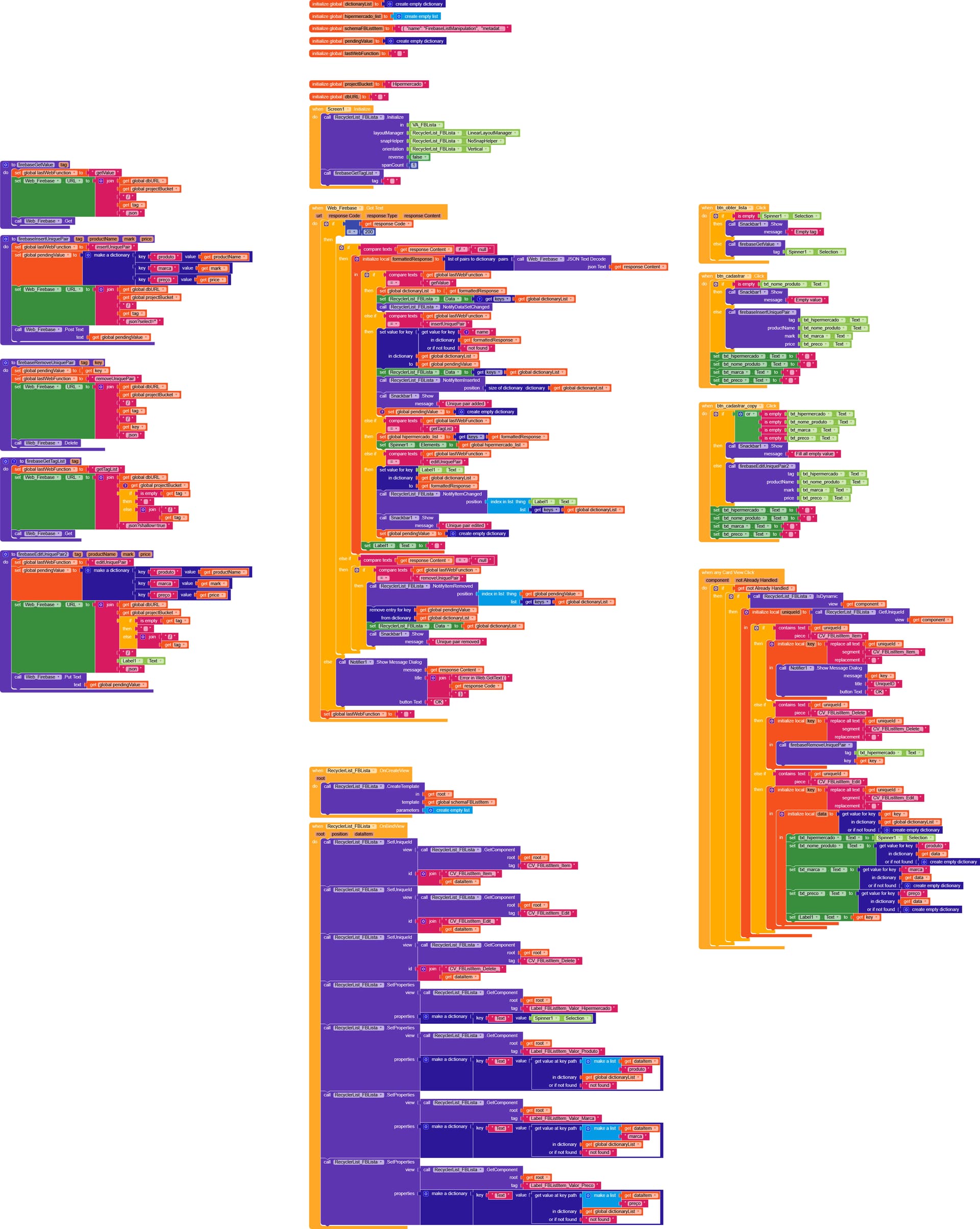
Last October, and I would like to express my immense gratitude to our colleague Gianluca Franco for his support on this matter, as he dedicated his time to helping us understand the list management method in Firebase.
I ran a test using my data:
Hypermarket: name of the establishment;
Product: name of the product, resulting in:
Tag (test/parlist): Hypermarket/Epa
Value: Rice.
json
{
“PROJECTBUCKET”: {
“Hipermercado”: {
“BH”: {
“-OphceajH2cN7sPPkPqT”: “Arroz”
},
“Epa”: {
“-Ophckux97wyUcH2uRfi”: “Arroz”
},
"Villefort ": {
“-Ophc0b-XqfnJ7eC3OM9”: “Arroz”,
“-OphcAXfyPd_q7azFsfA”: "Feijão "
}
}
}
}
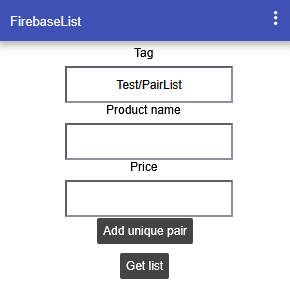
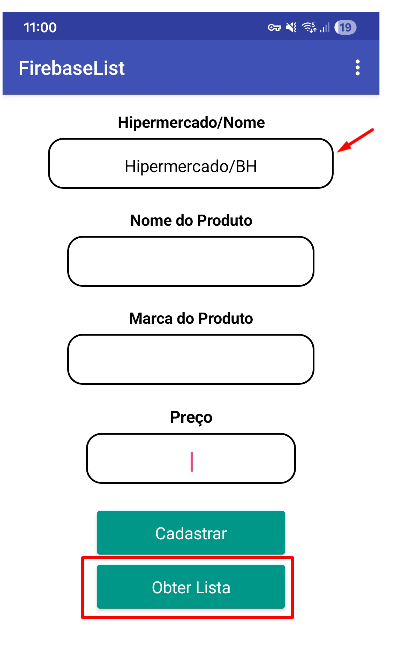
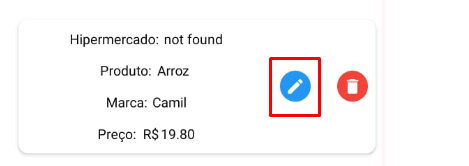
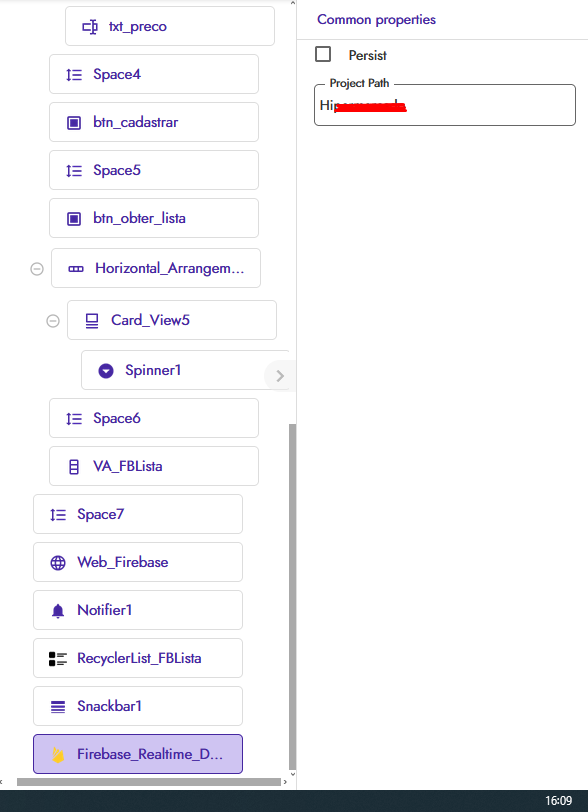
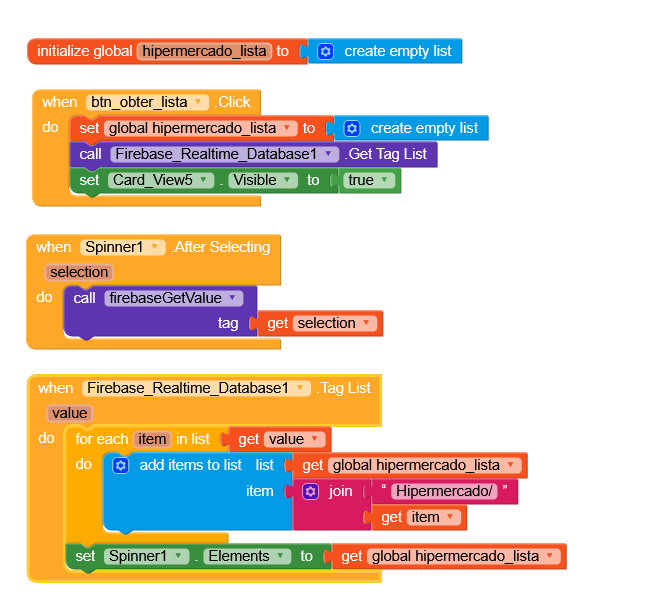
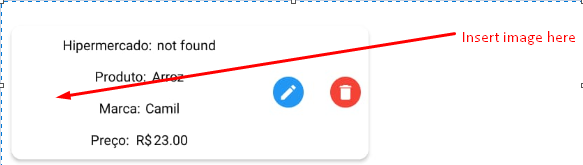
In the app it looked like this:
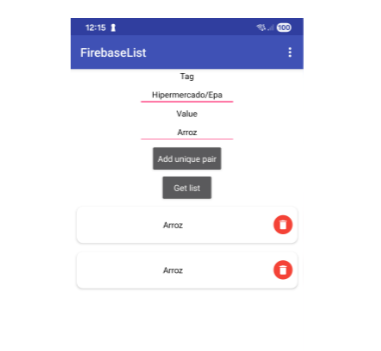
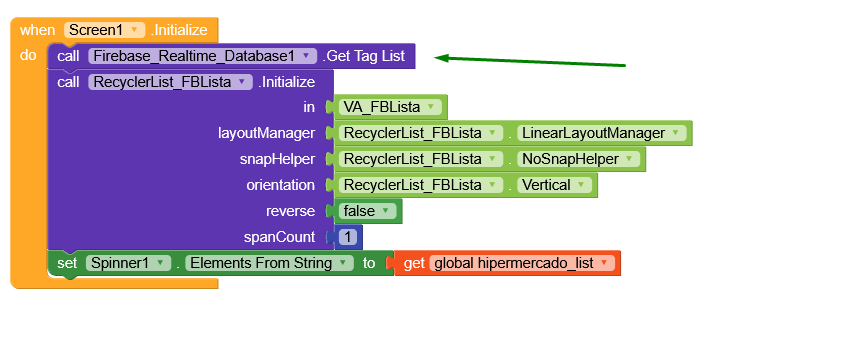
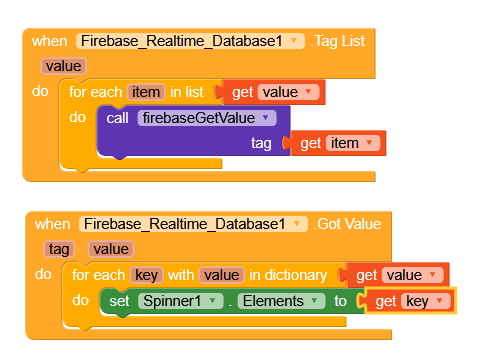
When I add the value “Rice” to the “Hypermarket/Epa” tag, it deletes it but keeps the “Villefort and BH Hypermarkets”. To delete the others, i.e., hypermarket/product, it is necessary to enter the name of the hypermarket, obtain the list, and then delete.
I did it another way now. In the tag I put:
Hypermarket/Hypermarket Name/Product/Product Name.
Json:
{
“PROJECTBUCKET”: {
“Hipermercado”: {
“BH”: {
“Produto”: {
“-Ophgk4VLTu_JhjgqG-K”: "Açúcar ",
“-Ophgpk2Lb–Q-YJ5rZX”: “Óleo”
}
},
“Villefort”: {
“Produto”: {
“-OphgQHPUy7o6R8TbTMc”: “Arroz”,
“-OphgaGsxqs3kdgE5pga”: “Feijão”,
“-Ophge3EvFxfVQ-xAGRy”: "Açúcar "
}
}
}
}
}
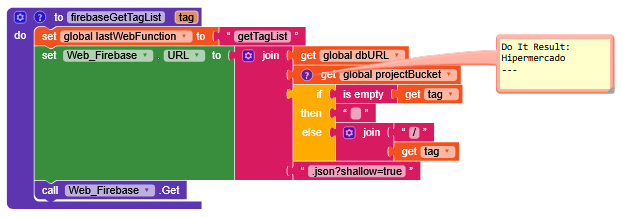
To delete, I’ll first have to type the tag, get the list, and then delete the object from the list.
Now come the questions:
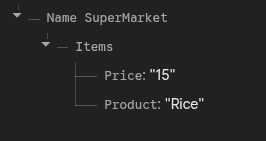
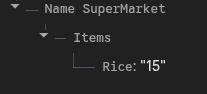
1 - Product prices. Example:
Supermarket: Villerfort
Product:
Rice
Price:
R$ 20.00.
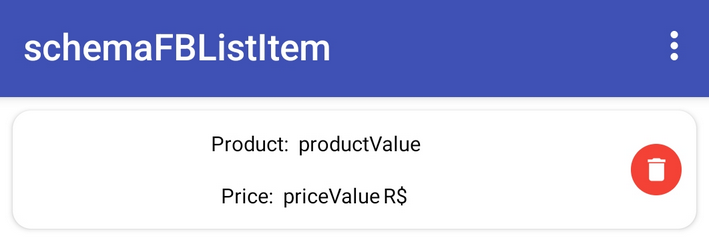
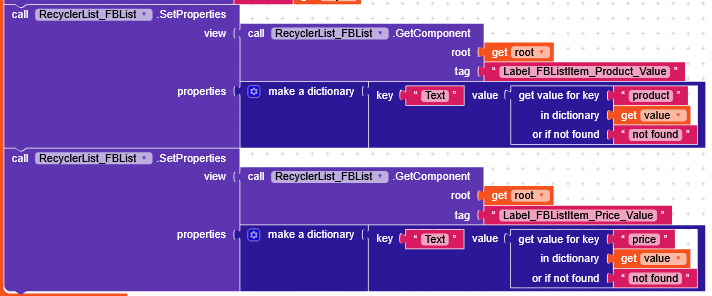
I’d like the product name and its price to appear in the list. Is that possible?
2 - Since the products don’t have fixed prices, how do I edit these prices?
3 - On the quote screen, how do I get these values: Supermarket, Product, and Price?