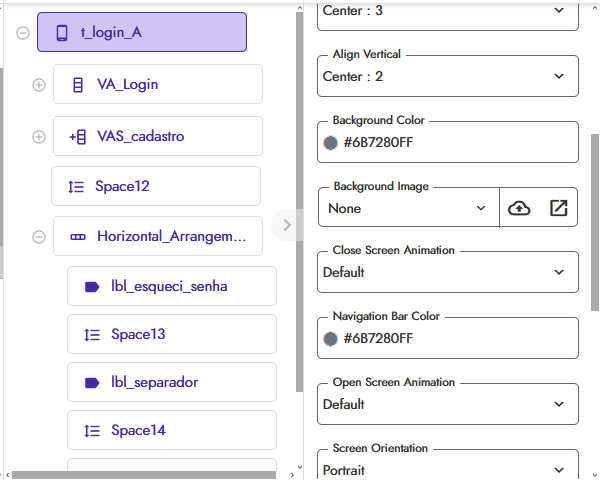
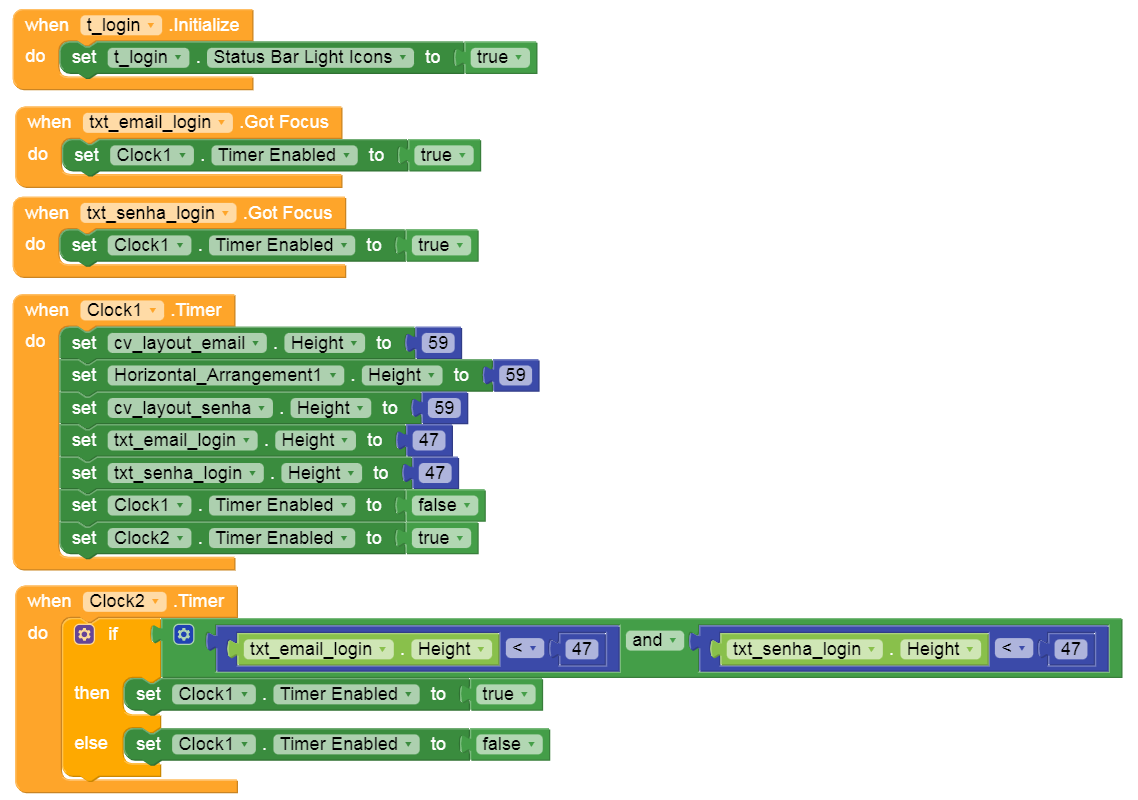
Can someone help me?
I have a login screen where, upon typing in a text field, the screen shrinks in size—and the text field does too. However, when I test it using the Companion, this behavior doesn’t occur.
This is the third screen; before it, I have two others: a splash screen and a loading screen.
Login screen:
Vertical arrangement
Height: 75%
Width: 95%
Just a quick follow-up:
For the height and width settings, I used percentages. I switched to pixels, but the result remains the same.
I’m using a CardView with a TextBox, and the height and width are set to percentages.