I’m building a simple app for android 15 and up, that takes a screenshot when I press the Back button. It’s just meant to test the Screenshot extension, but it’s not working and throws the following error: [Error 908: WRITE_EXTERNAL_STORAGE permission is denied]
It should simply capture a screenshot. I’ve tried everything I could find on the Kodular community forum, but nothing works. I read somewhere that the AndroidManifest.xml file needs to be modified—but I’d really prefer not to edit anything outside Kodular’s visual interface.
I’ve also tested several recommended extensions that are supposed to automatically add the required permissions to the manifest, yet none of them solved the issue.
Does anyone have a straightforward solution that works without having to manually modify files outside Kodular?
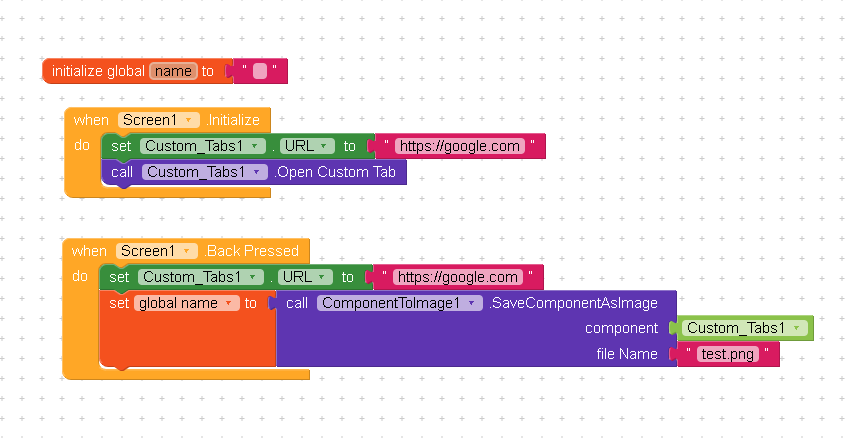
I just tried it, but when I use it, the app crashes with this error:
Argument #2 (com.google.appinventor.components.runtime.Maker…) to ‘com.vic.componenttoimage.ComponentToImage.SaveComponentAsImage(com.google.appinventor.components.runtime.AndroidViewComponent,java.lang.String)’ has wrong type (com.google.appinventor.components.runtime.MakeroidChromeCustomTabs) (expected: com.google.appinventor.components.runtime.AndroidViewComponent) Note: You will not see another error reported for 5 seconds.
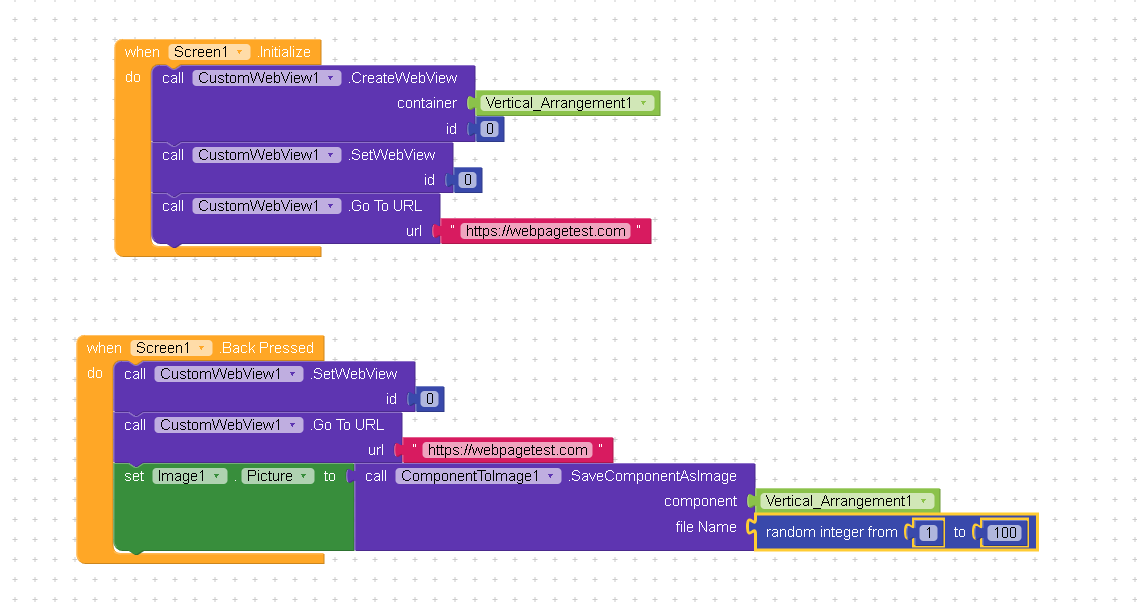
I take the screenshot (using the Back Pressed event) on the WebView (CustomWebView), and the screenshot (in Companion) is saved to 0/Android/data/io.makeroid.companion/files
and displays correctly.
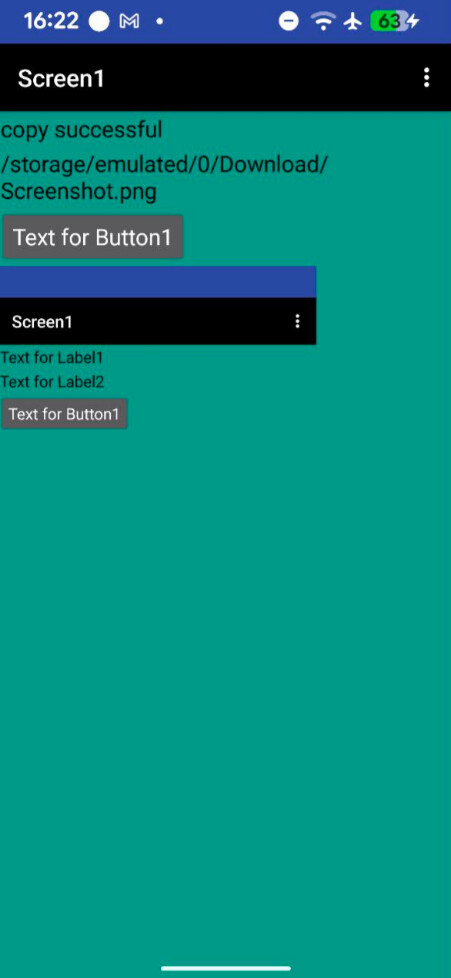
One last thing, then I’ll let you go: what if I wanted to save it to the /Download/Screenshot folder instead?
As you have noticed, the Screenshot component requires the WRITE_EXTERNAL_STORAGE permission, even though it has been deprecated in Android 15, so i moved the topic to Feedback > Bugs and added to the BugsTracker