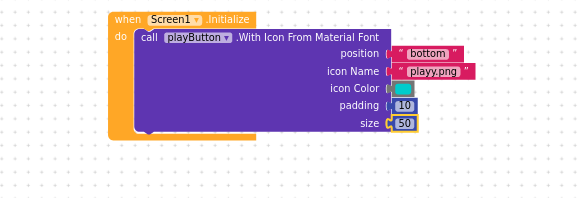
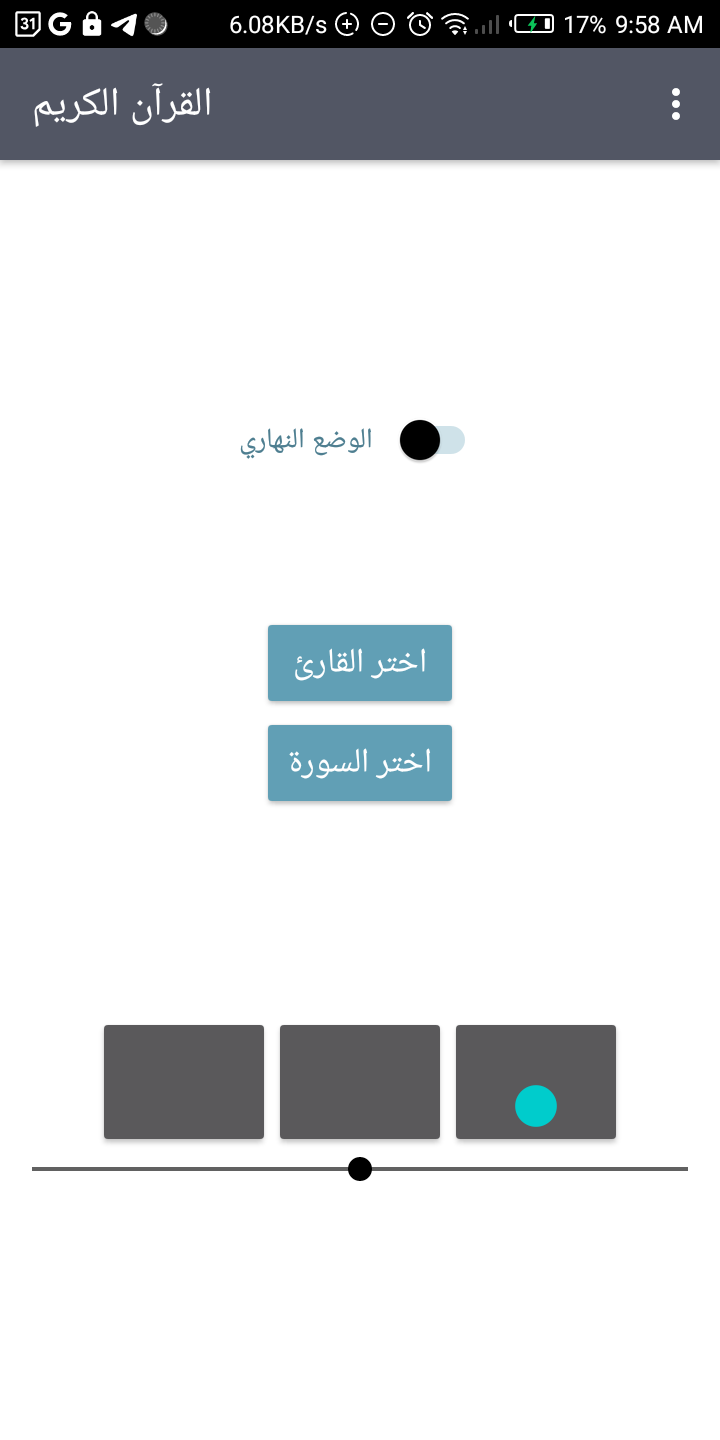
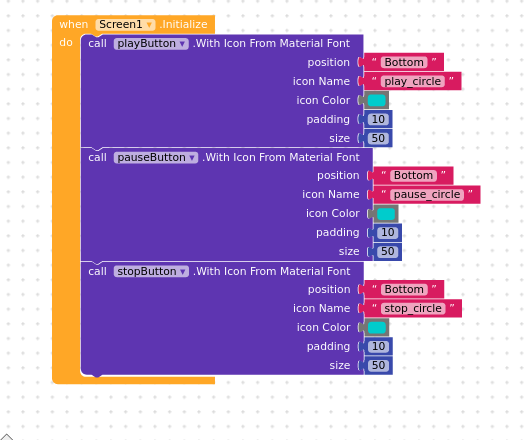
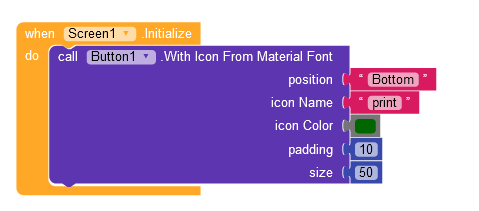
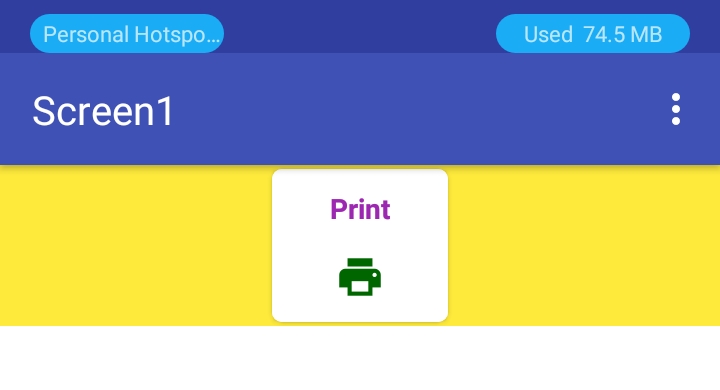
I don’t know what’s wrong with the kodular companion, i downloaded the image icon for play button, I can see it in the creator but not when i’m trying to test the app using the companion, I end up using these blocks but still don’t show up
Ah, I see where the problem is. You have multiple issues in your code.
Capitalization. You may only use Bottom/Left/Top/Right for your position parameter. You must capitalize when necessary, e.g. bottom → Bottom.
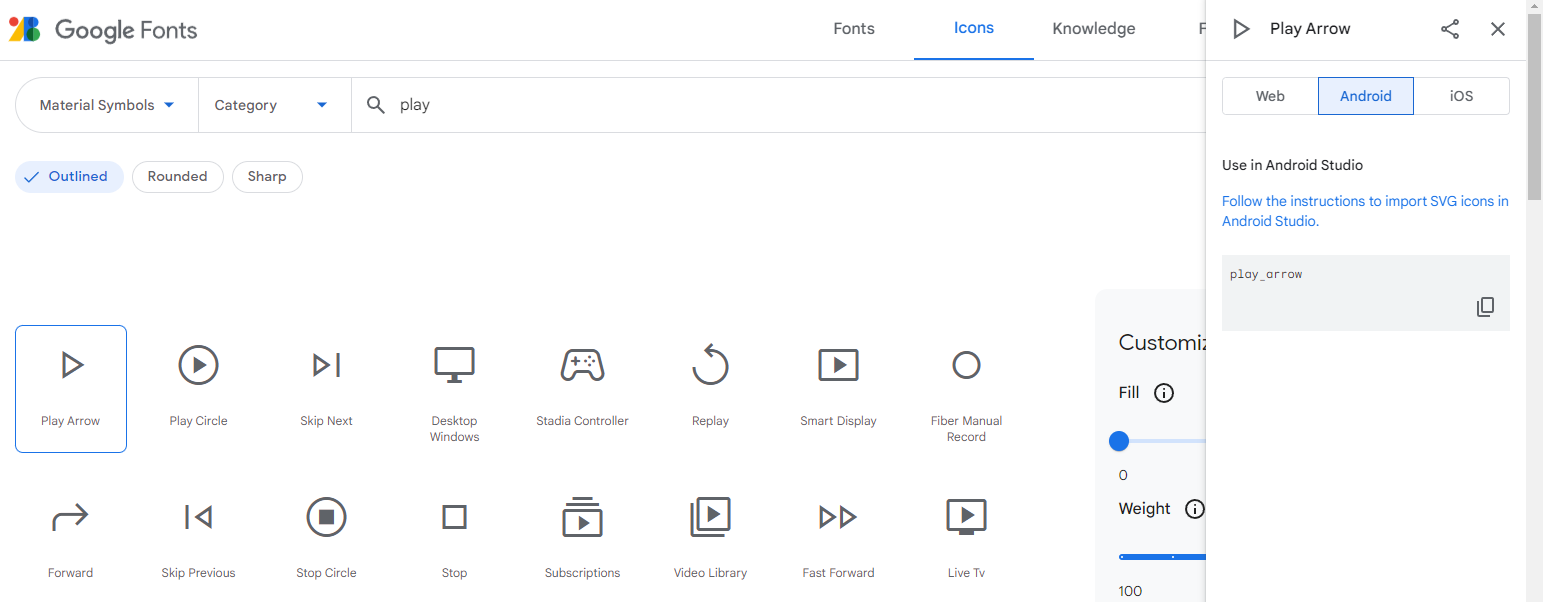
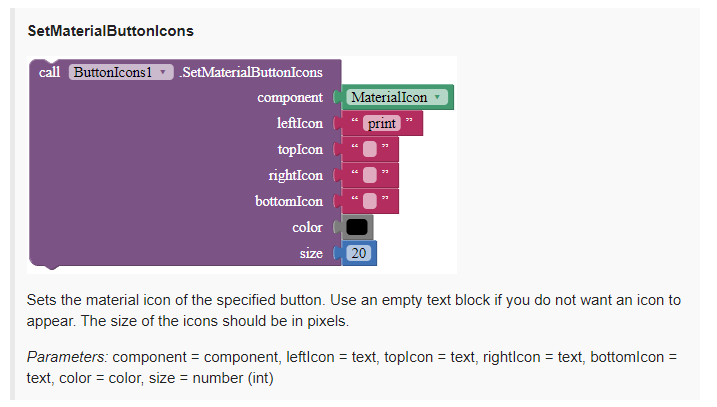
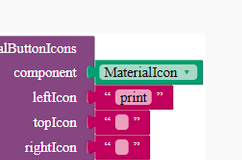
You are not using material icon names. Material icons are found here, but you are using one from the assets. You should use a material icon name for iconName, e.g. “play_arrow”.
To find out the name of a material icon, go to the link above, search for an icon, click on the iconand go to Android in the dialog popped up.
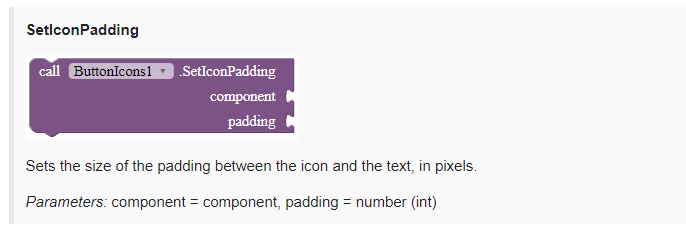
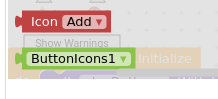
Read the documentation. The red helper block is only for SetAndroidMaterialIcons. You can check the AIA for the full usage. The block ButtonIcons1 is not a button, so only put a button component as an input in the component socket.
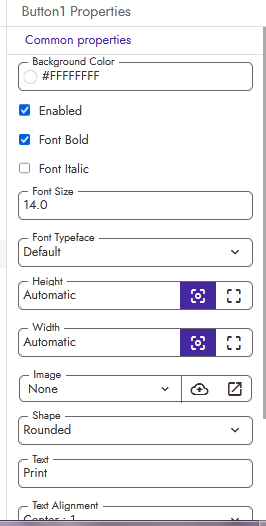
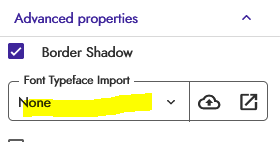
(I did as bellow, I changed the font from default to material icons with any material icons text for first time and tested for first run then added the above code in screen init and reset the button properties from designer part and refreshed the page, it is started to show as i expected in companion )