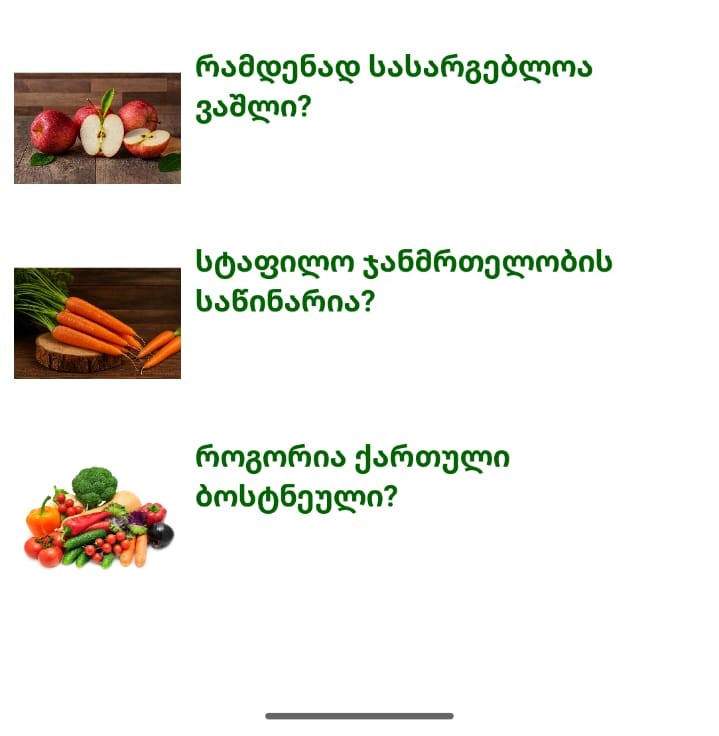
Hi dear,
In its properties there is the text alignment option.
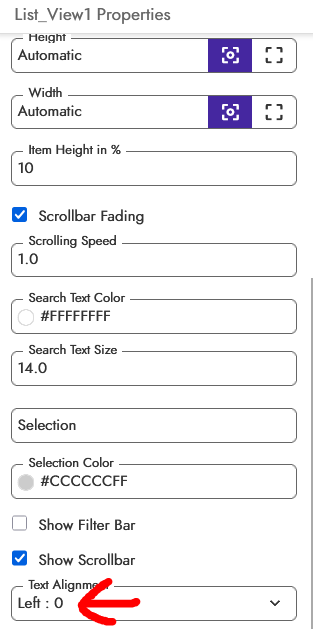
If you want maximum customization, I recommend learning how to use RecyclerList.
sory this is list view image, it hasnot this option
So, centering the text across the entire screen isn’t possible.
If the text wraps onto multiple lines, you can use HTML formatting to center the text.
<p style="text-align: center">YourTextHere</p>

If you want to center it across the entire card, I refer you to the previous reply.
1 Like
The coder won’t let me write the code because it says there are illegal symbols.
Did you enable html for title, then only the above line will work