Hello everyone,
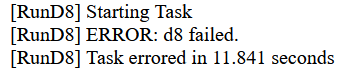
I am having a problem when trying to build / compile my APK in Kodular.
The build process fails and shows this error:
d8 failed
is it something to do with the new realtime database component?
Hello everyone,
I am having a problem when trying to build / compile my APK in Kodular.
The build process fails and shows this error:
d8 failed
is it something to do with the new realtime database component?
Which extensions are you using?
Always use the latest version
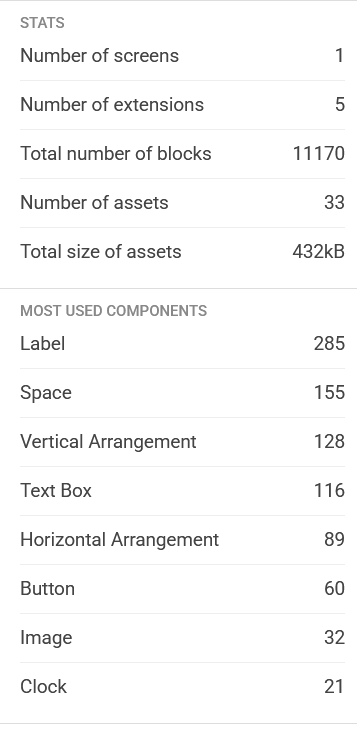
And: why are you using 21 clocks in 1 screen? Reuse your components!
Taifun
Please advice the best way to debug it
As Taifun mentioned, it would be helpful if you told us which extension you’re using.
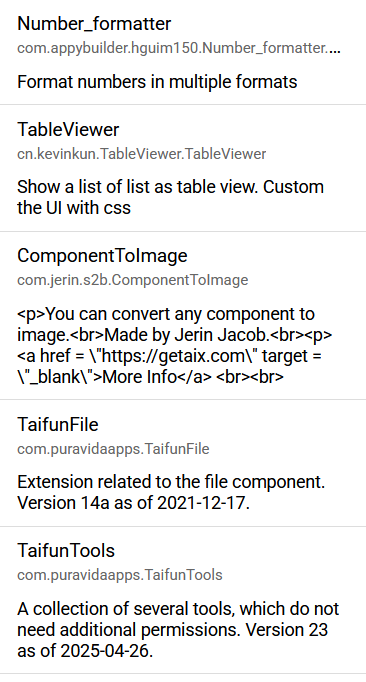
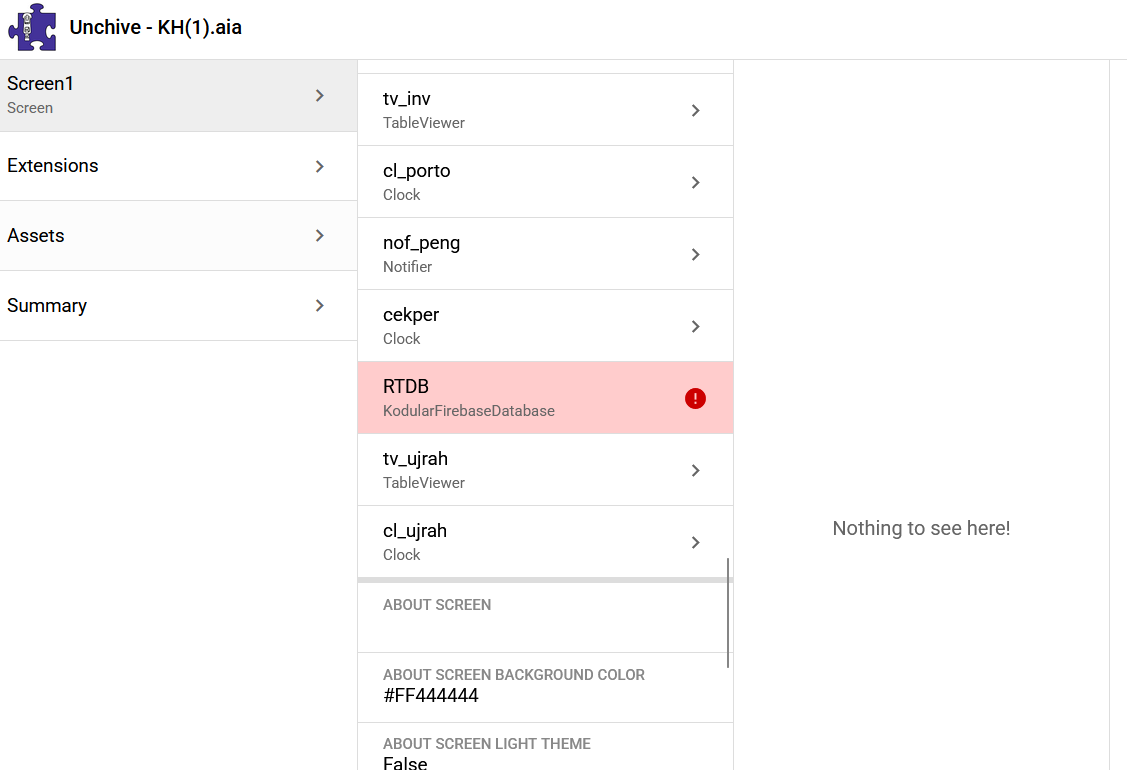
Also, please share a screenshot of the Extension section in Unchive.
These 5 are all my extensions
Last update that I did is add 1 more component of TableViewer, and some store & get value with new Realtime Database component.
I tried to remove rtdb, 1 clock, and 1 table viewer component, but still the same
Ah sorry, I think I hadn’t refreshed the page and didn’t see it.
Did you correctly follow the migration to the new component?
Are you sure you’ve removed the old component?
Yes I did, I have exported apk with new rtdb component. It’s normal. Then I do some changes on the blocks, Initialize 1 more table viewer, add 1 clock, and I can’t compile anymore
Well, Unchive is trying to tell you something, if you hover over or click on the red indicator, what does it say?
Nothing shows up, I try to copy the project, remove rtdb component, and still the same
You import the new version and if the extension already exists, then magically it gets updated
Taifun
ok thank you, it was not the extension, deleted some arrangements and it’s ok now. i am not sure why, maybe the visual component name to long, because i only copy copy copy copy
Hi @Diego
you might want to adjust the naming of copied components to avoid these long component names… better use a name like _copy1 or _copy2 etc to avoid rhe d8 failed error
(Added to the bug list)
Taifun
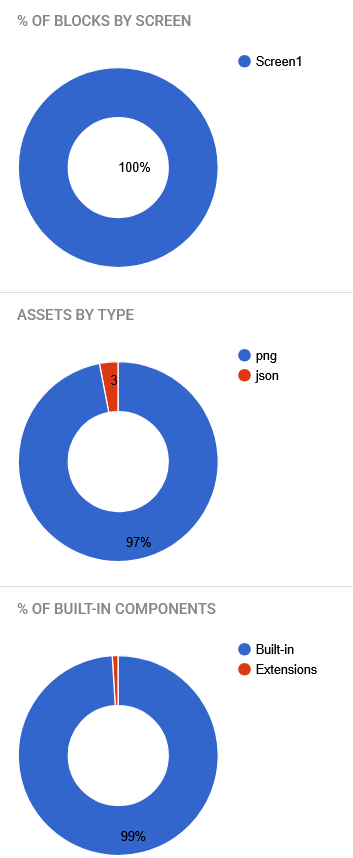
Ah, I was wrong. After I remade the menu that I deleted, with the name of the component that was already short, it still couldn’t compile, error: D8. Then I tried to delete another menu (which I had created for a long time), then compile, it worked. So it’s not my new menu that has the problem, but the number of components in the designer
You really should not use component names like VerticalArrangement1_copy_copy_copy_copy
Use simple names like var1
Taifun
Working on this right now, should be fixed in next release. If a component already ends in _copyX, we will reuse X as the counter rather than appending _copy again.
This should be fixed now. Can you re-check?