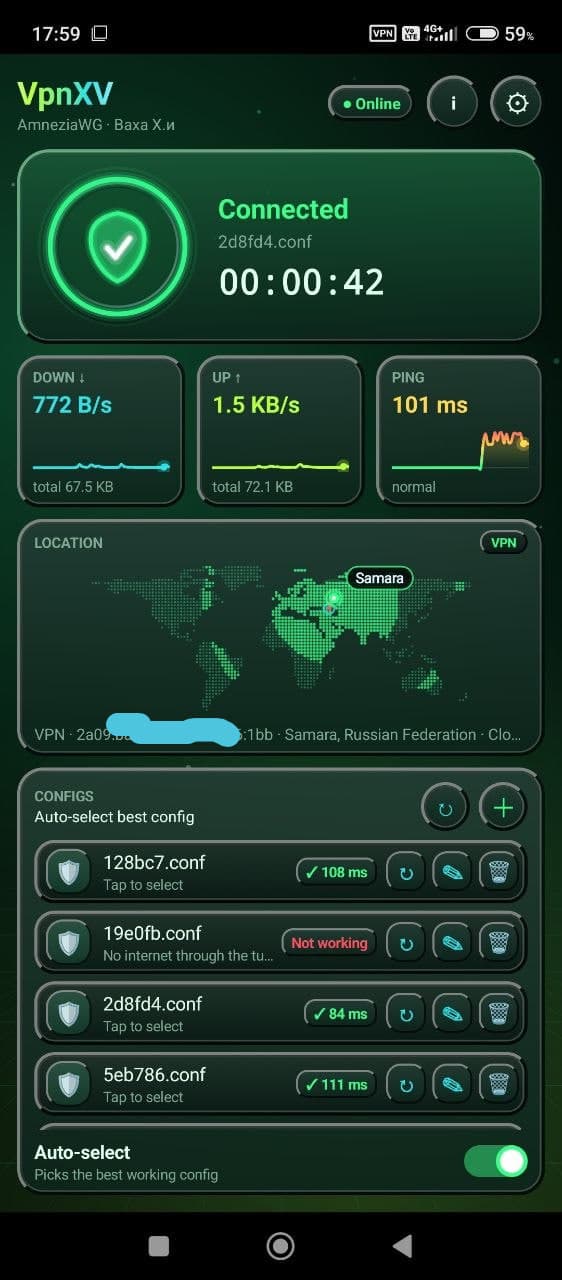
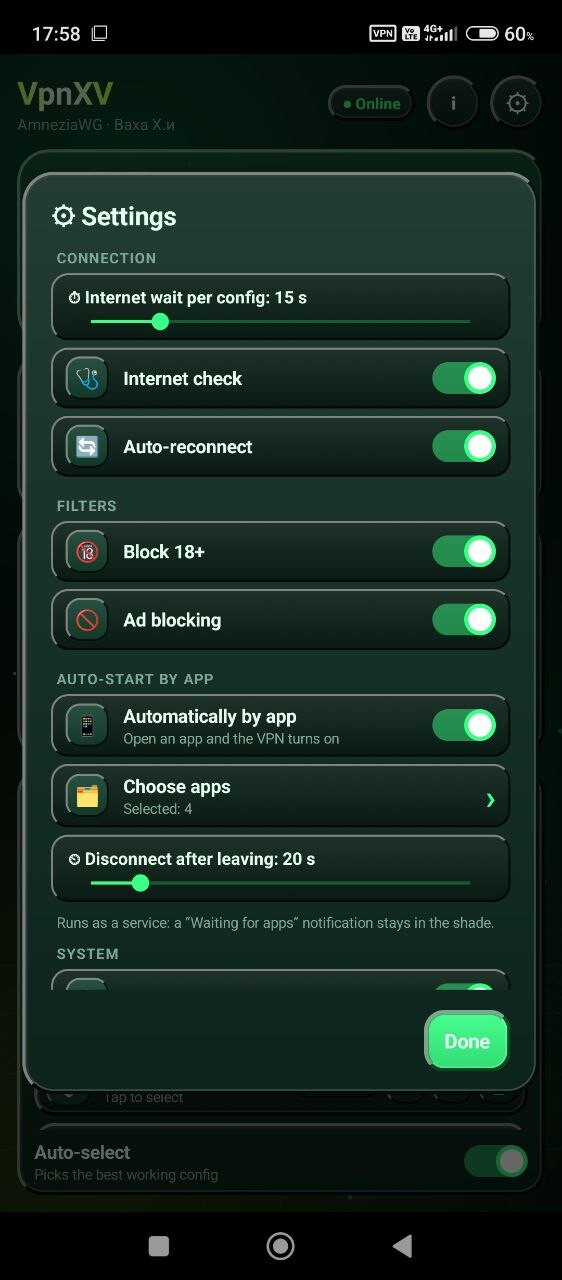
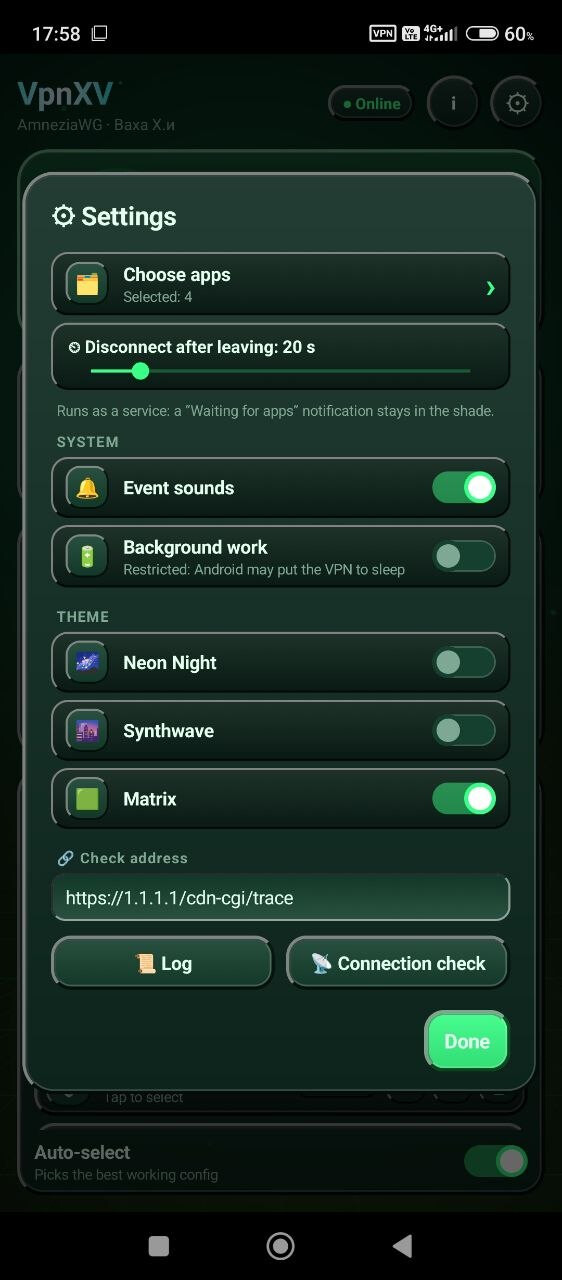
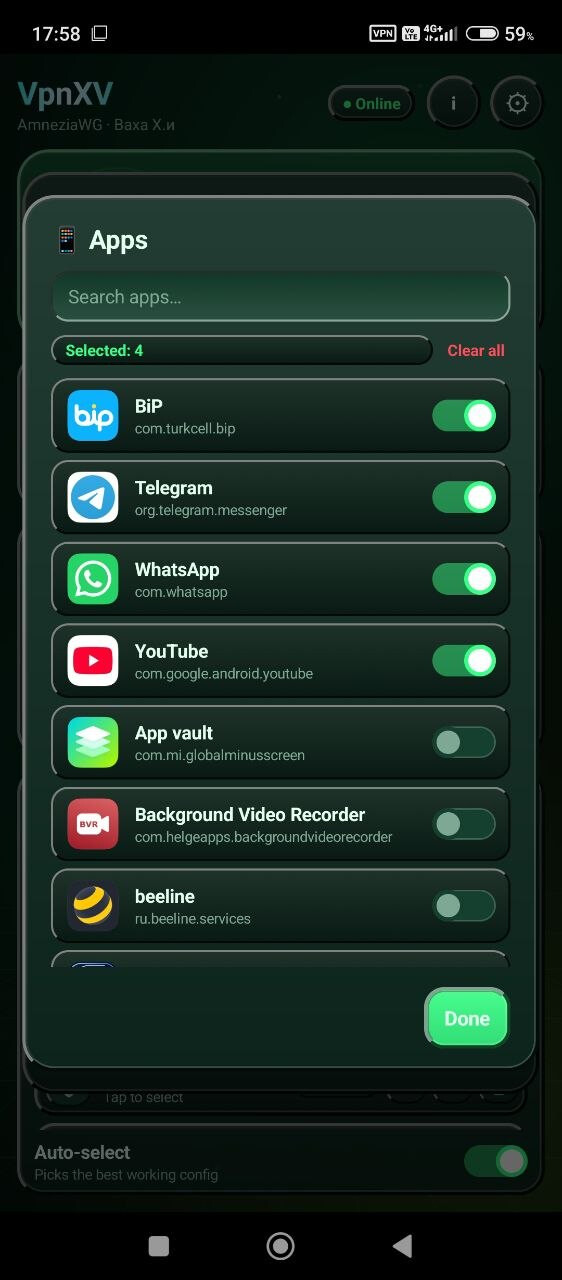
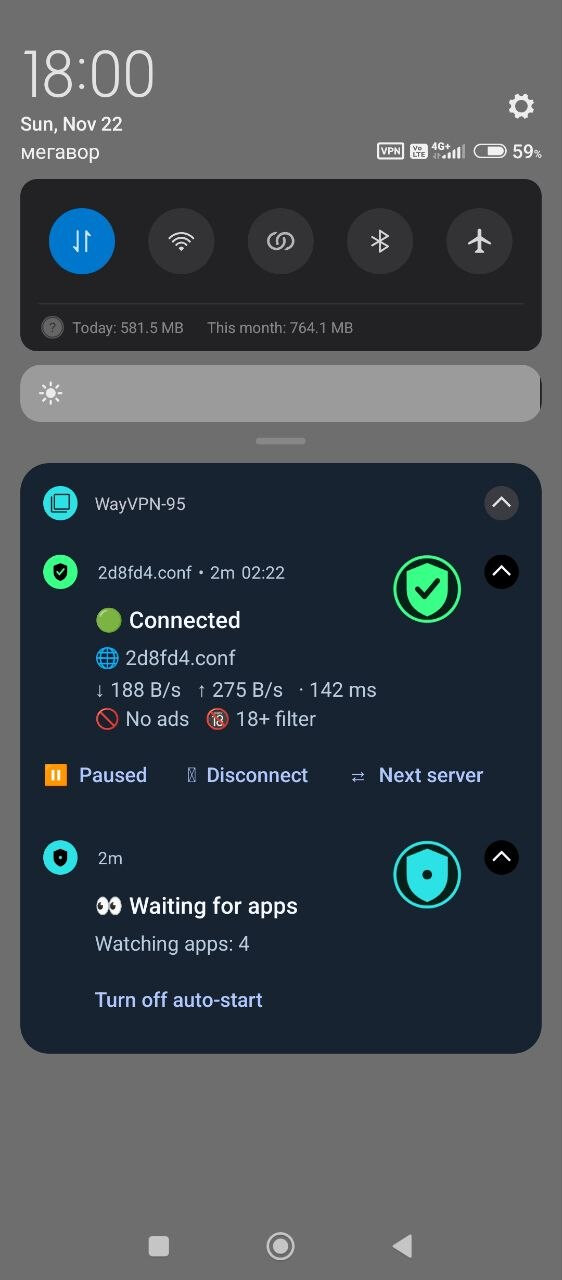
The VPN uses the WireGuard protocol.
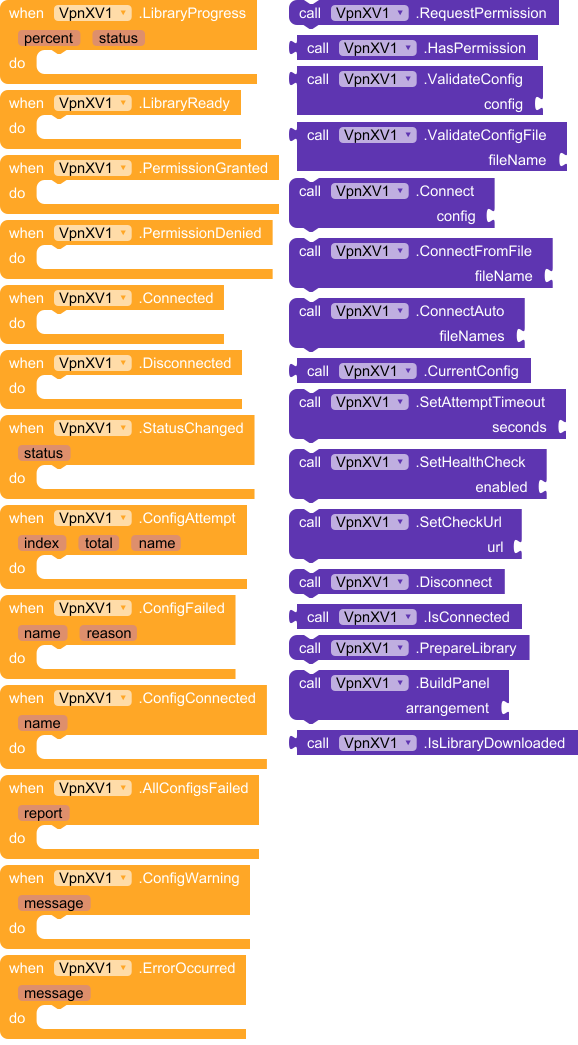
Events:
VpnXV has total 13 events.
1. LibraryProgress
Library download progress.
| Parameter | Type |
|---|---|
| percent | number |
| status | text |
2. LibraryReady
The native VPN library is downloaded and loaded.
3. PermissionGranted
VPN permission was granted.
4. PermissionDenied
User denied VPN permission.
5. Connected
VPN connected.
6. Disconnected
VPN disconnected.
7. StatusChanged
Status changed: UP or DOWN.
| Parameter | Type |
|---|---|
| status | text |
8. ConfigAttempt
ConnectAuto started trying a config.
| Parameter | Type |
|---|---|
| index | number |
| total | number |
| name | text |
9. ConfigFailed
ConnectAuto: this config did not work.
| Parameter | Type |
|---|---|
| name | text |
| reason | text |
10. ConfigConnected
ConnectAuto: this config works and is connected.
| Parameter | Type |
|---|---|
| name | text |
11. AllConfigsFailed
ConnectAuto: none of the configs worked.
| Parameter | Type |
|---|---|
| report | text |
12. ConfigWarning
Config warning.
| Parameter | Type |
|---|---|
| message | text |
13. ErrorOccurred
An error occurred.
| Parameter | Type |
|---|---|
| message | text |
Methods:
VpnXV has total 16 methods.
1. RequestPermission
Asks the user for VPN permission. Fires PermissionGranted or PermissionDenied.
2. HasPermission
Returns true if VPN permission is already granted.
- Return type:
boolean
3. ValidateConfig
Checks the config text. Returns OK or the error text.
- Return type:
text
| Parameter | Type |
|---|---|
| config | text |
4. ValidateConfigFile
Checks a config file. Returns OK or the error text.
- Return type:
text
| Parameter | Type |
|---|---|
| fileName | text |
5. Connect
Connects using the given AmneziaWG/WireGuard config text.
| Parameter | Type |
|---|---|
| config | text |
6. ConnectFromFile
Connects using one config file.
| Parameter | Type |
|---|---|
| fileName | text |
7. ConnectAuto
Tries config files one by one until one gives working internet.
| Parameter | Type |
|---|---|
| fileNames | text |
8. CurrentConfig
Name of the config file that is currently connected, or an empty text.
- Return type:
text
9. SetAttemptTimeout
How many seconds to wait for working internet before trying the next config (5 to 60, default 15).
| Parameter | Type |
|---|---|
| seconds | number |
10. SetHealthCheck
Turns the internet check on or off.
| Parameter | Type |
|---|---|
| enabled | boolean |
11. SetCheckUrl
Address used to check that internet works through the tunnel.
| Parameter | Type |
|---|---|
| url | text |
12. Disconnect
Disconnects the VPN and stops ConnectAuto if it is running.
13. IsConnected
Returns true if the VPN is connected.
- Return type:
boolean
14. PrepareLibrary
Downloads and loads the native VPN library in advance.
15. BuildPanel
Builds a ready-made dark VPN panel inside the given VerticalArrangement.
| Parameter | Type |
|---|---|
| arrangement | component |
16. IsLibraryDownloaded
Returns true if the native library file is already downloaded on this device.
- Return type:
boolean
 Size: 351,57 KB
 Minimum API Level: 21
 Updated On: 2026-11-21T21:00:00Z
 Built & documented using: FAST v7.7.0
Price: 15 $ Contact me on Telegram.