Hello Kodular Community,
I am a beginner in Kodular and I face doubts with almost every new component I use. I searched the community posts but couldn’t find a solution.
I’m currently using CustomWebView to open PDFs. Double-tap zoom is working, but two-finger pinch zoom is not.
How can I enable two-finger zoom in CustomWebView?. Please help.
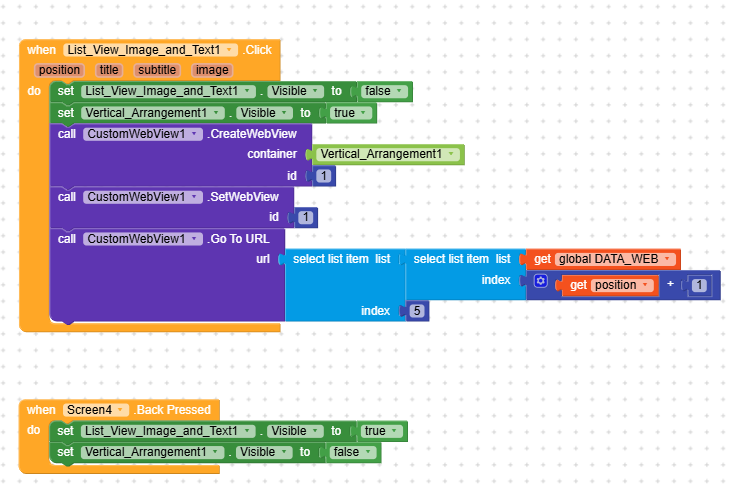
hey guys, even reading old posts, i couldn’t get my app propperly working using webview or customwebview, o tried using the webview_camera.aia project but failled, tried another way asking permission to screen and then passing to customwebview1 but got 908 error, dont know what to do, can you help me please?
Error from Companion: io.makeroid.companion: One of RECEIVER_EXPORTED or RECEIVER_NOT_EXPORTED should be specified when a receiver isn’t being registered exclusively for system broadcasts
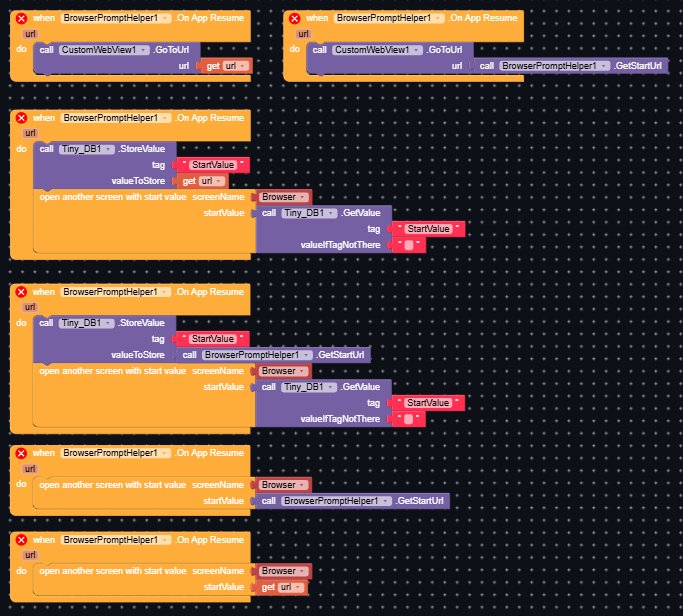
Hi, I am using the extension custom Webview and building a browser app. I looked everywhere but could not find a proper solution for my problem. My problem is that I want that my app is recognized as a browser by android, so the user can set it as default browser app. I already figured out how to do that though. I archived that with the Browser Prompt helper by the extension “CustomWebView”, but when I click a link, for example in WhatsApp, which opens, e.g. Chrome normally, will crash my app, when set as default browser. Does anyone have an idea to fix this problem?
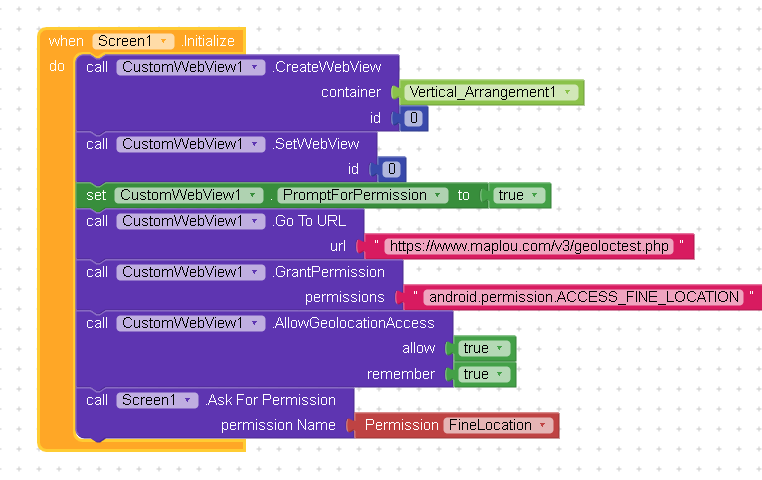
I’ve been searching everywhere for a solution to this issue but haven’t had any luck yet. I’m trying to enable geolocation within a CustomWebView component in Kodular, but no matter what I try, it simply doesn’t work.
Here’s what I’ve already attempted:
Added the necessary location permissions in Screen1 settings.
Tried triggering geolocation permission requests directly through CustomWebView events.
Reviewed several related topics in this forum and even tested other users’ block arrangements, but none of them worked for me either.
I’m starting to wonder what I might be missing or doing wrong. Could someone please point me in the right direction? Any working example blocks or step-by-step guidance would be greatly appreciated!