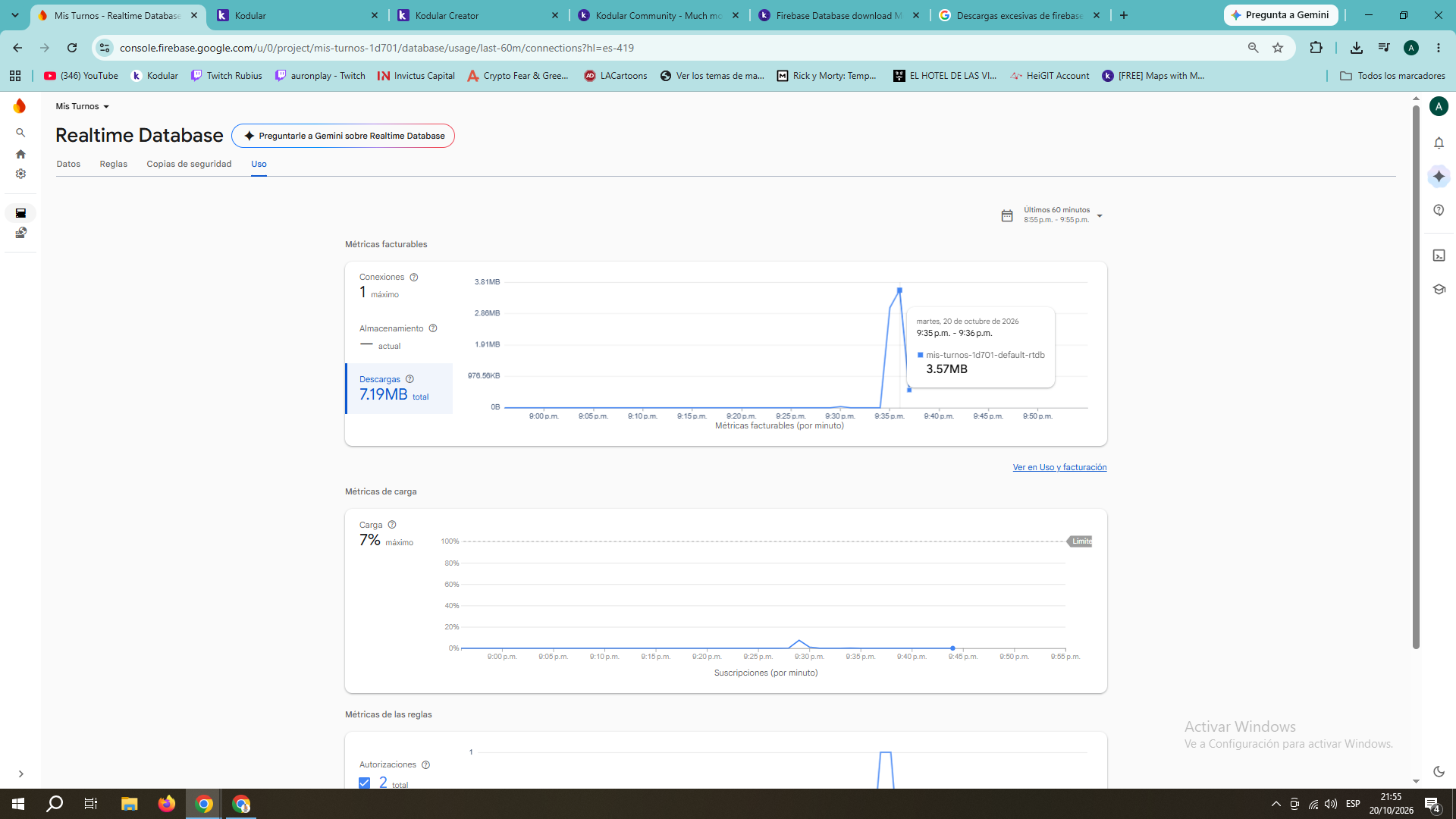
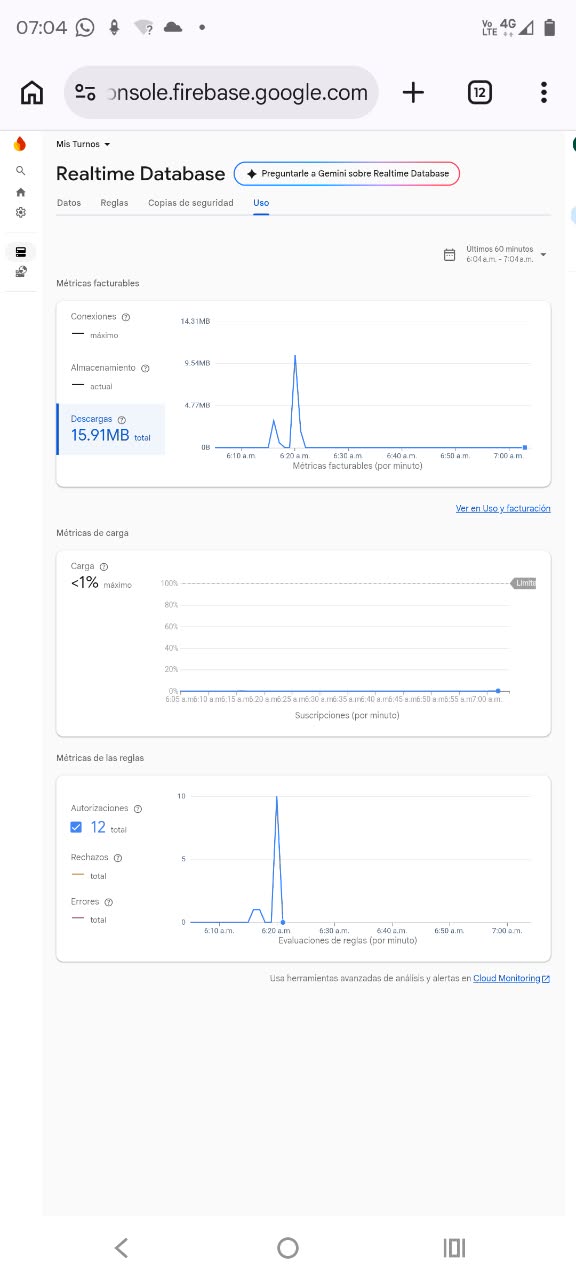
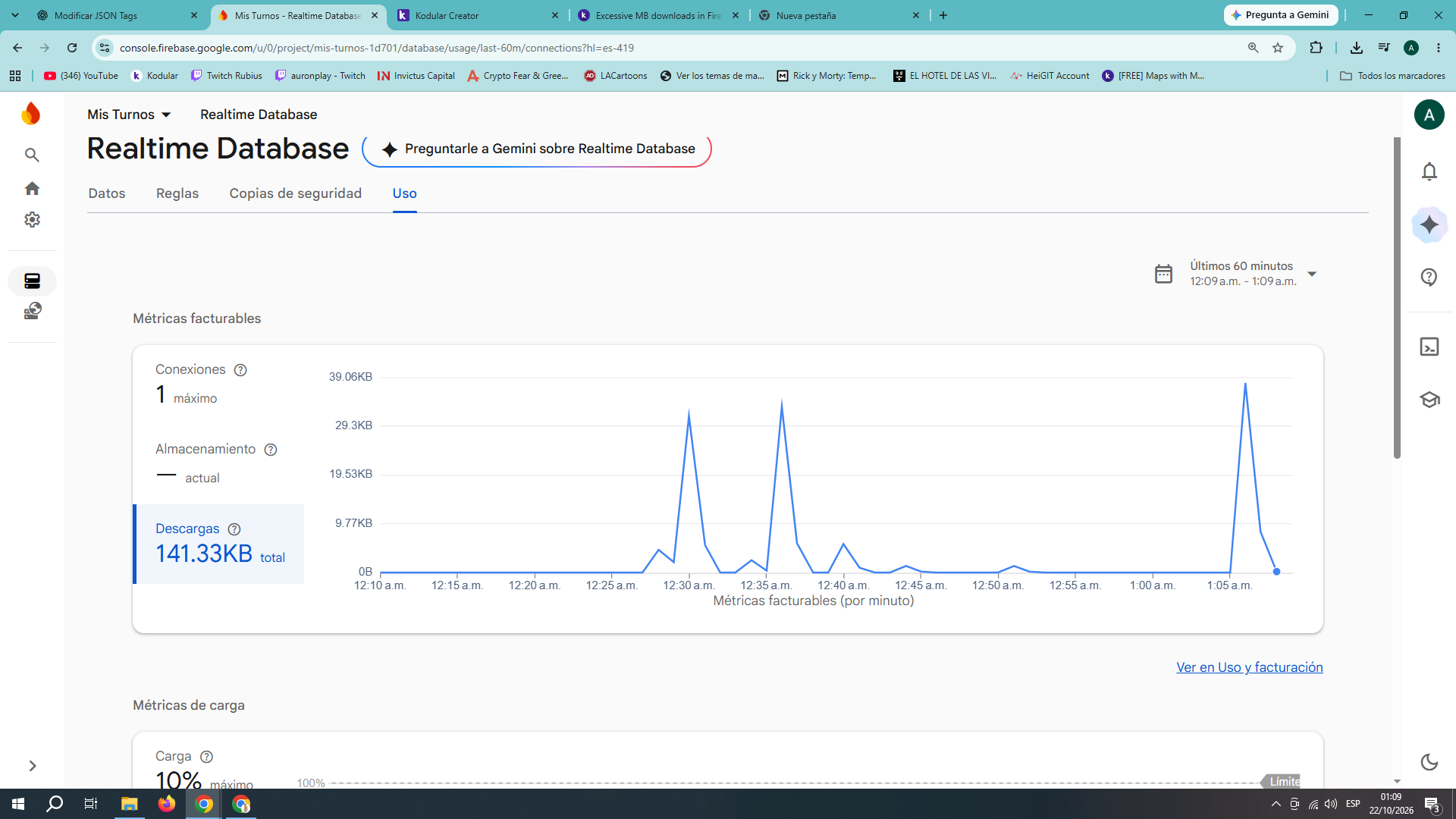
I have noticed that when Firebase has a large number of nodes and a lot of data in its database, a request to download a small node—which should only be a few KB—ends up consuming many MBs.
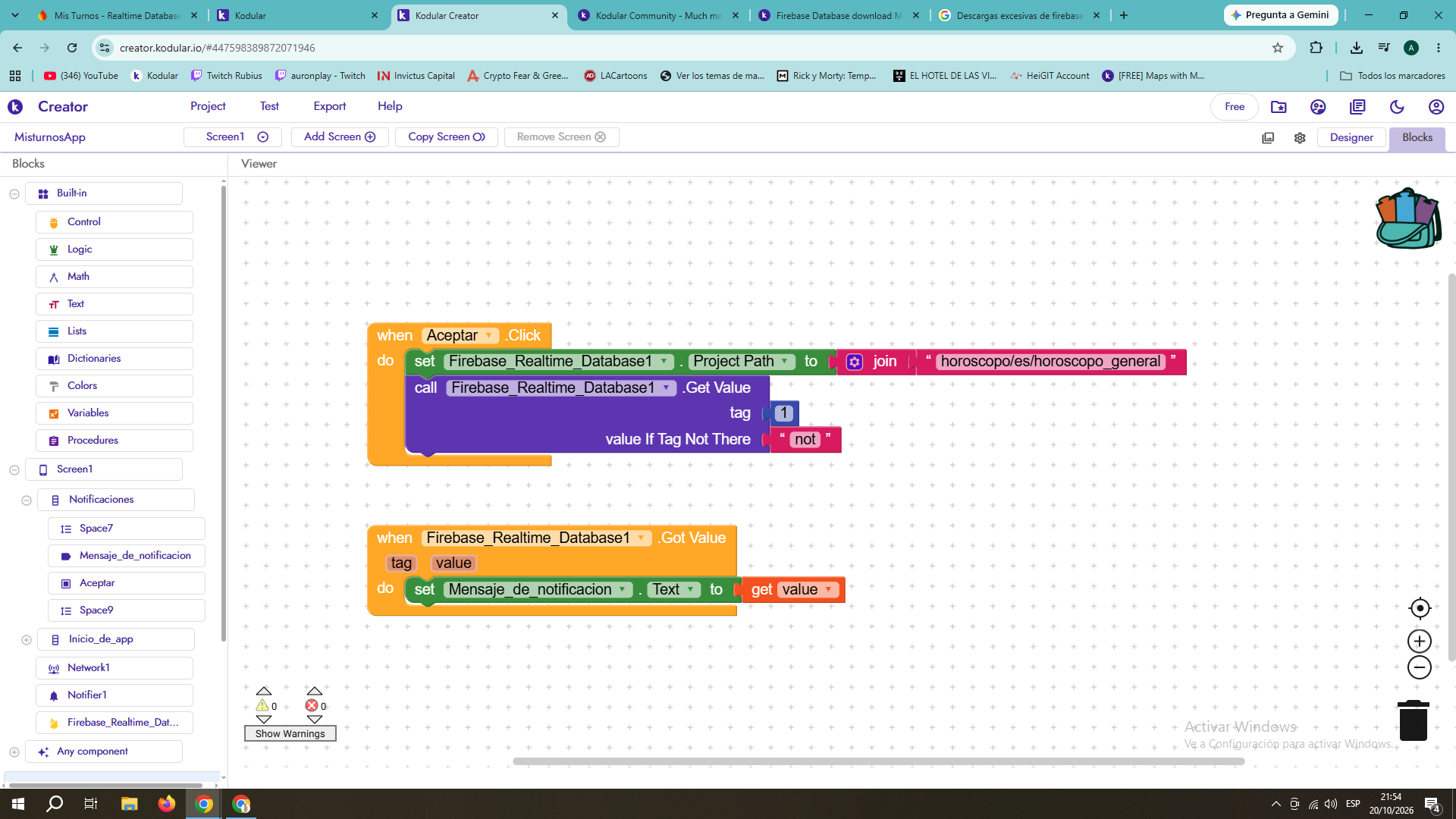
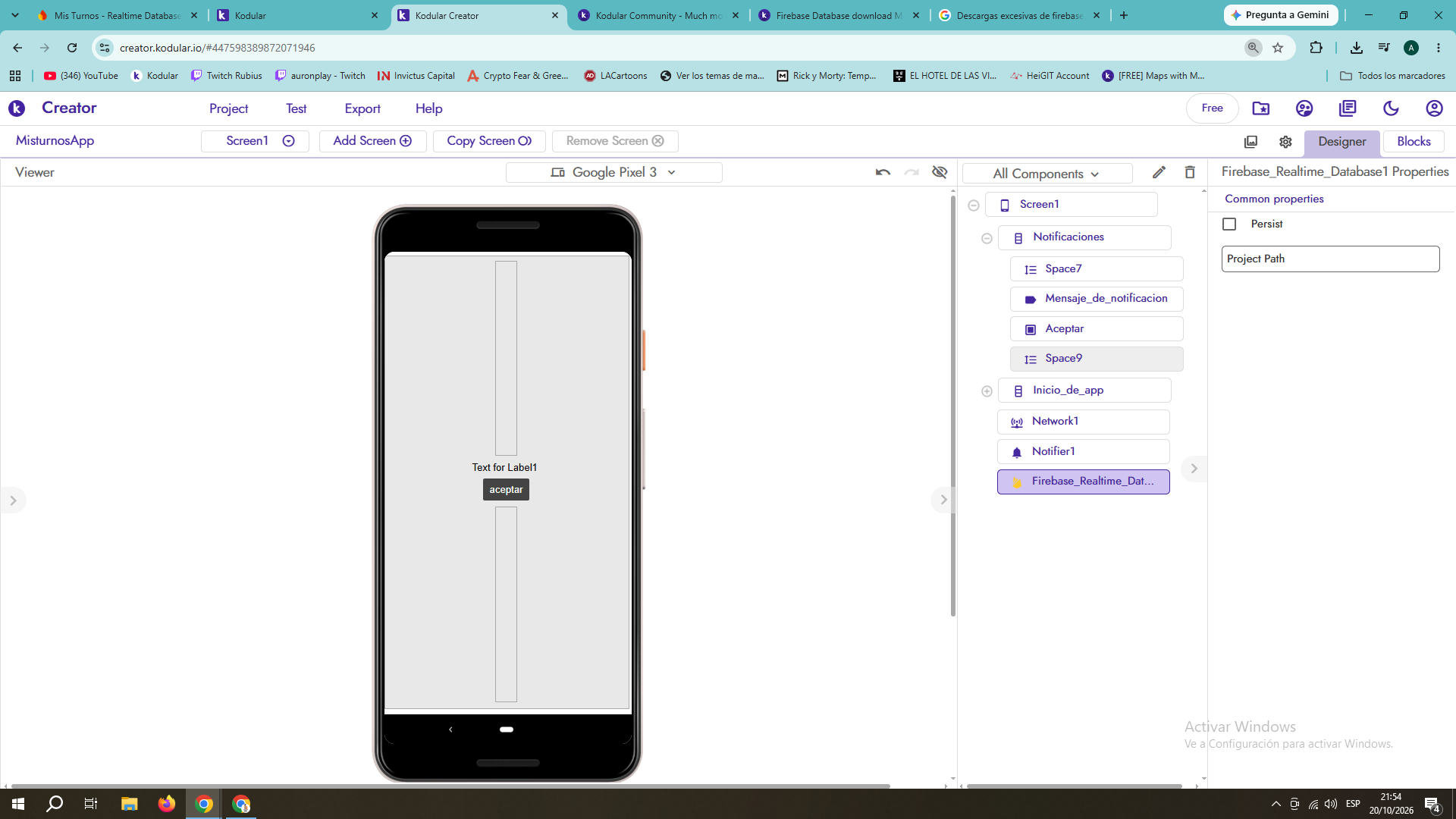
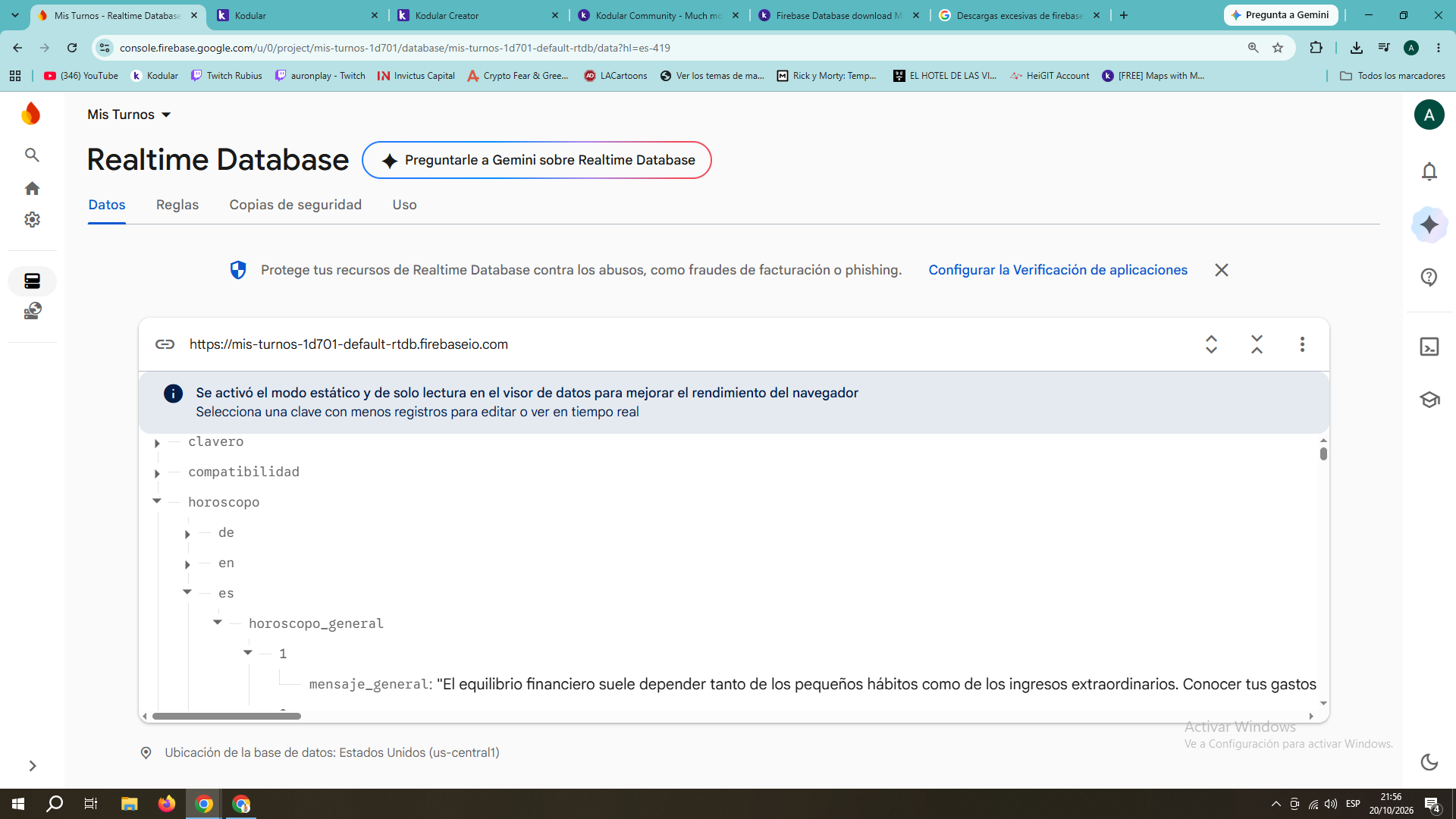
The total JSON loaded into Firebase is approximately 180MB, and making a call to a specific node containing around 200 words ends up consuming 3MB. Below, I am attaching the images of the blocks I am using for this test (which only contains a button, a Firebase component, the ‘Get Value’ block, and the ‘Got Value’ event), the data in Firebase with the specific call, the Firebase console measuring the MBs used, the designer layout, and the image of the data received after this excessive consumption.
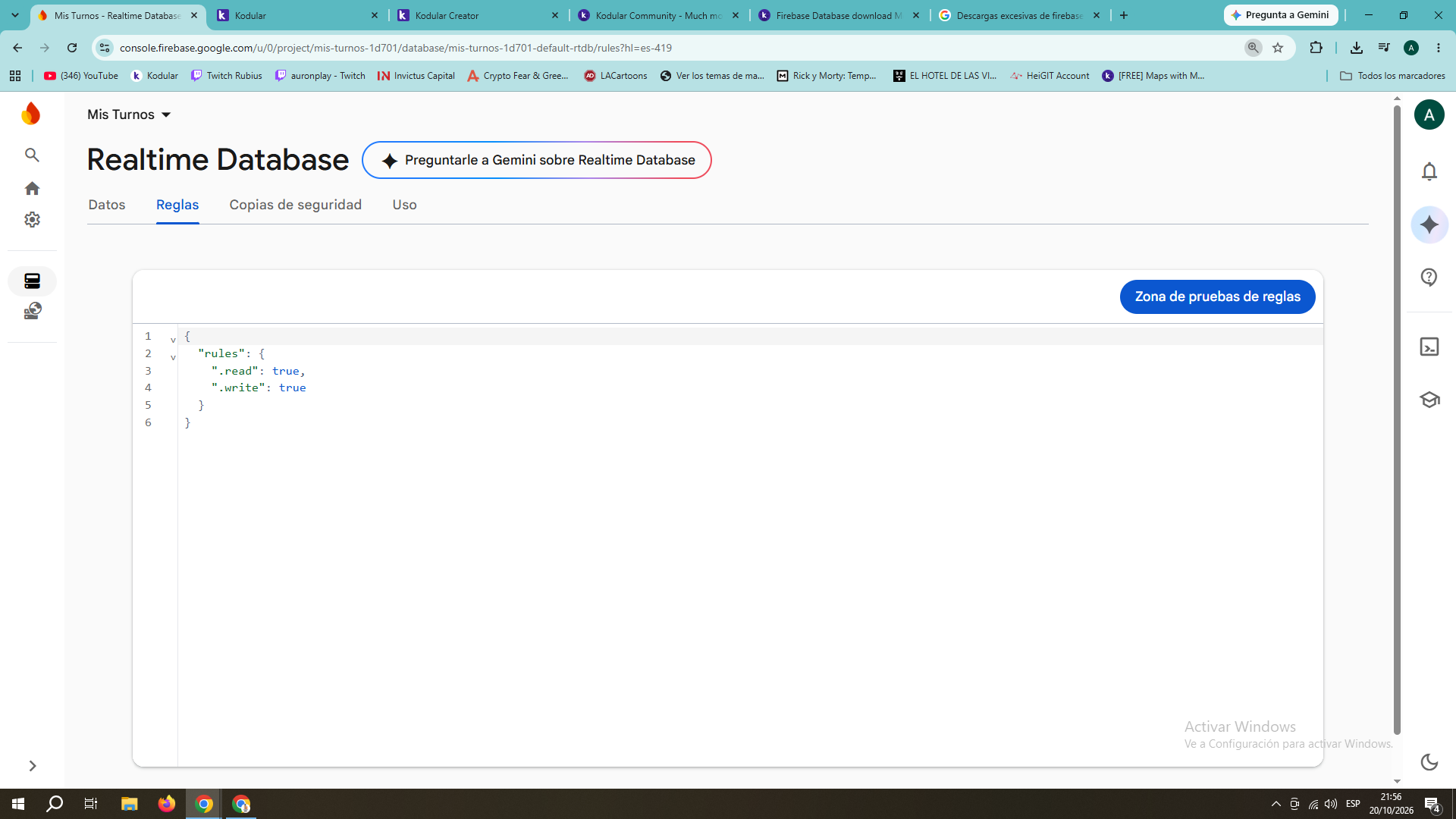
I hid your post because your database rules are open and your database ID is visible, which could put you at risk of someone maliciously modifying your data.
My intention is not to use the web component; I just wanted to report if this is a legitimate bug in the new Firebase component.** I reposted the ID in case you want to test it. I will be deleting the Firebase project later today.
I think I’ve managed to fix the issue. The only thing to do is at the end of the path: do not leave a node that contains too many sub-nodes, only to later use a tag in ‘get value’ that belongs to that large node at the end of the path.
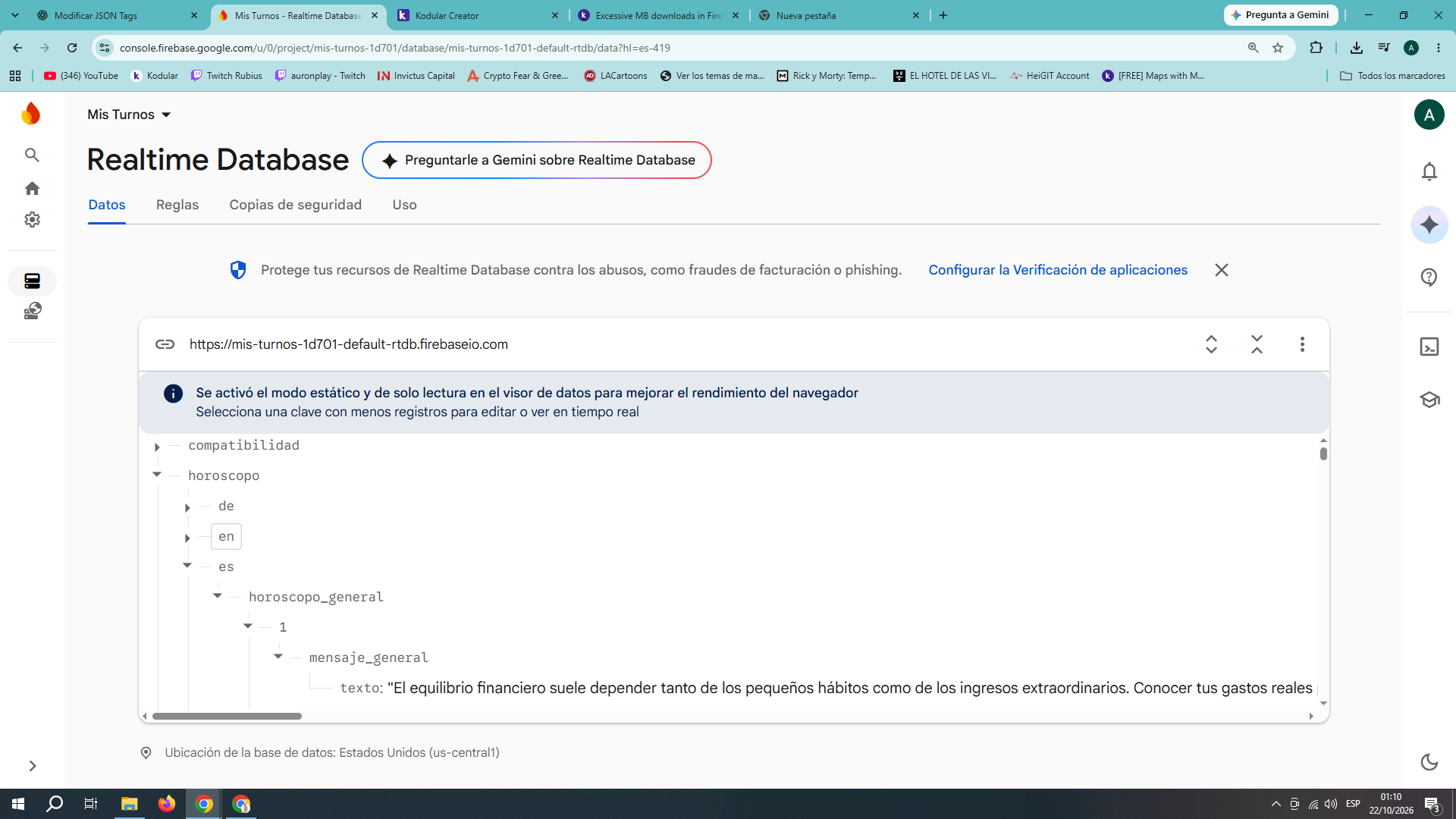
For example, previously I had a path like this: "horoscopo/es/horoscopo_general/" and we would put the number 1 in the tag. Inside "horoscopo/es/horoscopo_general/", there was a count from 1 to 3000, with 220 words inside each one.
The only thing we changed now was adding one more line in the JSON. Now, the new path is "horoscopo/es/horoscopo_general/1" and the tag is "mensaje_general". Now the path leads directly to the 220-word message, unlike before, where the tag had to select a number out of the 3000 word combinations.
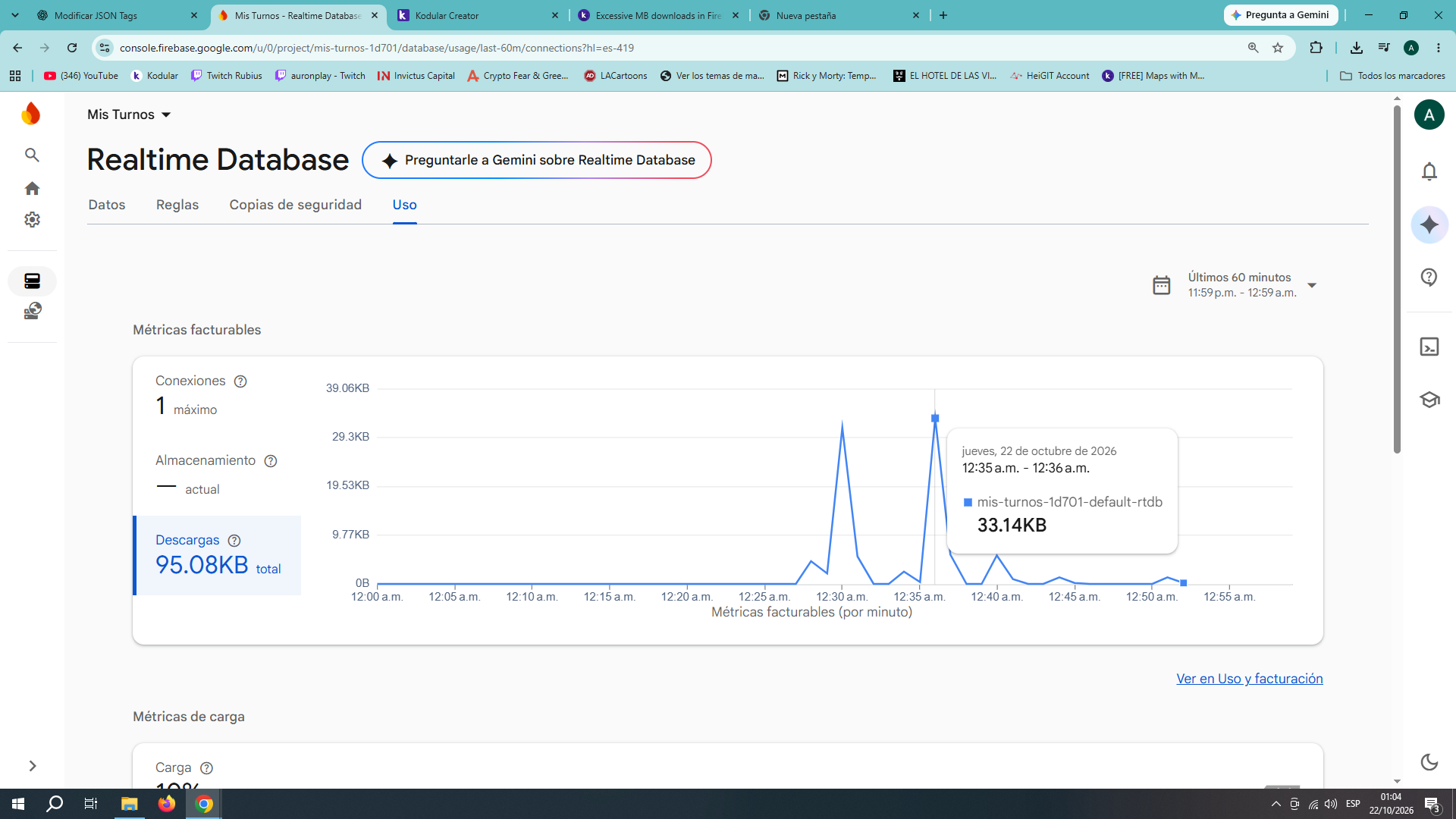
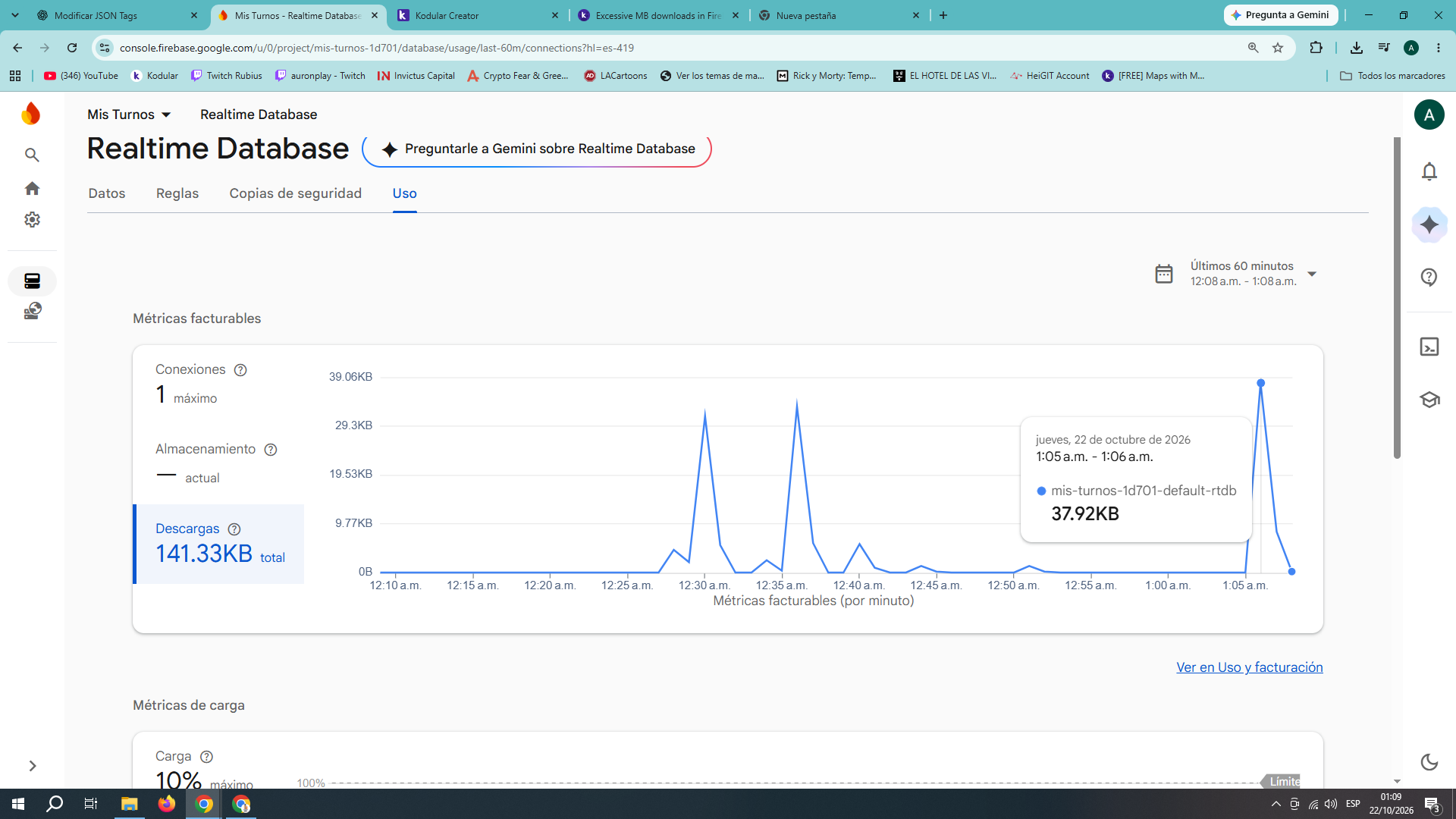
Below, I’ve attached some images for better understanding:"