@Diego It’s great to see, the platforms’ transforming to a more detailed new UI. With this, some things are back to pavilion. Requesting to have a
The double click → It’s doing great in chrome wb but, in firefox it’s still same. (Using firefox because it doesn’t lag on 2000+ blocks and pull to refresh can be toggled)
It’s not back again, but an existing bug. For now, just toggle the theme back to Light and then back to Dark again. The issue is that, for new devices, it’s not setting a cookie that does that background hack to avoid flashing…
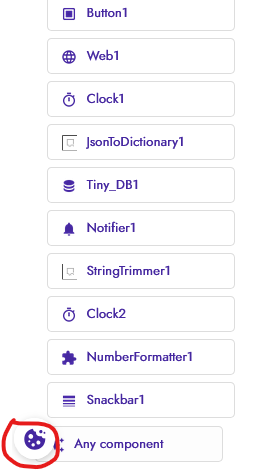
Yeah, but we are required to allow changing cookie settings to comply with some requirements… For now I’ll keep it off, but will need to add it back somehow eventually…
Hello everyone, congratulations on the updates, thank you for that.
(I’m using a translator, I apologize in advance if any description is incorrect. )
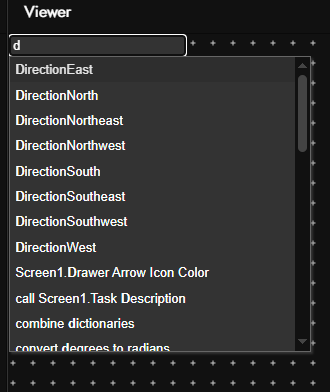
I would like to suggest something I feel is missing: an option to search within blocks, in the following way: being able to search by component name, by the variable we created, or by a description, and as I confirm, it would show the component found with the searched term in the center of the screen.
It would be something like when there’s an error and we click on the arrow and it shows the component in the center of the screen.
This would greatly facilitate things when we have many components, because sometimes I need to find something like a variable or component and I waste a lot of time searching for each component to find it.
All these dark theme issues have been fixed and are now live:
This is something MIT App Inventor has, but didn’t get a chance to port it… I think it may have been implemented in the new Blockly version, which means we have to also upgrade to it, so it won’t be an easy one…
 @Diego It’s great to see, the platforms’ transforming to a more detailed new UI. With this, some
 things are back to pavilion. Requesting to have a

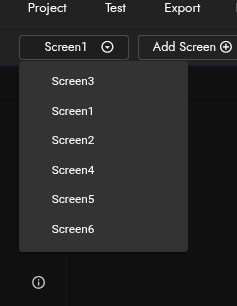
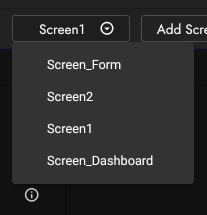
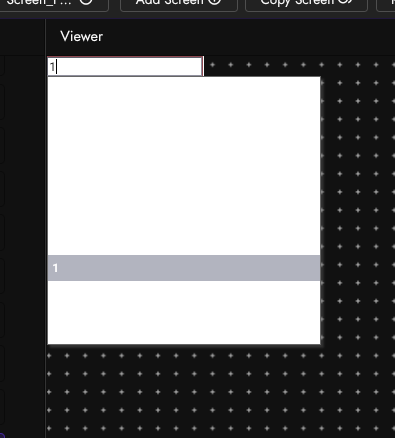
 These might not be important right now, but do consider…



 )
)