HeyAveHey
July 20, 2020, 5:24pm
1
Hello,
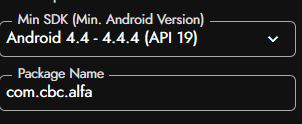
I created FireBase account, added my app with the same package name.
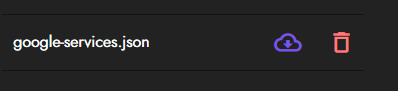
I downloaded google-service.json and uploaded it to assests.
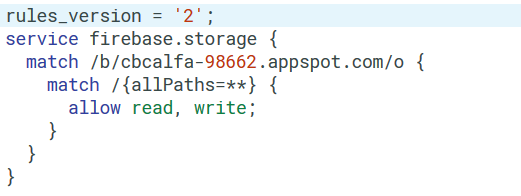
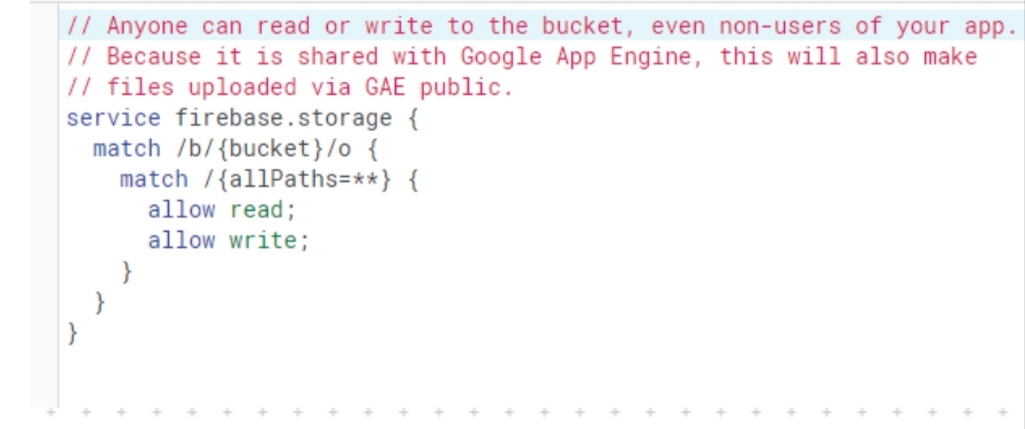
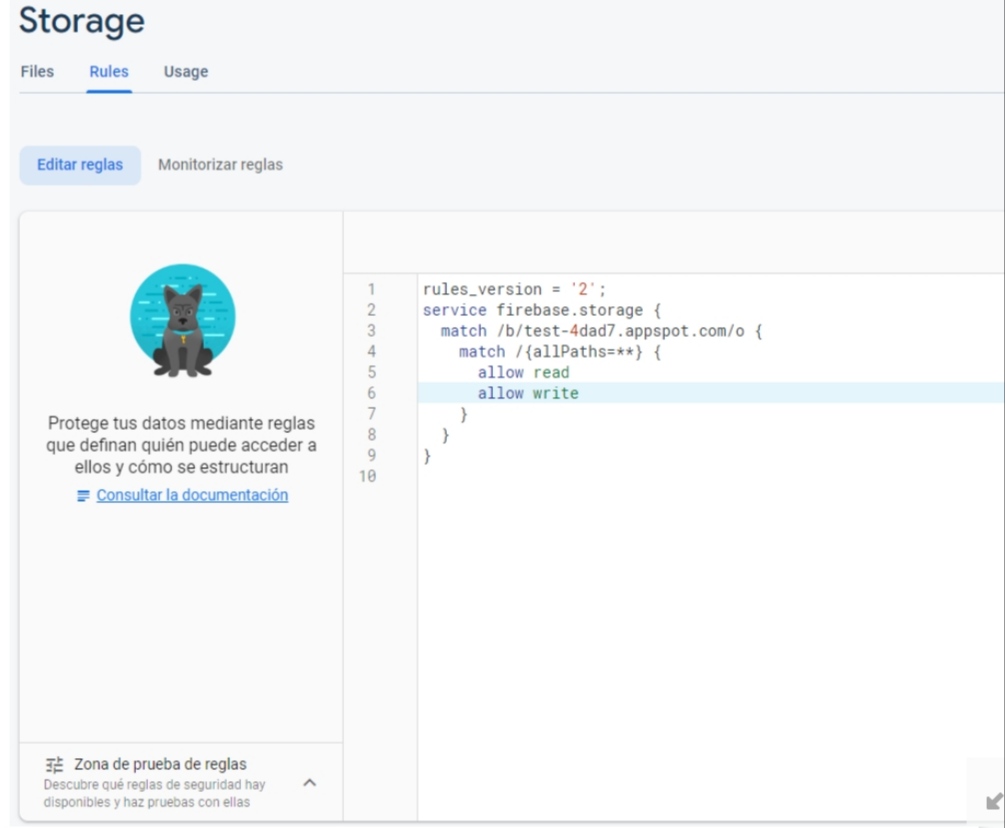
I created storage at firebase controlpanel, and set rules to:
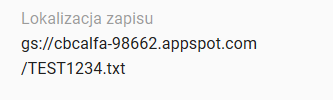
I uploaded a file.
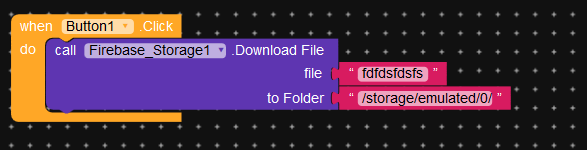
Block configuation:
I need a guidance or someone who can show me what i do wrong.
Firebase rules error.
Edit your firebase rules like this:
Or
1 Like
HeyAveHey
July 20, 2020, 7:05pm
3
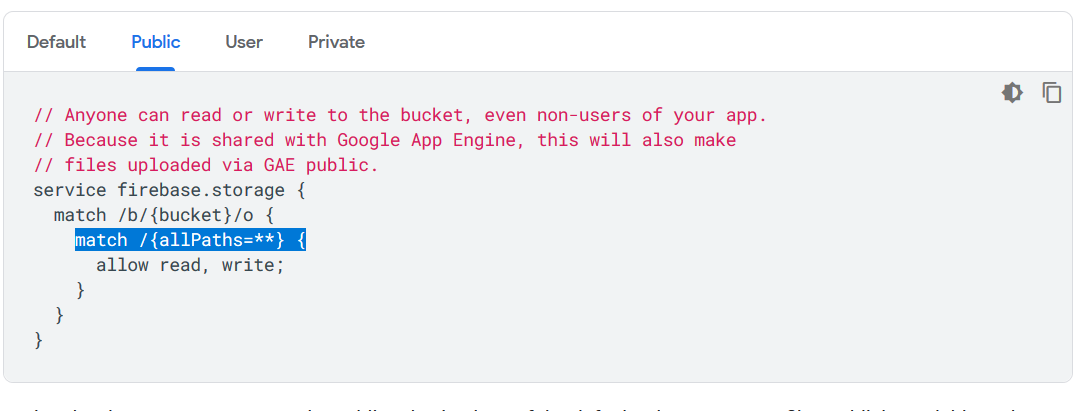
Thanks for answer. That’s not the solution - I tried it. And I found this in documentation of FireBase:
Is there any way to check if connection between app and storage is okay?
Is it normal? Does it work for companion?
HeyAveHey
July 20, 2020, 8:49pm
4
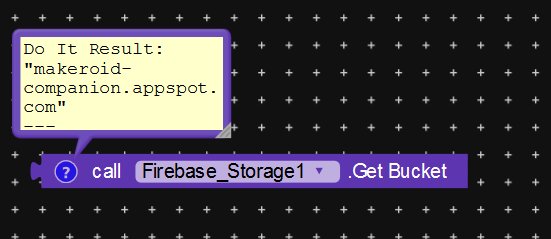
I found the solution. File Storage doesn’t work on companion. GetBucket component gets wrong argument. Files can be only downloaded to application specific directory (I think there’s a bug with external storage permission), otherwise the component returns: An unknown error occurred. It can be easily accomplished with taifun file extension → applicationspecificdirectory component!
1 Like
system
August 19, 2020, 8:49pm
5
This topic was automatically closed 30 days after the last reply. New replies are no longer allowed.