I need help regarding my Kodular account email update.
Please, I don’t want suggestions like “download all AIA and keystore and create another account”.
This account is trusted since 2018–2019, verified for monetization, and I already paid for lifetime premium. That’s why I can’t just move everything to a new account.
I only need a direct solution to change my email ID linked with this account, because i choose signin option by gmail directly and i lost credential for gmail.
If anyone from the Kodular team or community has the right process or can guide me officially, please help.
@Diego can you please help in this matter, as i also try for 2FA, but everytime, QR code/image not loaded to set pin.
There is no way to change email address, as that is strictly linked across multiple sites. The only workaround is to download the AIA files and keystores, and import them to the new account.
Thank you @Diego for your response. I understand that the email is linked across multiple sites, but I wanted to kindly ask if Kodular could consider adding a feature to change the account email in the future.
Here’s why I think it would really help:
Long-term users: My account has been active since 2018–2019, with verified monetization and lifetime premium. Moving everything to a new account isn’t practical.
Security and trust: We trust Kodular with sensitive data like keystores and monetized apps. Forcing a full migration adds risk and extra work.
User convenience: People’s emails change over time, and having a simple way to update it would avoid confusion.
Having an official email update option would make the user experience much smoother, reduce support issues, and help keep loyal users happy.
Also, could you please share what the main risks are that prevent this option right now? I’d also appreciate any advice on the best solution under the current system, since policies and security measures need to evolve with real user needs.
Currently, when I click on Profile Setting, it shows the following error:
An error occurred! Internal error. Please try again later.
As far as I remember, at the end of the day, I tried setting 2FA. The QR code is visible, but when I connect through the Authenticator app and enter the PIN, it always shows the internal error and asks to try again.
@Diego what’s update? I just check it not fixed yet. on click Profile or Account page showing error: An error occurred! Internal error. Please try again later.
 I only need a direct solution to change my email ID linked with this account, because i choose signin option by gmail directly and i lost credential for gmail.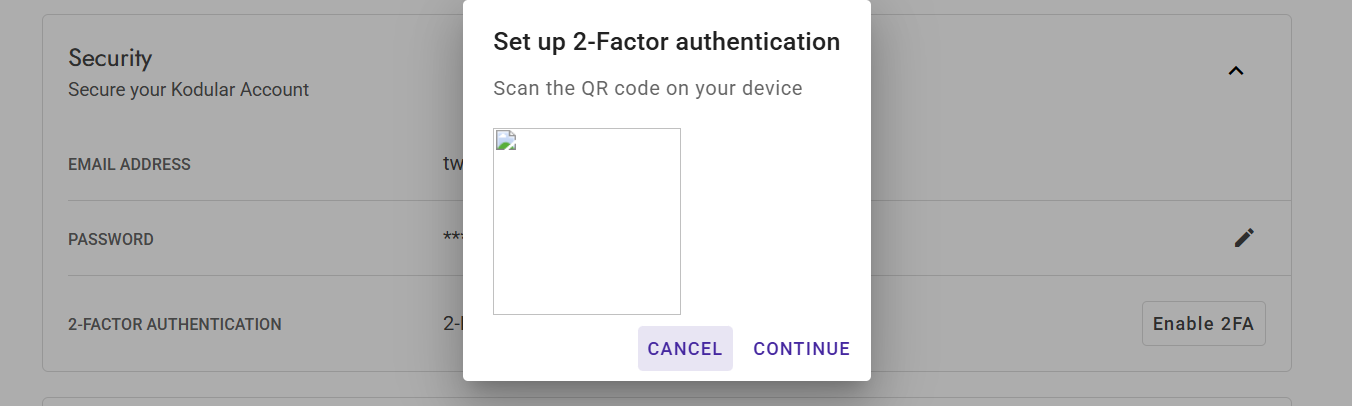
 Strange!