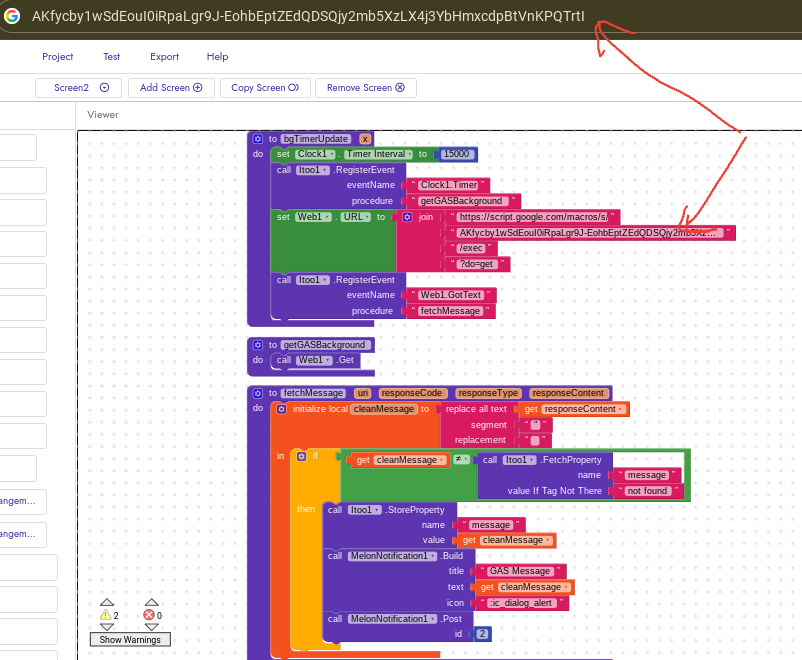
i texted it, it shows me Sheet not found as in the script:
if (!sh) {
return ContentService.createTextOutput(“Error: Sheet not found”)
but the sheet works fine i insert the data from my app and receive it,…and its a new deployed.
==========
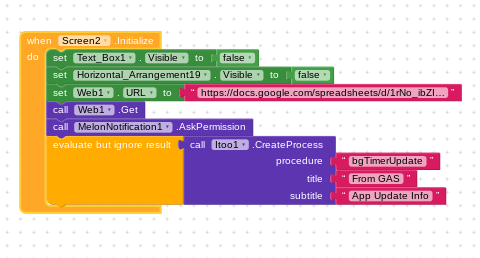
i am using web1 component to get my sheet data inside the list view image and text, and using it to get the notification is it ok!! or i should use another web component, web3.get?
i well try and see the result.
same
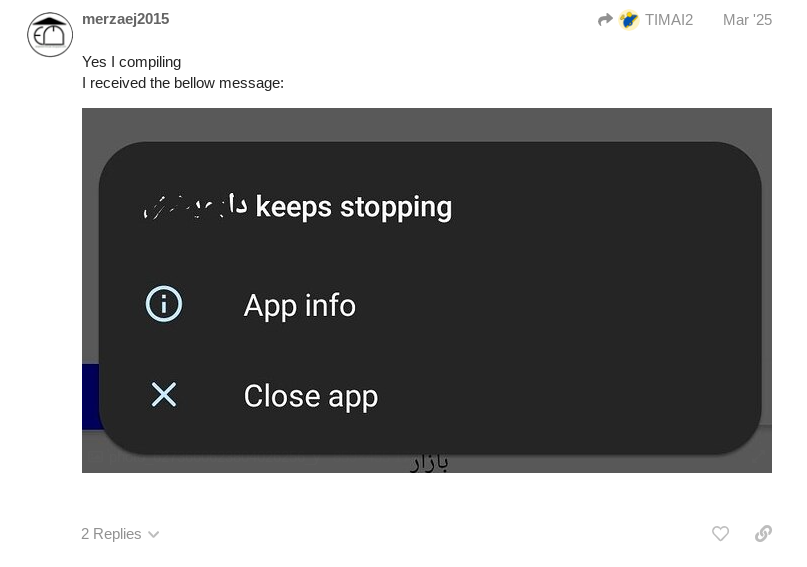
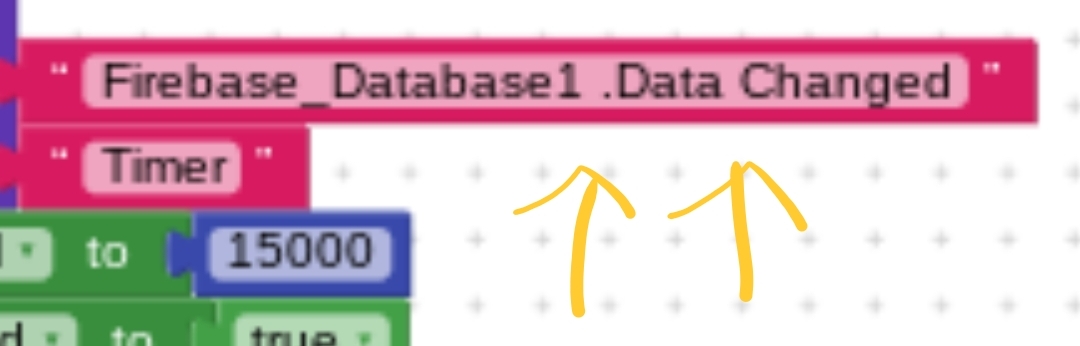
i have tried another method using Firebase DataBase component, I watched a video and it was working, that video a year ago,i did the same thing and still i don’t receive any notification because of the Itoo extension keeps stopping :
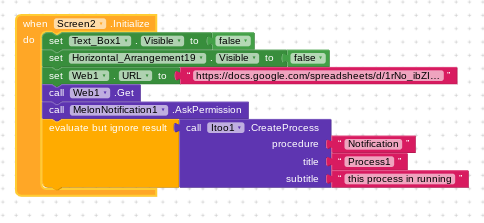
itoo extension keeps stopping when create process..That exact moment.
tested on android 9 and 14 same problem…
Using Logcat on FydeOS is very similar to how you’d use it on a standard Chromebook, as FydeOS is built on the Chromium OS open-source project. Since Logcat is specifically an Android tool, you’ll be interacting with the Android subsystem (ARC++) inside FydeOS.
Here are the two most effective ways to get those logs.
Method 1: Using the Built-in Terminal (Crosh)
This is the quickest way if you don’t want to set up a full development environment.
Open the FydeOS browser.
Press Ctrl + Alt + T to open Crosh (the Chromium OS shell).
Type shell and press Enter. (Note: This may require Developer Mode to be enabled on some builds).
To see the Android logs, type:
android-sh -c logcat
To stop the stream, press Ctrl + C.
Method 2: Using Linux Development Environment (Recommended)
If you are developing apps or need more control (like filtering), using the Linux container is the professional route.
Enable Linux
Go to Settings > Advanced > Developers and Turn On the Linux Development Environment.
Install ADB Tools
Open your Linux terminal and run:
sudo apt update
sudo apt install adb
Connect to the Android Container
Since the Android subsystem is running on the same machine, you connect via the local network bridge:
Go to Settings > Apps > Google Play Store (or Android Settings) > Manage Android Preferences.
Navigate to System > Developer Options.
If not visible, go to “About device” and click “Build number” 7 times.
Enable ADB Debugging.
In your Linux terminal, run:
adb connect 100.115.92.2:5555
(This is the standard internal IP for the Android container in ChromeOS/FydeOS).
Run Logcat
Once connected, simply type:
adb logcat
Pro-Tips for Filtering
Logcat moves fast. Use these commands to find what you actually need:
| Command | Purpose |
|—|—|
| adb logcat -d | Dumps the current log and exits (doesn’t stream). |
| adb logcat *:E | Shows only Errors. |
| adb logcat -c | Clears the old log buffer so you start fresh. |
| adb logcat > logs.txt | Saves the output to a file in your Linux folder. |
(Replace the firebase url and api key to your own)
Make sure you follow the rest of the instructions in the guide correctly, especially the firebase project setup - an itoo node with read/write permissions (which is where the message is set), in particular. Fix all the typos in your text blocks, remove spaces where previously indicated, and to store a value the tag should just be message. Take your time setting it up, and take care to copy everything correctly.
02-10 16:57:28.683 138 238 E KernelCpuSpeedReader: Failed to read cpu-freq: /sys/devices/system/cpu/cpu0/cpufreq/stats/time_in_state (No such file or directory)
02-10 16:57:28.735 138 238 E BatteryStatsService: Power Hal not loaded
02-10 16:58:08.572 123 160 E storaged: getDiskStats failed with result NOT_SUPPORTED and size 0
that’s where i am so far, i used the linux termial,and connected my phone, enabled usb debug, allowed access, but it tells me storage getDiskStats failed !