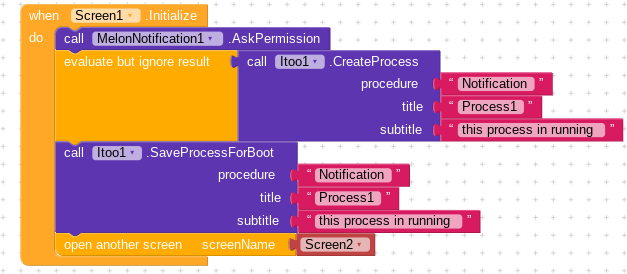
thanks everyone i have located the problem using adb logcat ..and it was screen1
it says No value for Screen1:
02-11 01:47:42.925 5043 5043 E AndroidRuntime: Caused by: java.lang.RuntimeException: org.json.JSONException: No value for Screen1%0A02-11 01:47:42.925 5043 5043 E AndroidRuntime: at xyz.kumaraswamy.itoo.ItooService.onStartCommand(ItooService.java:115)%0A02-11 01:47:42.925 5043 5043 E AndroidRuntime: at android.app.ActivityThread.handleServiceArgs(ActivityThread.java:3797).
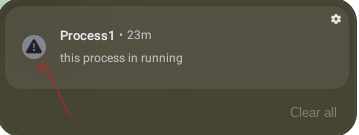
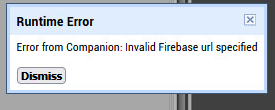
so i had to move relevant blocks to Screen1 and and now it is 1 process and 1 service in the running services, worked fine ..just i couldn’t get the notification because of this :
it is different in kodular to app inventor, and one more thing:
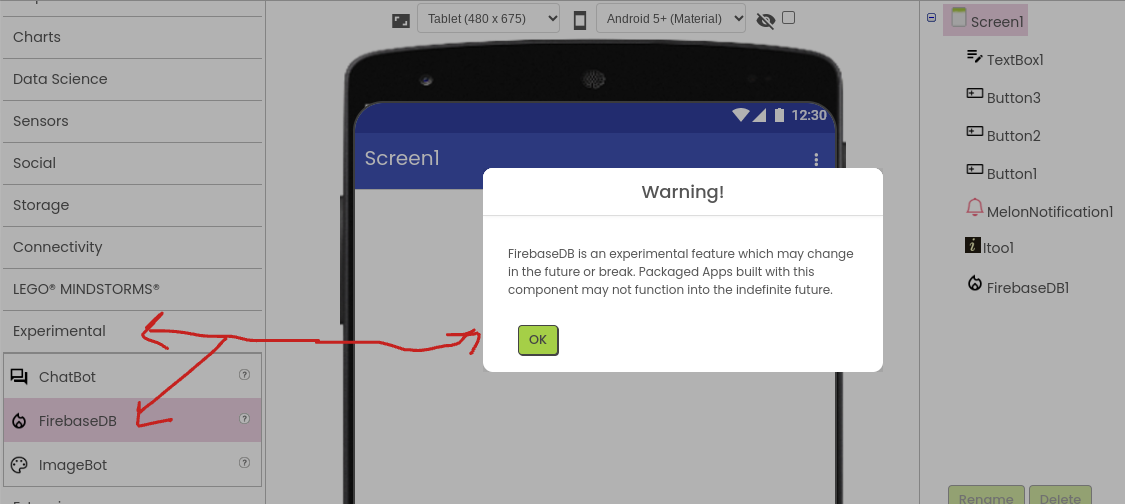
it looks like something wrong can i hide it somehow and keep it running in the background, not stopping it using button or else it well stop until the app open again.
there are no extra spaces, when you zoom in blocks it appears like in the picture, i have tried the first method too, EXAMPLE 7 using the the script again and still didn’t received notifications even that process is running,
i well stop here for now until i find a way through this, should i mark a Solution
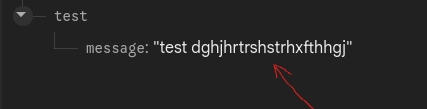
i changed it many times manually and even from my app by spinner selection, but i don’t receive it
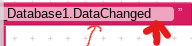
i followed every step as in the video i saw and it worked in the video but not with me, but in the video and the examples blocks they are using app inventor not kodular, is there a different between them? like Firebase_Database1.Data Changed: kodular block event and FirebaseDB1.DataChanged: app inventor block event
You do not actually need to load the firebase component to use itoo in the background with firebase.
In the example instructions, it is only used to allow message value changes for testing purposes (this could also be done using a web component)
If nothing else works, you may wish to consider using the timer approach instead of the dataChanged approach. (Or drop firebase altogether and use another online data storage offering)
when i ignore the warning and builds the app after installing,when it opens,i get a blank freezed screen nothing on it even the itoo process not running
as you are now using App Inventor for the test project, ask in the App Inventor community in the corresponding thread
protip: follow the tutorial carefully to avoid errors
 ..and it was screen1