I can’t lie, i didn’t. When you say
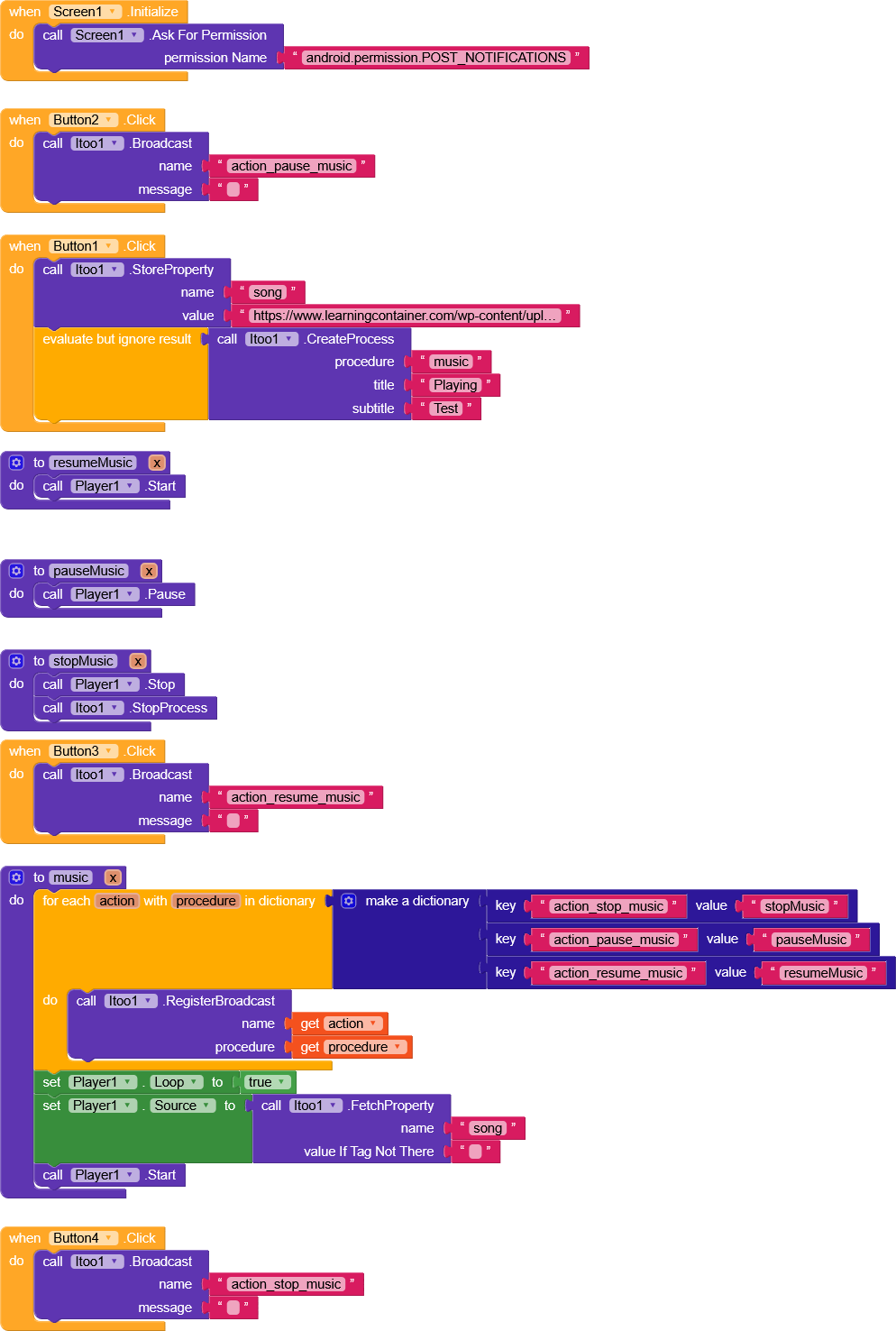
Which component must i pass to itool? If have time can try you running experiment?
I can’t lie, i didn’t. When you say
Which component must i pass to itool? If have time can try you running experiment?
The component you used to start the track.
Then I noticed that you’re using .Resume as Play have you tried using .Start?
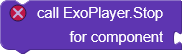
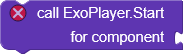
I will try, but also from your side try it too 
Yes. Almost every part of the player was tested, only without any component
Hi dear,
I just saw this topic you had opened.
In the download section there’s an AIA project for App Inventor that works perfectly and does exactly what you’re trying to achieve.
Have you tried studying how it works?
Yes I did, but It only works with files not streaming, it related to this answer from bodymind
But can’t we have features, but streaming is also part of the work available in Kodular. I have tried over 5 different ways to archive this, something I didn’t try is itoO which was seems possible to do something similar to this.
Maybe 
Let me check this. Post a simple test AIA and the APK.
Taifun’s media player also allows the use of URLs as the source.
Appreciates,
Its 16MB aia/apk, i don’t why they’re having large sizes
so i uploaded it through 
AIA link
Apk link
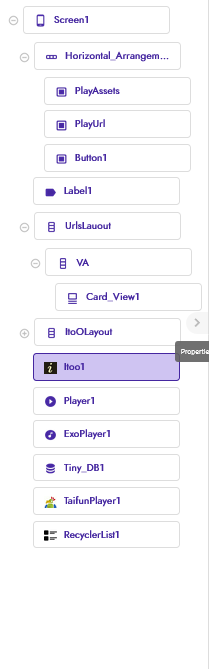
Used Component
Of course, but with url it causes freezing, you can confirm in the apk above
I just checked your .aia file regarding the use of Itoo, and it works perfectly fine for me. What is the problem you’re facing?
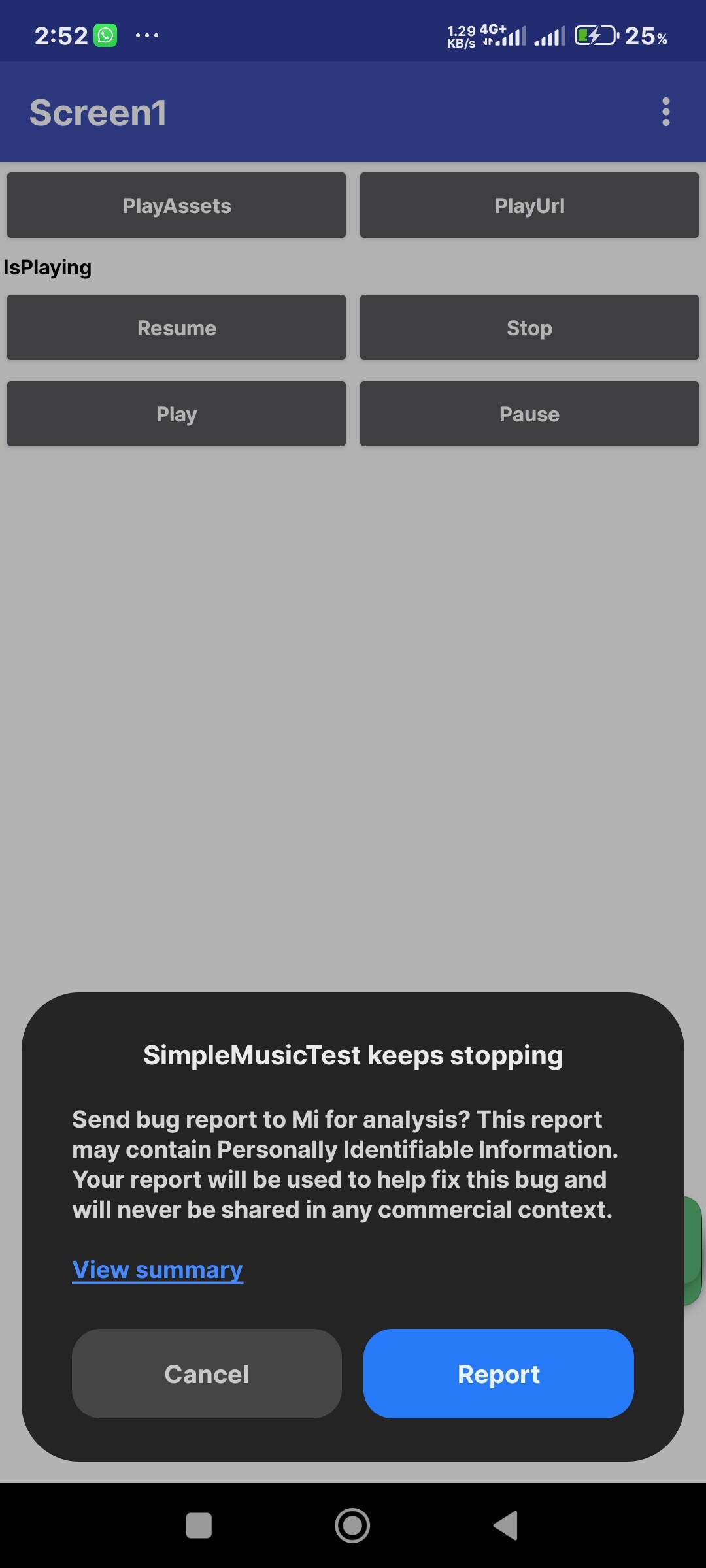
Is the process in that aia correct? Because whenever I tried it from my side the app keeps stops
Tested on Redmi note 12, android 14
Also if I pass the url from the recyclelist to itoO still behave the same
Are you referring that aia or the itoO itself?
But for better option I should asked this, it’s possible to track istance of player, the main issue is that, whenever I played a song, from url/recyclelist and leave the app for 2-3 minutes while the music is playing, then come back, the music keep playing as it was (background music player working) then the screen reinitiate whereby it reload the content again, then if I press/tap new song, the old song don’t stop, which causes playing 2 songs at the same time.
For the itoO, I may ask help from you @Xoma can you please guide me how to fix this
Select foreground service type to DataSync. Other options currently do not work. Will be fixed in the next update.
Okay, on it
After 7 months of struggling with overlapping audio in my music app, itoo finally solved it.
Thank you for creating such a powerful tool.
This topic was automatically closed 30 days after the last reply. New replies are no longer allowed.