311/5000
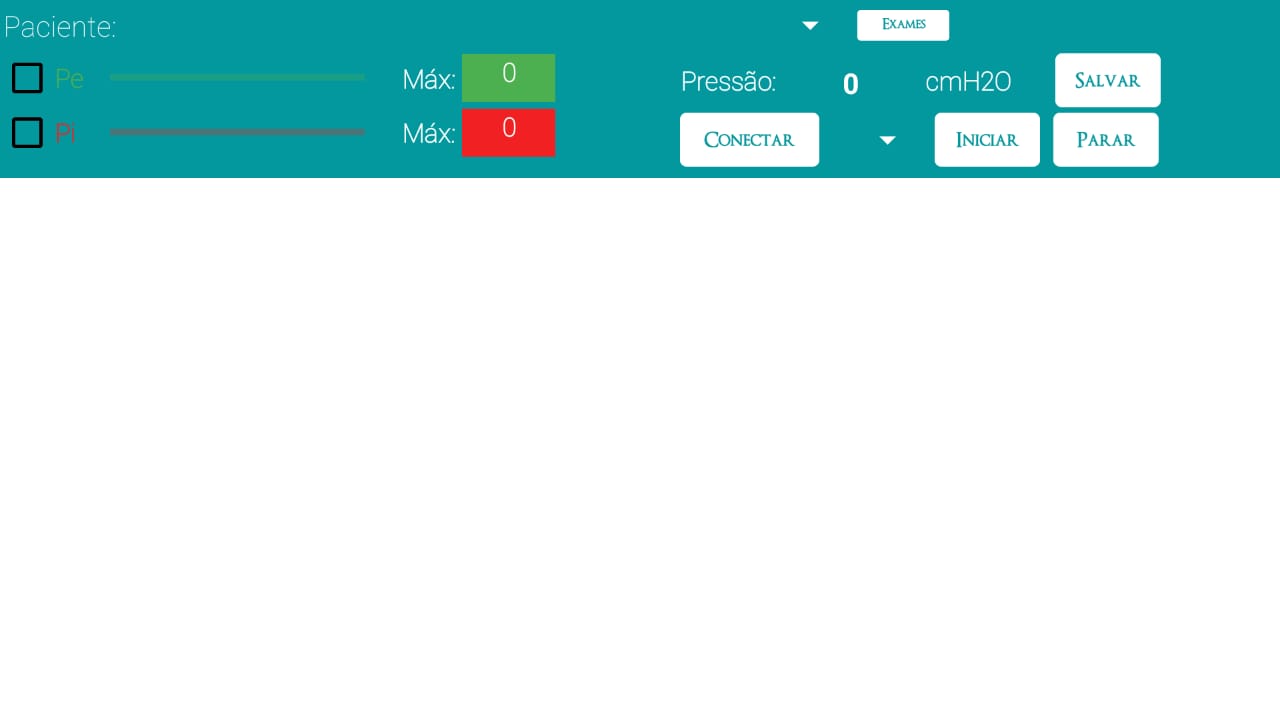
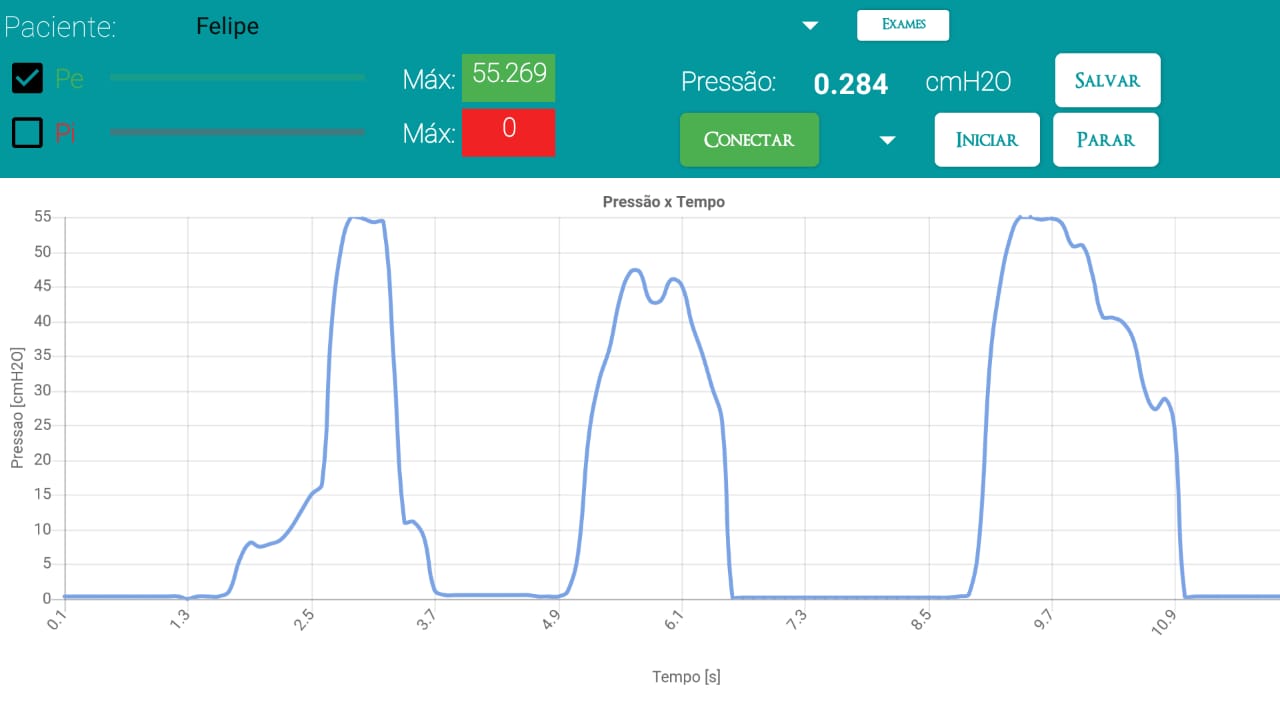
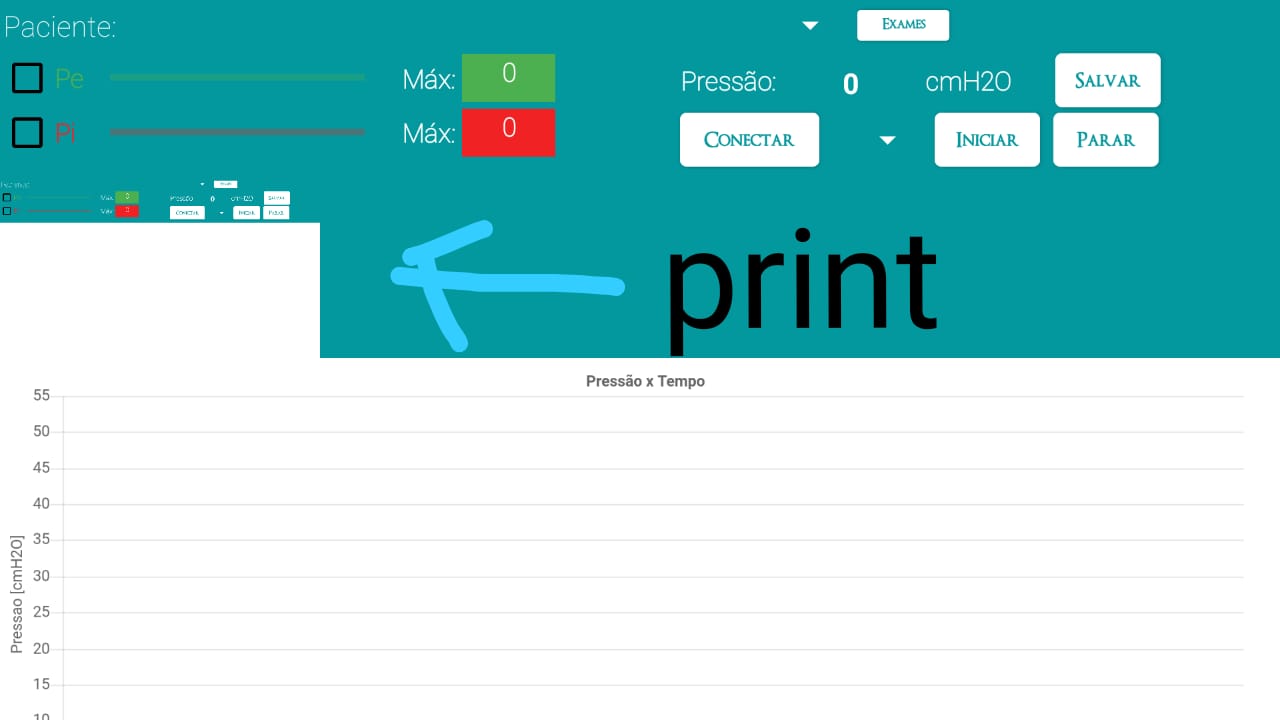
Hi, I’m Felipe, and I created an application for my course completion work. I am using WebViewer to generate a graph in real time and when the measurement is finished I take a screenshot of the screen and save it in firebase. However, when taking the print, the graph (chart.js) does not appear. Can someone help me?
This might be a bug of screenshot component.
Sometimes it does not capture all things present in the screen.
You can use alternative to screenshot that is component to image extension.
@Angelo_Angius
[image]
First one is the label and the second one is the converted image…
Set all your content in a vertical arrangement and convert this arrangement to image and upload it.
1 Like
Thanks for the suggestion, however the graphic generated in the htm file in the web viewer also does not appear when converting the component into an image.
vknow360
June 5, 2020, 12:58pm
4
Maybe this can be helpful:
1 Like
Very cool, I’ll take a look
Very cool, I’ll take a look
Hello Felipe,