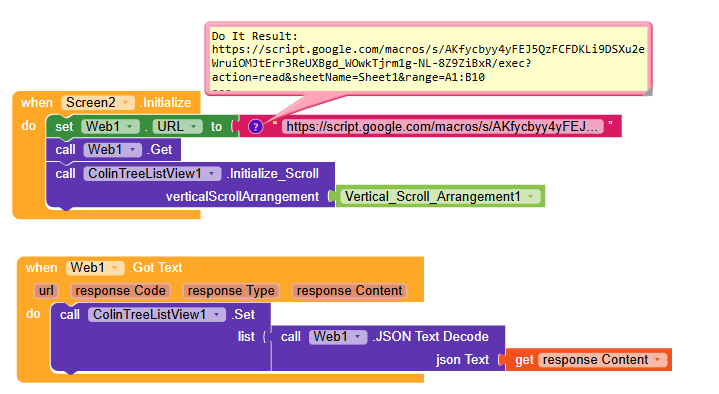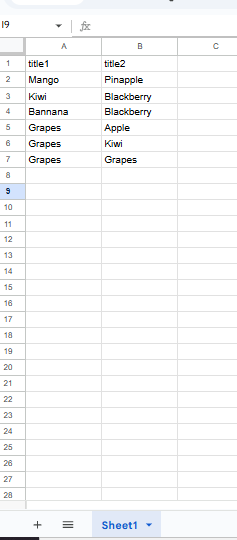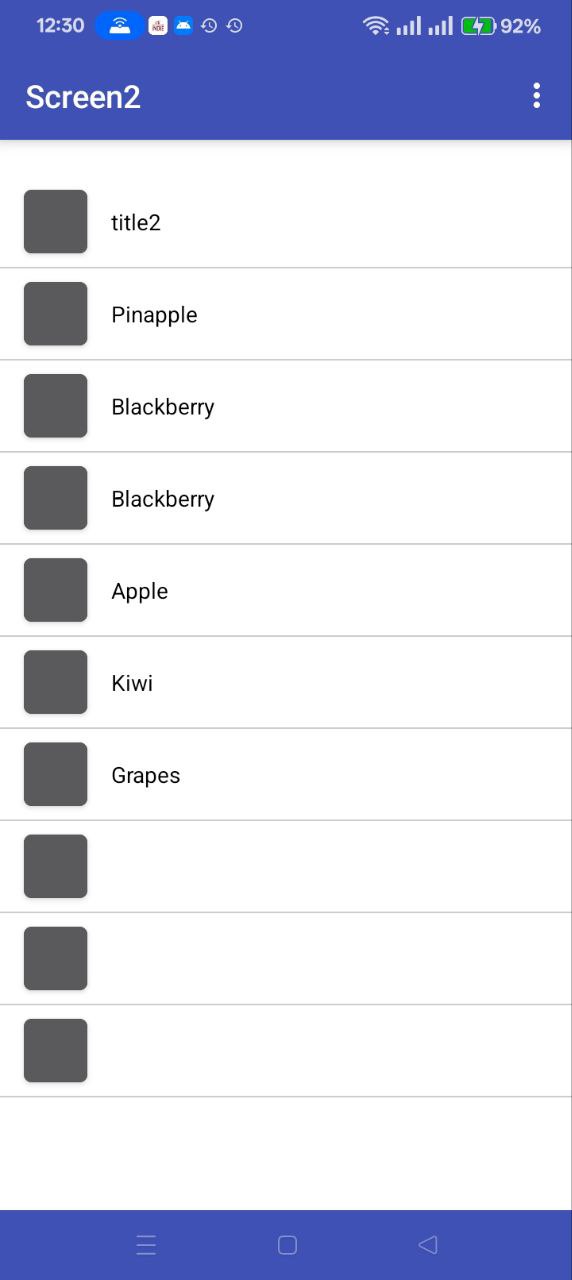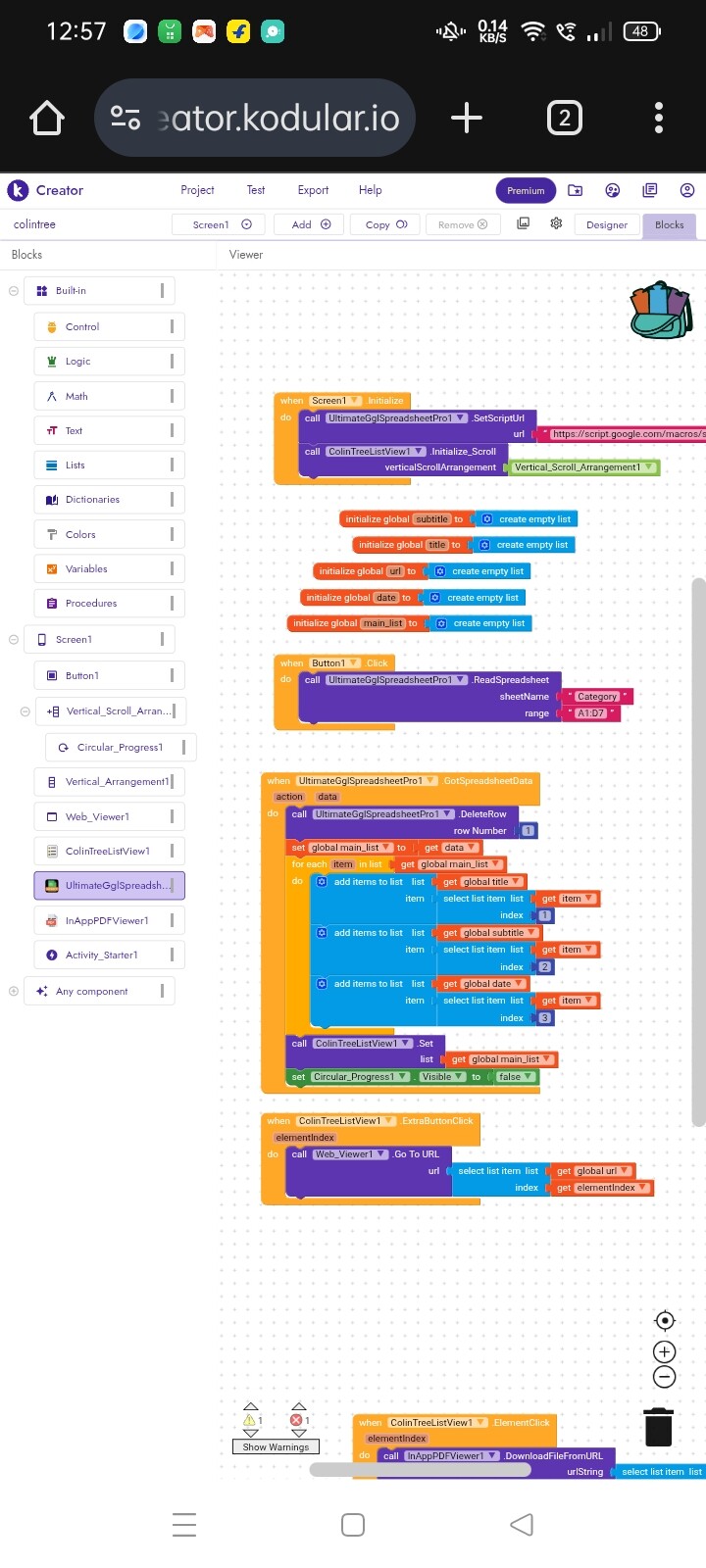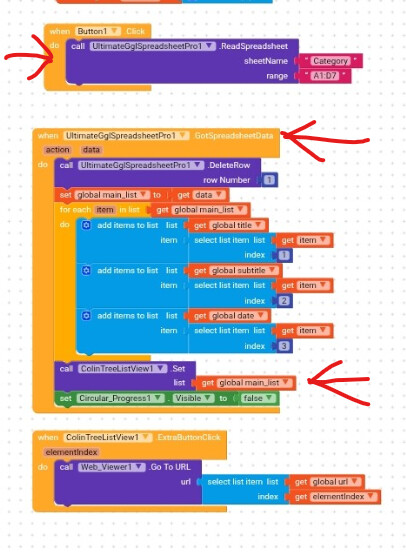
I think the error is here
Use A1:B6 range
Still same issue not working
i do not think you need to use any paid or pro extension to get data from google sheet. many alternate free extensions are available. anyhow i have tested with the scripts and web component along with collintree and i found no problem. even fro the empty cell values i can see collintree listview..
Correct
(I just felt bad because they had to pay for it, and there are even better ones that are free  )
)
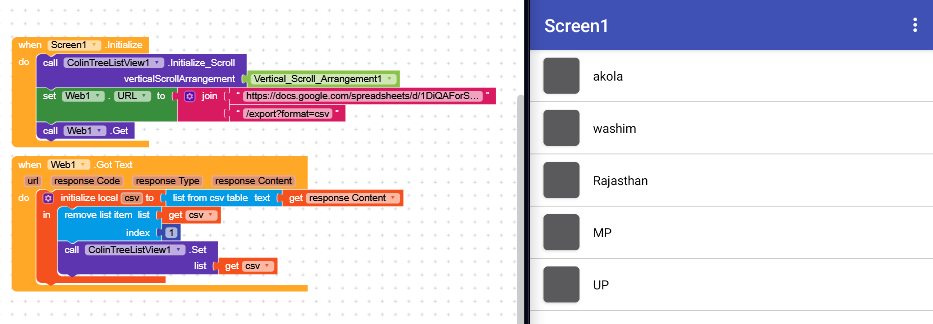
but then it can be simplified even more by removing the script and exporting to CSV.
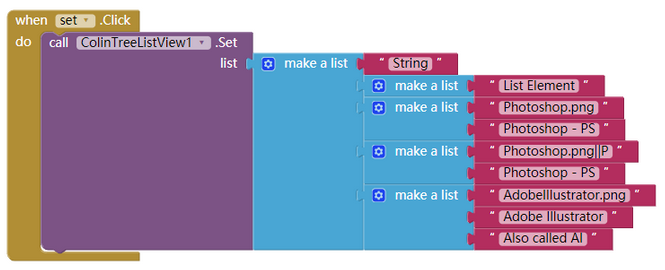
Note that in the case of a list of lists with two elements or more, the first element of each list must be an image.
Solved it myself
How? Can you please share how it was solved? Someone might get help with it in the future
We observed your past actions, you have opened the topic, make users to help for your problem but you intentionally replied that you’ve solved it your-self but without sharing your solution. This is against of community ethics. Either share your solution here or before you make post just work around so others may not lose thier valuable time for your query.
It really doesn’t seem to me that you “solved it yourself”,
and now every time you receive the data, you delete the first row of the sheet.
You’re doing what WE advised you to do.
Yes, it’s not only solve it myself all of you help me to solve this
This topic was automatically closed 30 days after the last reply. New replies are no longer allowed.