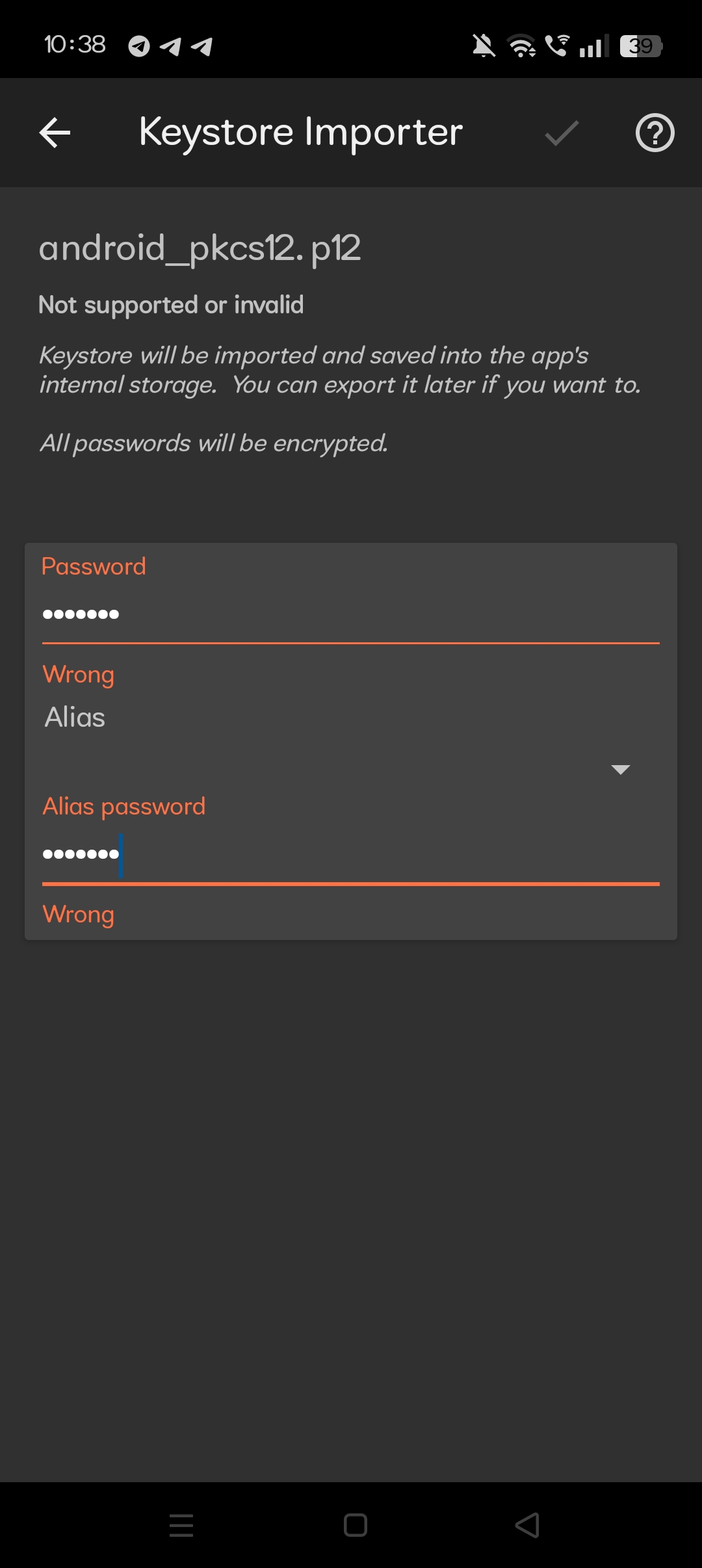
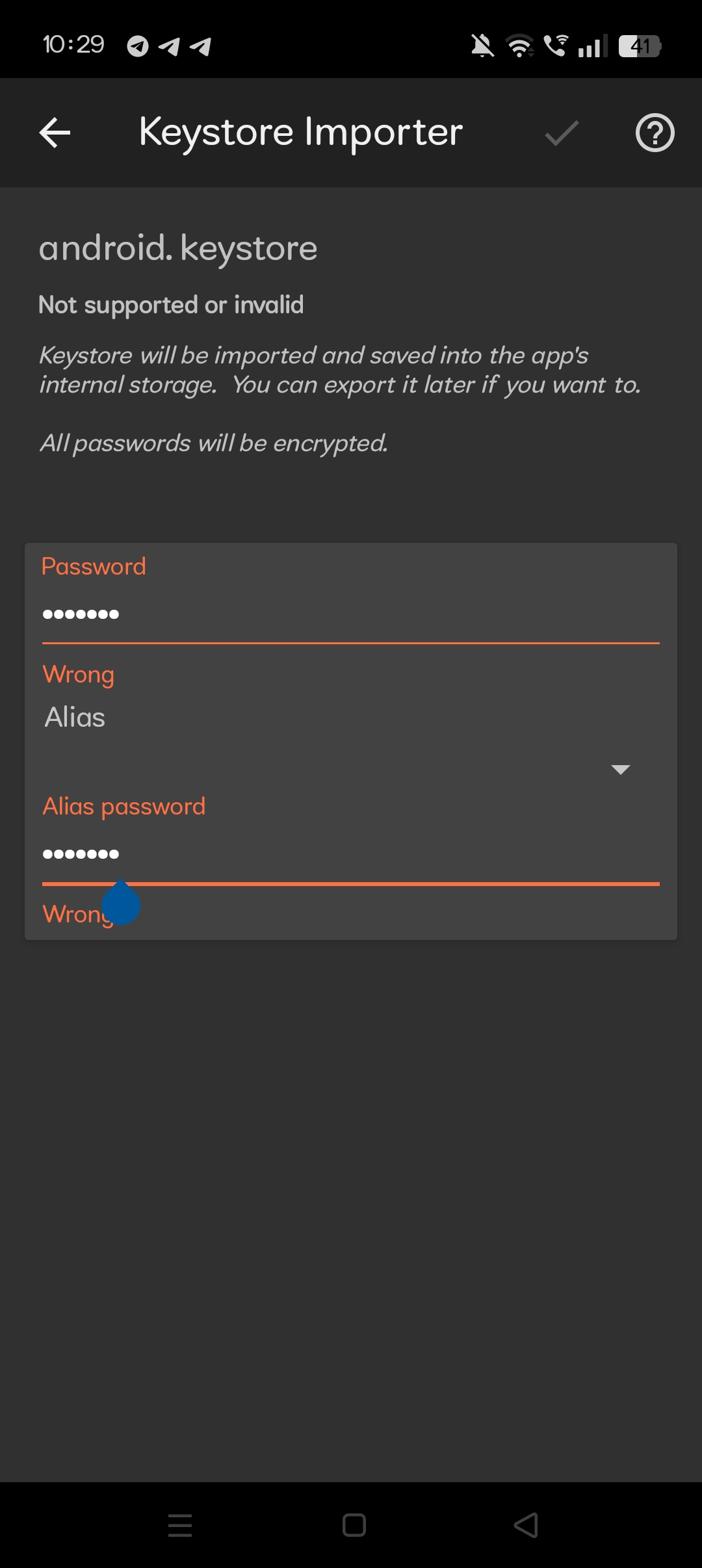
Subject: Exported Keystore - Default password ‘android’ and alias ‘androidkey’ are Wrong
Body:
Hello,
I have a problem with my exported keystore. I built my app in Kodular, and it is live on the Play Store.
Now, I have moved my app to Sketchware. I need to sign my new AAB file with my original Kodular keystore to update my app.
I exported the android.keystore file from my Kodular account. Then, I tried to import it into the “APK Signer” app on my phone.
When I enter the default credentials:
- Password: android
- Alias: androidkey
- Alias password: android
The app shows an error message “Wrong” and “Not supported or invalid” (I have attached a screenshot of this error).
I am sure that I never set a custom password or alias for my keystore in Kodular.
Can you please help me? What is the correct default password and alias that Kodular uses if android/androidkey is not working?
Thank you.