iamwsumit
May 2, 2021, 6:12am
1
Hello everyone I hope you are all nice at your home Today i am going to launch my new extension i.e Custom Image after many time. this extension helps you to create circular , rounded and bubble images. Soon I will add more shapes
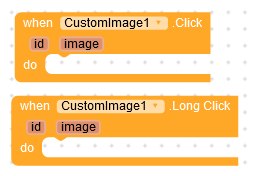
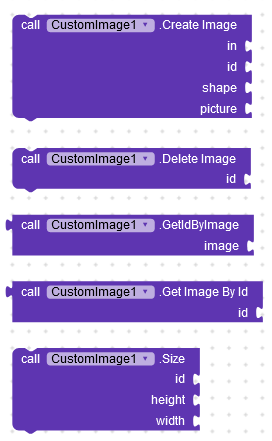
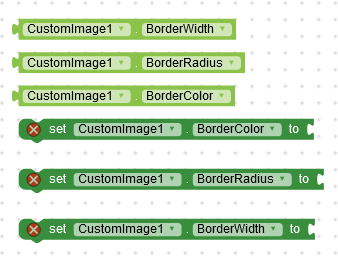
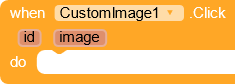
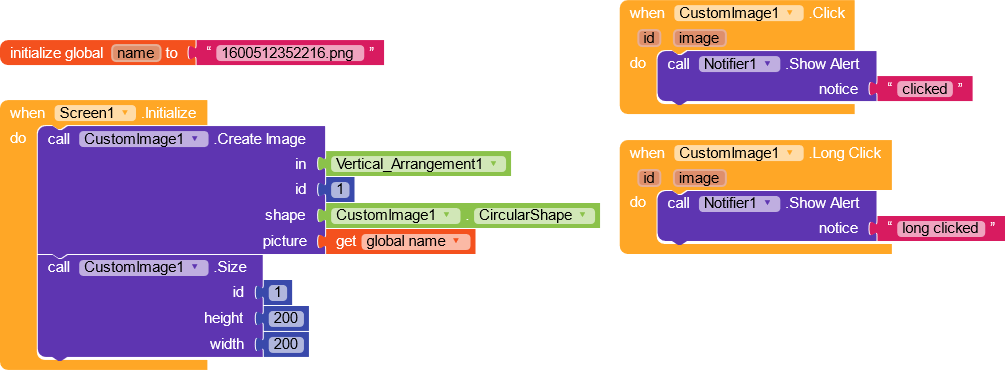
there are 2 events or click listener and 5 methods and 7 properties total
This event occurs when image is clicked
This event occurs when image is long clicked
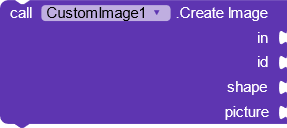
This block create a new image with id and shape
This block remove the created image with given id
this block returns the id of the given image
This block return the image for the given id
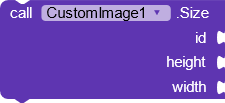
This block set the height and width of the image
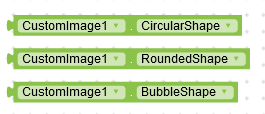
These are the available three shapes
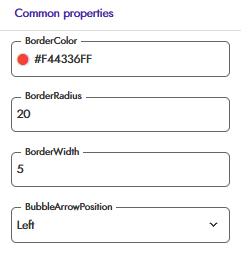
These are the border properties for setting the border in rounded image
this block set the arrow position of bubble image
Thank always Kodular for being with myself
If you like the extension then like the topic
If you like my work then donate if you can
38 Likes
Great extension @iamwsumit ,
1 Like
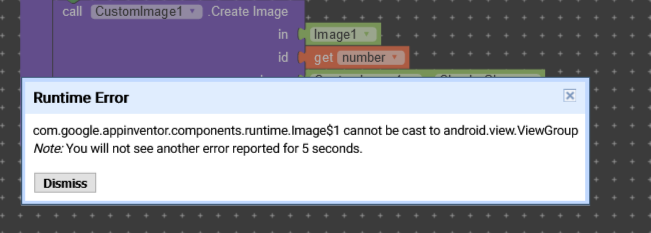
i want to use this extension in dynamic list view i got error
i use this extension for dynamic component (DyanamicComponent) made by Jusuf cihan.
you need to add a arrangement instead of a Image
2 Likes
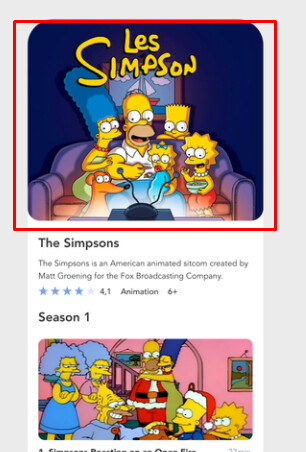
With this extension is it possible to do something like this?
Maybe a image inside a card view with 0 padding?
2 Likes
I’ve tried something like that, but it doesn’t look the same. If it had an extension equal to the arrangement design for photo it would be perfect.
iamwsumit
May 3, 2021, 4:08am
12
Hmm @Chocoduba_BR you are right it is possible without any extension as you have said about padding
You can create a new topic or can PM me I will help you to make it without extension
Xoma
May 3, 2021, 4:28am
14
This is the problem, I believe:
You have to check or compare strings using the equals method and not ==. Should be corrected to:
I have corrected it here .
iamwsumit
May 3, 2021, 4:47am
15
@Xoma No it dont matterpicture param
Xoma
May 3, 2021, 5:49am
17
Yes my mistake but you should compare string with equals?
iamwsumit
May 3, 2021, 5:50am
18
Ok @Xoma thanks for correcting me I will soon update the code
Xoma
May 3, 2021, 5:52am
19
Yes sorry, my blocks were wrong too
1 Like
This extension work with Dynamic Components extension?
iamwsumit
May 3, 2021, 5:53am
21
I haven’t tried it but you can check.
2 Likes