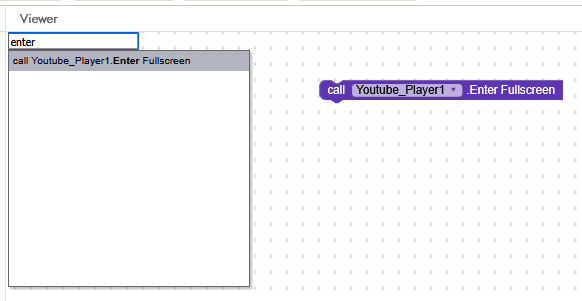
After the latest update, the YouTube Player component no longer includes the “Fullscreen” block, which previously allowed you to switch to landscape mode and fill the entire device space.
Previously, when initializing the screen, you could set fullscreen = true and set the orientation to landscape, which worked perfectly.
However, the following behavior is currently occurring:
Screen set to portrait orientation:
Clicking the YouTube player’s fullscreen button expands the video, but the orientation remains vertical, so it doesn’t use the full width of the device.
Screen set to landscape orientation:
The video appears cropped at the bottom, as if the component doesn’t properly adapt to the height of the screen.
Test with the Companion:
When the screen is in portrait orientation and you run the app from the Kodular Companion, clicking the YouTube player’s fullscreen button automatically rotates the screen to landscape and the video displays correctly.
However, this behavior only occurs within the Companion and is not reproduced when compiling the app (.apk).
Question
Has anyone else reviewed this behavior or found a working way to enable full screen or auto-rotate in the YouTube Player component after the update?
@yashsrv have you tried the YouTube player? I remember you were the first person noticed the community about this issue, so is this issue happening to you too?
 Question

 .
.