[HELP] Images/Assets Not Displaying After Kodular Creator 2025.10 Update in emulator

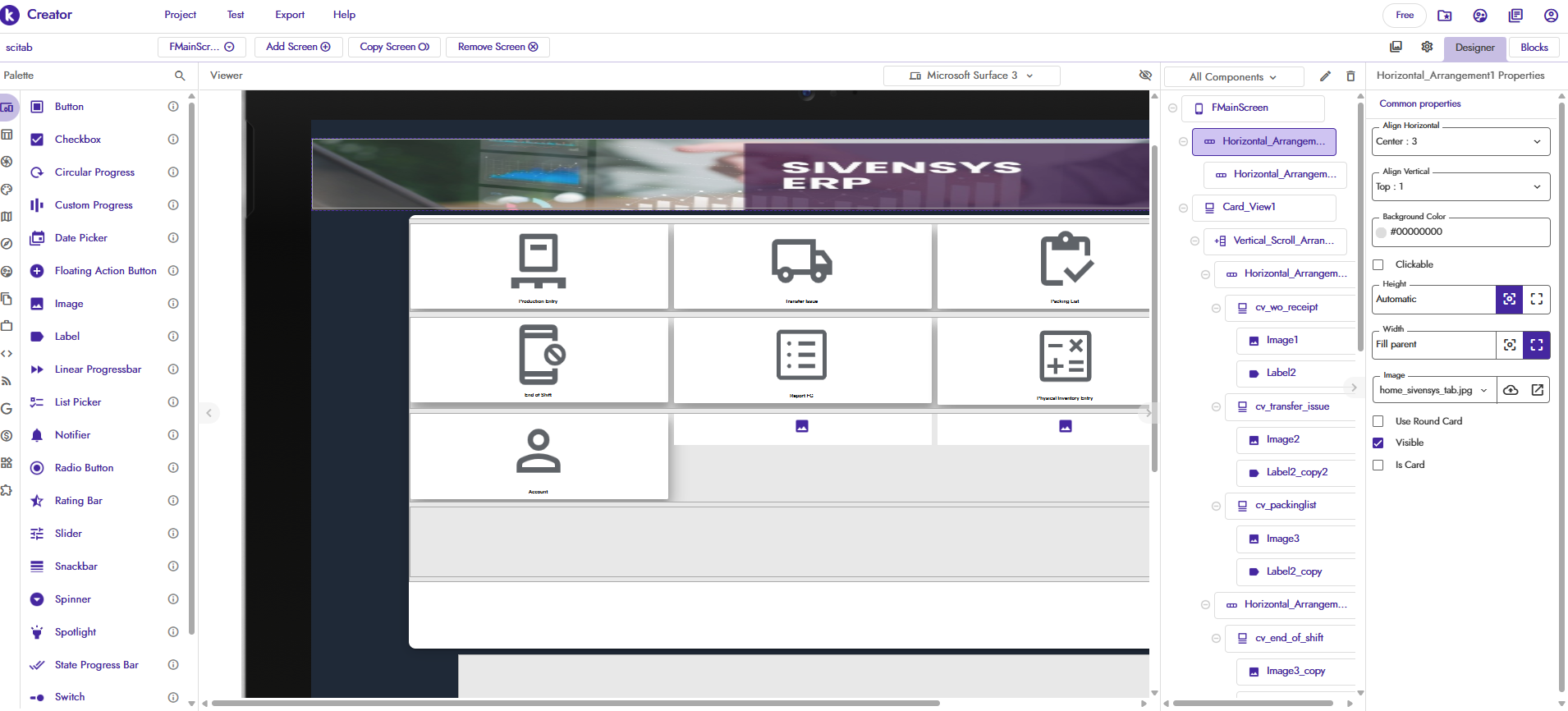
I am experiencing a critical issue where images stored in my project’s Assets folder are not loading or displaying correctly in the app. The components meant to show these images are appearing blank.

This problem started occurring after the recent Kodular Creator 2025.10 update.

  • Problem: Images are missing (displaying as blank) both when testing using the Companion app and in the compiled APK/AAB file.
  • See attached image: image_73e68e.png shows my application screen where the images (icons/logos) are completely absent.

Details & Troubleshooting:

  1. All assets are correctly uploaded in the Assets Manager.
  2. I am using the standard method to reference them: only the filename (e.g., my_icon.png) is used in the image properties (like Picture or BackgroundImage).
  3. File names are simple and do not contain special characters or spaces.

Questions:

  1. Is this a known bug in the 2025.10 release regarding asset handling?
  2. Has the internal path for accessing assets changed in this update? If so, should we now use a specific prefix (e.g., // or / or a path using the File component) to correctly load images from assets?

Any advice from other users who have faced this after the update, or input from the staff, is highly appreciated. Thank you!

@Diego please help me, sir :smiling_face_with_tear:

So before the update, it worked both in the Companion and in the APK?


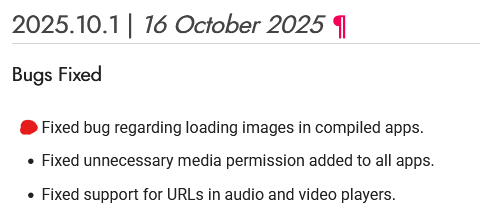
There was a bug, but it should have been fixed in the latest release.

Could you show the blocks of how you’re loading the images?

I’m setting the image directly in the Common Properties

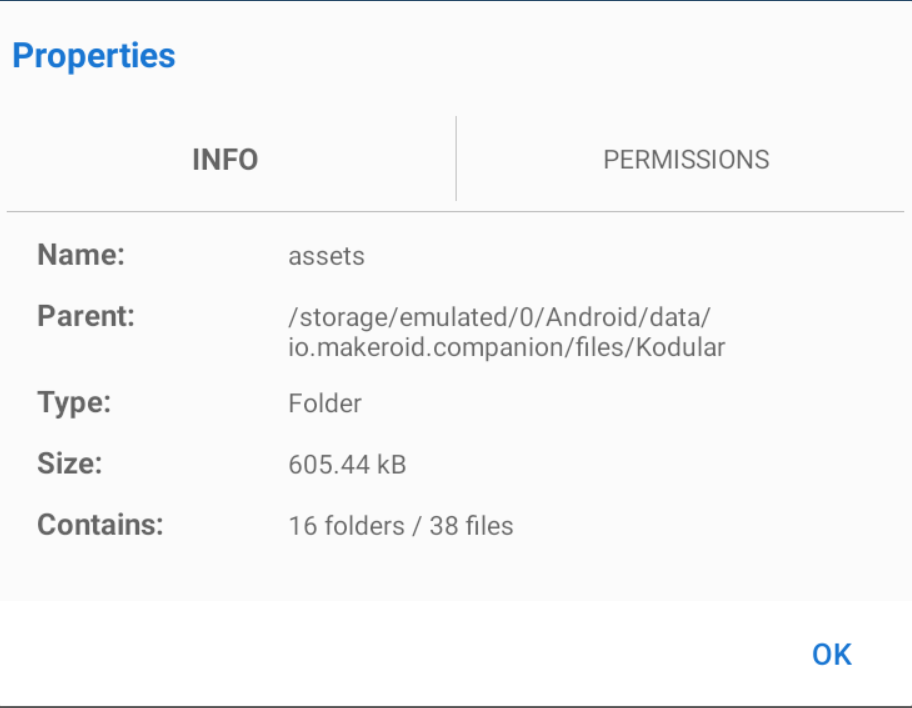
What’s the total size of the assets in MB?

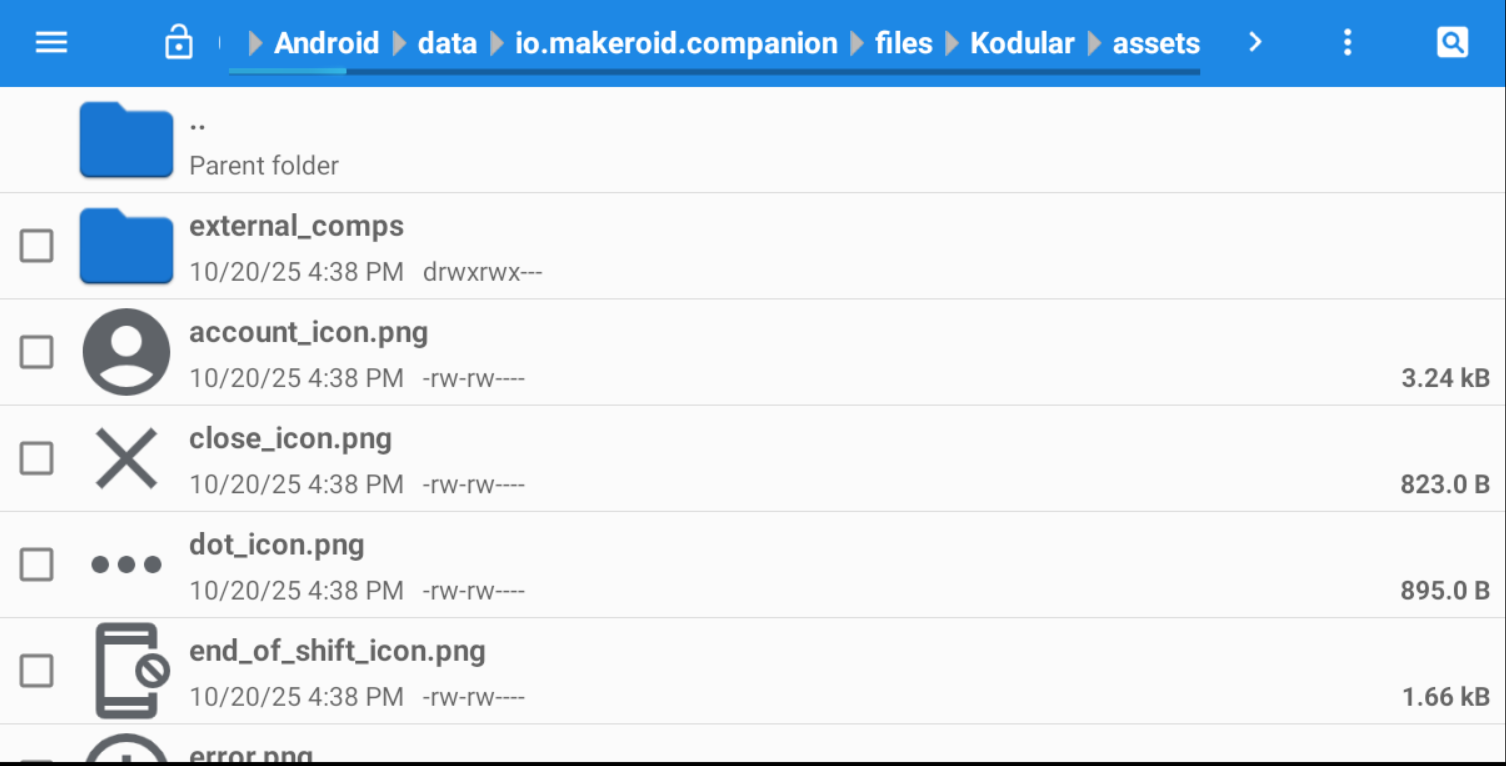
Can you check if the images are actually present in the folder of the Companion/APK:

Companion
/storage/emulated/0/Android/data/io.makeroid.companion/files/assets

APK
/storage/emulated/0/Android/data/your.package.name/files/assets

The total size of my assets is 605.44 kB

Since the problem seems to have been solved in that topic, try removing and re-uploading the project (it might not fix it, but it’s worth a try).

I have removed the old project and imported it again, but unfortunately, the issue is still not resolved.
please help me @Diego

What happens if you try to set the image in blocks?
Are you using the latest companion app version?
Taifun

Hi Taifun,

Thanks for the quick response.

  1. Regarding blocks: I have tried setting the image using the blocks, but the image still does not load.
  2. Regarding companion app: I am using the latest companion app version for testing.

Hi @RaYzZz @Taifun @Diego

I have an update:

I tested the app on a physical Android device (using the companion app), and the image loads and displays correctly.

However, the image does not appear when running the companion app on an Android emulator (I tested on MEMU Player and LDPlayer).

This suggests the issue is likely related to how the emulator handles internal assets or storage paths, and not the application code itself.

Do you have any known workarounds or specific settings for testing assets on these emulators?

Thank you.

I use BlueStacks with Android 13 when I need to, but I don’t really trust it, so whenever possible, I test in the Companion on a physical device or (best choice) with the APK.

The emulator does emulate, but it almost never reproduces the app exactly as it would on a real device.

Companion on emulator = hmm…
Companion on phisical device = better
APK (phisical device) = top

You should always mention that you are using an emulator because the first thing to do in case there are issues on the emulator is to test on a real device

Taifun
PS: I now added this detail in the subject of this thread

1 Like