hello kodular
Cryptography component not working perfectly !
i can’t find a block that contain sha256 hash input text(although the component contain block aes input..)
the only block here is generate 256sha
but after set label to get value of this generated Sha .. the result is text with strange symbols like !?!?!?/.. also this text not able to add in baserow rows
please i don’t want to use extension to solve this problem
If anyone can help me
because i want to encrypt device id using sha256 before sending rows to baserow for better safety
Anyway, SHA-256 isn’t used to encrypt and decrypt text,it’s used to create a hash instead.
I’d recommend checking out some online guides to better understand how it works.
ok because i have used to make sha256 in the ni o tron using the security component easily
but in kodular i didn’t find any block .. i found an extension only
true, but then it wouldn’t be reversible even for you
AES is reversible only if you have the key, so you’d send the data to Baserow, but only whoever has the key would be able to decrypt it.
AES-256 is an excellent encryption system, used by many major platforms.
SHA-256 is used to verify the integrity of the APK, ensuring it hasn’t been altered in any way.
In short, Google Play generates a SHA-256 key based on the app, so if the app is different from the original, the SHA key will be different.
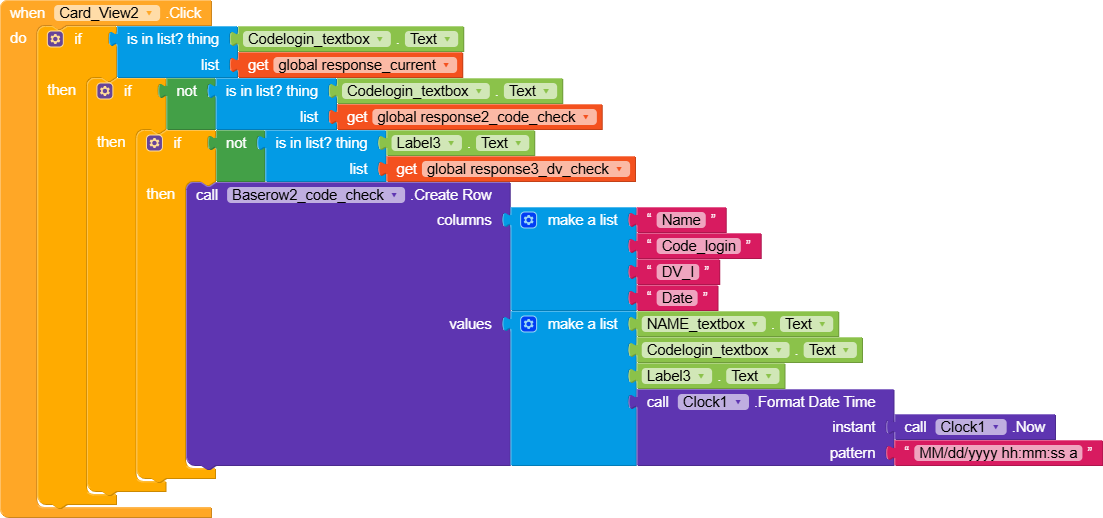
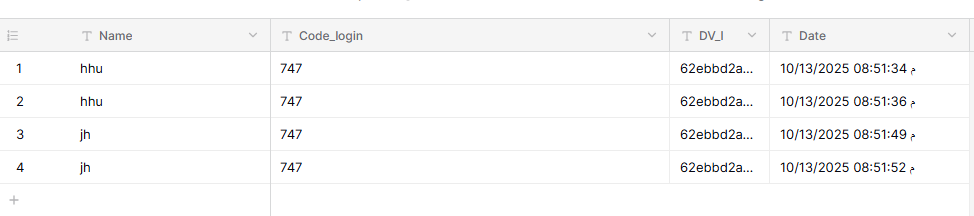
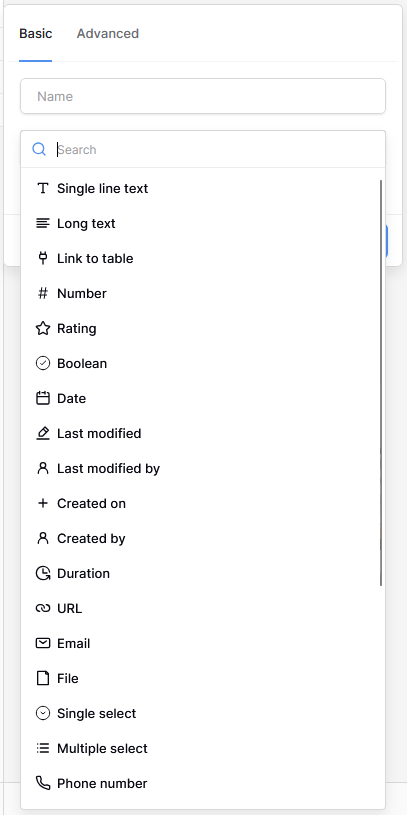
is there any solution because also i have tried to use AES256 but baserow doesn’t accept the data .. then i set label that contain AES256 to HTML Format(Value=True).. the data accepted in baserow rows .. but when using (is in list thing - list variable-- thing (label that contain AES256 device id) baserow still can’t know if the same AES256 in database..
because my app depend if .. AES256 is in the database —> this user can’t use the same code for login
 not working perfectly !
 maybe kodular need to add this block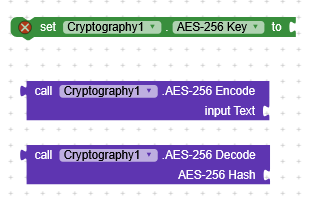
 .
.