seems like activity starter is also providing the wrong uri?
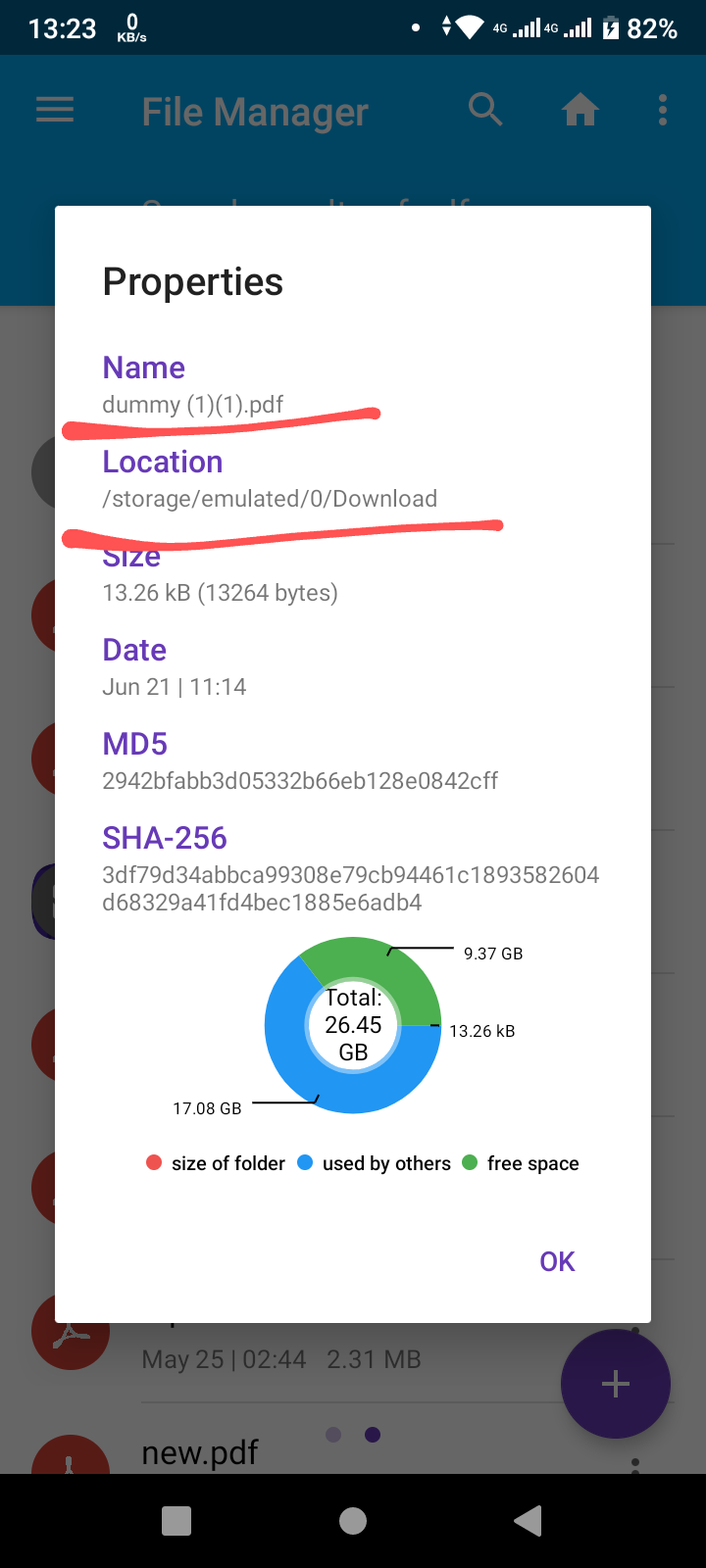

I can confirm.
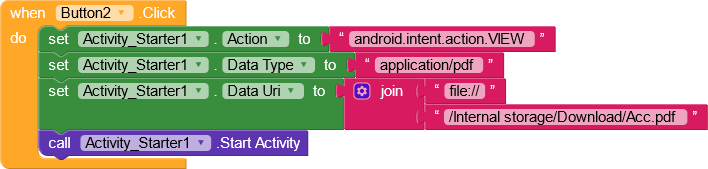
That would work but i can’t use it like that because the user would pick any file he wants in his phone
Yes, I understand. it just tries to open a file from a directory.
I think the solution is to replace the directory of the result uri with /Internal storage/Folder where the file is/filename.pdf
to find out the available directories by right-clicking “do it” on this block
https://kodular-community-uploads.s3.dualstack.eu-west-1.amazonaws.com/original/3X/a/6/a6e4fbda4bf2248102644d6a36d8eda4175a013d.png
try this apk, but i’m not sure, because i work on android 10
pickPDFandroid11.apk (5.2 MB)
ignore button2
File path is shown along with no corresponding activity find error.
yes.. I’m just trying to give advice, because I can’t try on android 11. I don’t have it yet.
thank you for your help seems to be something wrong maybe in my device it’s working fine in my other devices running android 9 and 10
Android 11 needs MANAGE_EXTERNAL_STORAGE permission.
2 Likes
@karthik2 are you still having problem in selecting pdf??
yes in some devices
Which android versions ?
9 works 11 does not
Yes for me also same but there are new permission for android 11
Actually the problem is that Android 11 recognizes image , video and audio files only.And other files are treated as external files.
3 Likes
This topic was automatically closed 30 days after the last reply. New replies are no longer allowed.