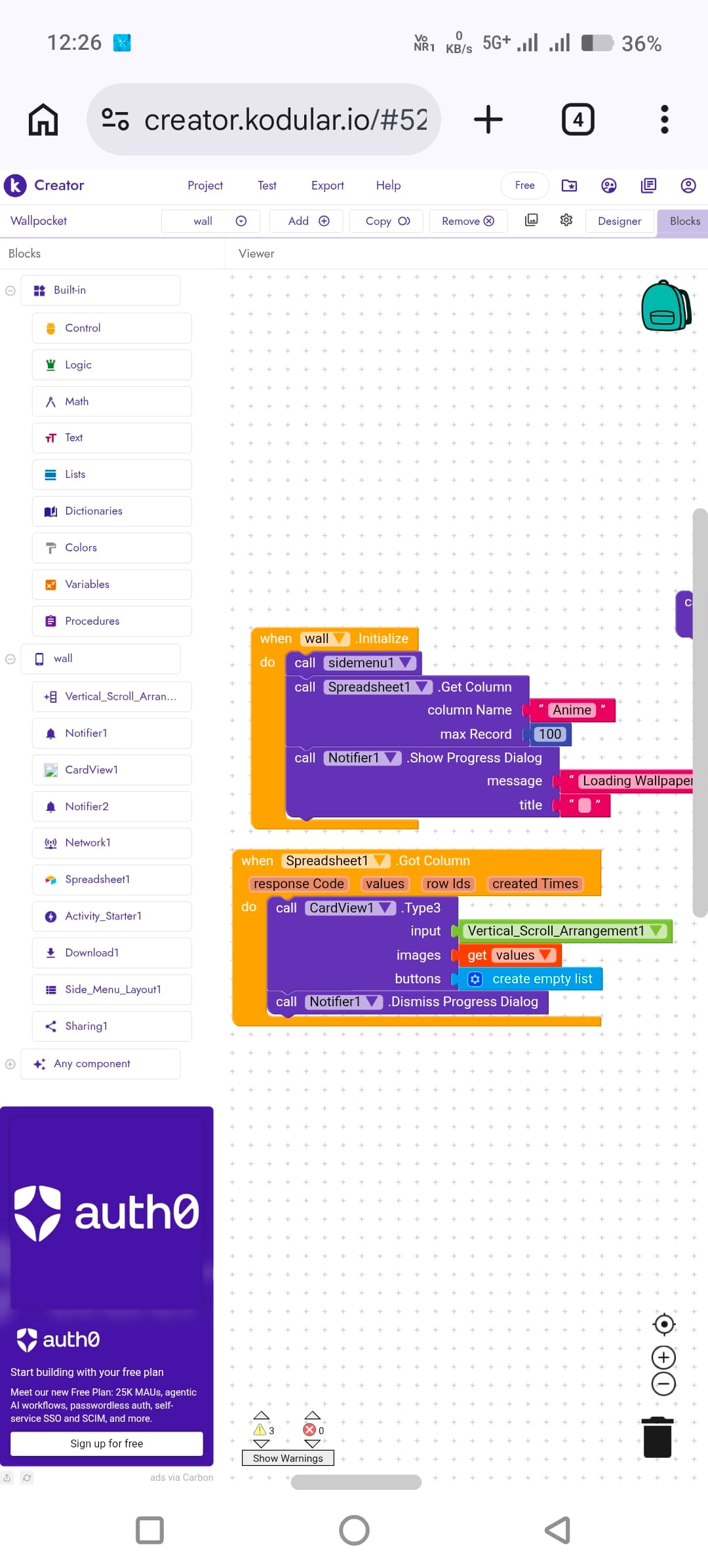
I am using Spreadsheet1

.GotColumn to load image URLs into CardView.
How can I implement pagination (10 images per scroll) like infinite scroll using Spreadsheet component?
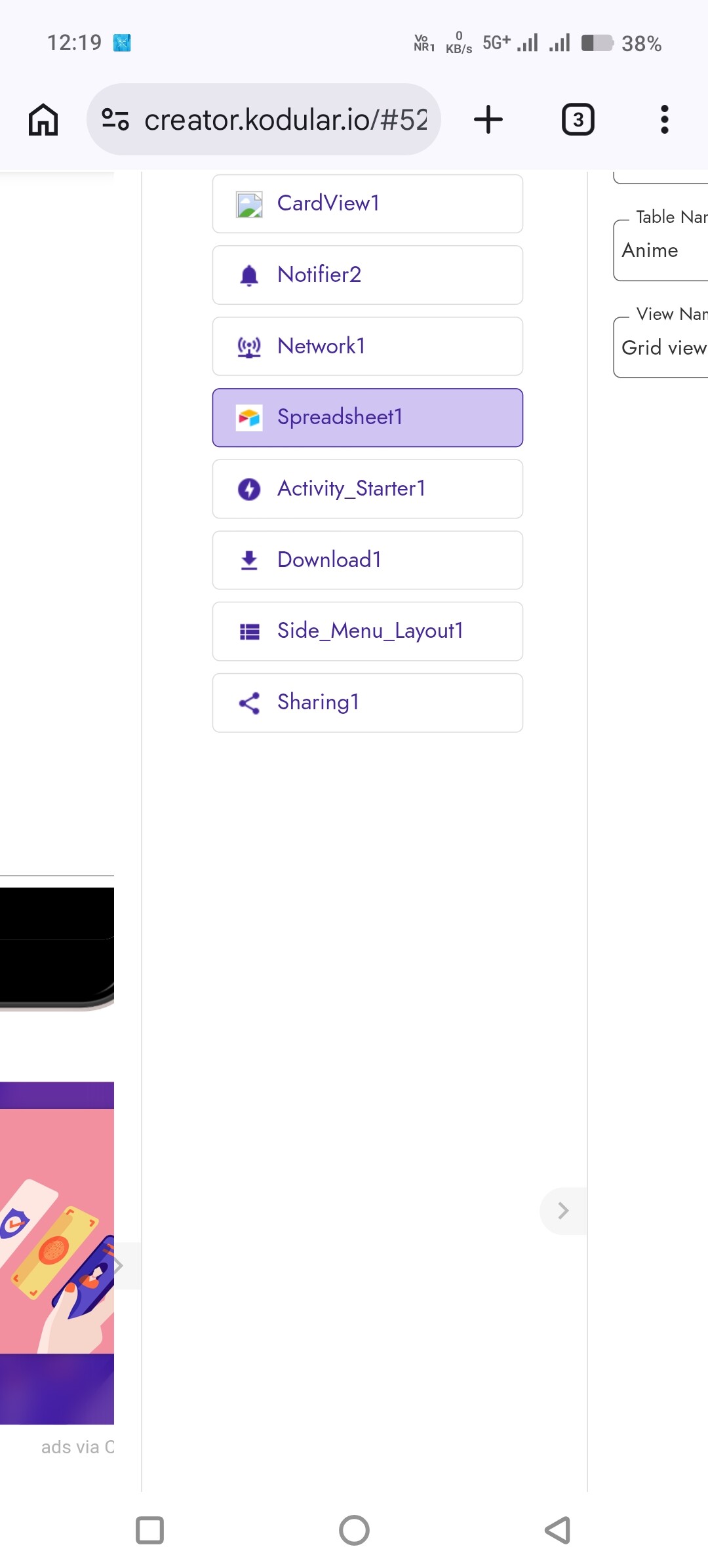
I am using Spreadsheet1
Hi dear,
Our dearly RaYzZz recently created this guide,
Hi bro 
I saw your Lazy Loading / Infinite Scroll guide. It’s really helpful 
But in my case, I’m not using Web API or Airtable. I’m using the Spreadsheet component to load image URLs.
Since Spreadsheet doesn’t support limit/offset like APIs, what would be the best way to implement loading 10 images at a time while scrolling?
Should I:
Load the full column once and manually paginate using index logic? or
Is there any better optimized approach for Spreadsheet?
Would appreciate your suggestion. Thanks 
can easly find it here
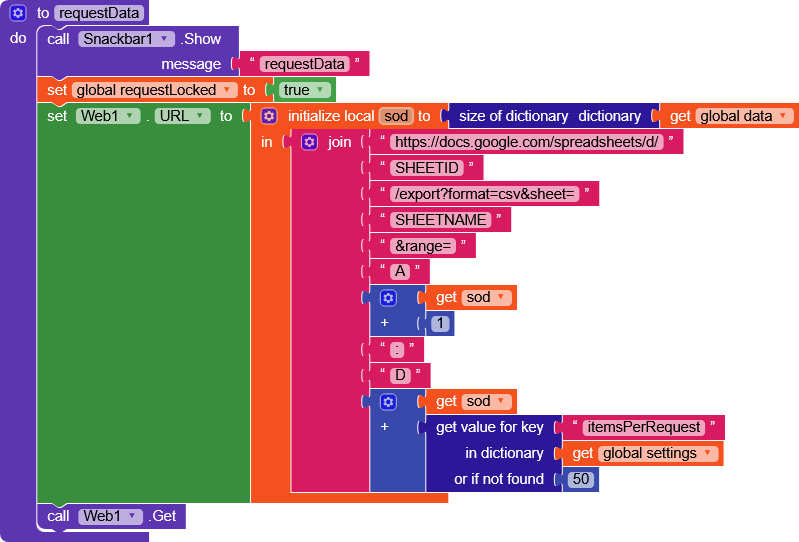
There’s also aia file
Hi dear,
Spreadsheet = Airtable
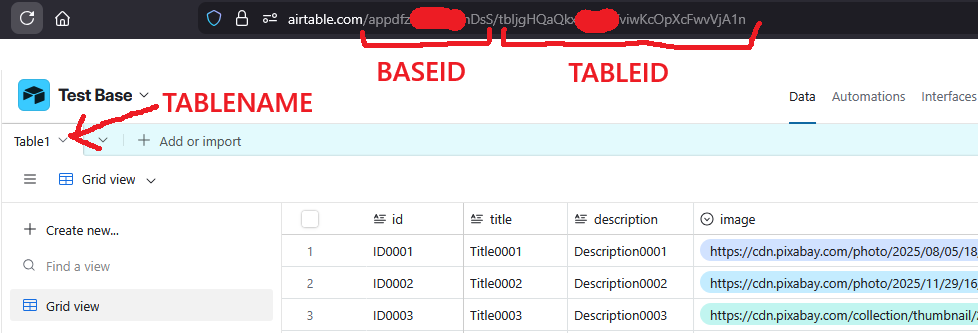
Remember to add Token in the headers and replace BASEID/TABLEIDORNAME
Airtable docs - Finding table IDs
Airtable docs - Finding base IDs
And here you create the token
https://airtable.com/create/tokens
Thank you so much bro