keyboard_A15K.aia (7.0 KB)
can i say its a temporary solution until @Diego side fix the update bug?
btw, i will try out this when i have time 
so have to use keyboardheight extension that can overcome keyboard overlap issue?
but do you mind to share the keyboardheight extension please?
UPDATE:
tested your apk file, can work on both android 11 and 15 
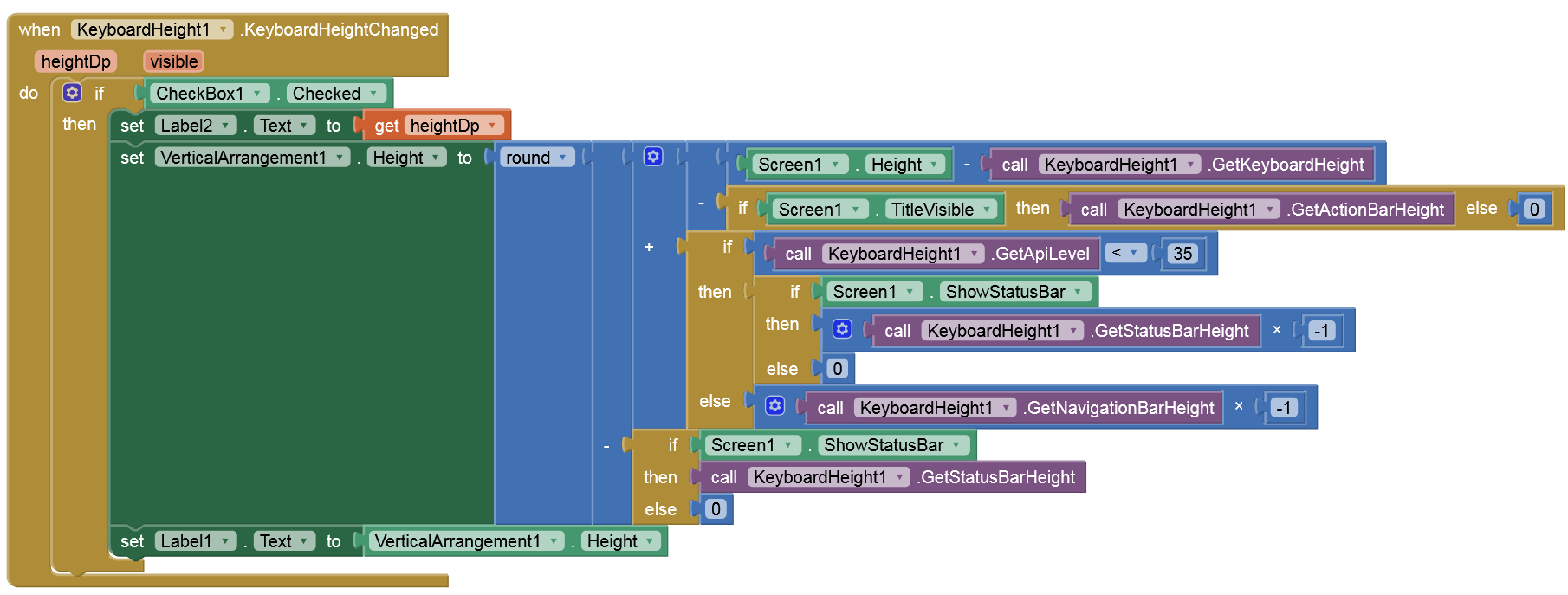
hi @bodymindpower
below are my few screens that need to use keyboard, and i’m not sure how my designs and arrangements can work with your above blocks.
and with your keyboardheight extension i tested that similar with yours, it seems cannot work as well.
please help
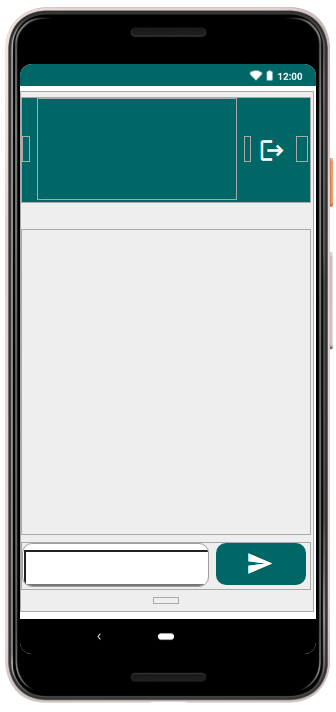

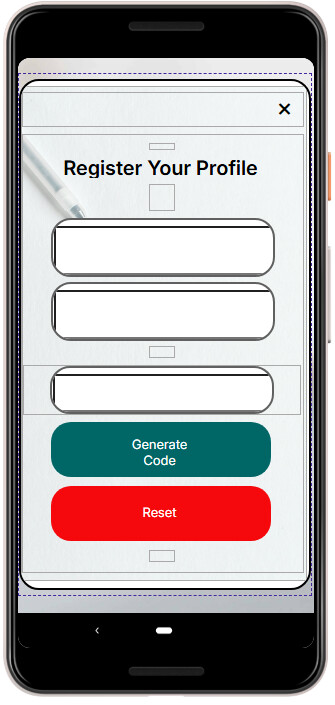
meanwhile has this keyboard overlapped issues been solved for android 15 and above? @Diego
maybe i have been missed out
I think you should probably attach your screenshot of blocks
hi @Diego,
is there any chance about fixing edge-to-edge issue, if this is the root cause?
yes, only happening on Android 15 or higher.
Post your aia or send it to me via PM.
PM-ed you
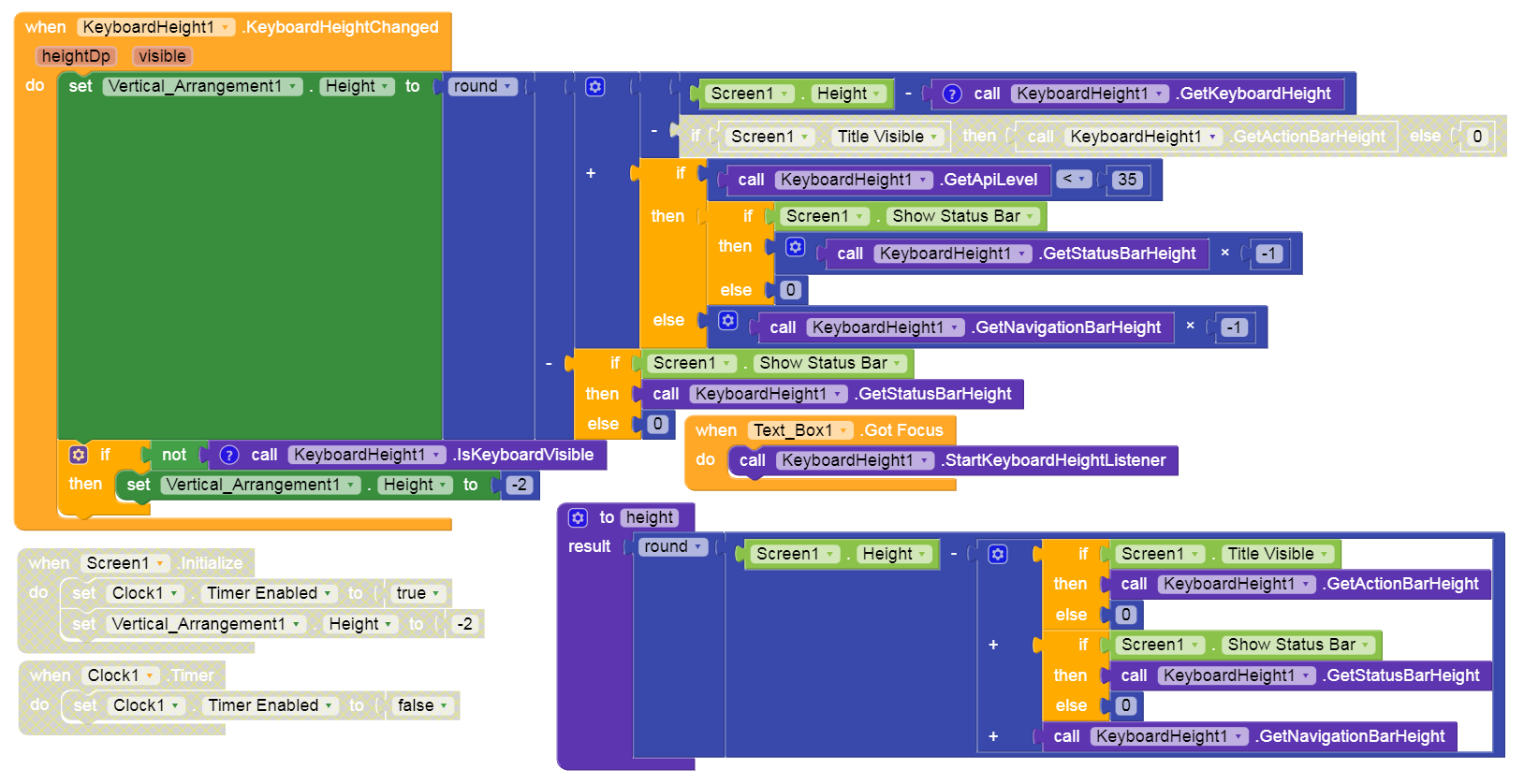
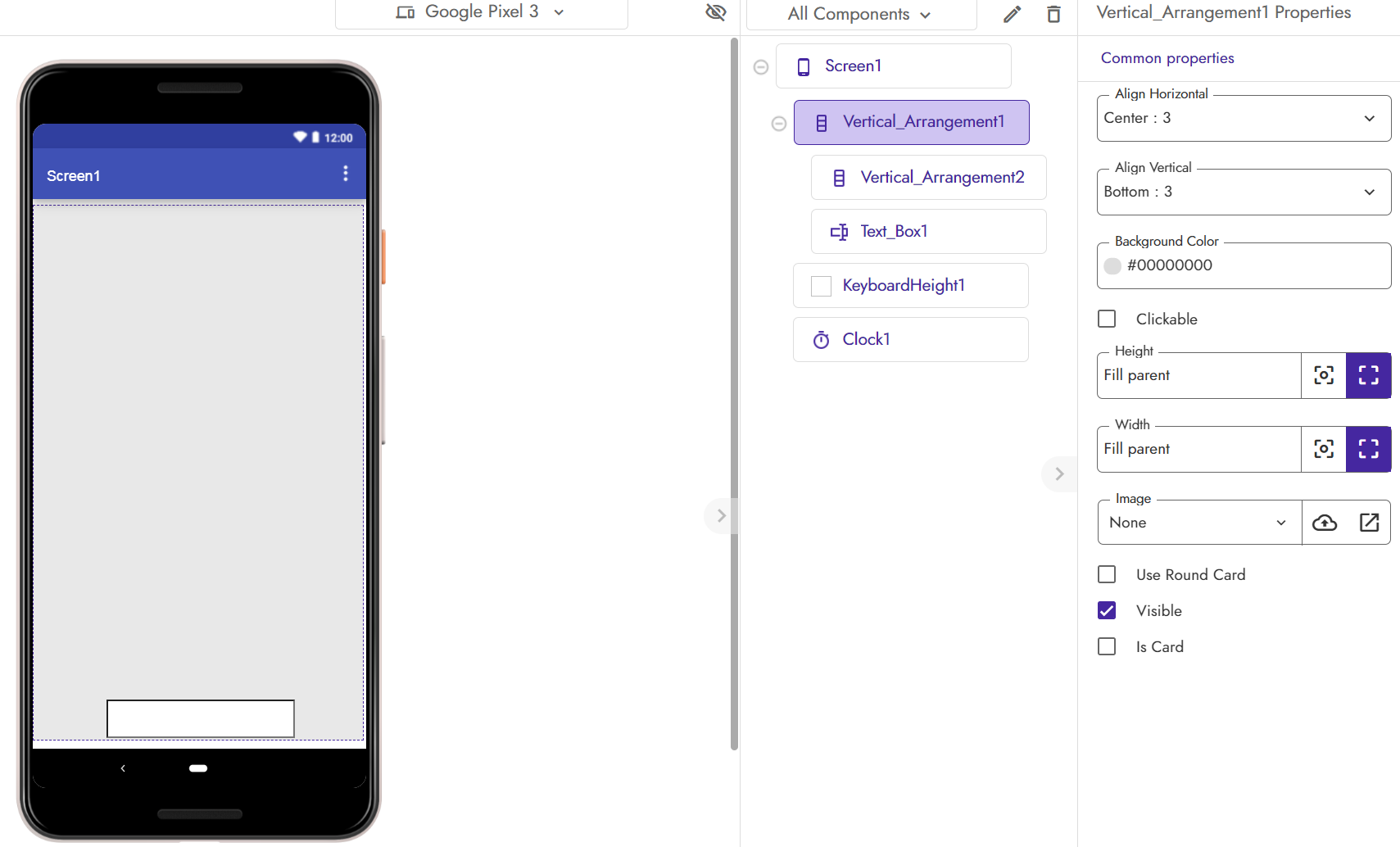
I removed VA2 (visible=false), disabled the timer and did a small adjustments in the blocks. Works fine on my Android 16 test device.
1 Like
Hey everyone! 
I found the solution to the issue where the screen doesn’t scroll when a TextBox is focused on Android 13 and above.
Just add this line in your AndroidManifest.xml for your activity:
<activity
    android:name=".MainActivity"
    android:windowSoftInputMode="adjustResize|stateHidden" />
 This ensures your layout resizes properly when the keyboard opens.
this might help the Kodular team and others facing the same problem. 
1 Like
hi @AyanDeveloper,
thank you for pointing out the solution and this one need to be done using Android Studio?
1 Like
Apk editor
In Fast CLI extension builder, there’s options of AndroidManifest, also Kodular creator provide another AndroidManifest.
Request to you @AyanDeveloper since it’s your idea, can you create a simple extension that will contains this function automatically without extract the apk file?
In my experience the AndroidManifest from default (By Kodular) they all merged into single file with any other AndroidManifest from extension’s
It’s possible?
1 Like
currently I don’t use Kodular , and I don’t make extensions now. I build my apps directly in Android Studio.
But yes, you can create a simple extension in Rush CLI (Fast CLI builder) that includes a manifest snippet like this:
<manifest xmlns:android="http://schemas.android.com/apk/res/android">
    <application>
        <activity
            android:name="com.google.appinventor.components.runtime.Form"
            android:windowSoftInputMode="adjustResize|stateHidden" />
    </application>
</manifest>
This should automatically apply the setting to all activities when the manifests are merged during the build process.
2 Likes
I will give it a try
Thanks
1 Like
com.ayan.keyboardfix.aix (3.9 KB)
Maybe it will work — I haven’t tested it yet. I’ll test it tomorrow morning when I have a device with Android 14.
3 Likes
Thank again
@Mike_Chan can you test the aix in your project, remember to backup your project before importing the extension
1 Like