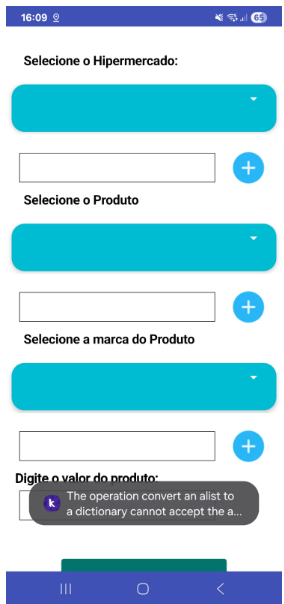
For now I don’t know where we’re going but when the clouds meets too much it’s where the rain falls, but I it’s feels like something bad can happen here,
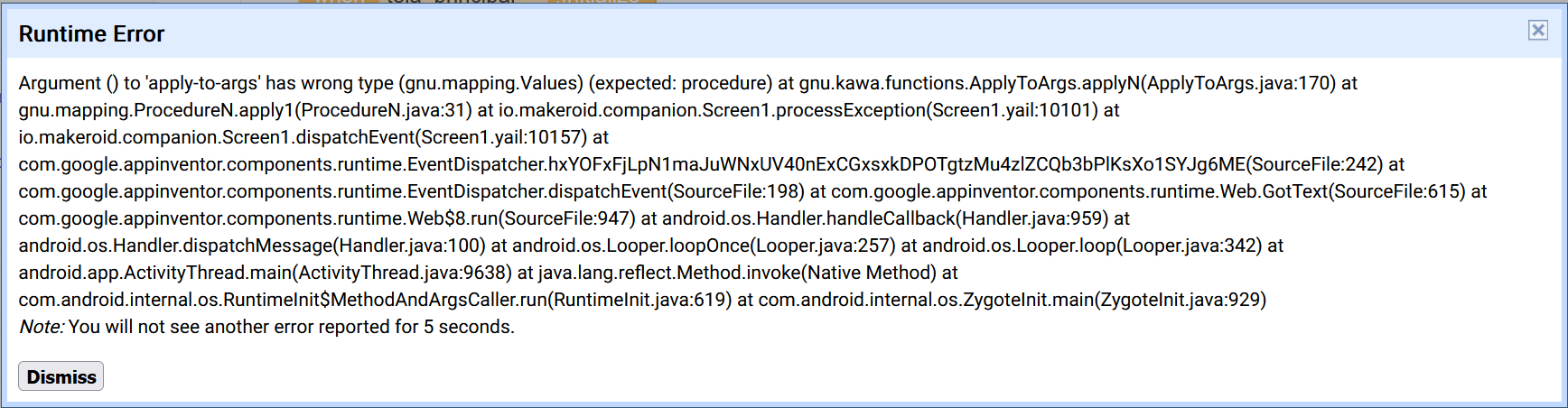
I reported it, after the update takes place, boom new bug appears, but Kodular why?
If you’re creating a project makes sure not errors are in your code, else you won’t debug, this error cover all wrong places in the coed
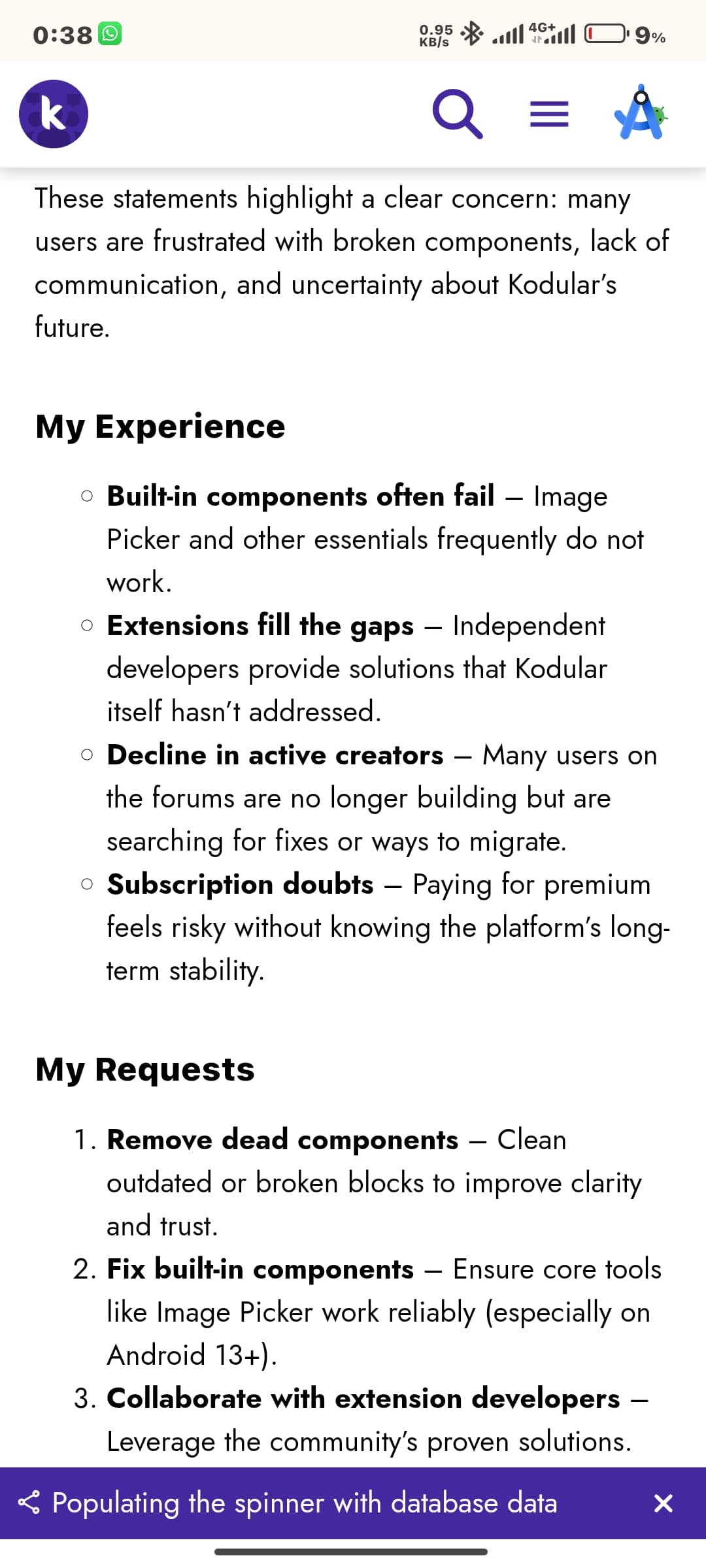
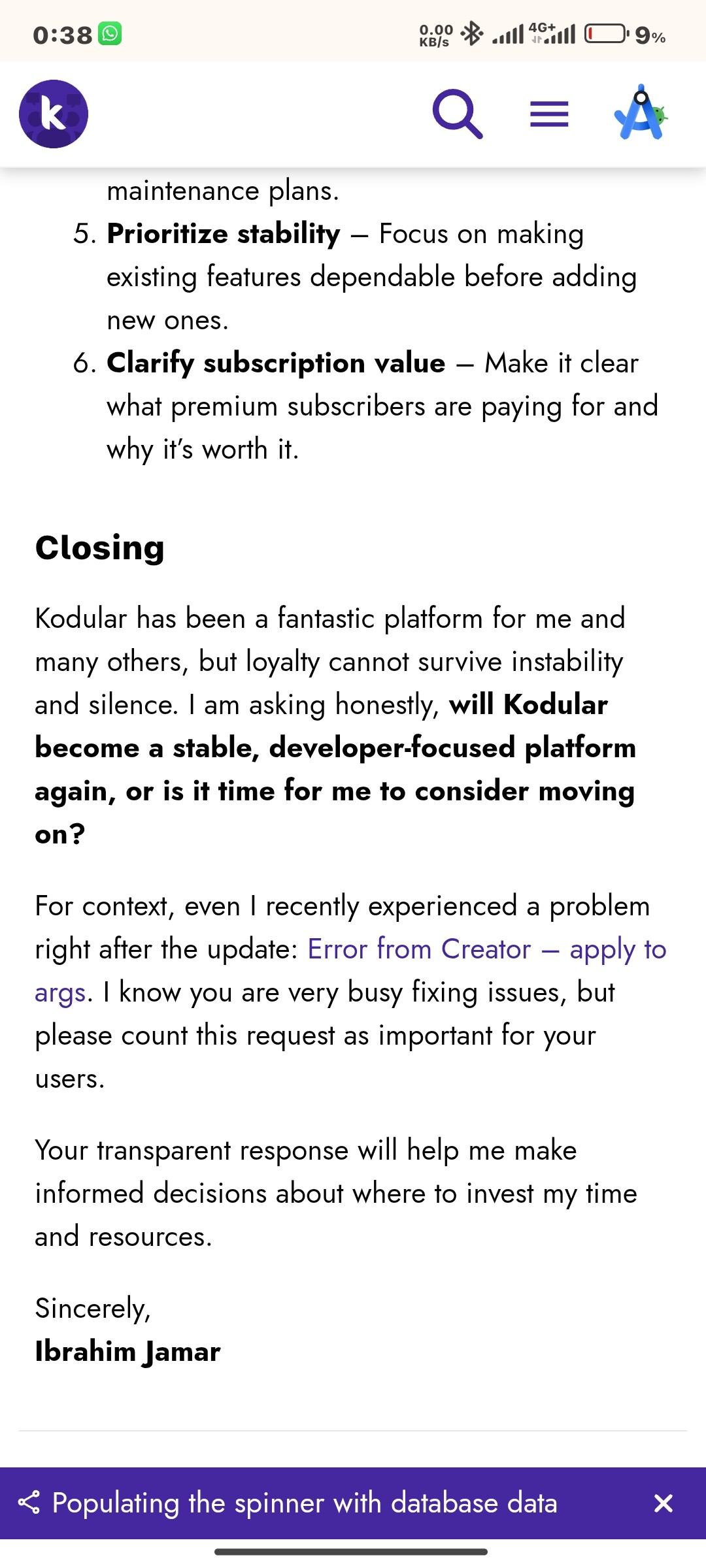
I recently created a post, ask to Kodular, guess what I, 4 hours pending
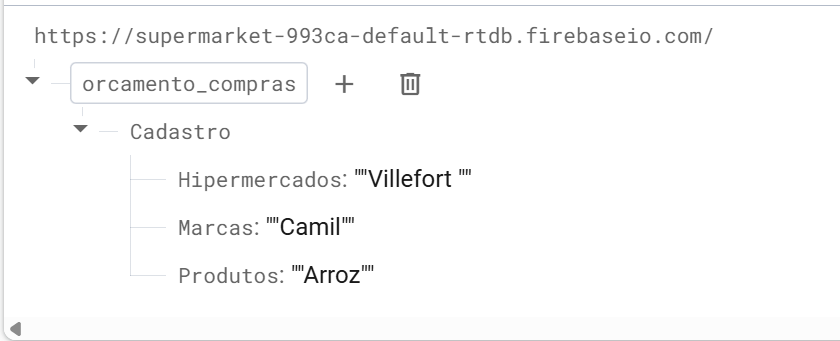
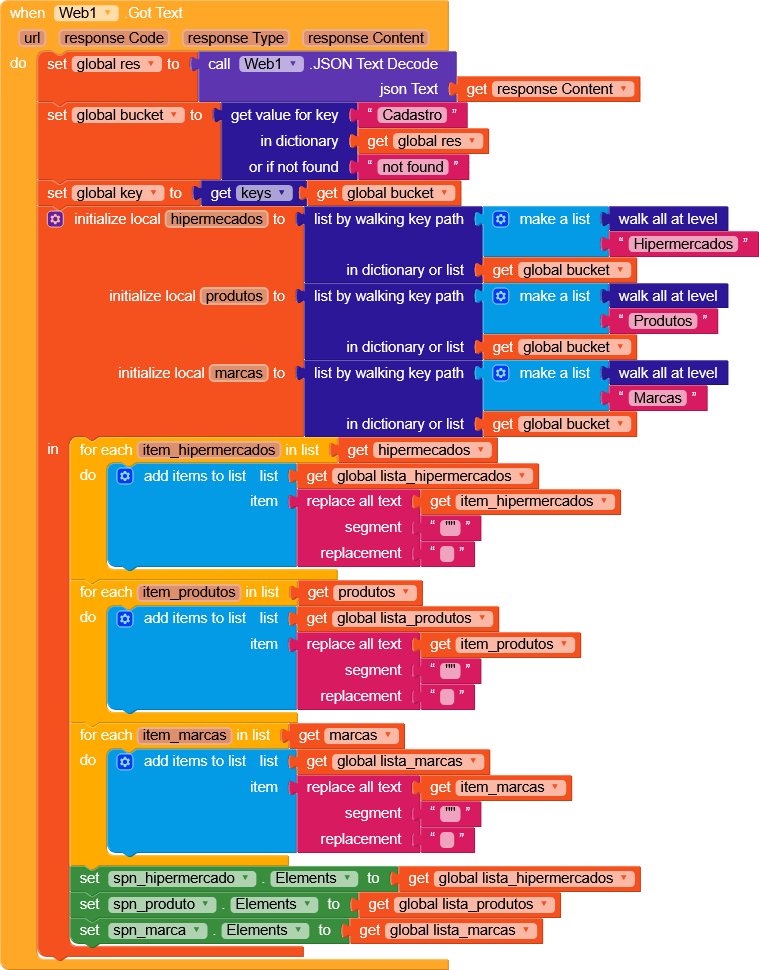
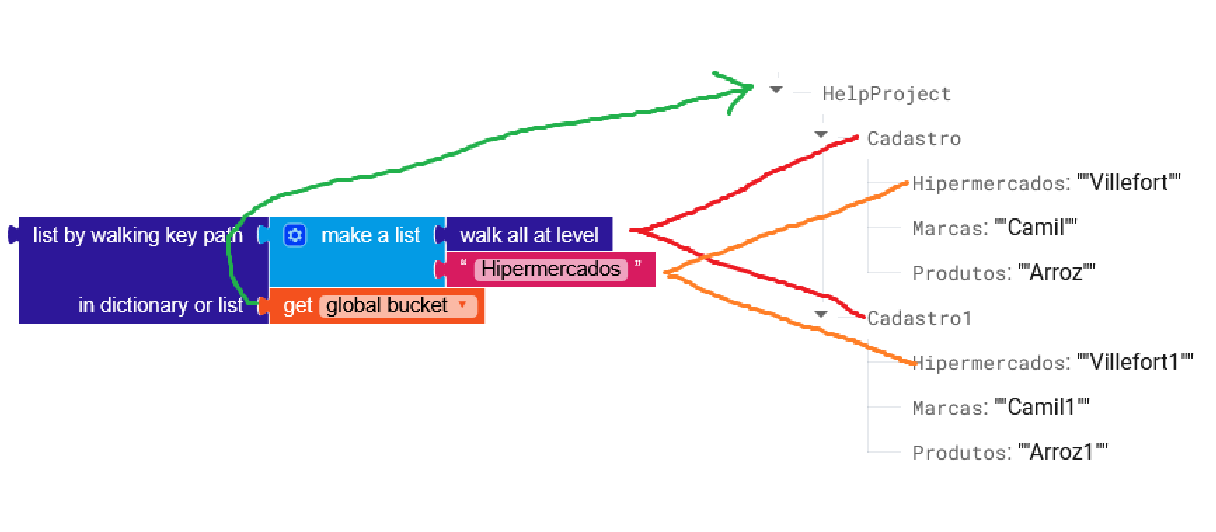
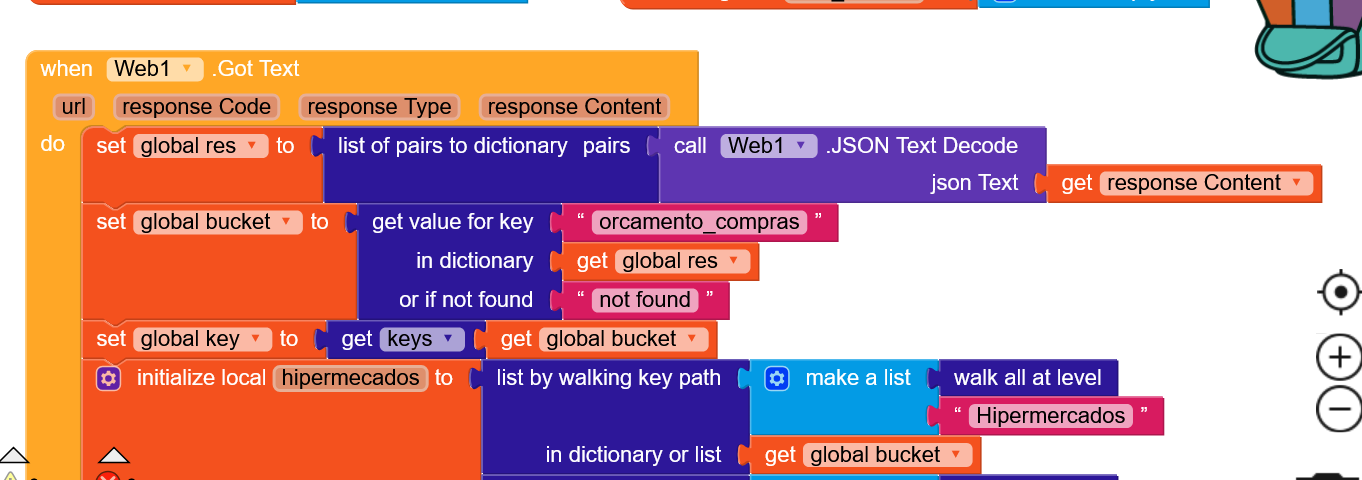
{{“key1”:“value1”}, {“key2”:“value2”}} after decode will be ((key1 value1) (key2 value2)) you need a list of pairs to dictionary to bring back to a readable format
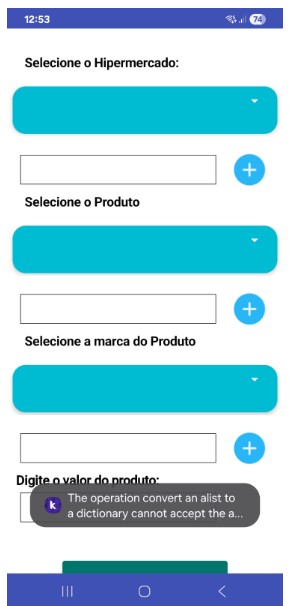
It keeps giving an error. The error message appears so quickly that I can’t read it all.
Can you show me what else is missing?
I saw in the discussion about this error message that it’s a Kodular update. The problem is that the messages that appeared were fixed, so we knew where to attack. Now they appear very quickly and then this gigantic one appears that crashes everything.
Has anyone reported this to Kodular support?
Go to this website, it’s really well made and it will clear up any doubts you might have (by using the webComponent you can also save data without those annoying quotes and even implement authentication).
The only downside is that you don’t have the .DataChanged block.
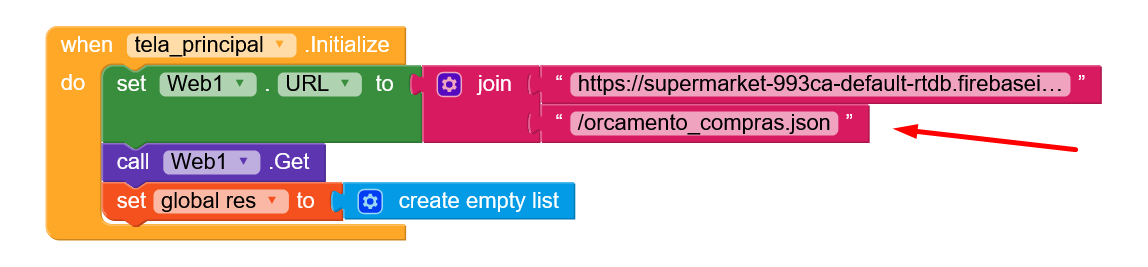
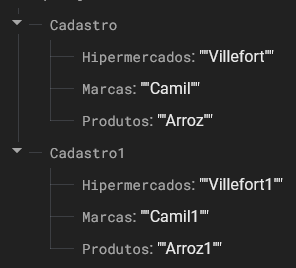
It’s working when I’ve already registered items for supermarkets, products, and brands.
When nothing is registered, it displays an error.
I deleted the Firebase database and created a new one.
Is there a way to fix this?
The list is probably empty.
I use the web component for postal code retrieval. I use two response codes: 200 when the data is found and 400 when it is not found.


 new bug appears, but Kodular why?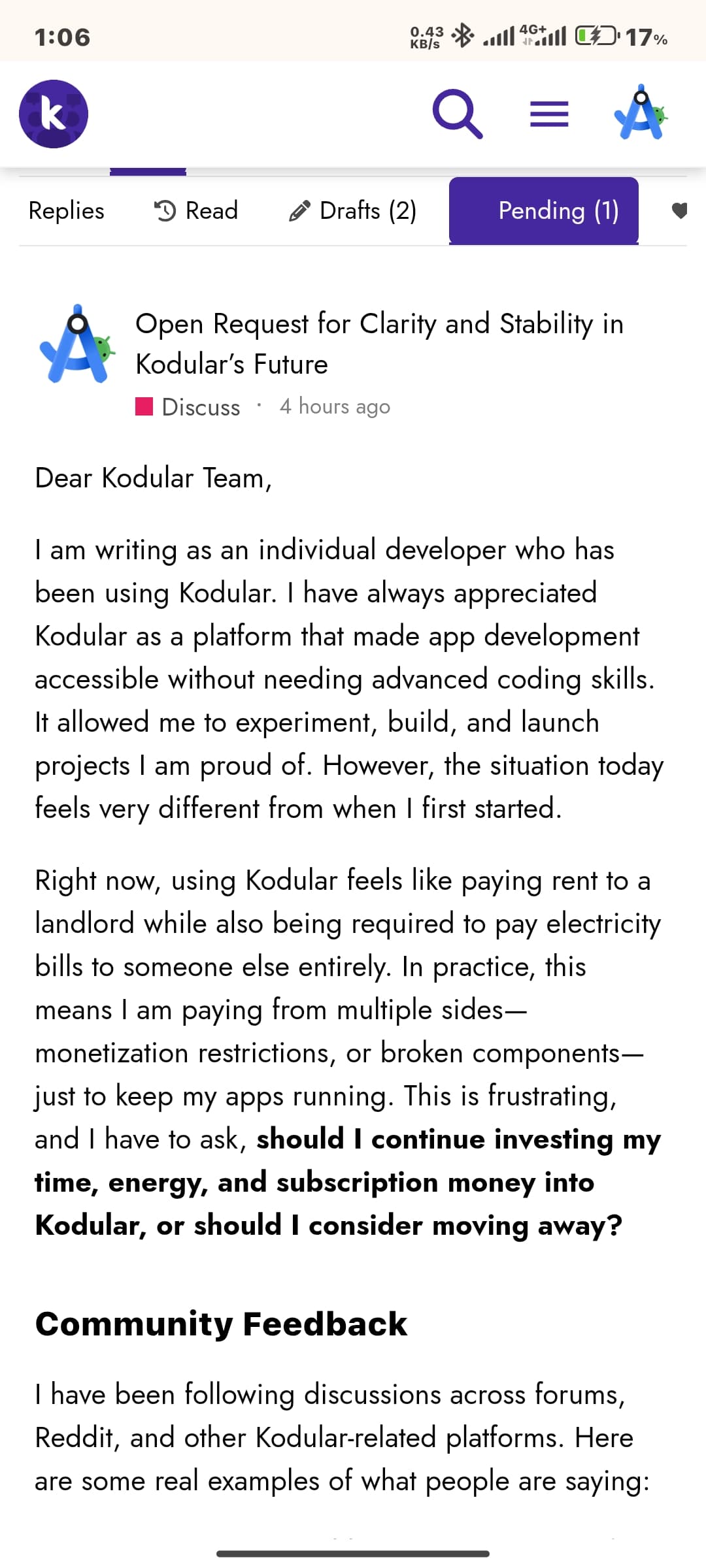



 Always remove the API keys before putting your project online
 !
! oding!