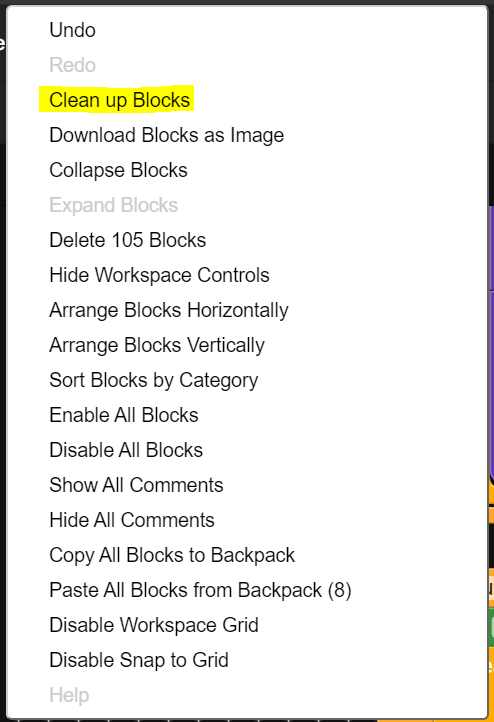
Currently, there is option to arrange blocks vertically or arrange blocks horizontally. But using either does not show blocks one after the other. Its still clustered and as the project becomes big, it becomes cumbersome and difficult to find a specific component or a procedure that I have used. Using CTRL-F highlights the text but it does not focus to the “found” text.
A feature to arrange blocks one by one vertically, ie. only one block under another block and not show any block to the left / right.
This way we can view blocks one after the other just by scrolling up / down.
You can do what you want. You have to zoom out first so that your blocks look real tiny. Then when you select horizontal of vertical they will be arranged as you want.
Phew, it does. The name sounds dangerous so never tried it. But its a life saver. So much easier to scroll just up and down rather than up, down, left, right just to find the block you are looking for. The arrange blocks vertically should be doing this but it show blocks on the sides too.