I checked out Kodular Fenix (v1.5D.0) Bug Tracker before creating a new topic
Describe your issue
Problem description
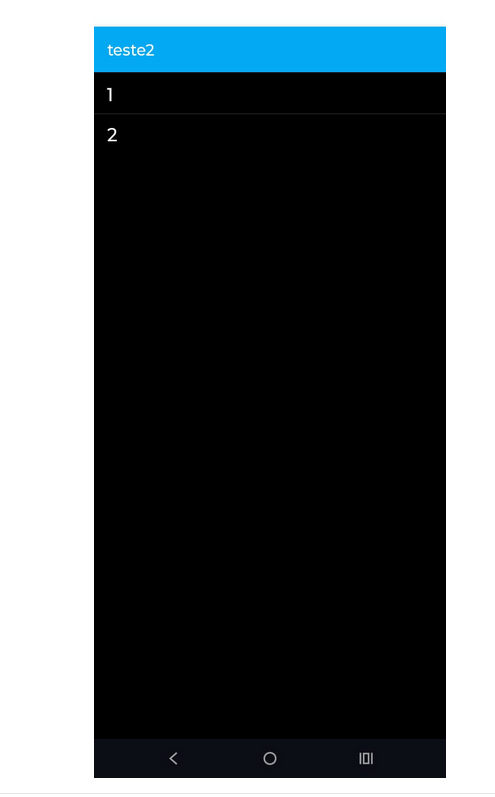
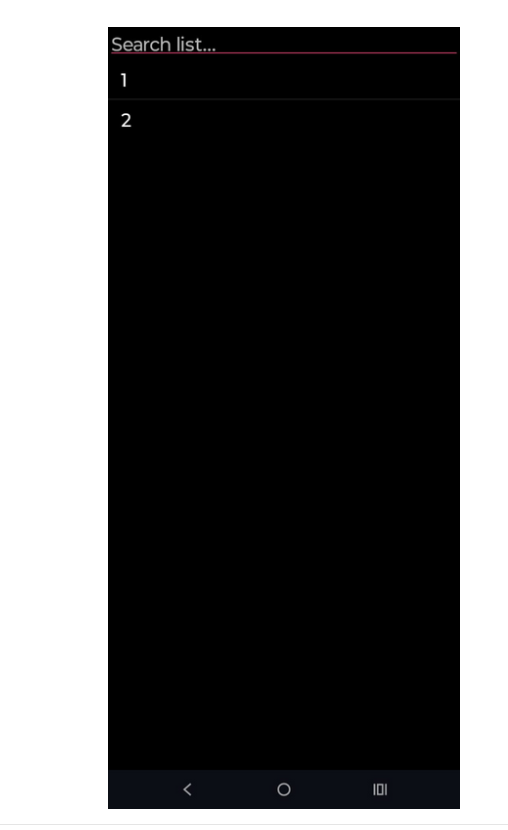
When using the ListPicker component with the search bar enabled, the search field is displayed at the very top of the dialog, overlapping or hiding behind the title bar.
If the Title property is enabled, the search bar is drawn behind the title text, making it partially or completely invisible.
If the Title is disabled, the search bar appears at the very top edge of the dialog, without any proper spacing.
Expected behavior
The search bar should be placed below the title area (when the title is visible) or with proper padding/margin at the top of the dialog (when the title is hidden), just like in standard Android dialogs.
Steps to reproduce
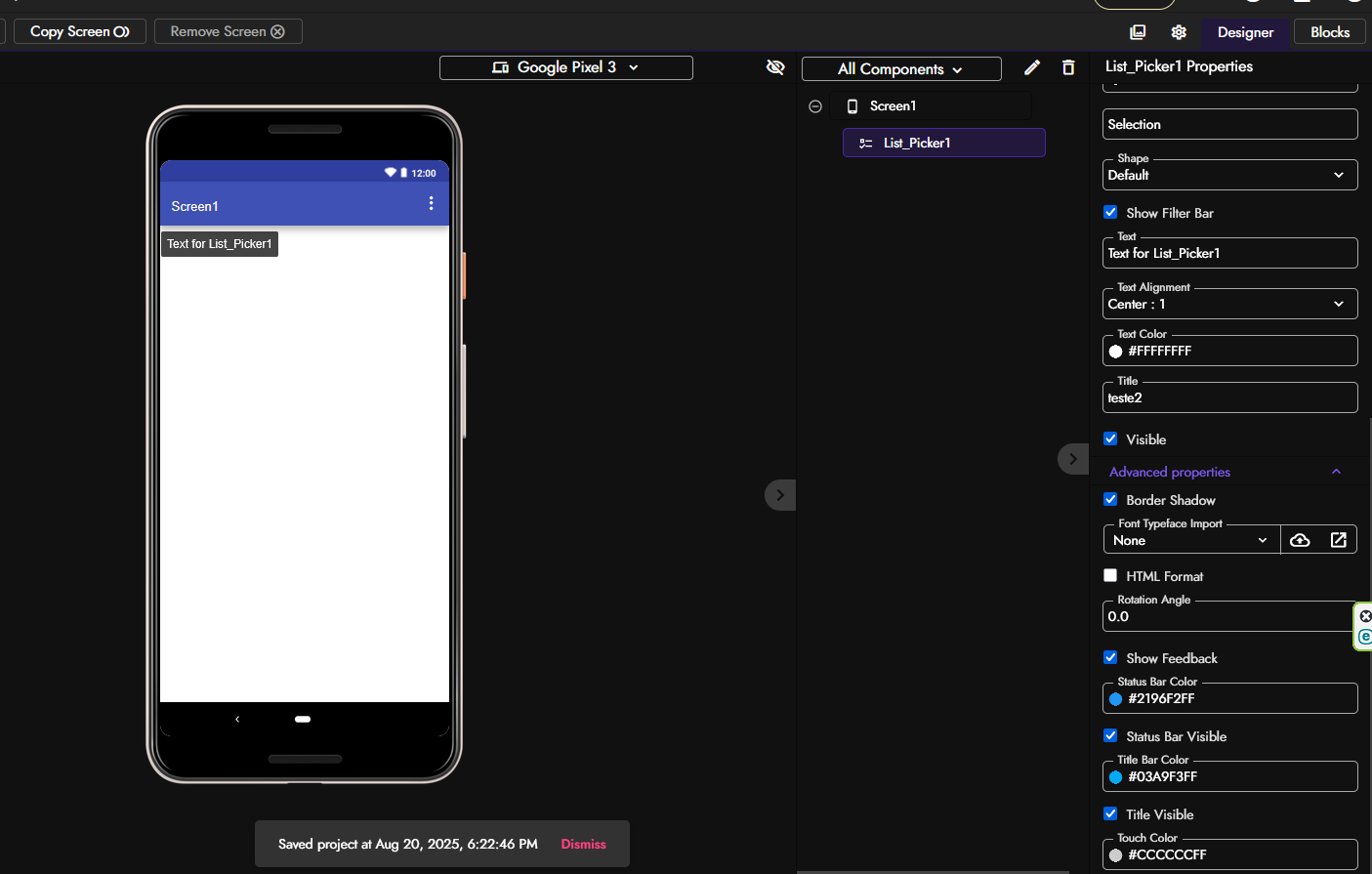
Create a new project.
Add a ListPicker component.
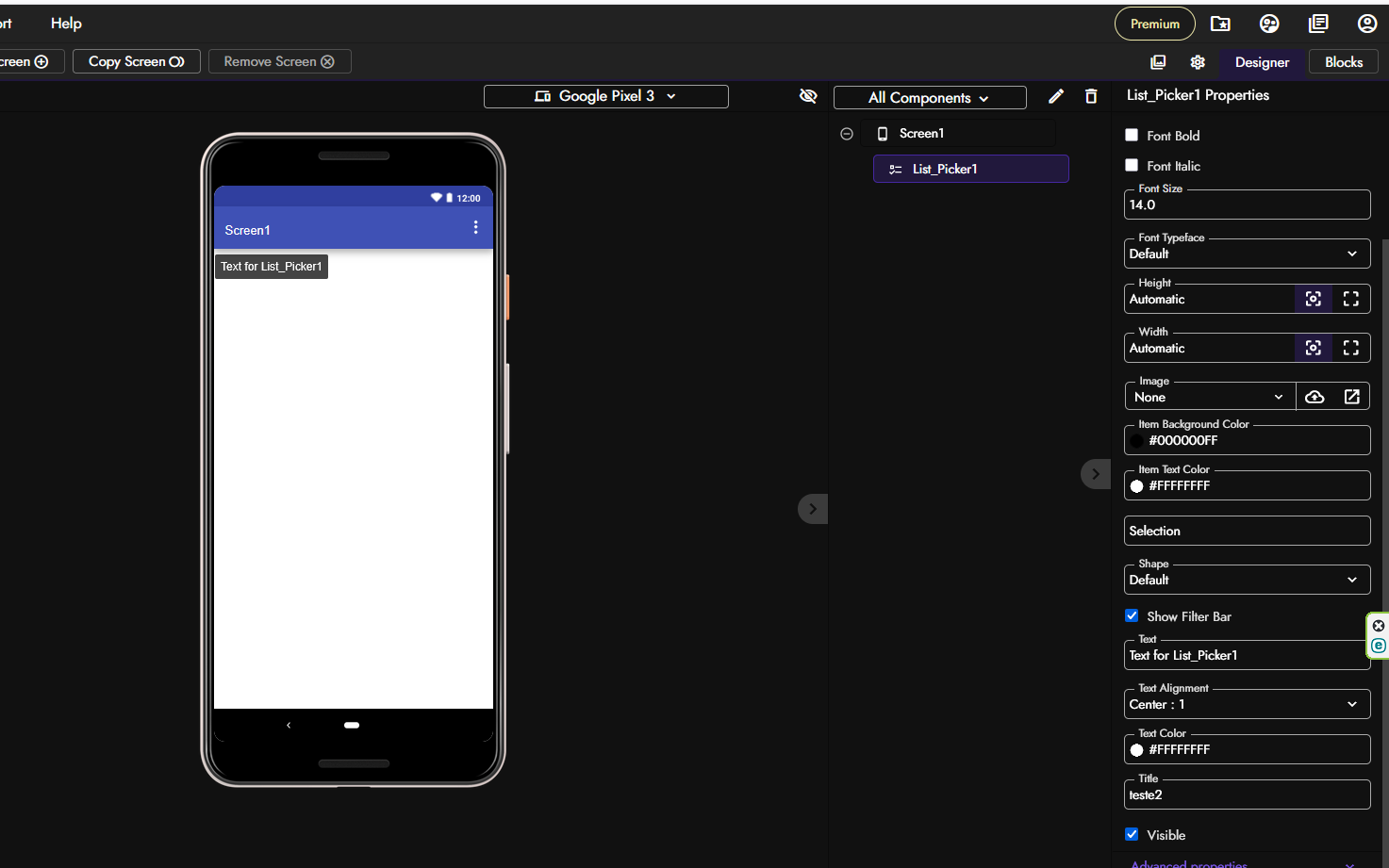
Enable Show Filter Bar.
(Optional) Set a Title for the ListPicker.
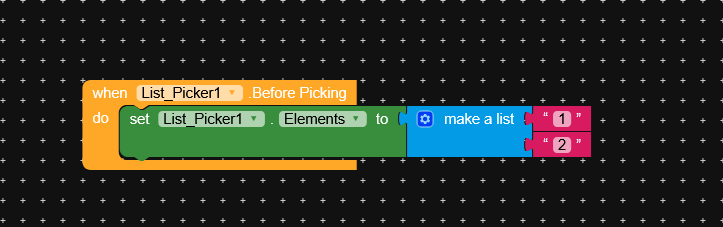
Run in Companion or build APK.
Observed result
With Title set → the search bar is hidden/overlaps the title.
Without Title → the search bar is stuck at the very top, with no padding.
Tested environment
Device: [insert your test phone model + Android version]
android 11,12,13 xiaomi, moto edge fusion 50
Impact
This makes the search function unusable in many cases, since users cannot see or properly access the text field.
Steps to reproduce the issue
Expected Behaviour
Actual Behaviour
Show your Blocks
Android version
11,12,13…