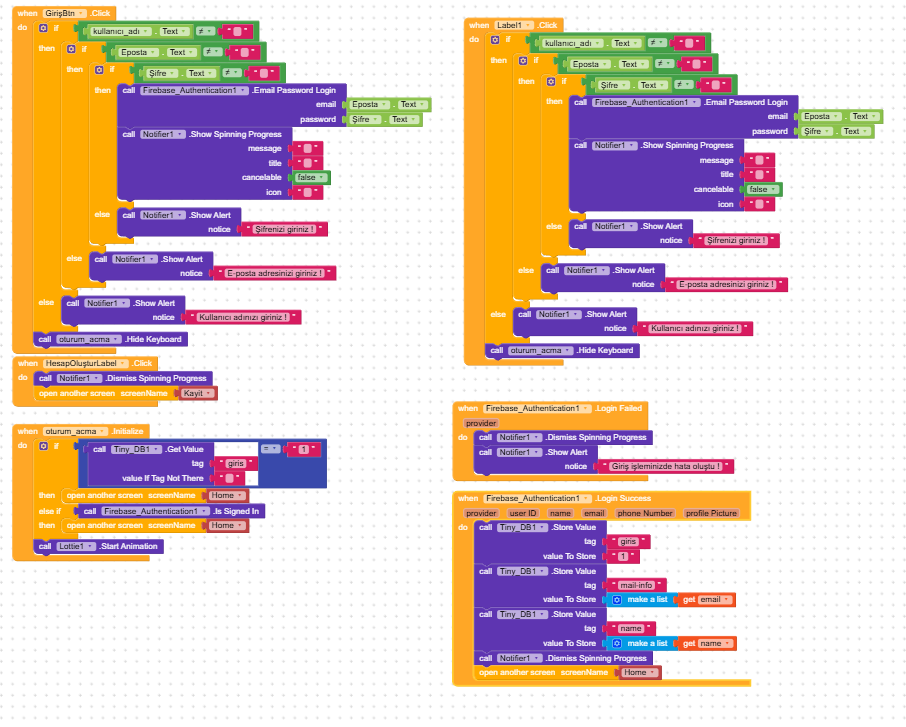
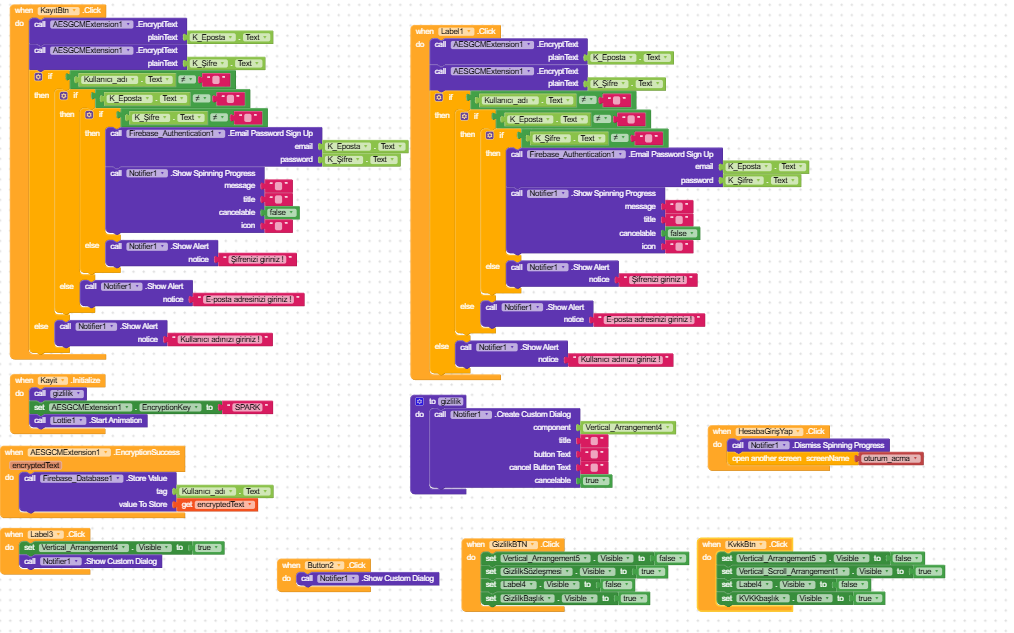
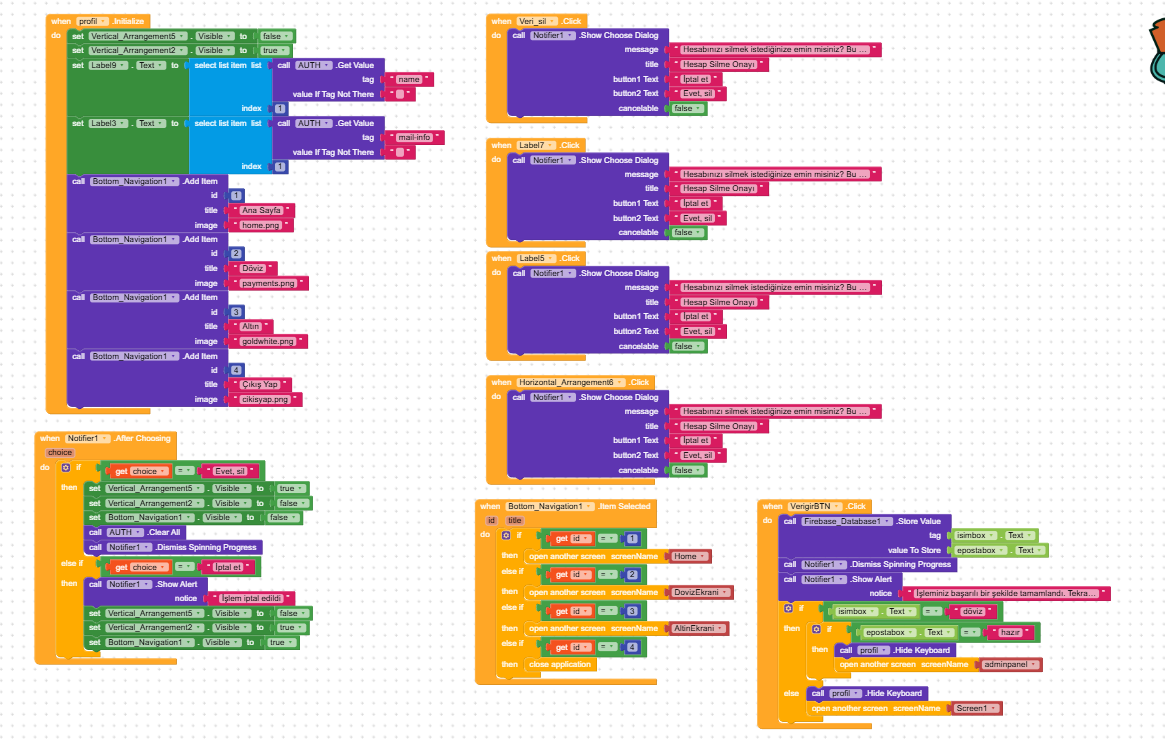
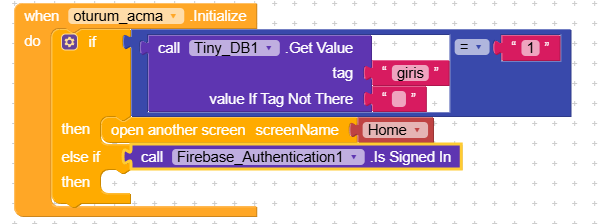
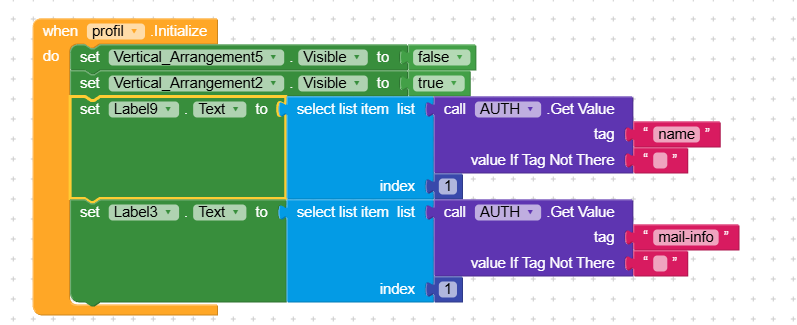
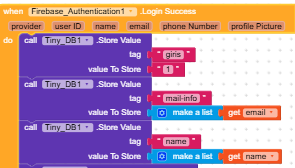
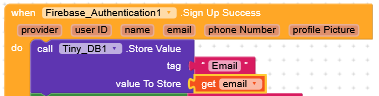
Hi! I’m currently using Firebase Auth in my app, and when testing with Companion, I get the error I added. When I remove the Firebase Auth and other Firebase blocks from the pages that generate the error, the test with Companion succeeds. I haven’t been able to resolve this. If someone has experienced this error or knows anything about it, could they please help?
The Google-sevis.json file is attached. I created a custom EncryptionKey for myself, and I changed it to SPARK when taking the images so you can see it. For example, I try to type something in the text box, but it freezes right after syncing.
I started getting this error today. This error didn’t occur before, but the same codes were present. Today, I was going to add the password reset, and then this error started occurring. I removed the password reset, but it still persisted.
Can you tell me clearly in which screens you’re getting the apply-to-args error?
Let me explain better, this error should be a very simple one, but the problem is that it’s not clearly stated what exactly causes it, which can make debugging difficult.
Since the error happens even before interacting with the app,
try simply removing the blocks from Screen.Initialize and then adding them back one by one until you figure out which one is causing the issue.
As I said, I am getting this error on the login, registration and profile pages. If you want, I can send you the aia file or I can delete them one by one as you said.
It’s a profile page. The only error on the sign-up page was a typo. I didn’t understand what you said on the login page, but I did what you said, but nothing happened. @RaYzZz