securebugs
(Secure Bugs)
2
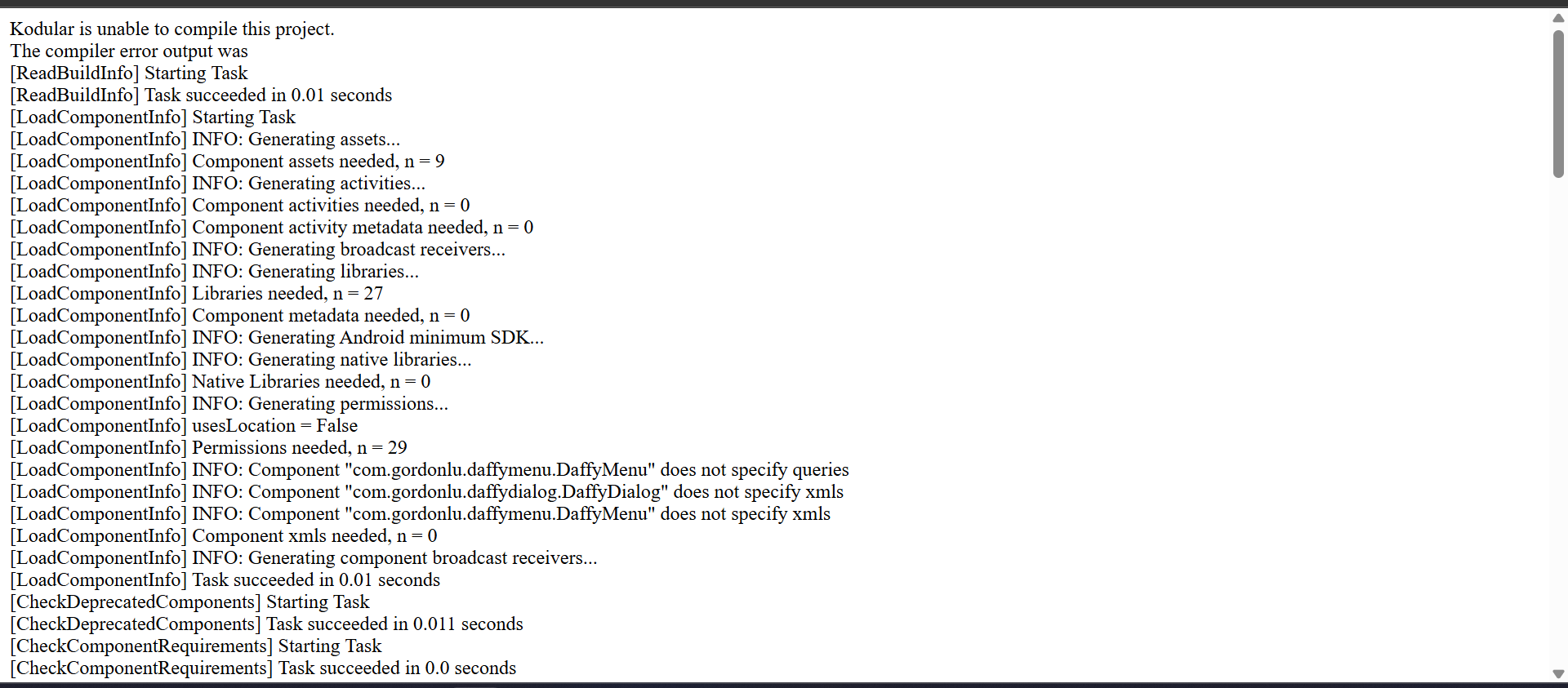
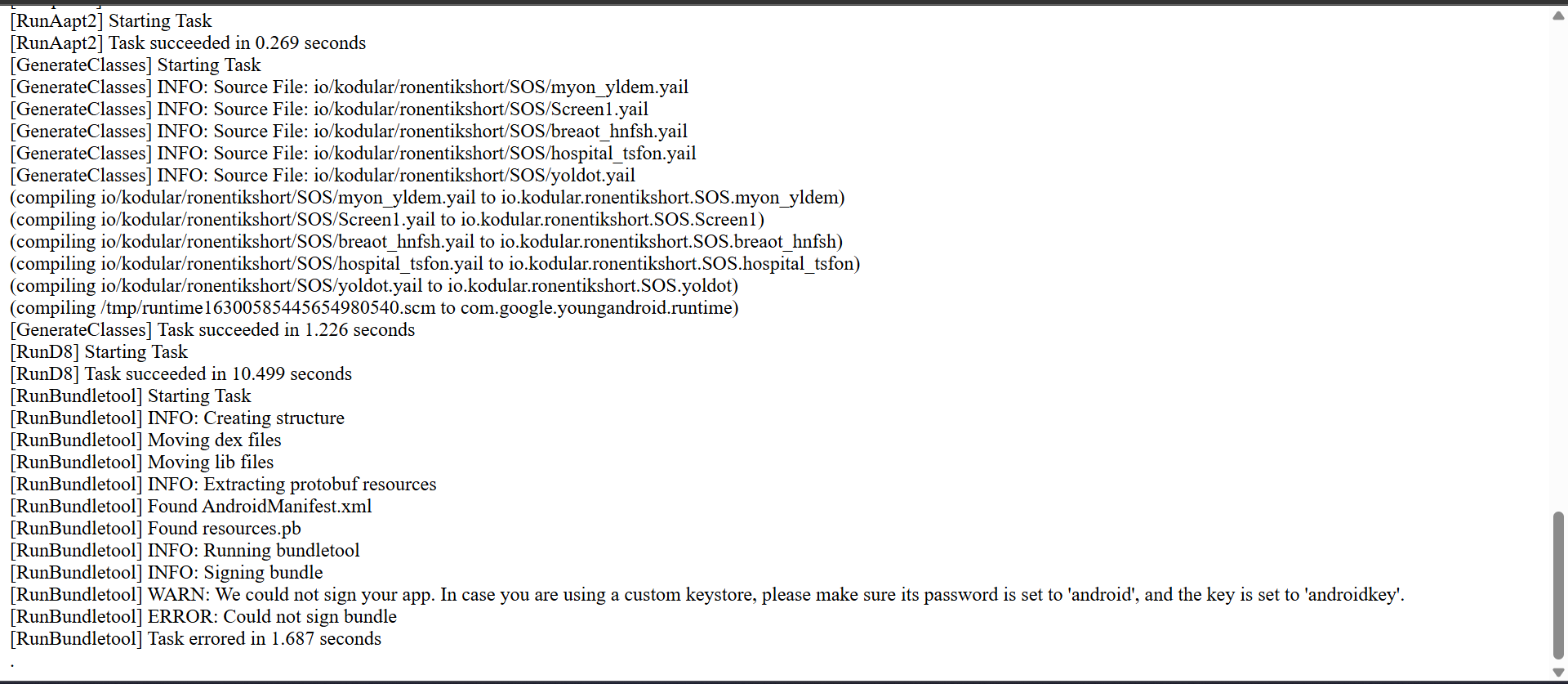
If you’re using custome keystore, You can’t compile. are you using?
Use Kodular’s Default Keystore
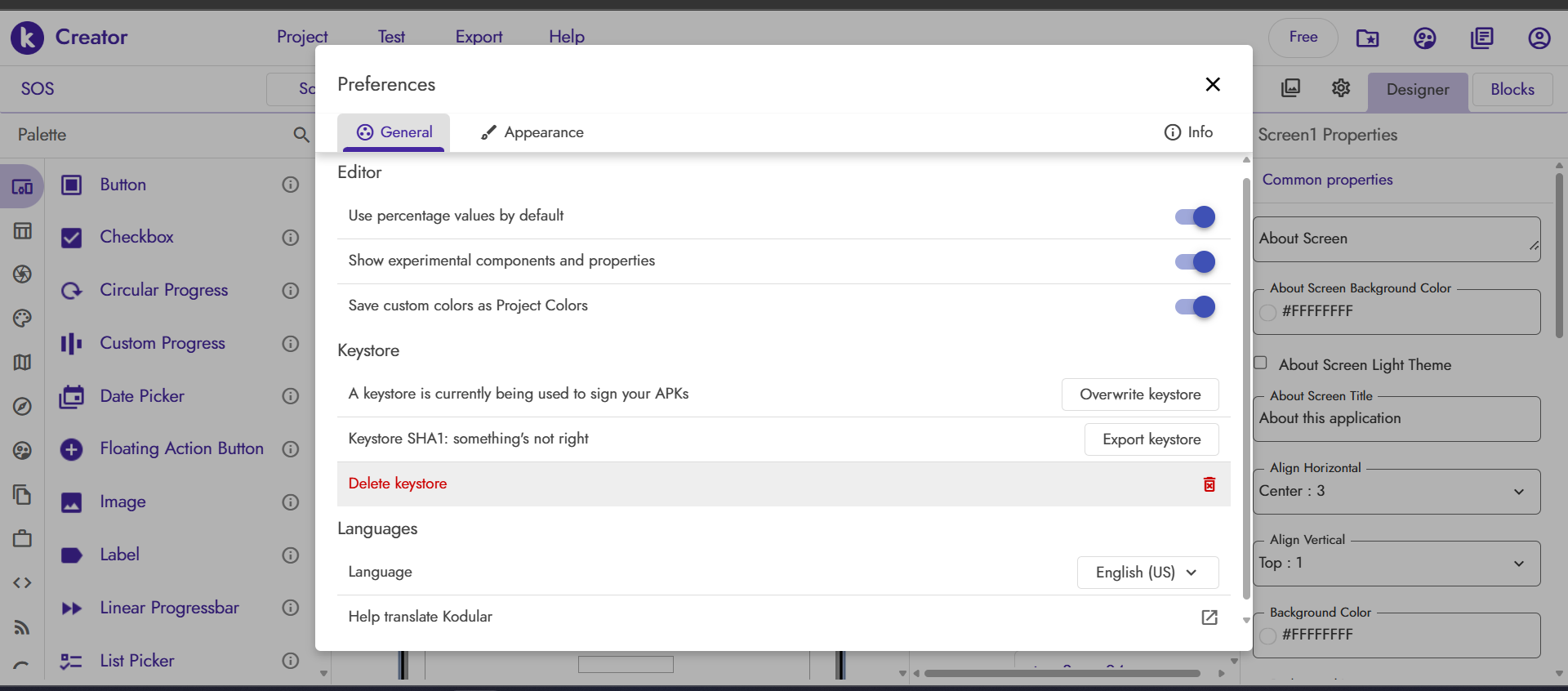
- Go to Kodular Creator → Project Settings → Keystore.
- Click “Reset Keystore” (or delete your custom one if you uploaded it).
- Rebuild the project.
- Kodular will generate a new default keystore automatically.
- Try compiling again → it should now sign successfully.
RaYzZz
(Gianluca Franco)
4
Hi ronen,
Have you taken a look at these posts?
Hi, I can’t fix it. Can you explain how to solve the problem please?
RaYzZz
(Gianluca Franco)
6
Hi,
sorry, I completely lost sight of this post  , my apologies.
Could you show how you solved the problem?
securebugs
(Secure Bugs)
7
He not fixed yet, asking solution from you 
RaYzZz
(Gianluca Franco)
8
He marked his answer as the solution, I thought he had resolved it shortly afterward.
securebugs
(Secure Bugs)
9
No, he still looking for answer, I guide him above but I don’t know what’s wrong with him.
He should elobrate things more clearly.. 
Taifun
10
I now removed the solution marker again
Taifun
2 Likes