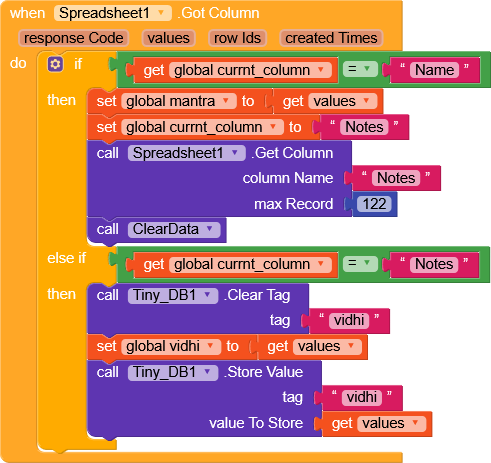
Hello Kodular Community
I am developing an app using Kodular + Airtable.
Currently, my app loads data from Airtable every time the app opens, which is slow and also consumes unnecessary API calls.
What I want to achieve
I want to implement a 24-hour cache system using TinyDB, such that:
When the user opens the app for the first time in a day,
→ Data should be fetched from Airtable and stored in TinyDB.
For the next 24 hours,
→ The app should NOT call Airtable,
→ It should load data only from TinyDB.
After 24 hours are completed,
→ Airtable should be called again,
→ Data should be refreshed and stored back into TinyDB.
App should also work offline using TinyDB data.
My current idea (logic)
Store Airtable response in TinyDB (for example: tag = APP_DATA)
Store last fetch time using Clock.Now (tag = LAST_FETCH_TIME)
On Screen.Initialize:
Check if LAST_FETCH_TIME exists
Compare current time with last fetch time
If time difference > 24 hours → call Airtable
Else → load data from TinyDB
My Questions
Is this the correct and recommended approach?
What is the best way to calculate 24 hours using Clock blocks?
Are there any common mistakes to avoid while doing this?
If possible, can someone share block examples or screenshots?
Any help would be highly appreciated
Thank you!
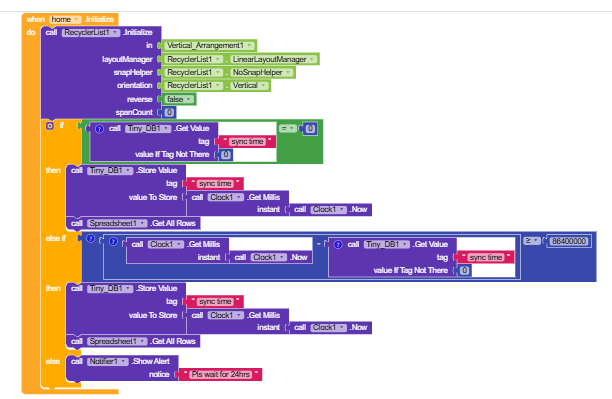
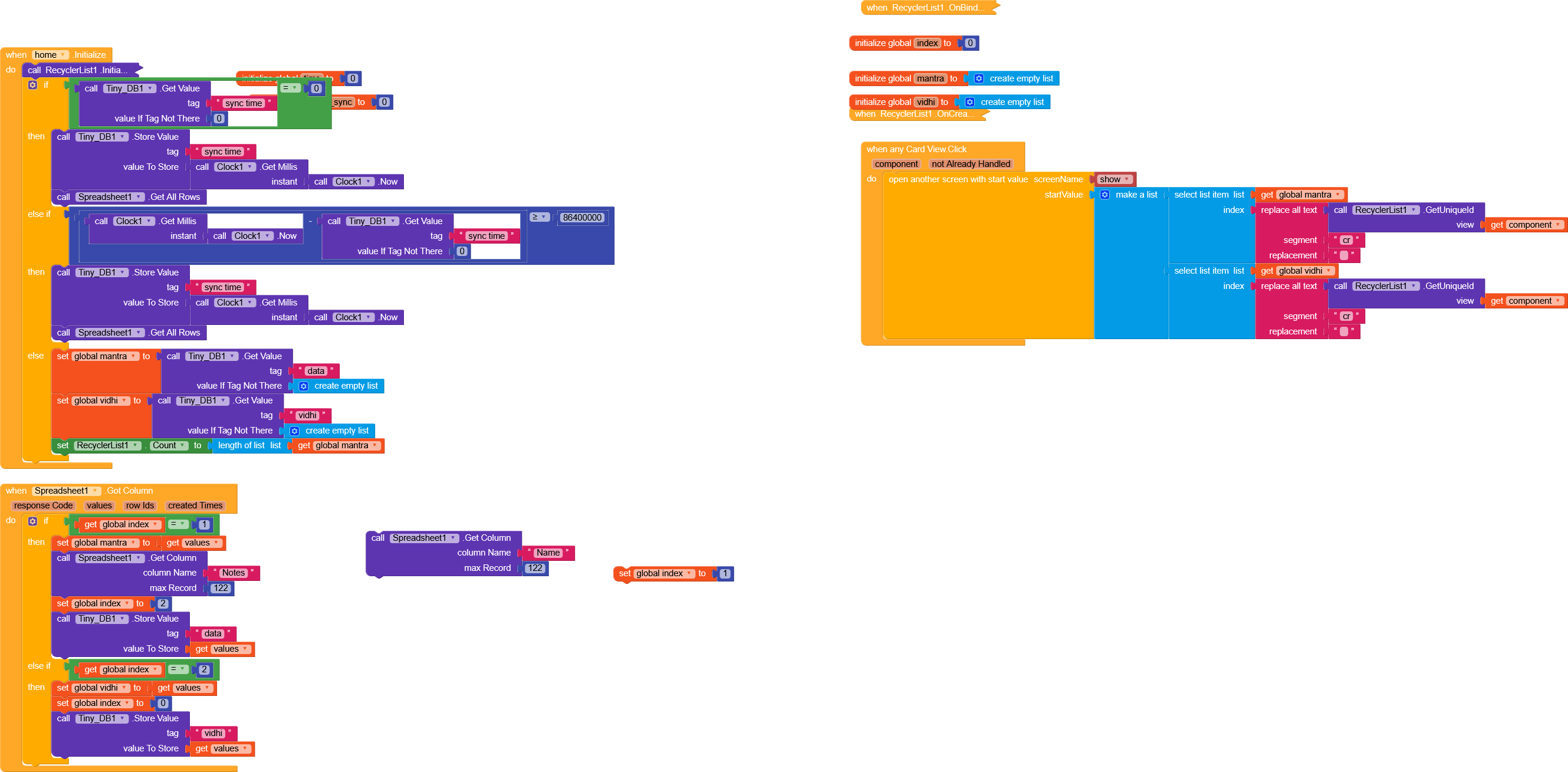
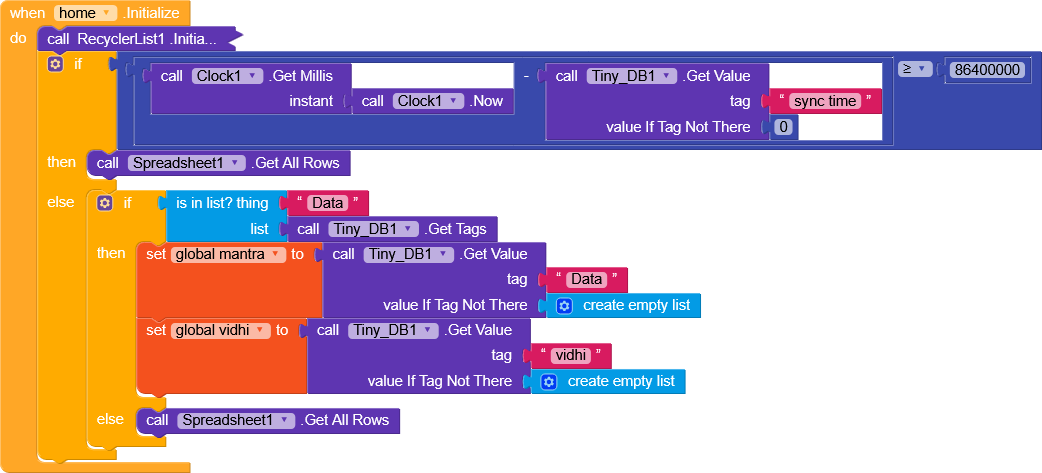
1.in screen ini , get the stored time.
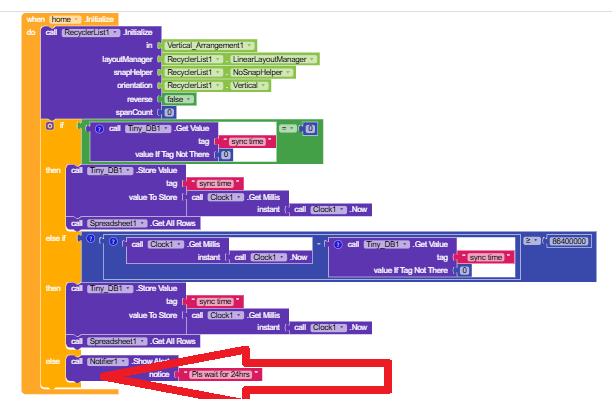
If this time is 0 then call the data else if the stored time and the current time different is less than 24hrs then do not call the data
else call the data
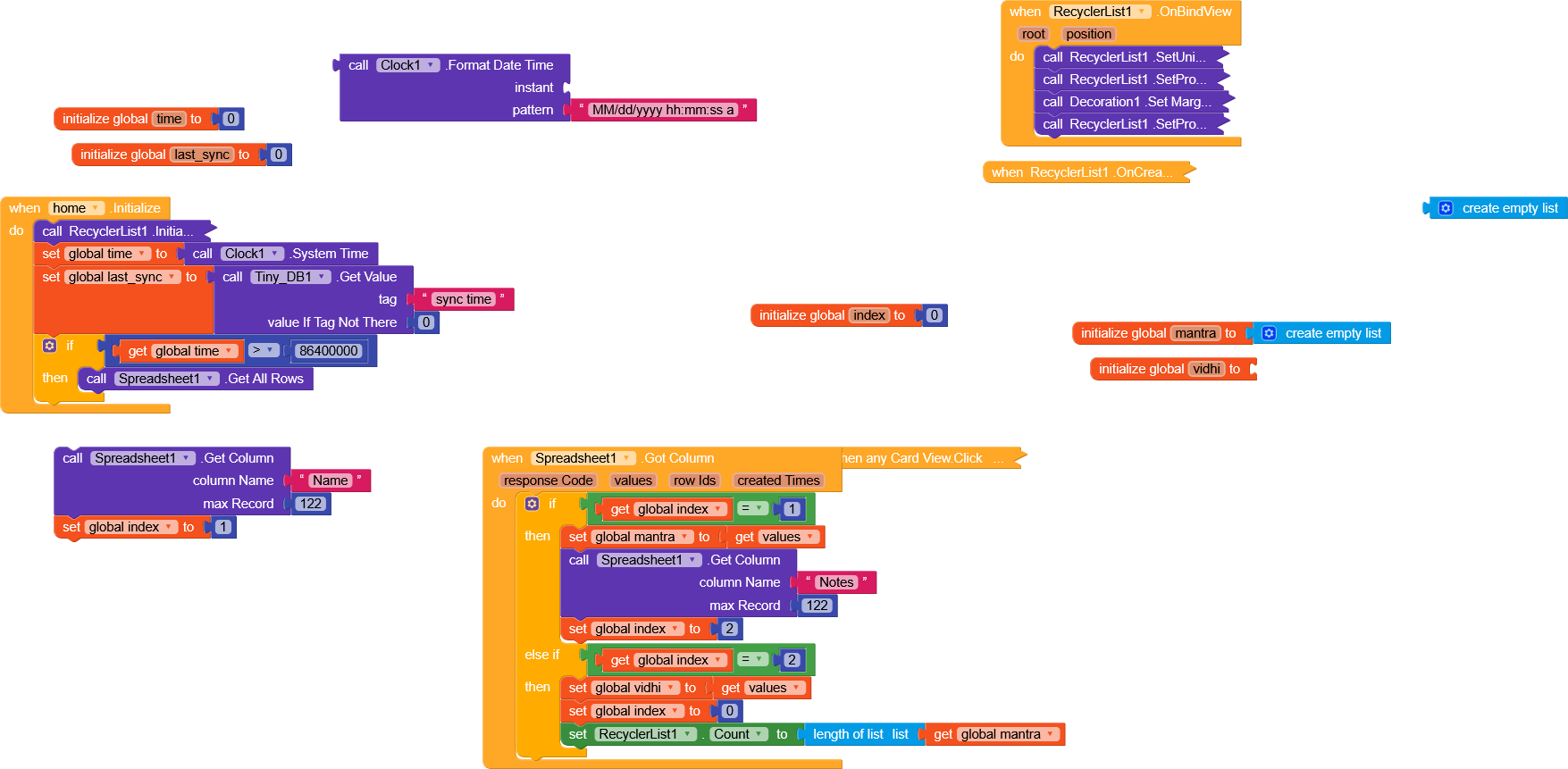
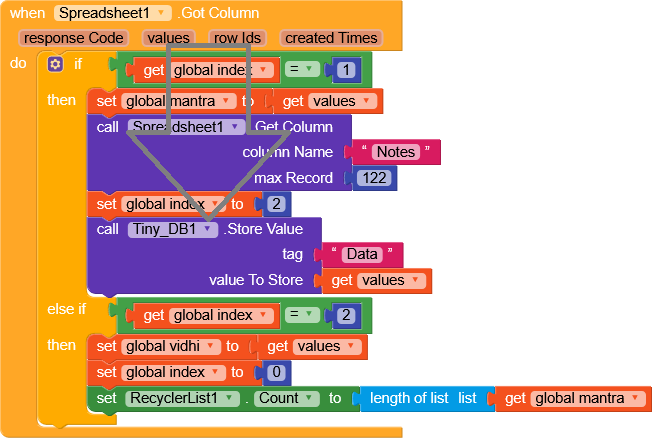
In this, offline data loading is happening, but once in 24 hours the logic of the api call is not working, the app is crashing, I apologize but, I think the logic of the clock is necessary to solve the problem of repeated api calls. ofline_air_1.aia (89.8 KB)